
Post‑May Update Bug Report: Infants Won’t Sleep, Doctors Won’t Treat, Consoles Freeze
Less than a week ago, on May 12, a massive The Sims 4 update was released that was supposed to bring order to the game — over 150 fixes, an Infant overhaul, Base Layers in CAS... But instead of the long‑awaited stability, players around the world got new bugs, crashes, and errors. Sims ignore children, doctors can’t treat patients, Infants endlessly change appearance, and console versions have become completely unmanageable. EA has already confirmed: a hotfix will arrive next week, but for now the game remains unplayable for many.
Infants and Toddlers: Promised to Fix, But It Got Worse
The developers were proud of the Infant overhaul, but players say otherwise. Many report that children still don’t sleep properly. According to one user, after the update Infants who were supposed to sleep in their crib sit with their eyes open, and only direct commands from the player can help them. This is especially noticeable after the family returns to the lot — children simply refuse to fall asleep on their own.
Other players complain that adult Sims completely ignore toddlers. Quote: “Every time I try to make my sims take care of the toddler, they WON’T DO IT, they just IGNORE the toddler and REMOVE ALL ACTIONS RELATED TO THEM FROM THE QUEUE and then go do their own thing.” Moreover, the problem occurs both with Sims who are in the active household and with NPCs who come to visit.
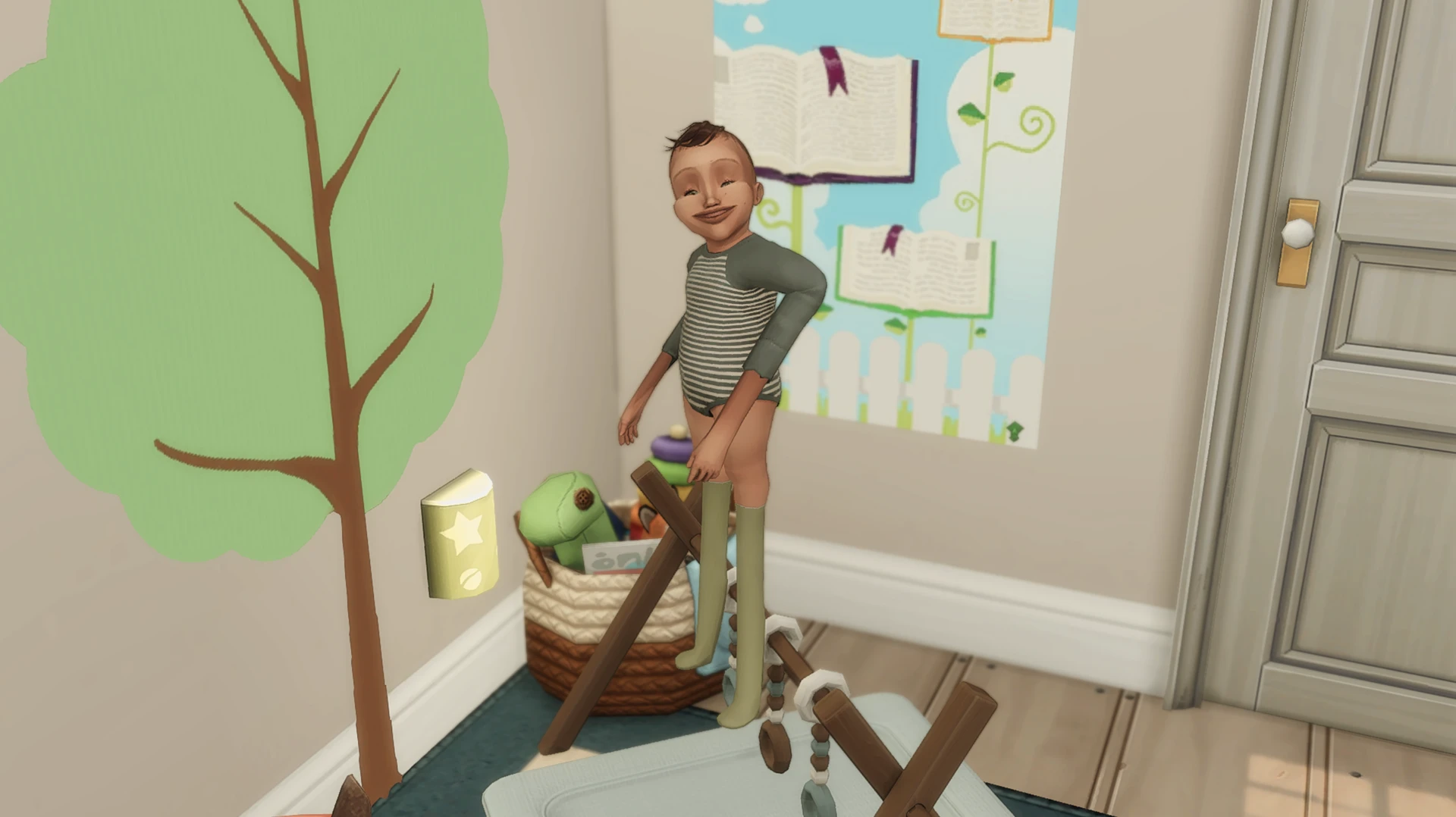
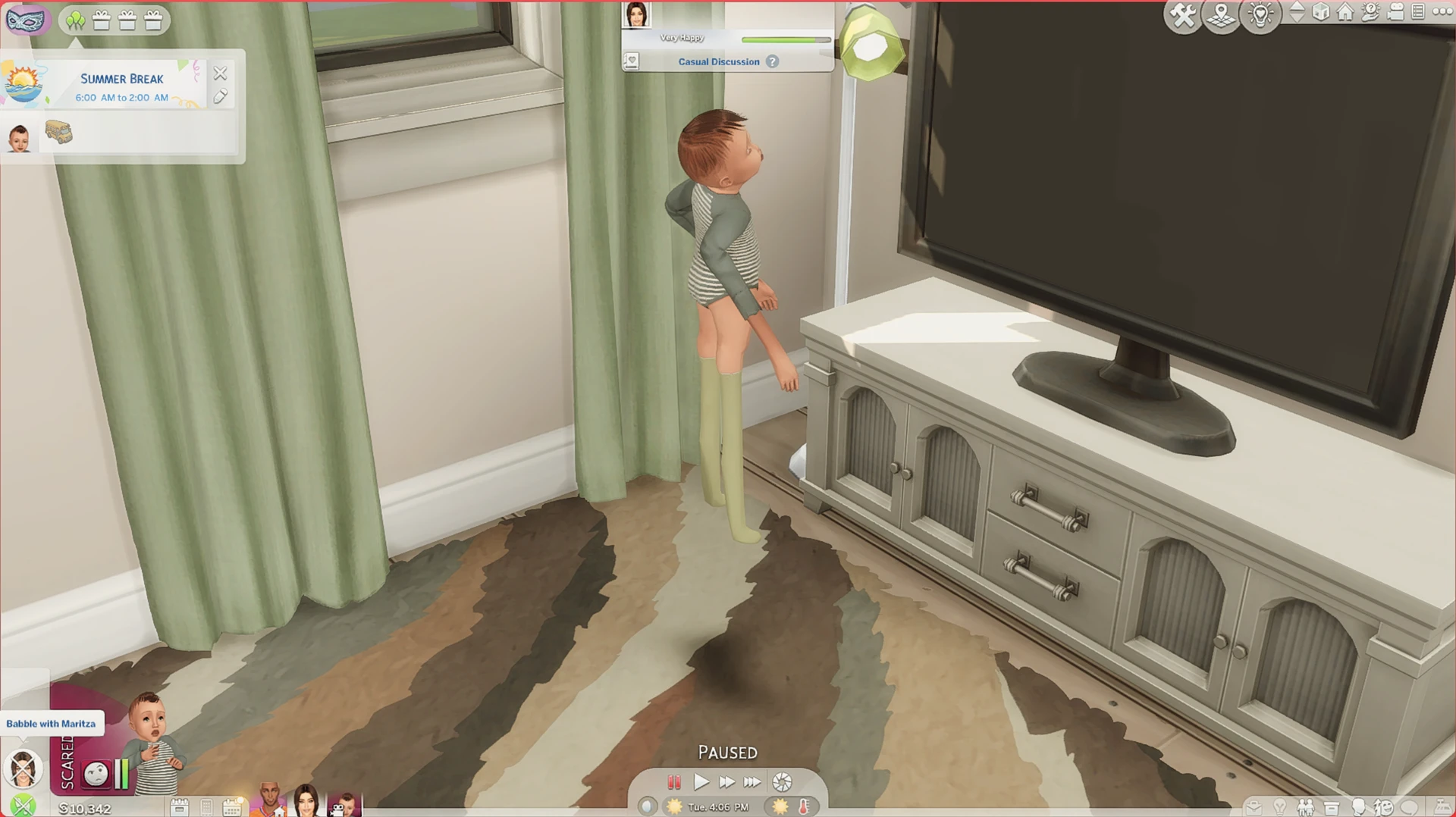
Some users noticed that their Infants started “morphing” after the patch. One player attached screenshots showing an Infant changing appearance over the course of a single in‑game day. This bug is clearly not new, but we can see that even after such a big May update, it hasn’t gone away.
CAS and Build Mode: The Interface Is Falling Apart
Create‑a‑Sim has been working intermittently after the update, especially on consoles. Players report that they cannot scroll through hairstyles and select the one they want — the interface simply ignores commands. Another console user said that when trying to view all options in the “full outfits” category, the selection indicator gets stuck and doesn’t move, and to remove earrings or shoes they have to enter the menu several times.
PC players also have complaints. Searching for items in Build Mode now often causes the game to freeze. “Whether you search for items through the search bar or browse them by function — the game freezes, and I have to force‑close it more often than ever before.”
One user said that after the update she can’t edit her builds properly — objects don’t move, don’t delete, and a burnt stove in her rented apartment cannot be replaced.

Careers and Daily Life: Doctors Don’t Treat, Dogs Don’t Bathe, Actors Have No Hairstyles
The Doctor career from the Get to Work expansion pack has been seriously broken. Players report at least three critical errors:
- The “Deliver Food” action does not complete for patients lying on hospital beds.
- The “Ask About Day” interaction does not appear when talking to colleagues.
- The “Give Shot” action does not work.
Another bug related to the same expansion concerns the Actor career. After the update, the stylist on the set stopped doing hairstyles for characters — the animation breaks, and the work stalls.
Pets have also suffered. Players complain that they cannot bathe their dogs. One user said they tried to do it for six in‑game hours, restarted the game twice, and repaired files through the EA App — all without success.
Nectar‑making from the Cottage Living expansion is also broken. After the latest update, Sims cannot finish making nectar — at the end of the process, the character “pops out” of the animation, gets stuck near the machine, and reports a routing error. The problem persists even after removing all mods and clearing the cache.
System Crashes: The Game Crashes and Doesn’t Save
Many players report sudden game crashes without any warning. One user notes that the game can crash even on pause — he just stepped away from the computer and returned to find that Sims 4 had closed.
Other players complain that the game has stopped saving progress. A user who couldn’t play for three days said that his saves simply wouldn’t write, and when he tried to load the game, the system gave an error.
Console players (Xbox) are in an especially difficult situation. One of them reported that after the update, Live Mode became completely uncontrollable: “I move the cursor on the controller, but nothing happens on the screen.” The Gallery also doesn’t work: lot searches yield nothing. Another user added that the Gallery has become unmanageable altogether, and the game erroneously shows that he is missing packs he purchased many years ago.
What Did the Developers Say?
Amid the complaints, the The Sims Direct Communications team confirmed they are working on fixes. The official statement says that solutions are currently being tested for recently reported issues in Create a Sim, as well as for the eye dropper tool in Build Mode and scrolling errors in the gamepad interface. The developers hope to release a small Base Game update on all platforms next week.
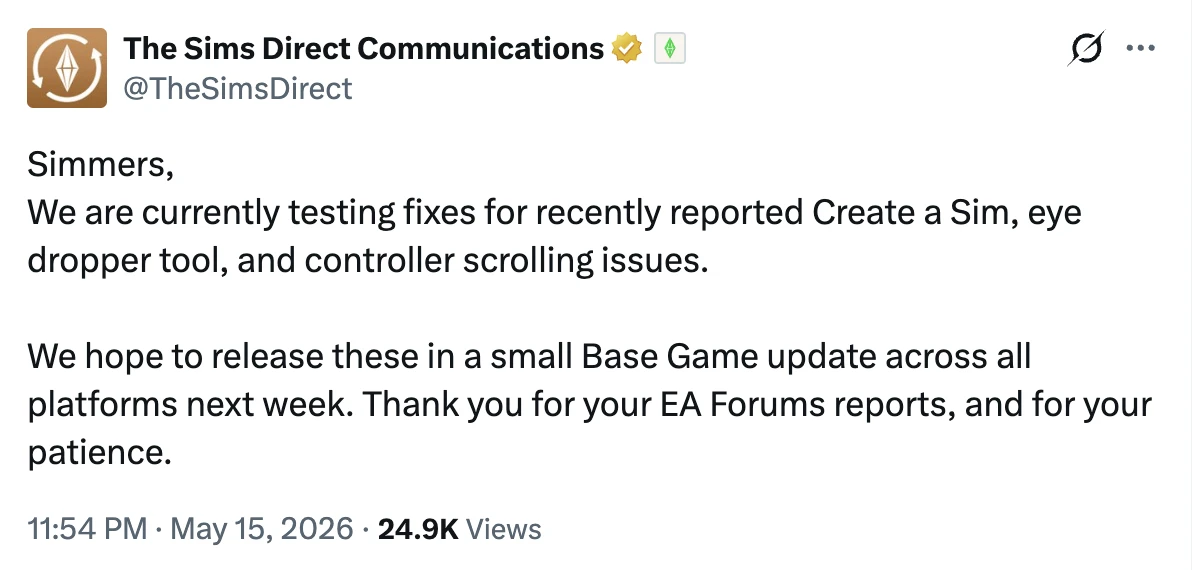
However, it is not clear from the statement whether this patch will cover the numerous bugs described by players. Some users on the forums are already asking whether the Gallery — which is currently almost unusable — will be fixed.
What Should Players Do?
While the hotfix has not yet been released — and it is expected next week — players experiencing issues can take the following advice:
Don’t rush to remove your mods. Some bugs occur even in a “clean” game without custom content, as many users report.
Back up your saves. The backup system was improved in this same update, and you now have access to versions from a day, a week, and a month ago.
Stay tuned for news. EA promises to release a hotfix next week. We will keep you updated. For complete peace of mind, we recommend reading our article — Ultimate Sims 4 Game Update Checklist: Prevent Broken Mods & Saves.



