
Marketplace Finally Arrives on Consoles: Full Breakdown of The Sims 4 April Update
A month after launching on PC and Mac, The Sims 4 Marketplace has finally arrived on PlayStation and Xbox. The April 16, 2026 update is a major milestone for console players: they can now buy Creator Packs, use the improved Gallery, and get the same fixes that the PC community has already received. But that's not all — the developers have continued to work on Sim autonomy and fixed dozens of bugs.

Marketplace on Consoles: What’s Changed?
With the release of update version 2.31 for PlayStation and Xbox, the Creator Packs store is now available to all console players. Console players can browse, download, and install community‑made content directly inside the game.
Important console‑specific features:
Kits are already in the game files. Unlike on PC, Kits on consoles are baked into the game, so all allocated storage is only for Creator Packs.
Storage space: PlayStation — 16 GB, Xbox — up to 50 GB.
Purchasing: Same as on PC — packs and kits are bought with Moola currency in‑game, no restart required.
Xbox Cloud Gaming quirk: When starting a new session, you may need to re‑download your owned Creator Packs (via the Download Manager), but kits and expansions do not need to be redownloaded.
To celebrate the console launch, the Country Kitchen Kit remains free on all platforms until May 29, 2026.
What’s New in the Update?
Gallery & Marketplace Improvements
The developers have added several important improvements for all platforms:
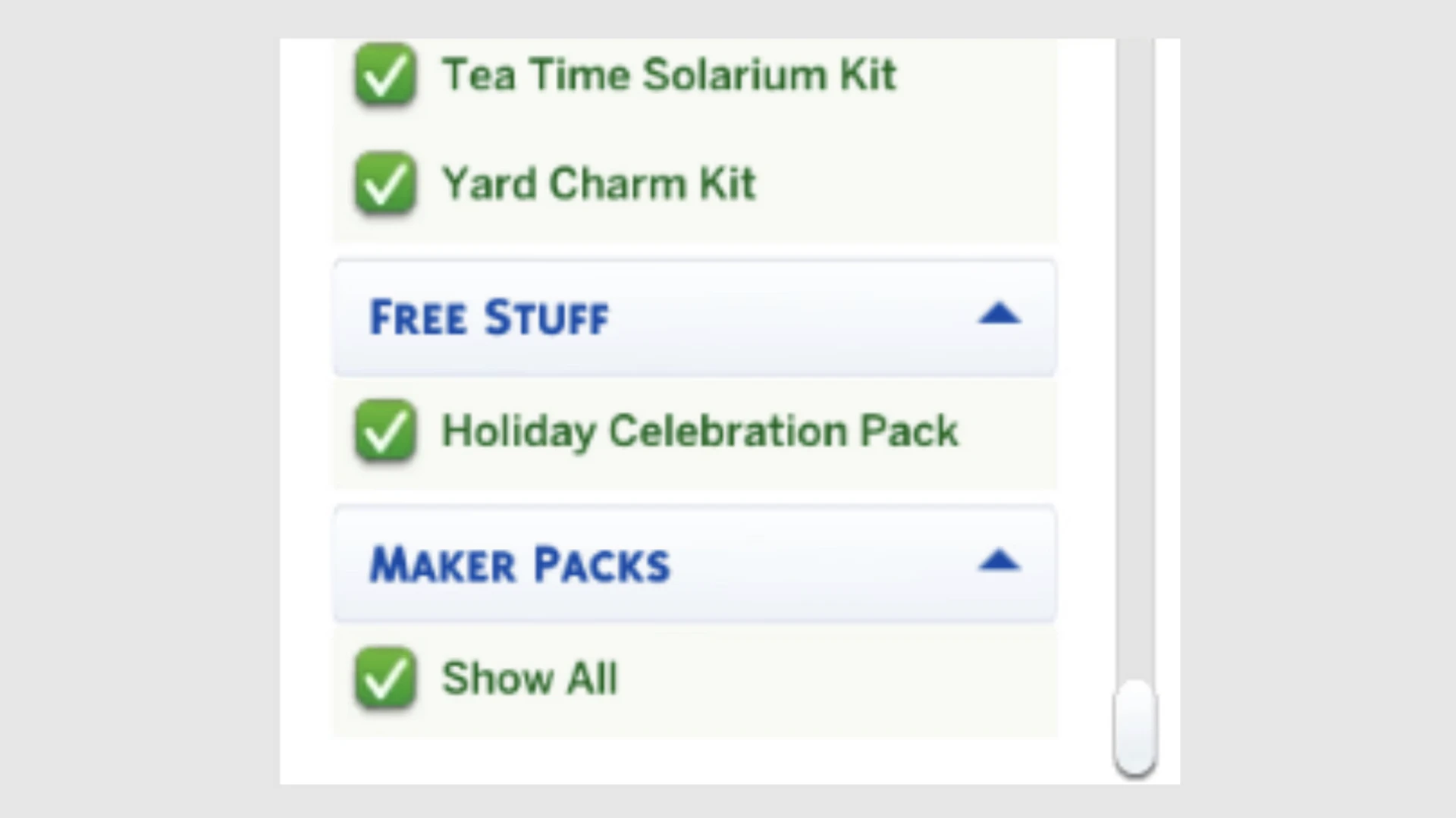
New Gallery filter – you can now include or exclude Maker Packs from search results.
Golden star icon – newly purchased Marketplace items in CAS and Build/Buy are marked with a star for easy identification.
Creator names – now display correctly for all Maker Packs.
Bug fixes – issues with deactivated packs showing as “Not Owned”, download errors, and Moola wallet updates have been resolved.
UI improvements – scaling fixes for the main menu and Marketplace interface.
Top 5 Community‑Requested Fixes
The update includes the five most voted fixes from the EA forums:
Blinking – Sims now properly close their eyes when blinking.
Prom – the event reappears on calendars and works correctly (requires High School Years).
Pets & horses – data loss for pets and horses no longer occurs in new saves (Cats & Dogs, Horse Ranch).
Social logic – Sims now prefer talking to Sims they know and are less likely to engage strangers spontaneously.
Cottage Living animals – animals no longer get stuck in inventory when moving to a new lot.
Sim Autonomy Improvements
The team continues to refine free will:
New CAS preferences – Like/Dislike Phones and Like/Dislike Computers.
Cooldowns on repetitive actions – Sims won’t spend hours playing guitar, swimming, or using phones. Cooldowns do not apply during getaways, clubs, or small businesses.
Conditional actions – destroying dollhouses is now limited to Evil, Mean, or Hot‑Headed Sims (only while Angry); “Troll teh Forums” requires Mischief skill 6 unless the Sim has specific traits.
Pet & Animal Fixes
Animals in chicken coops, sheds, mini goats, and sheep no longer multiply when moved between inventory and world.
Other minor animal‑related bugs fixed.
Other Important Fixes
Unflirty Sims no longer react negatively to friendly hugs.
Flower arranging – flowers no longer get stuck mid‑air.
For Rent – “Do Inspection and Maintenance” interaction now works for Landlord Sims.
Family tree – fixed incorrect connections and crashes after deleting the Capp household.
CAS & Build Mode Tagging Updates
Hundreds of tags have been revised: makeup from Everyday category now also appears in Hot/Cold Weather outfits; 43 items added to Kids’ Decorations; many lights moved from wall lights to outdoor lights; and more. All to make finding items easier.
How to Get the Update
PC & Mac: EA App, Origin, Steam, Epic Games.
PlayStation & Xbox: Check for updates via the game menu or enable auto‑update.
Important: Before installing, disable your mods and back up your Mods folder and saves. We previously covered how to survive a game update safely for your save file in this article.
The April update is a major step for The Sims 4. The Marketplace on consoles opens up user‑generated content to a huge audience, and the autonomy improvements plus bug fixes make the game more stable and enjoyable for everyone.



