
Pregnancy in Paralives: Everything About Childbirth, Parenting, and Growing Up – A Complete Guide
In Paralives, raising a child is quite a challenging task. It's not just a click on a "have a baby" button. Players will first have to build deep romantic relationships, then discuss future offspring, find the right moment, and only then start "trying". In this detailed guide, we will tell you about the difficulties we encountered ourselves, how to properly set up your characters, and how to go through all the stages from the beginning of a relationship to the birth of a baby.
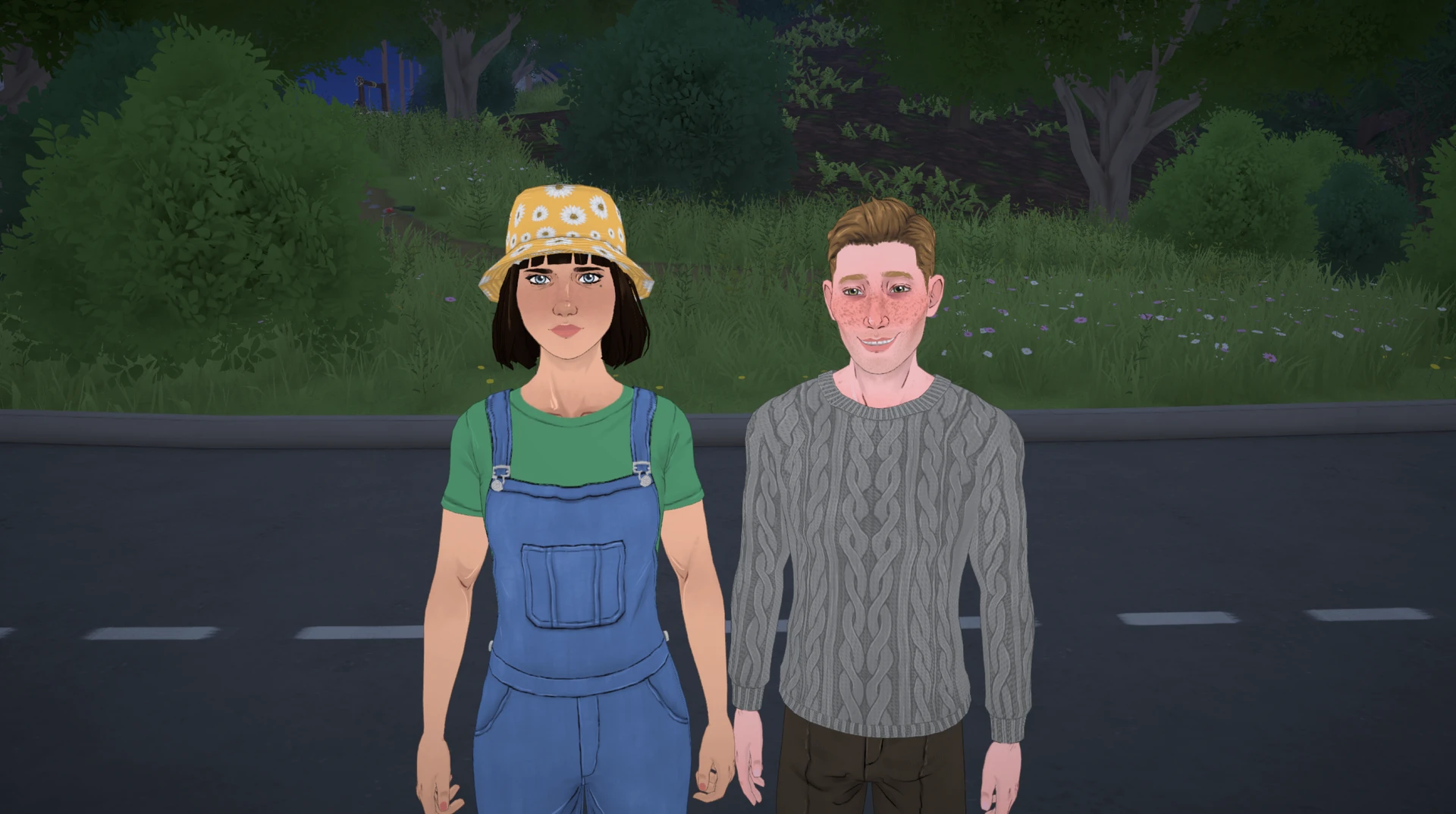
There are several ways to have a child in the game: natural conception, adoption, and creating children directly in the character editor. Each of them has its own features, but in this guide we will focus on the most realistic and interesting path – the natural one.
Three Ways to Expand Your Family in Paralives
Parafolk can have children in several ways, and each has its own rules.
Natural Conception
This is the most interesting and role‑playing path, but it requires meeting many conditions. This is what this guide is about.
Adoption
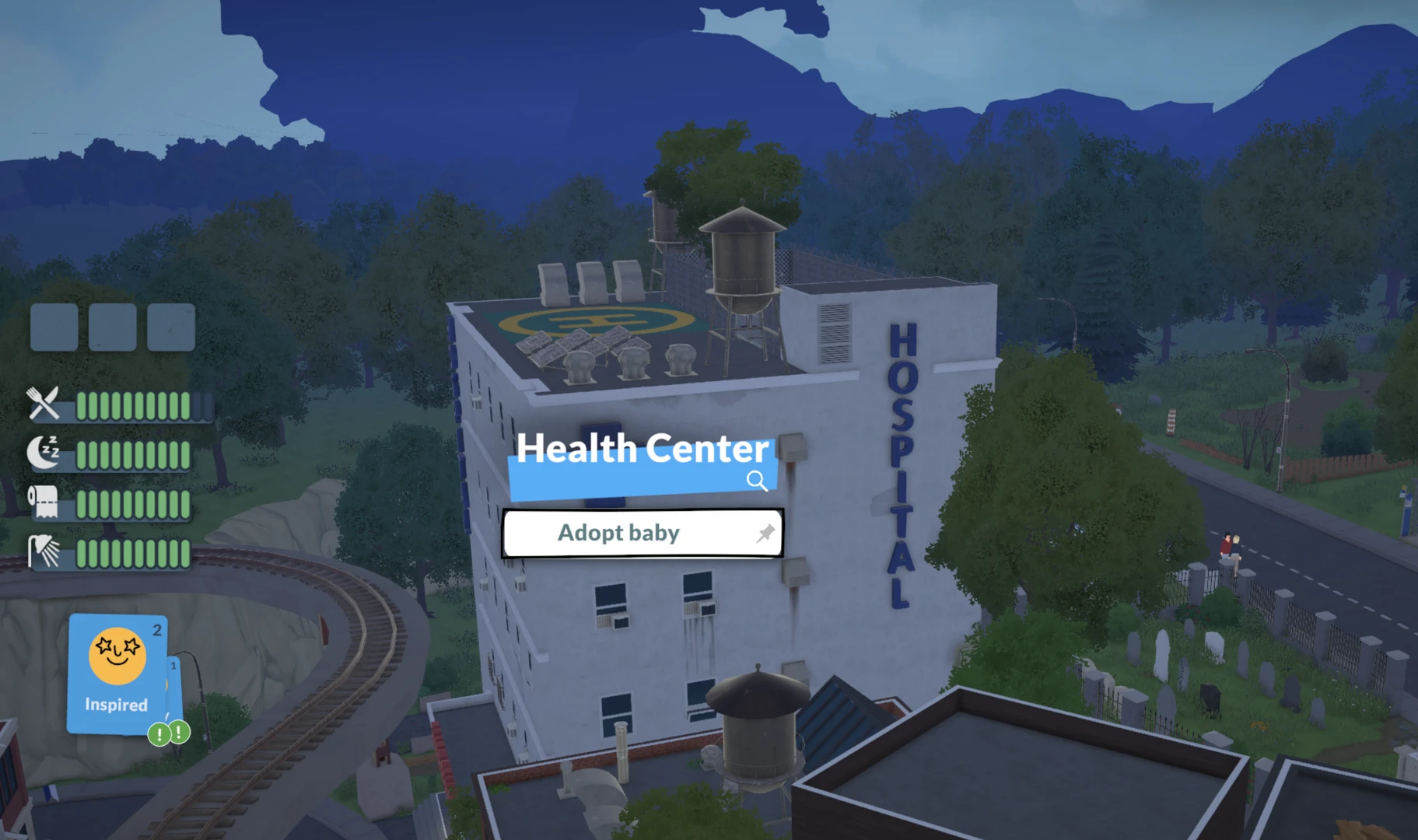
The fastest and most reliable method. You don't need to build romantic relationships or wait 24 hours. Simply click on any healthcare facility (hospital or pharmacy) on the city map and select "Adopt a Baby". The Parafolk will go inside for a few in‑game hours and return with an infant in their arms. Please note that the child's gender in adoption is random, but you can reload the save and try again if you really want a baby of a specific gender.
Creating a Child in Paramaker
If you want to start the game immediately with a large family or simply don't want to spend time on romance, the easiest way is to create the desired number of children at the desired age directly in the character creator. You can also choose to mix the parents' genes so that the child inherits their appearance. This method is available both when starting a new game and at any time using the EDITCHARACTER cheat, which will open Paramaker to adjust the household.
Back to the First Method of Creating a Family in Paralives.

Step 1. Creating a Compatible Couple
Without this step, you will never see the necessary buttons. Before you start having romances and planning children, you need to make sure your Parafolk are biologically compatible.
Open Paramaker (the character editor) through the main menu or the EDITCHARACTER cheat directly in the game.
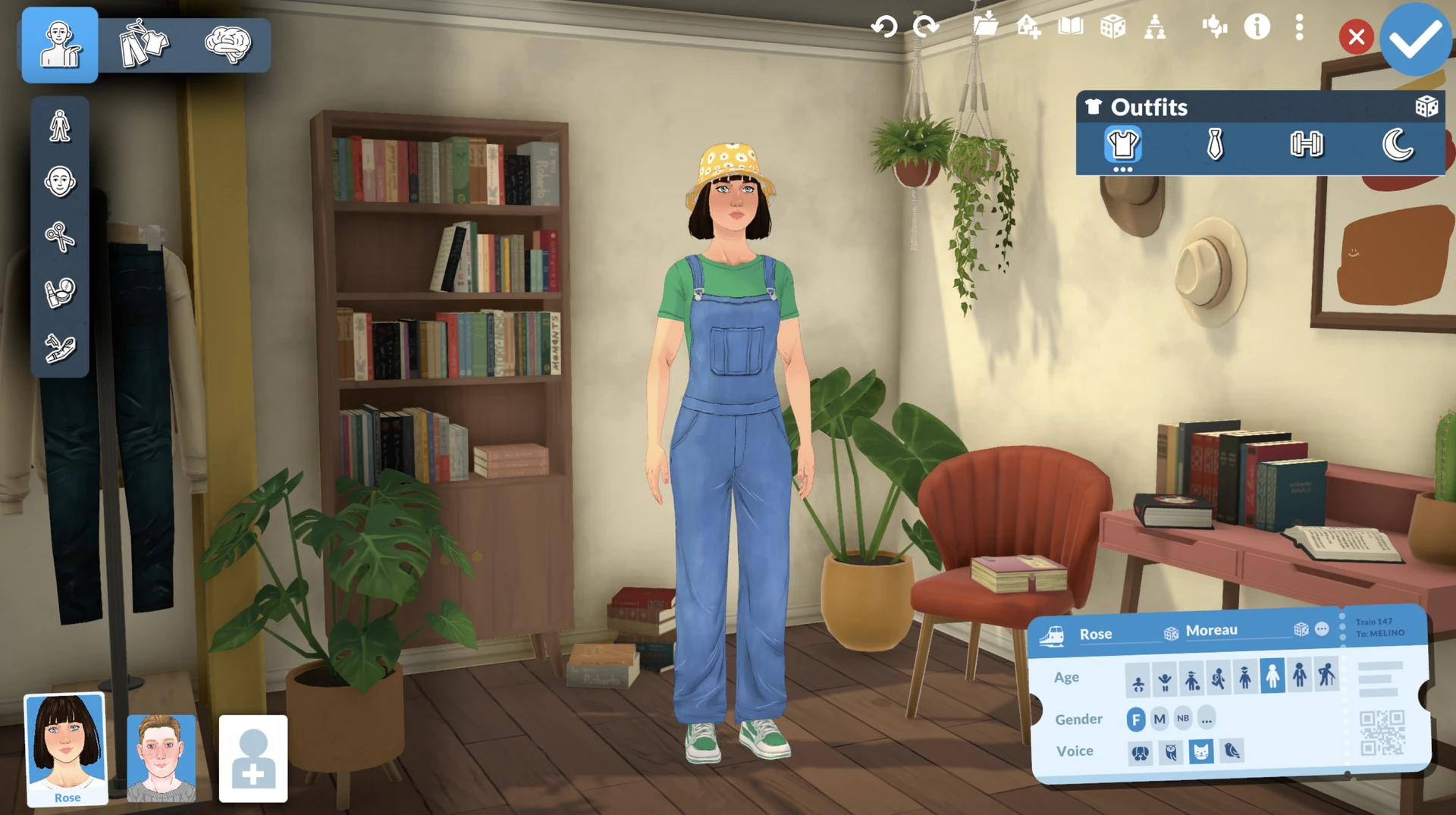
On the personality tab, click the three dots next to the gender settings to open "Advanced Personality options". Here you will see the "Pregnancy" section. One of the future parents must have "Can get pregnant" selected, and the other must have "Can get others pregnant" selected.
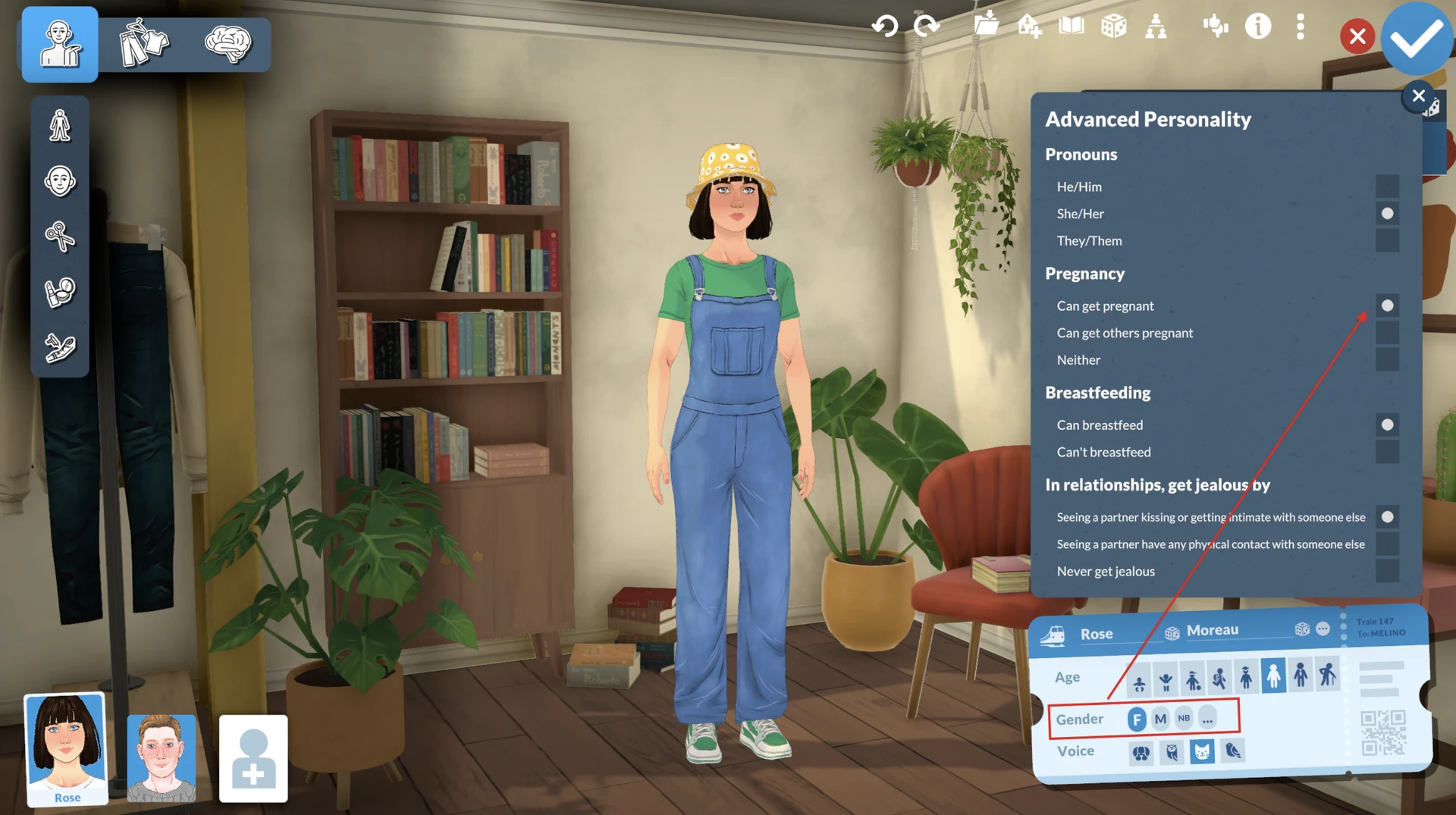
If both have "Can get pregnant" or both have "Can get others pregnant", natural conception will not work.
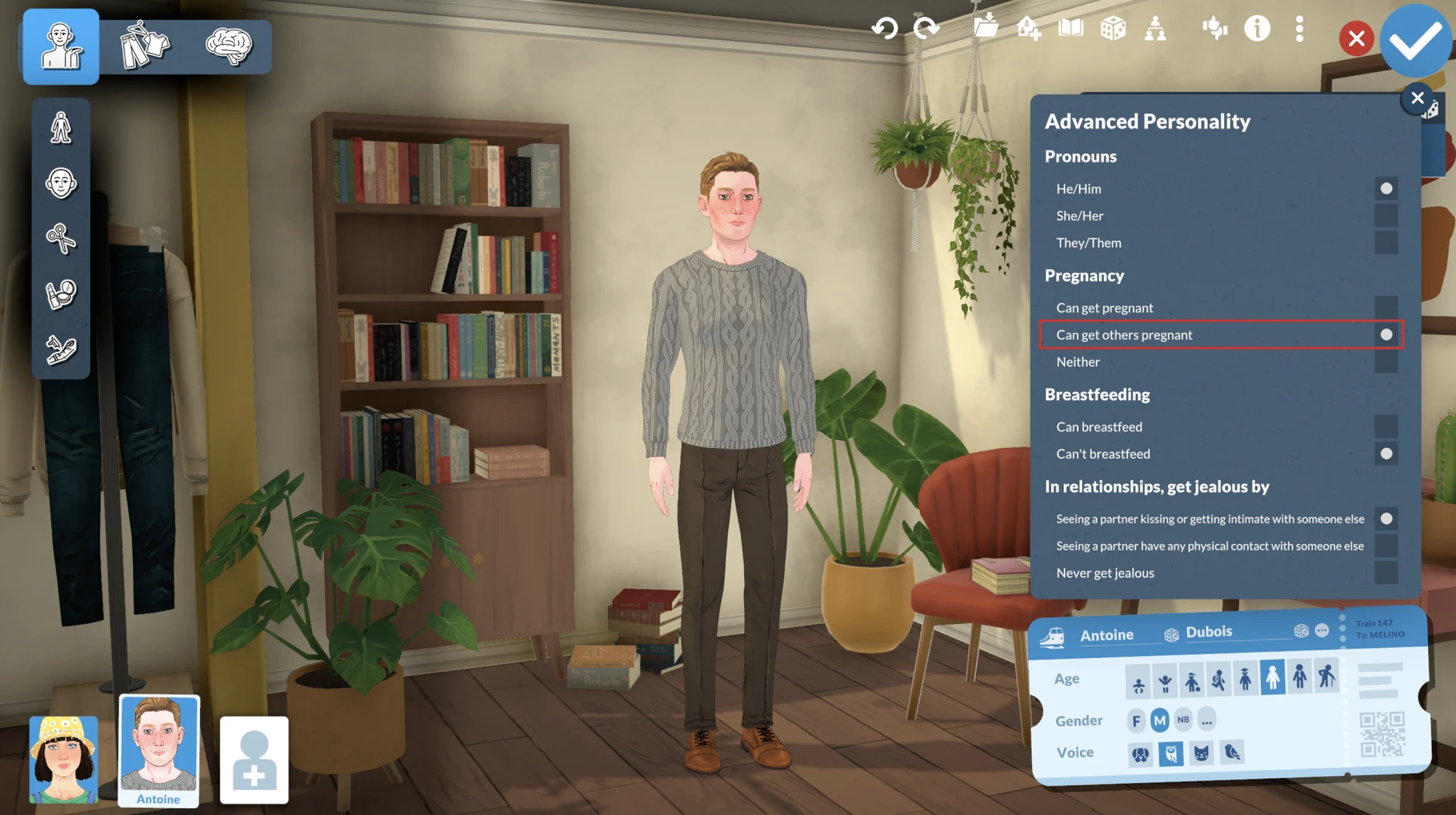
If you have already started the game and forgot to check these settings – no problem. Use the same EDITCHARACTER cheat to open the editor and fix the situation.
Step 2. Building Relationships and Becoming a Couple
Now that compatibility is ensured, you need to turn sympathy into strong romantic bonds.
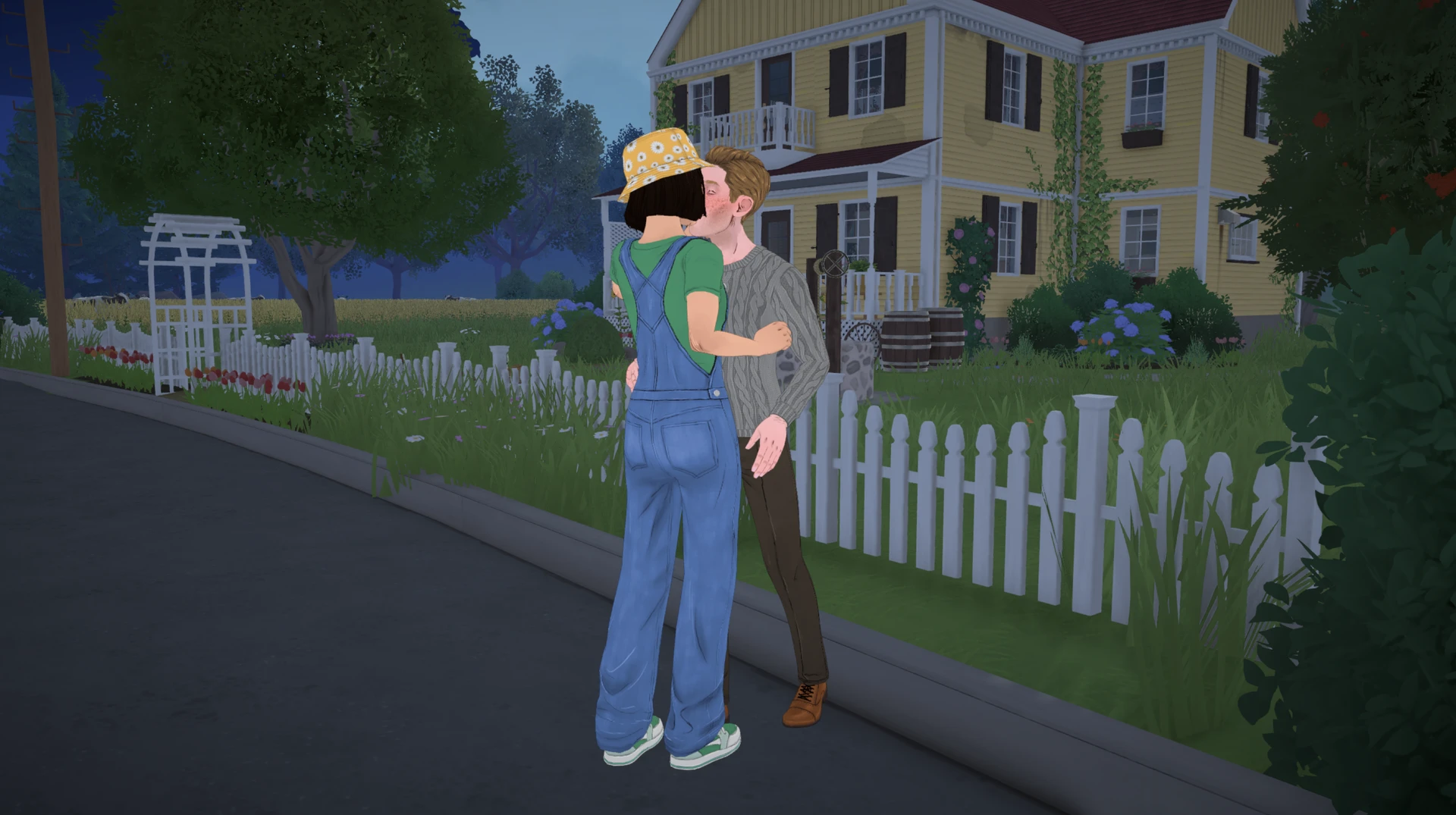
Build a strong friendship with your potential partner, then move on to flirting. Choose dialogue cards with pink hearts and signs of affection. Gradually, the romantic relationship bar will grow, and one day, among the available interactions, a proposal to become a couple will appear. Accept it, and the relationship will move to a new level (for example, "Lovers").
Step 3. The Talk About Children – A Key Moment
This is where the main stumbling block awaits you – the "try for a baby" button still hasn't appeared. The next, extremely important step is discussing future offspring.
To do this, you need to talk to your partner and find the right card among the dialogue options. It is called "Ask if they want to try for a baby NOW" or "Ask if they want to have children together in the future".
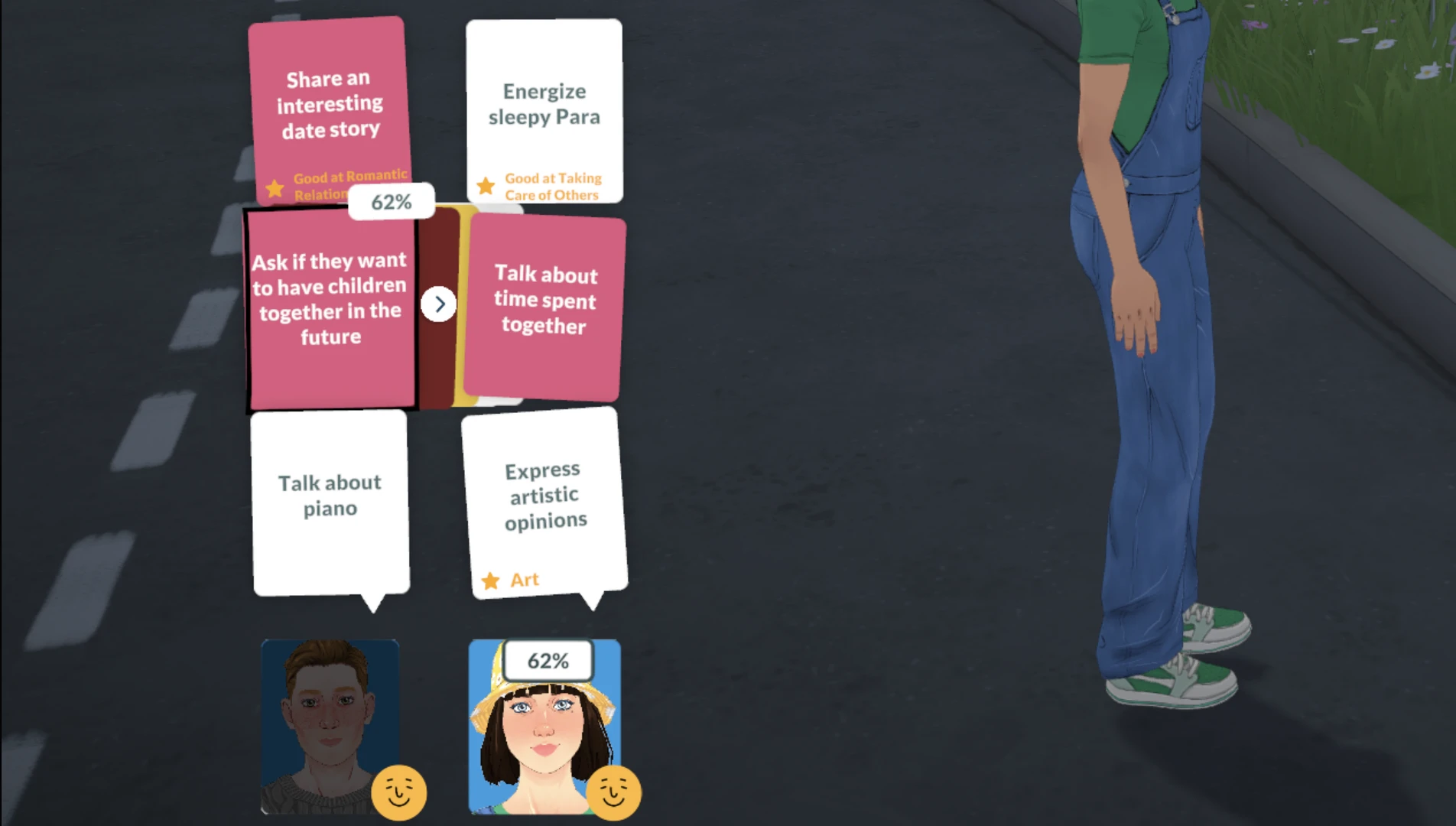
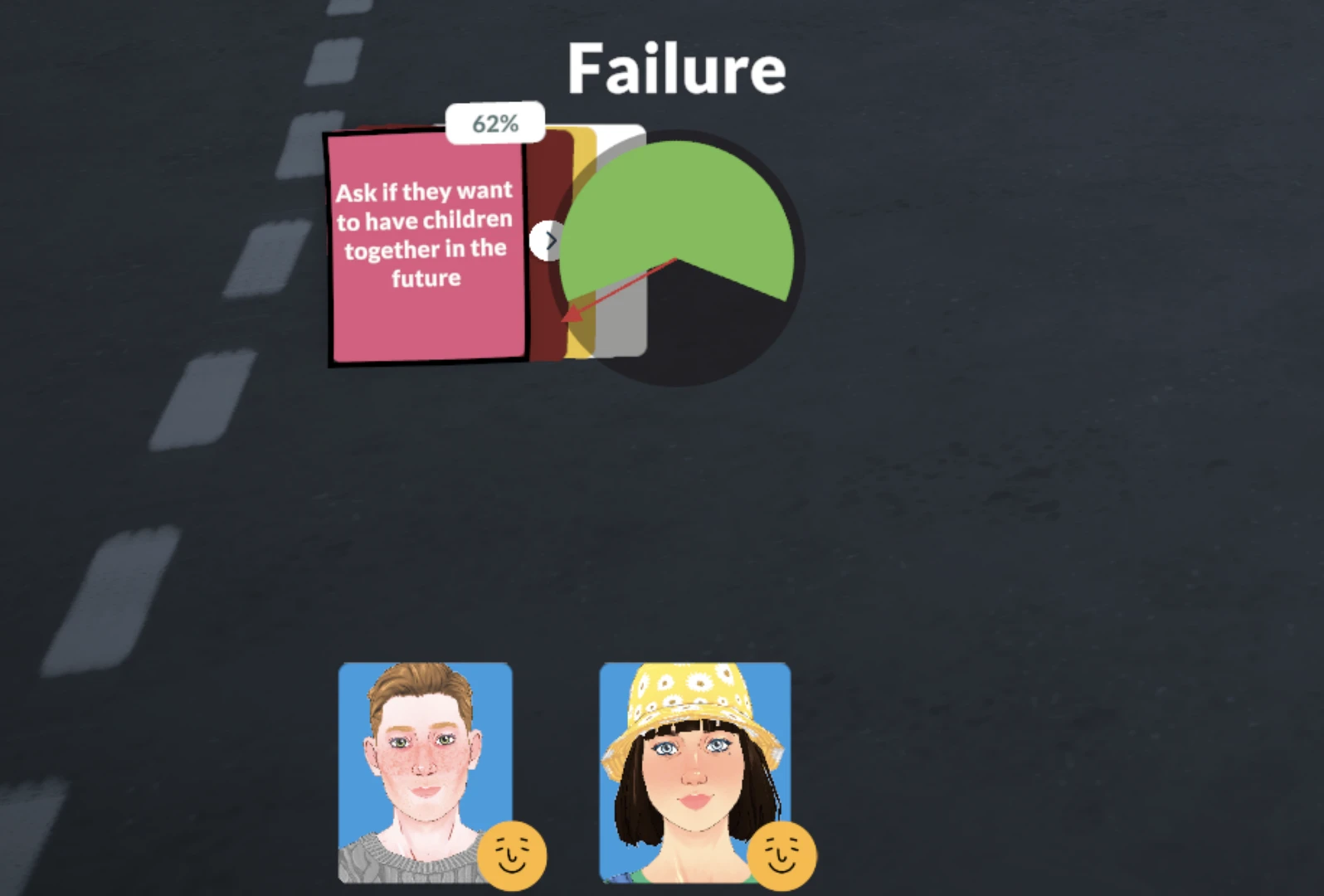
This is a very important moment. Success is not guaranteed – in the upper right corner of the card you will see the percentage chance that your partner will agree. If the percentage is low, continue flirting and boosting their mood to increase the chance.
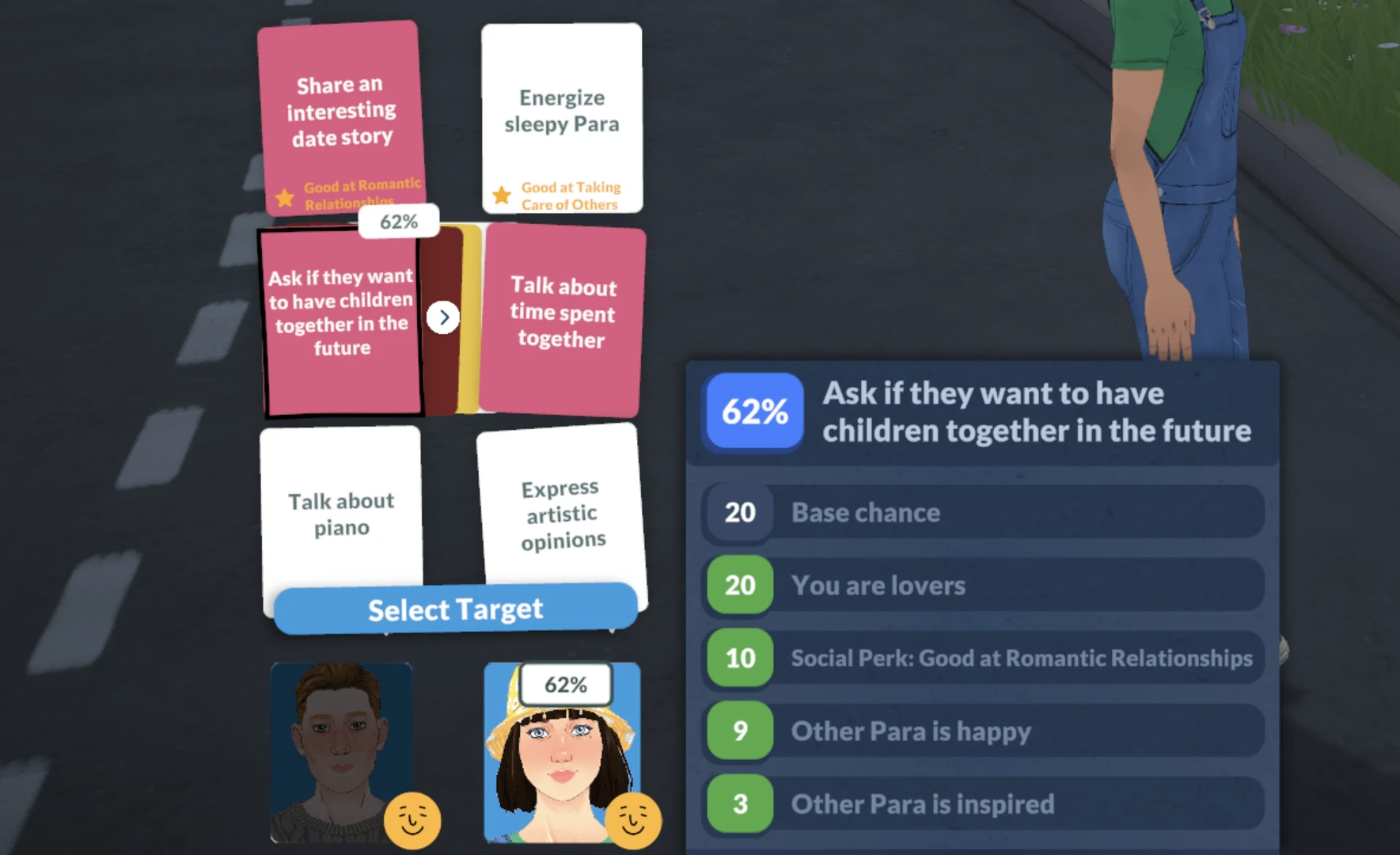
If the card does not appear, don't rush – continue building romantic relationships. Keep in mind that Together Cards, to which this one belongs, appear randomly in dialogue. You just need to keep chatting, choosing romantic options, and sooner or later it will appear. If the card appears but you are unsure of success, you can use a special Story Card that increases the success chance of romantic actions for 24 hours. Otherwise, you risk failing.
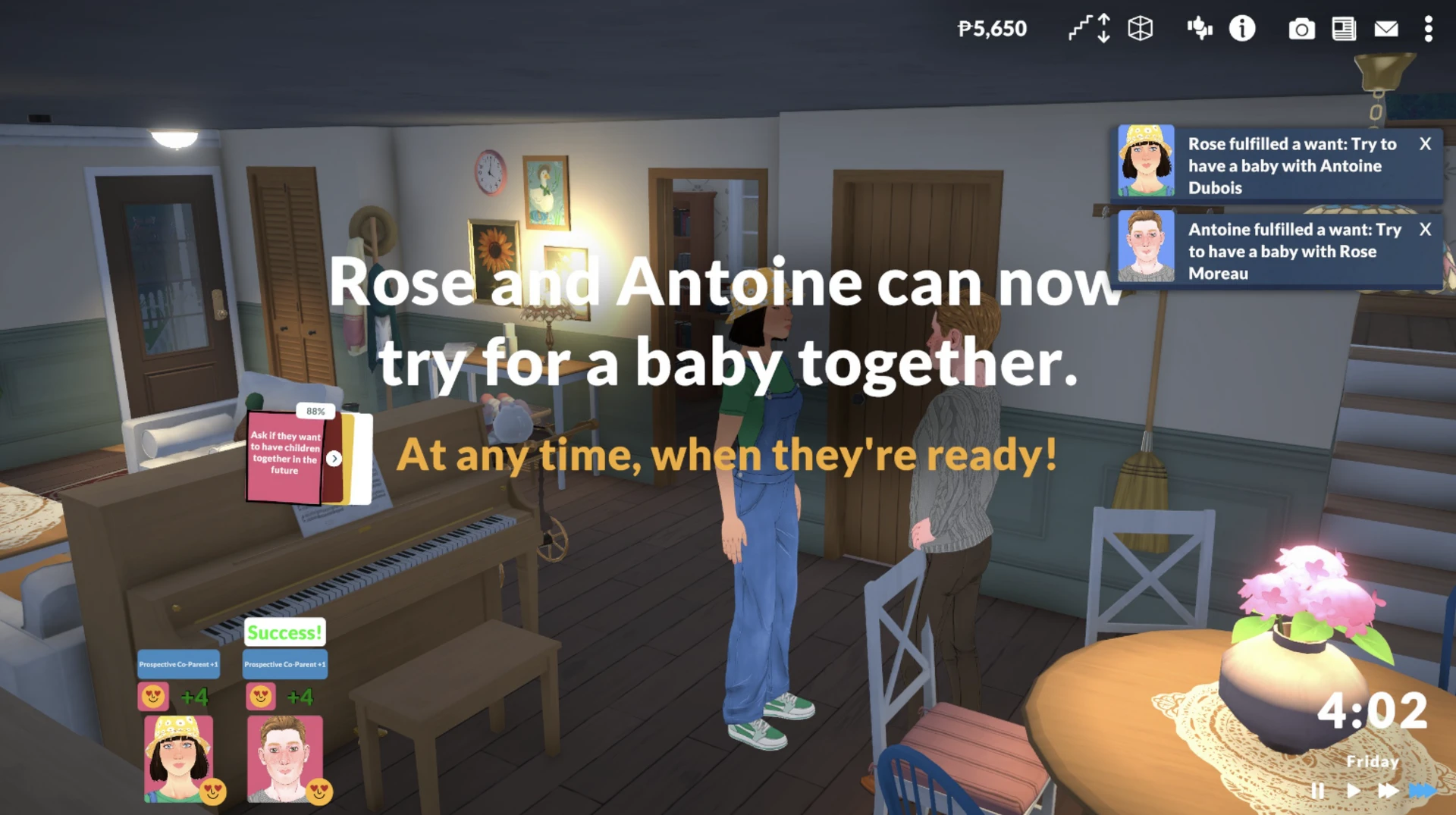
If the conversation is successful, the Parafolk will receive a special relationship status: "Prospective Co-Parent". This is the green light – you are now ready for the main action.
Step 4. Trying for a Baby
Finally! Here is a step‑by‑step guide to action.
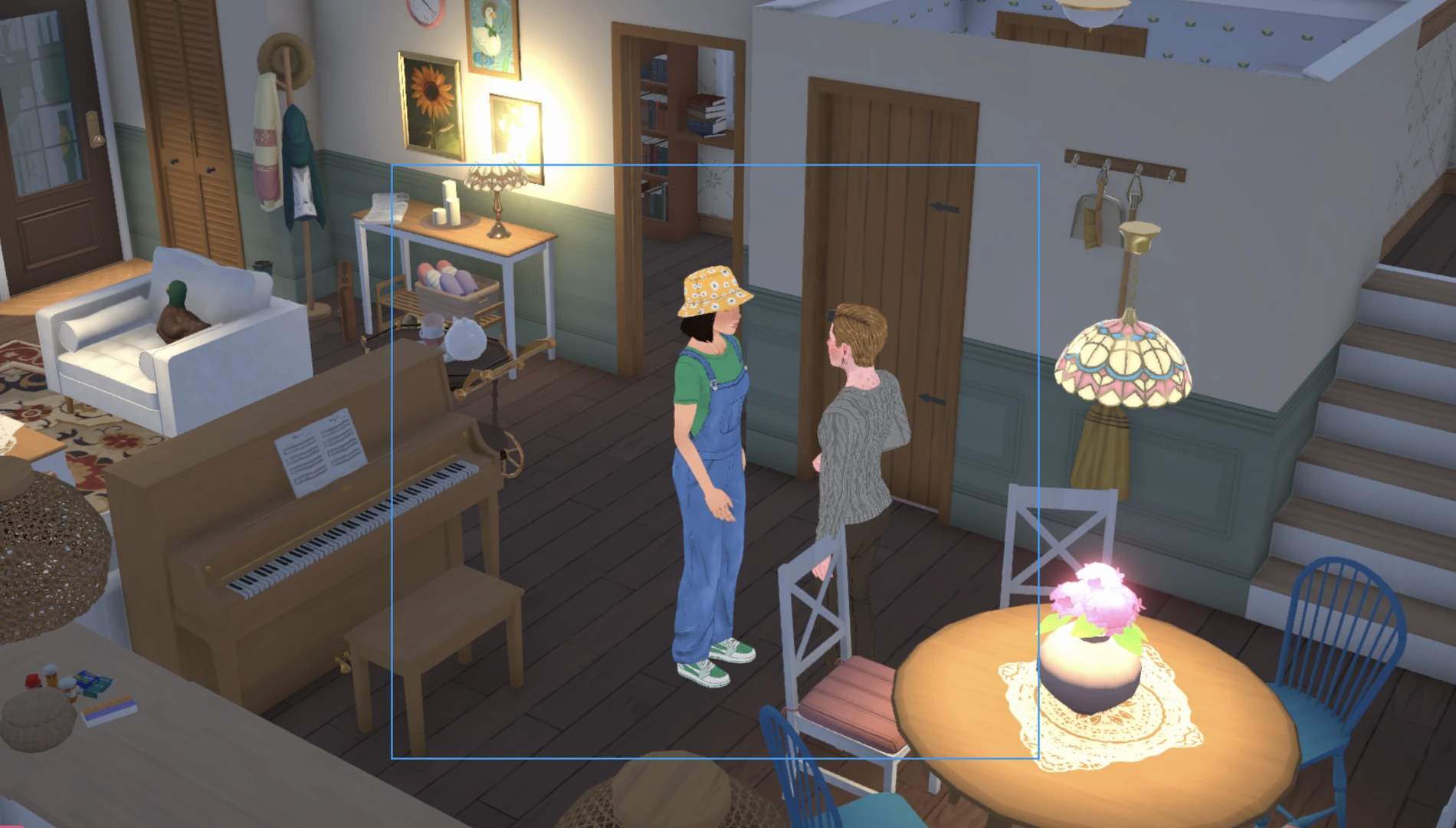
Group the couple. Click and hold the left mouse button to drag a blue rectangle around both Parafolk. Or hold Shift and click on the second Parafolk to add them to the group.
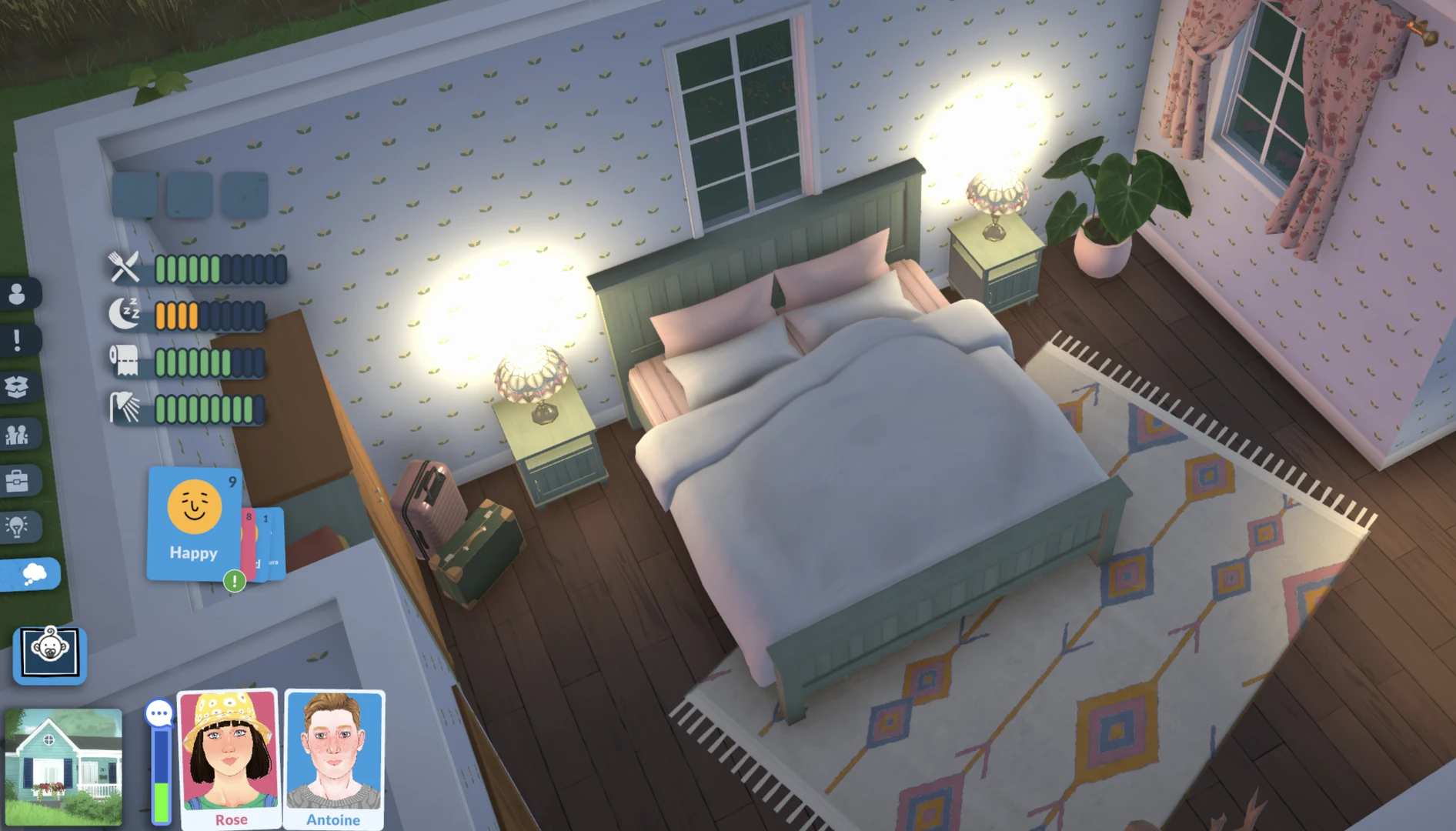
Click on the bed. Make sure the Parafolk are near the bed, then click on it. In the dropdown menu, you should see intimate options.
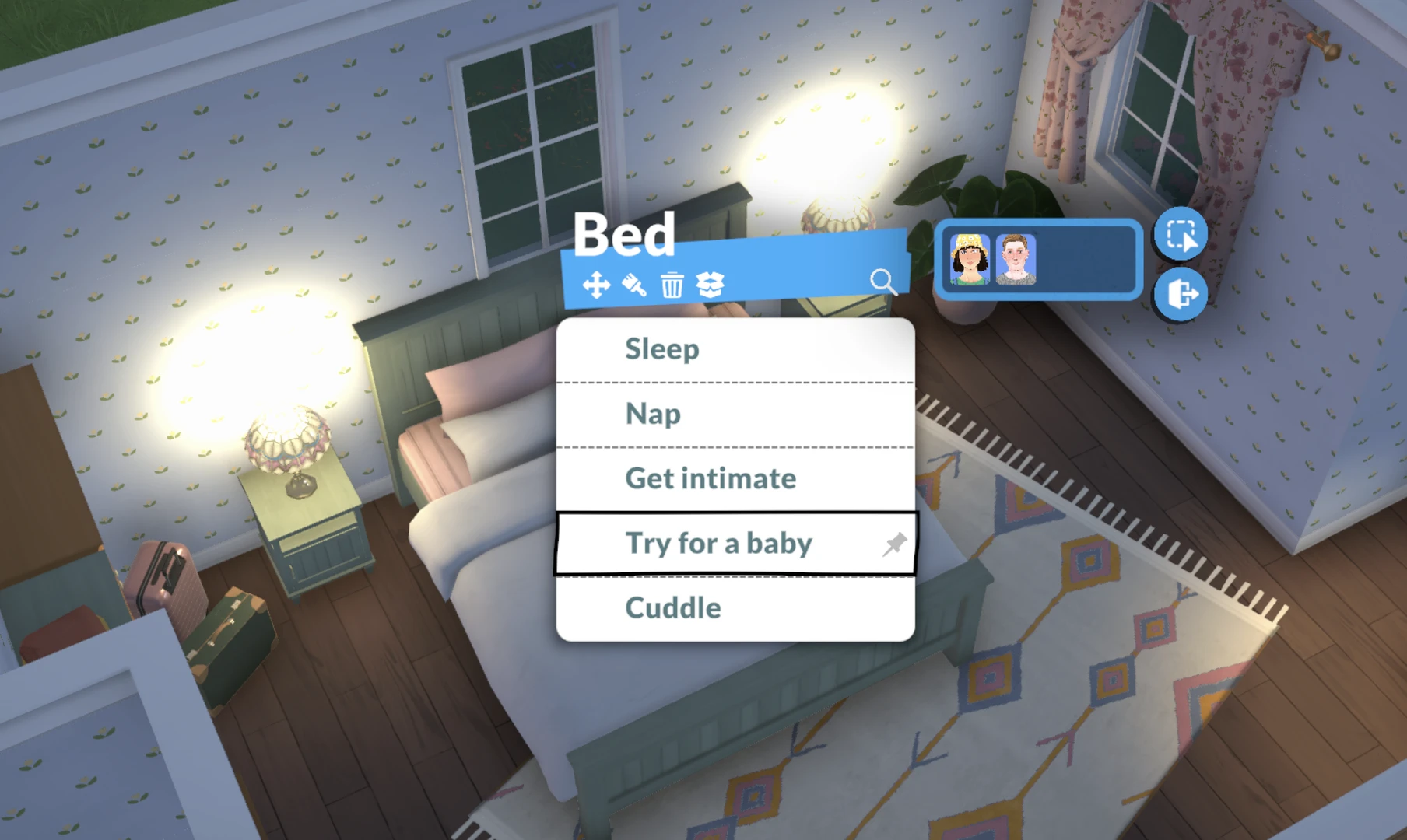
Select "Try for a baby". This is the option, not just "Get intimate", that leads to possible conception. Note: this option appears only when both characters are selected in a group – this is the most common reason players can't find it.
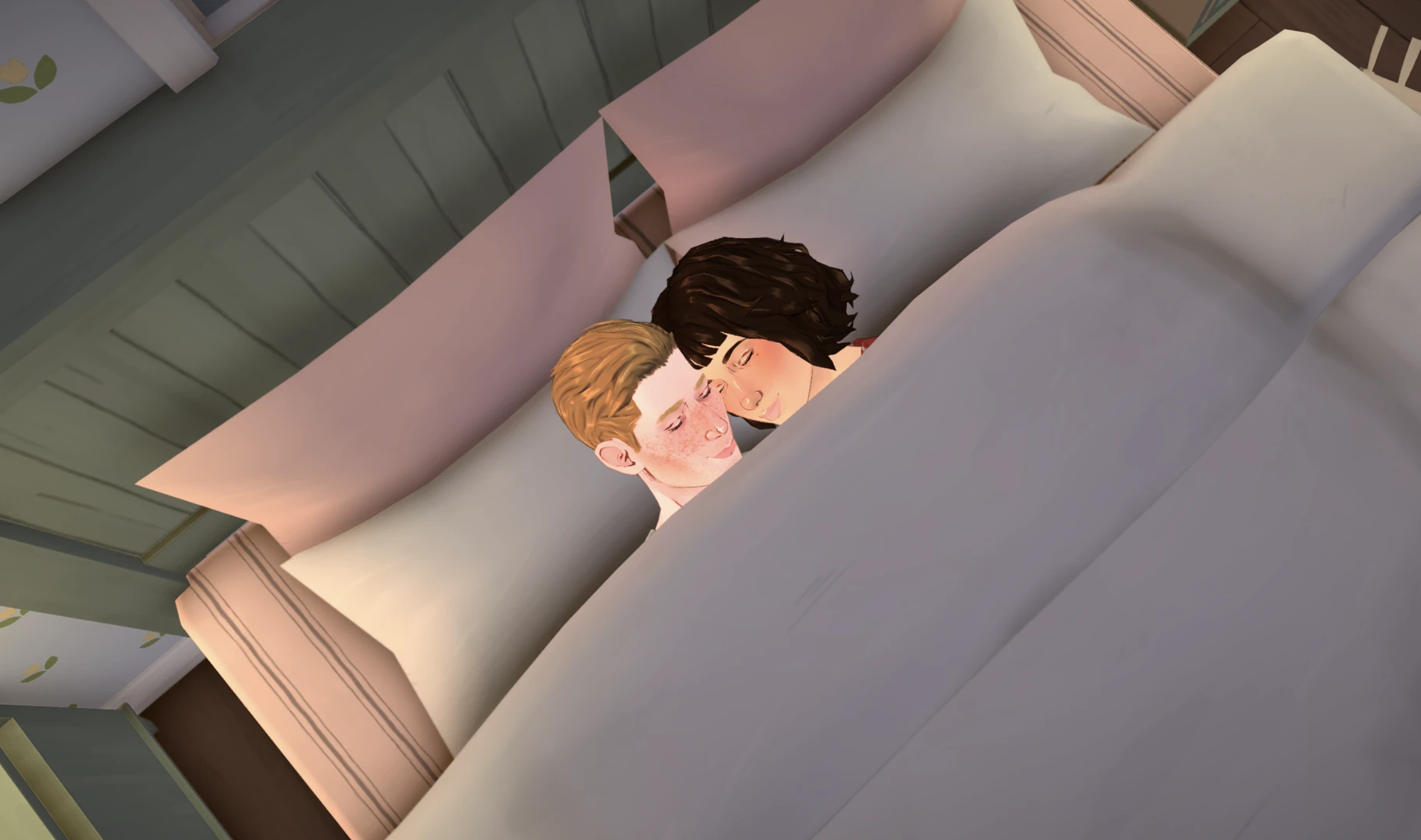
Wait for the animation to finish. Do not interrupt the process, otherwise pregnancy may not occur.
Step 5. Pregnancy Test and Ultrasound
You can find out whether it worked immediately after the "attempt". To do this:
Click on the toilet. Approach it and select the action "Take a pregnancy test".
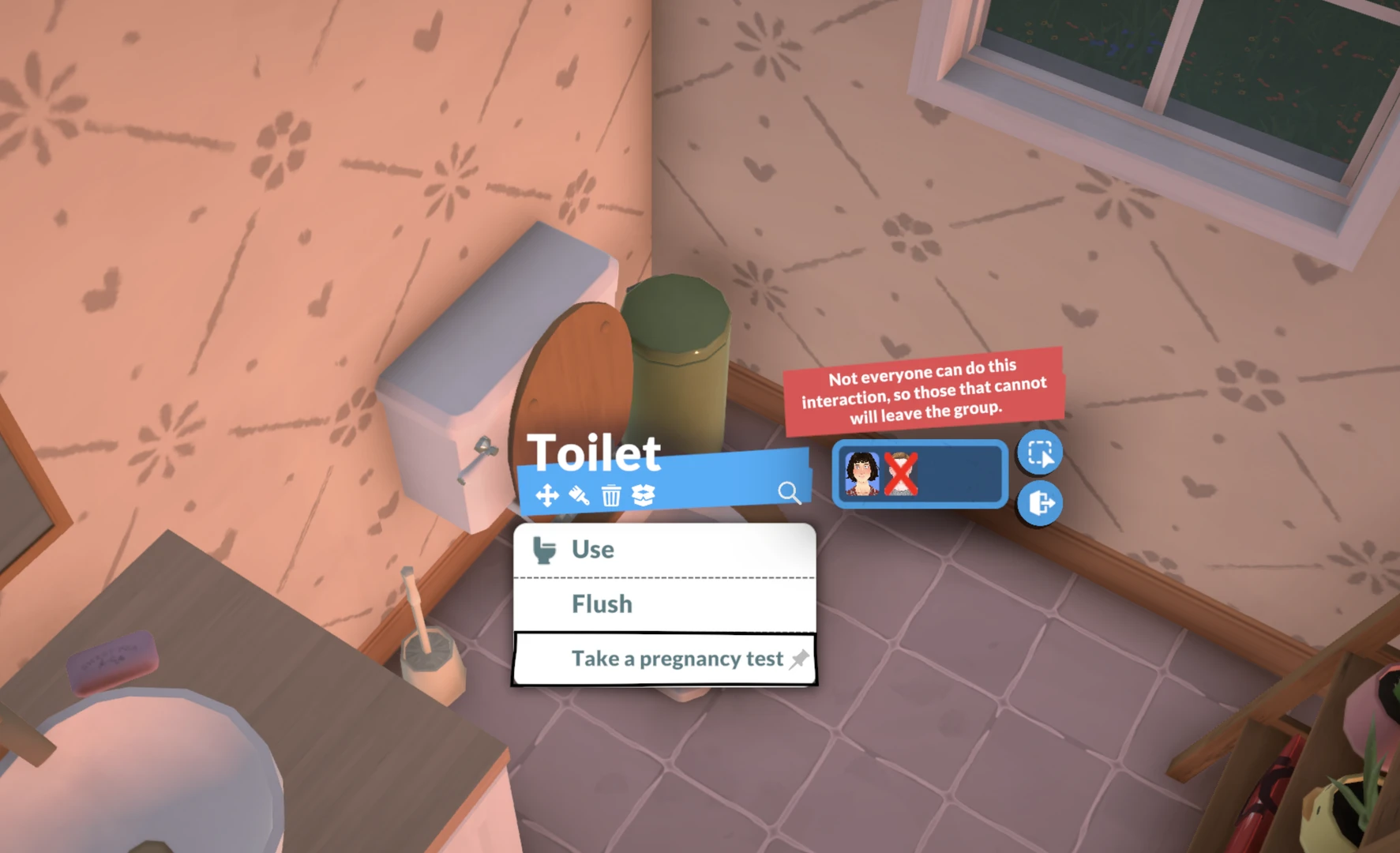
The result may be negative – don't worry, that's normal. Just try again another time.
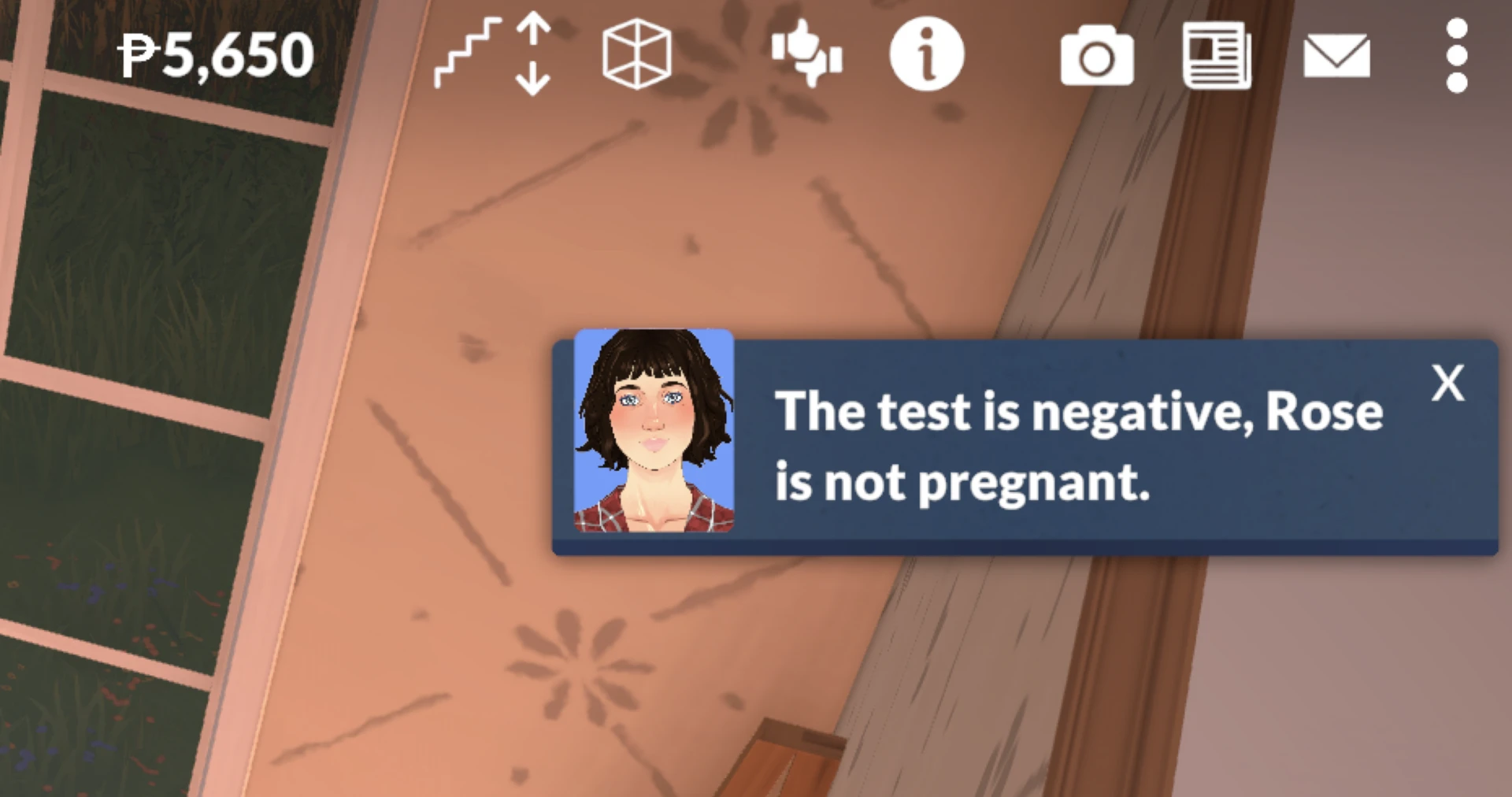
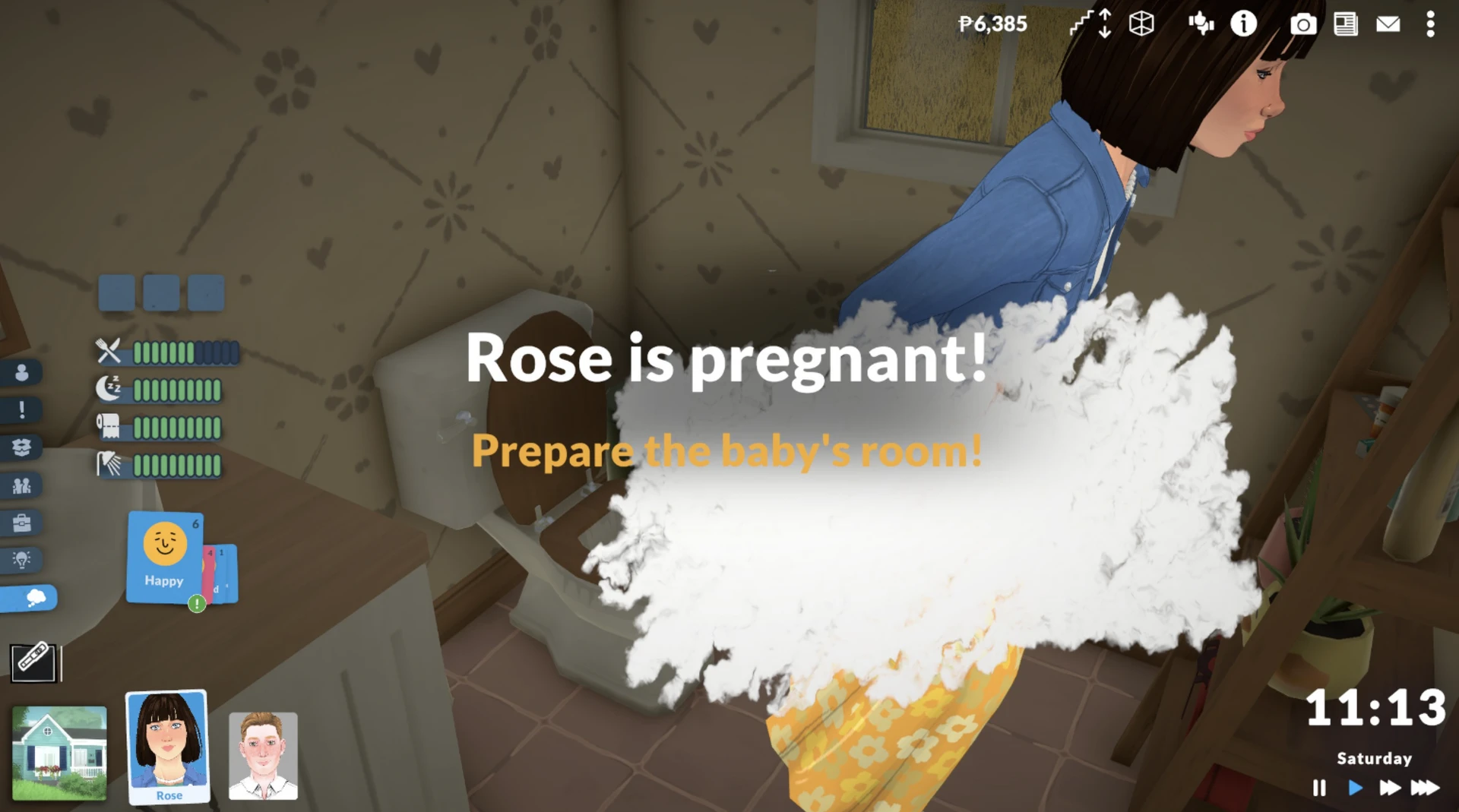
If pregnancy is confirmed, the game will notify you with a full‑screen message.
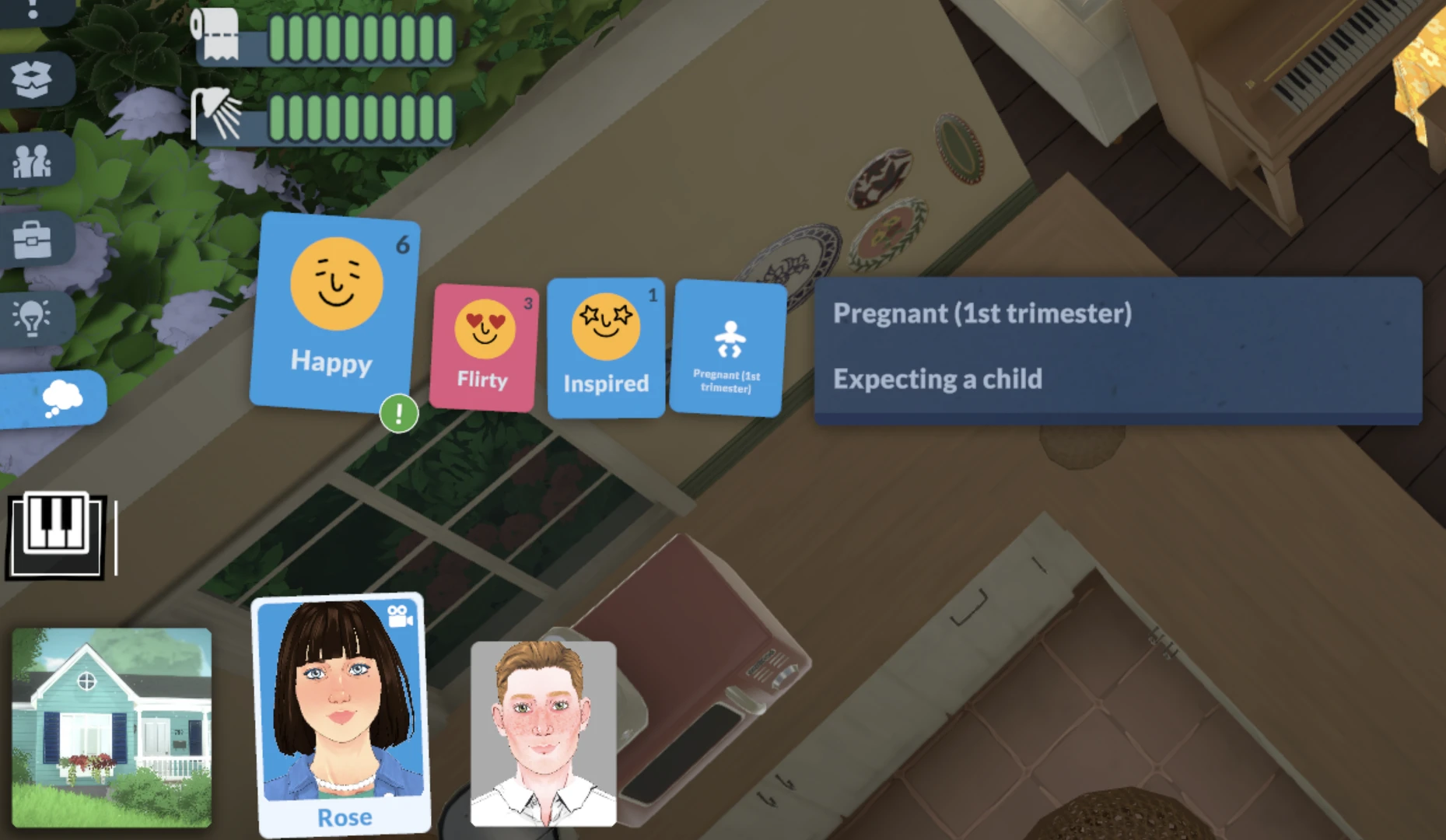
Pregnancy progress can be tracked in the character's emotions; information about the trimester will be in the last card.
Step 6. Pregnancy and Childbirth
Pregnancy in Paralives lasts 24 in‑game hours (or three trimesters of 8 hours each).
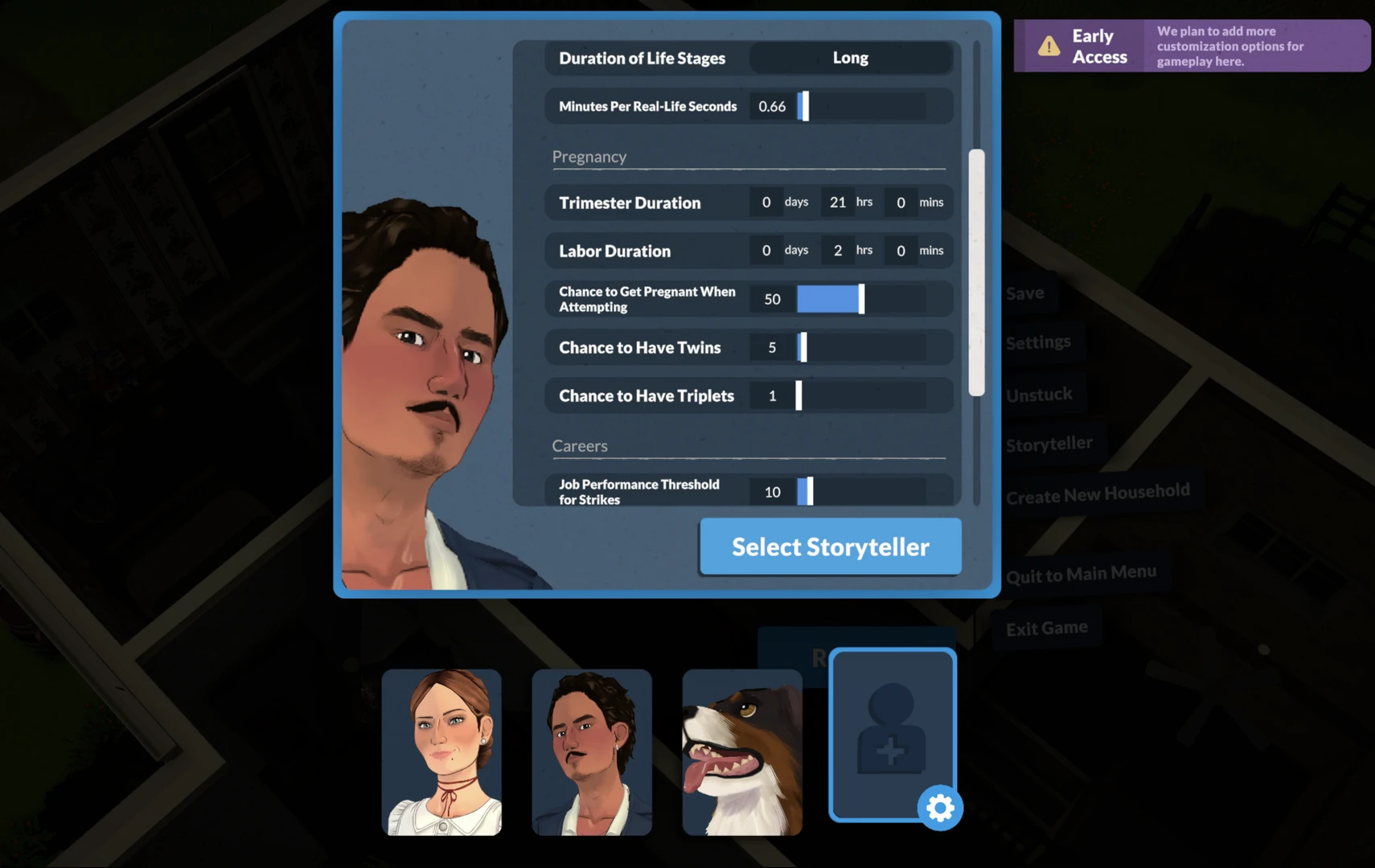
You can change the pregnancy duration and the chances of conceiving twins or triplets in the Storyteller settings (in the main menu, select "Storyteller" → "Custom Storyteller"). There, by the way, you can also adjust other game parameters.
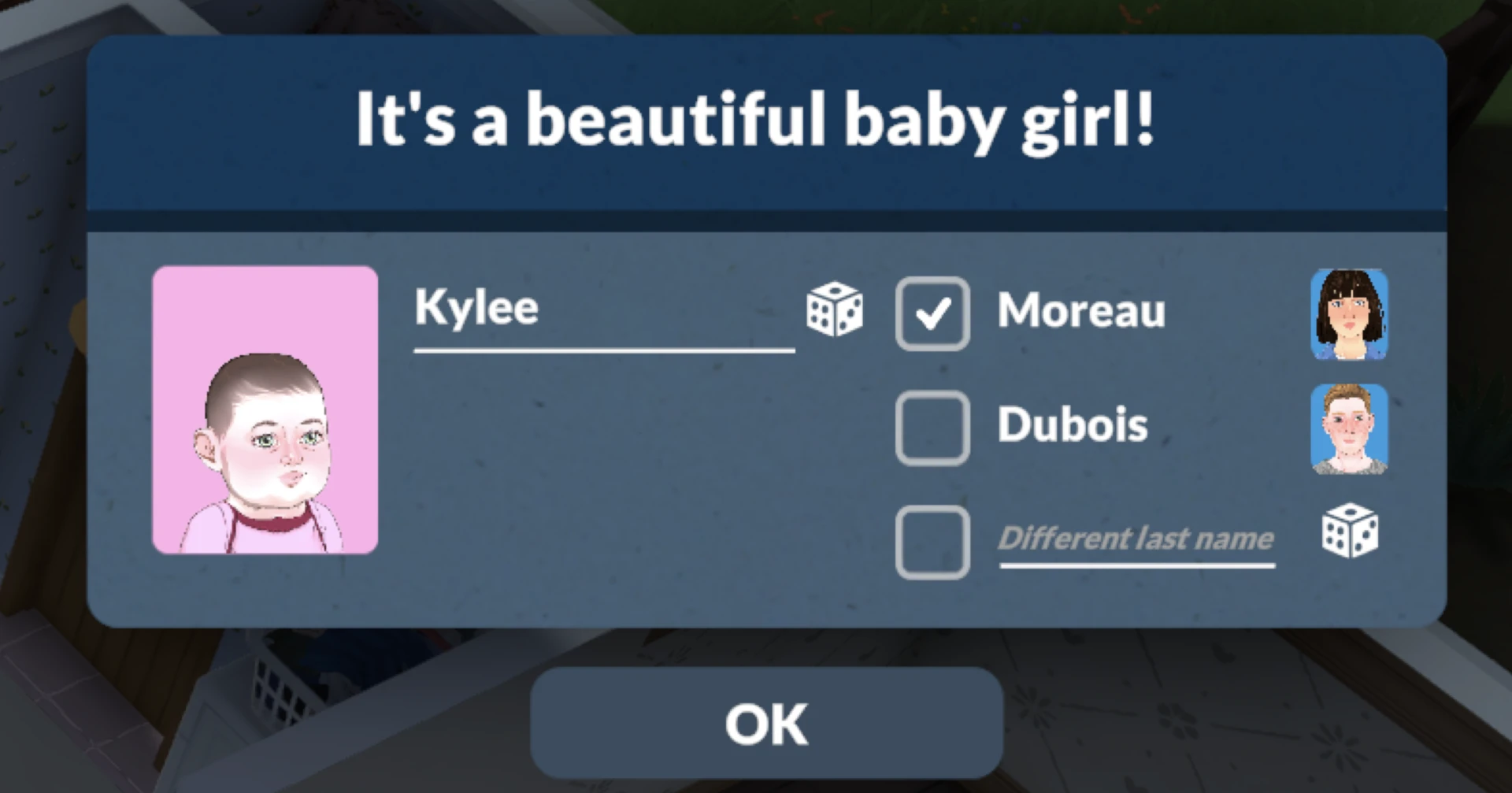
Childbirth occurs automatically after this period. After the birth, you will be asked to enter a name for the newborn.
Caring for the Infant and Their Needs
Newborns are completely helpless. They have five key needs: hunger, sleep, toilet, hygiene, and affection.
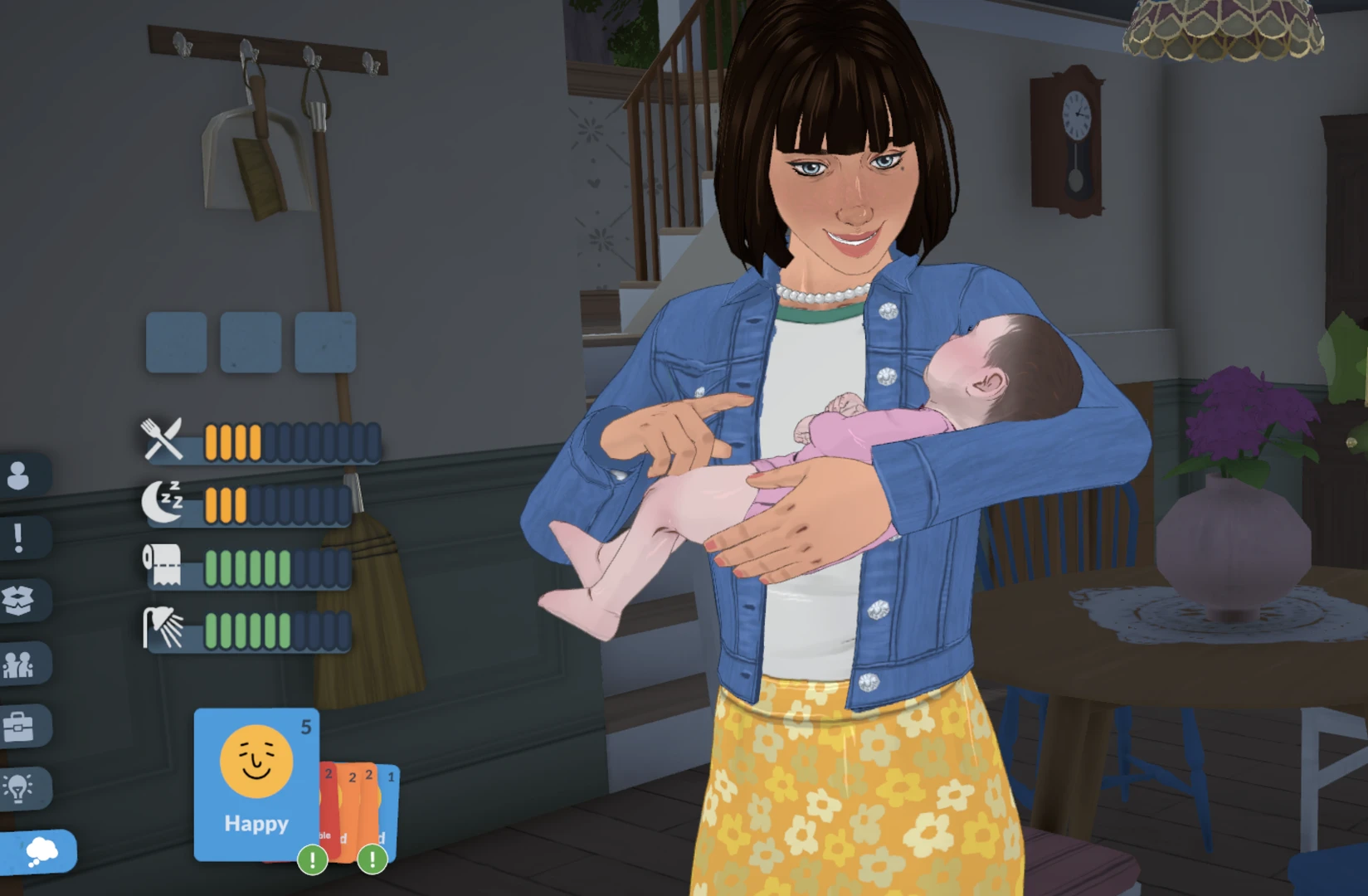
Hunger: Click on the infant and select "Bottle Feed" or "Breastfeed".
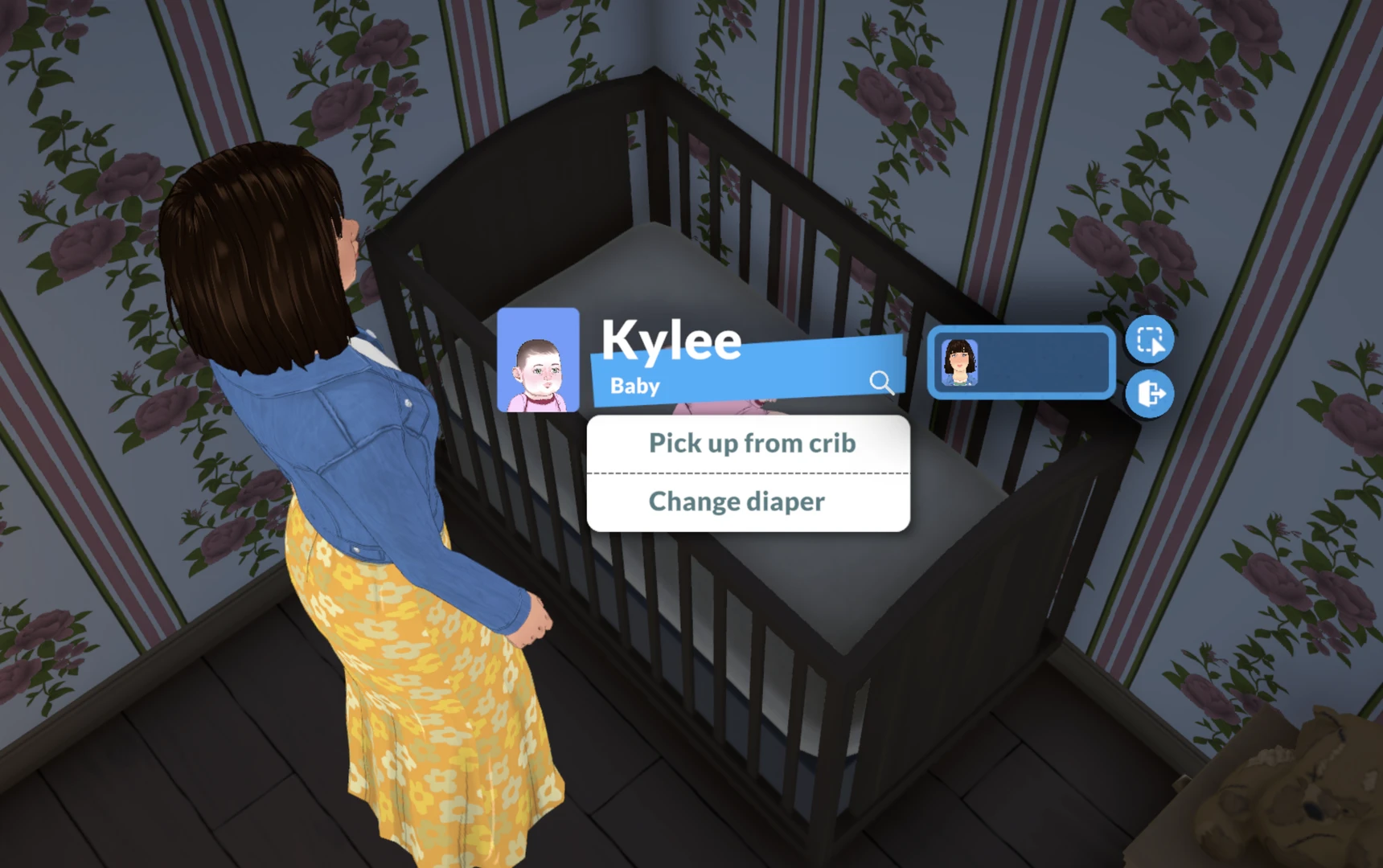
Sleep: Infants can only sleep in a special crib. Approach it and put the baby to sleep. Remember – the infant cannot climb into the crib on their own. You need to click on the infant, select "Pick up", and then, while holding them, click on the crib and select "Put to sleep".
Toilet and hygiene: For infants, these are synonyms. A timely diaper change ("Change diaper") solves both problems. The easiest way is to change the diaper while the baby is lying in the crib – then the "Change diaper" option will be available immediately after picking the child up from the crib.
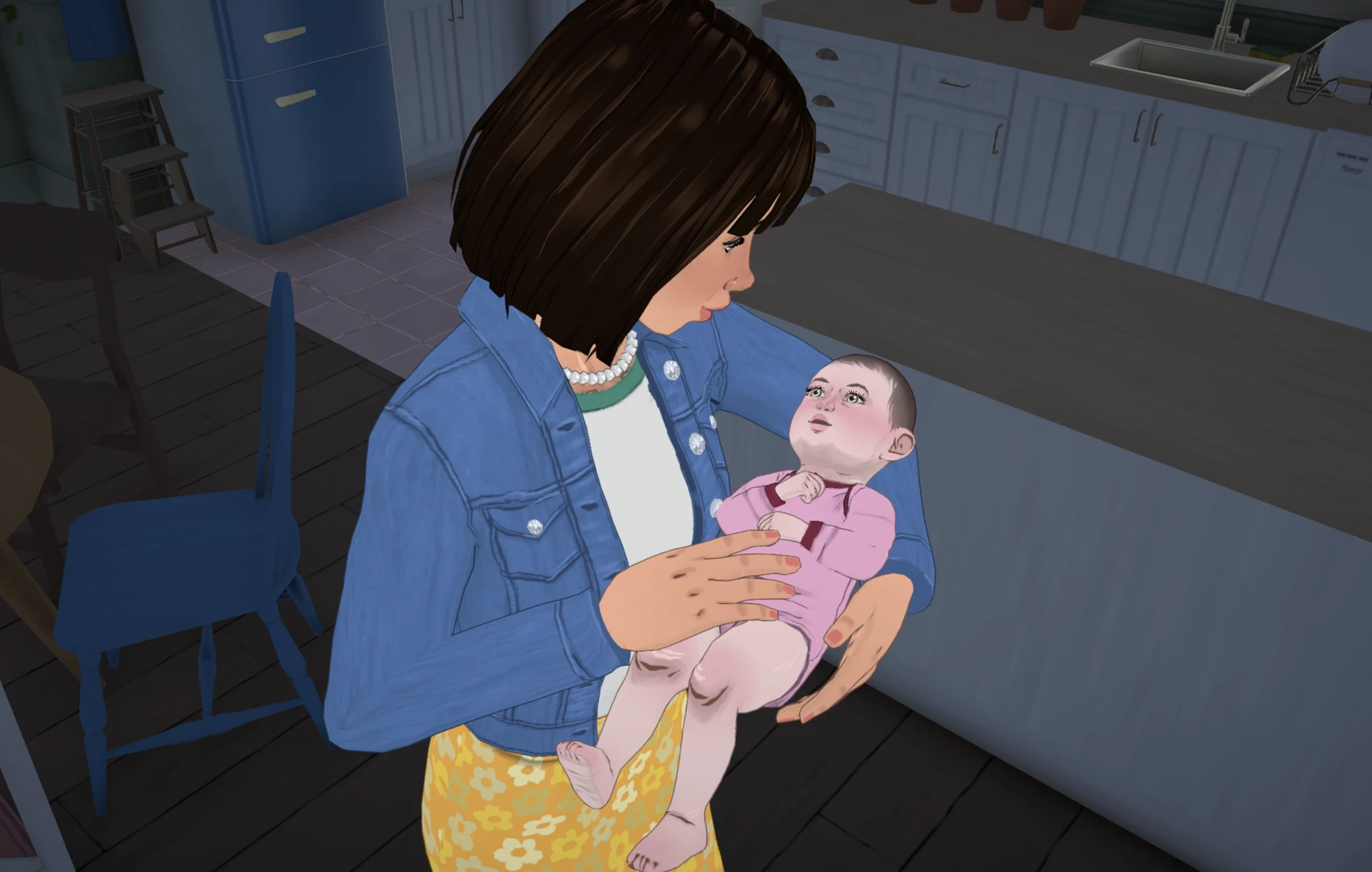
Affection: Hold the infant, hug them, talk to them. This develops their speech skills and provides a good foundation when they become a toddler.
Growing Up: From Toddler to Teen
Life stages in Paralives change automatically if aging of household members is enabled in the Storyteller settings.
The length of each stage depends on the chosen lifespan (Short, Normal, Long). Here are the main stages and their duration in "Normal" mode:
- Baby → 3 days
- Toddler → 4 days
- Child → 11 days
- Pre‑Teen → 7 days
- Teen → 14 days
Recall that we previously published an article reviewing the dynamic growth of Parafolk from childhood through adolescence. It is one of the details that players love about Paralives.
Young Parafolk cannot cook, so adults will have to put food on a plate and place it on the table. It is convenient to feed toddlers in a special high chair.
Important: Teenagers can look after infants and toddlers, but if there is no one over the age of 13 left on the lot, they will automatically go to daycare, which will affect your bills at the end of the week.
Players often complain about the missing "try for a baby" action – now you know that the problem may not be a bug, but a missed key step of discussing future plans together. Perhaps this very difficulty makes family life in the game especially valuable.



