
Paralives: Complete Guide to the Best Mods – From Camera to New Careers
Just a few days after the early access release, the Paralives community has already created thousands of mods – from simple camera improvements to full‑fledged career systems. Thanks to built‑in Steam Workshop support, installing and removing mods takes just one click. We've gathered the most useful and popular add‑ons that will make your gameplay more comfortable, varied, and interesting.
Earlier, we already covered how to manage households in Paralives, as well as published guides on cooking, having children, and cheats.
What You Need to Know Before Installing Mods
Before diving into the world of user‑generated content, here are a few important points.
Where to Find Mods for Paralives?
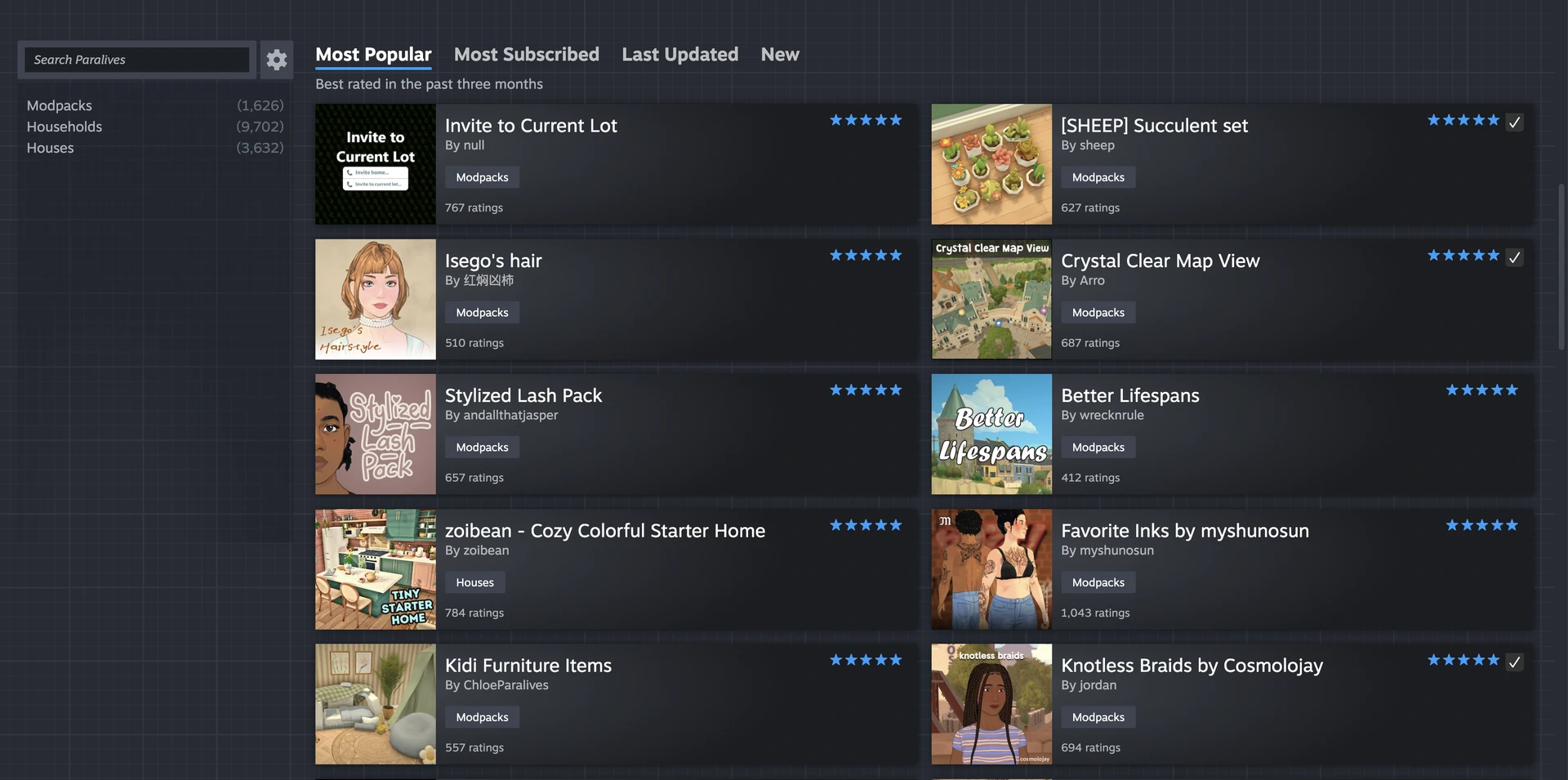
The main repository is Steam Workshop, which the developers integrated directly into the game. At the time of writing, the Workshop already has over 13,000 files: modpacks, households, and lots. Some authors also upload their creations to Nexus Mods, but the main and most convenient source is the official Steam Workshop.
How to Install?
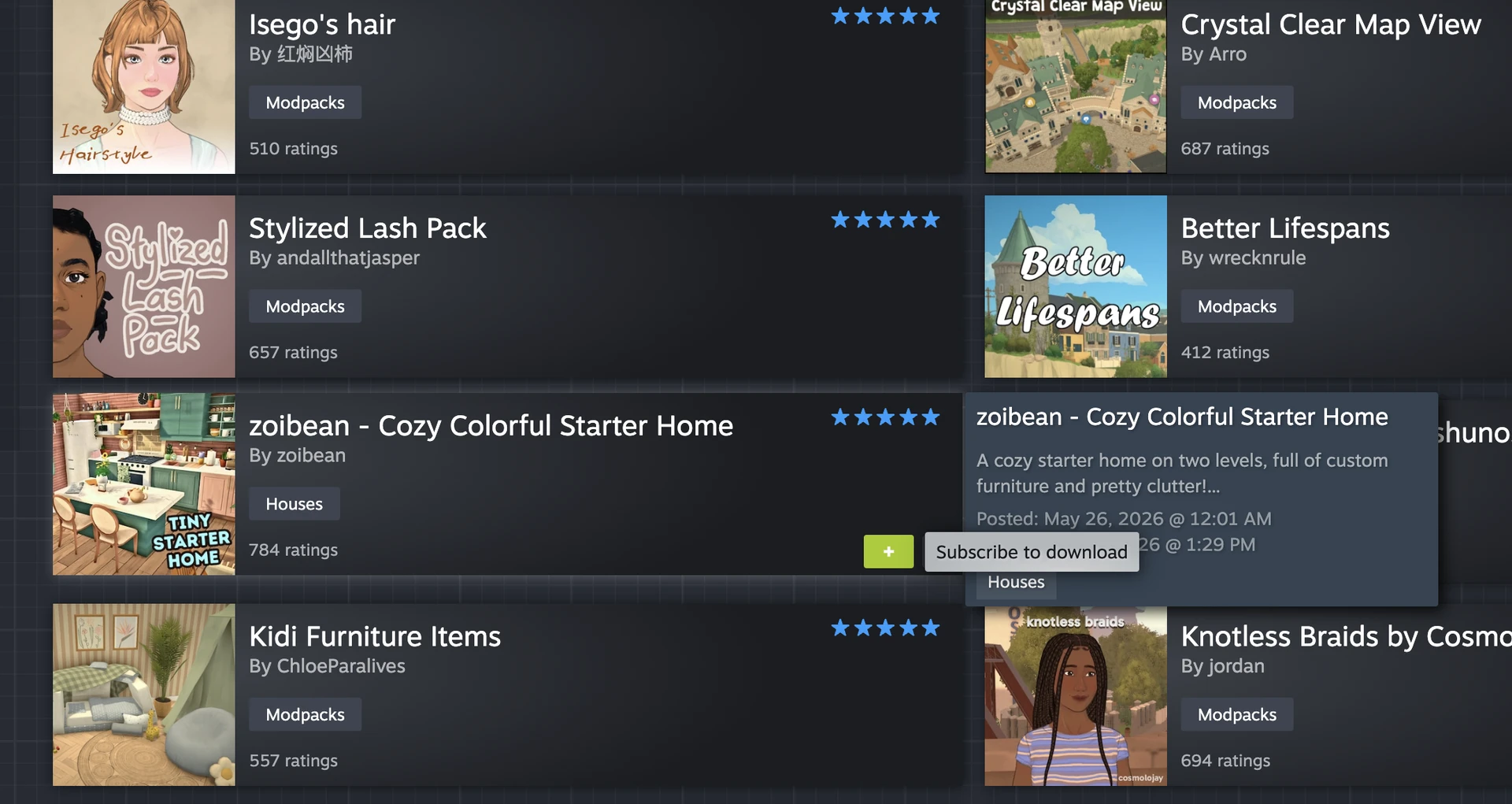
The process is extremely simple. Go to the main menu, select "Mods", click "Browse for mods on Steam Workshop", and find the add‑on you like. One click on the "Subscribe" button – and the mod will automatically download into the game. No manual file moving, unless you download mods from third‑party sites.
What to Pay Attention To?
Some mods require the installation of a special script loader – BepInEx (an analogue of a script extender for Unity). It's simple: just download the files and place them in the game's root folder next to the executable .exe file. Also, don't forget to back up your saves before installing new mods – just in case.
Camera and Navigation Improvements
One of the first things players complain about in new life simulators is uncomfortable camera control. Fortunately, modders have already fixed this.
Sensible Camera Control by TwistedMexi
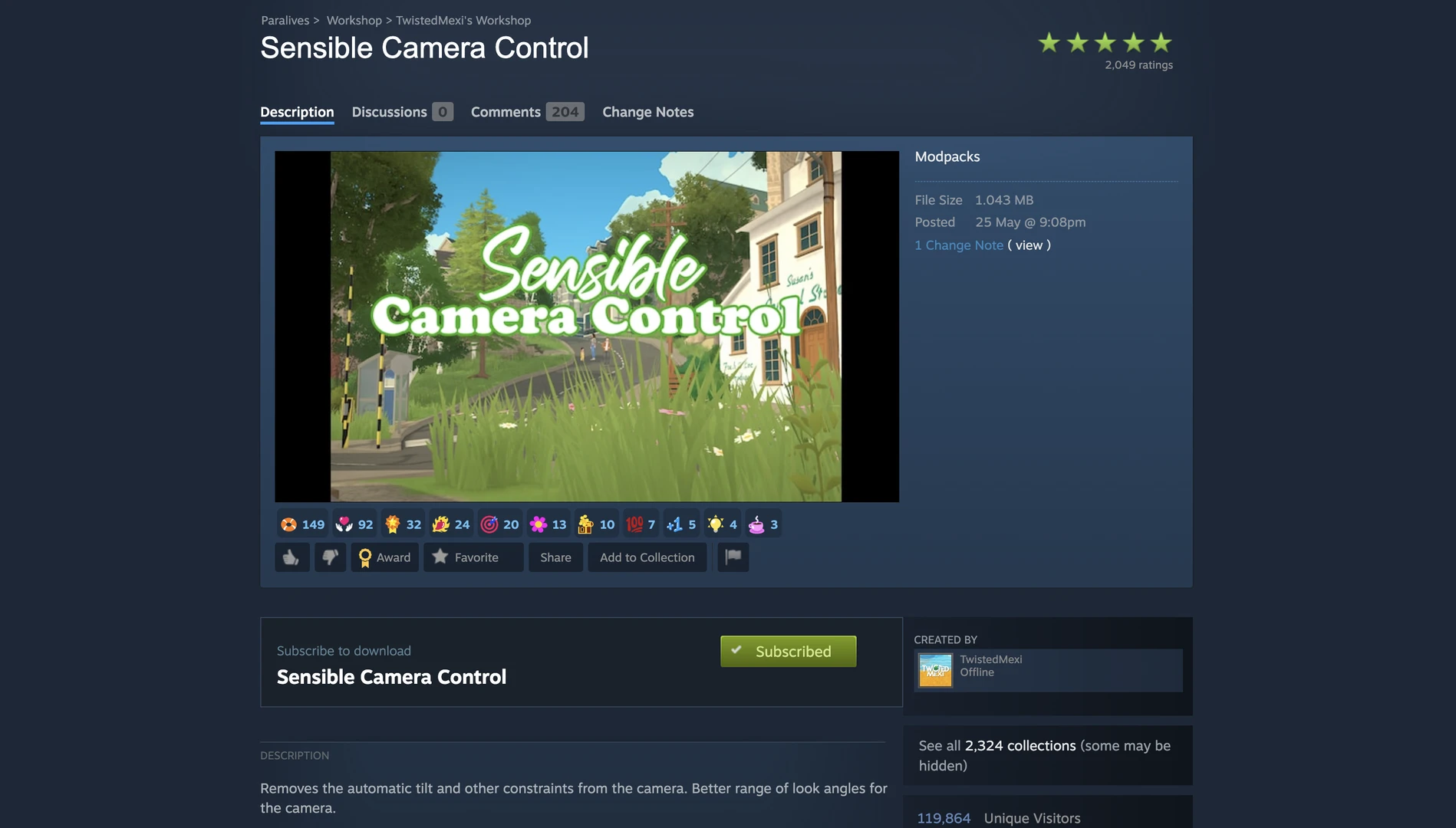
Sensible Camera Control by TwistedMexi, a well‑known mod creator for The Sims 4, is perhaps the most downloaded mod for Paralives at the moment. It disables automatic camera tilting when zooming in and out, removes "jerks", and makes camera control smooth and predictable. The camera stays where you put it, which is especially appreciated when building multi‑story houses.
Crystal Clear Map View by Arro
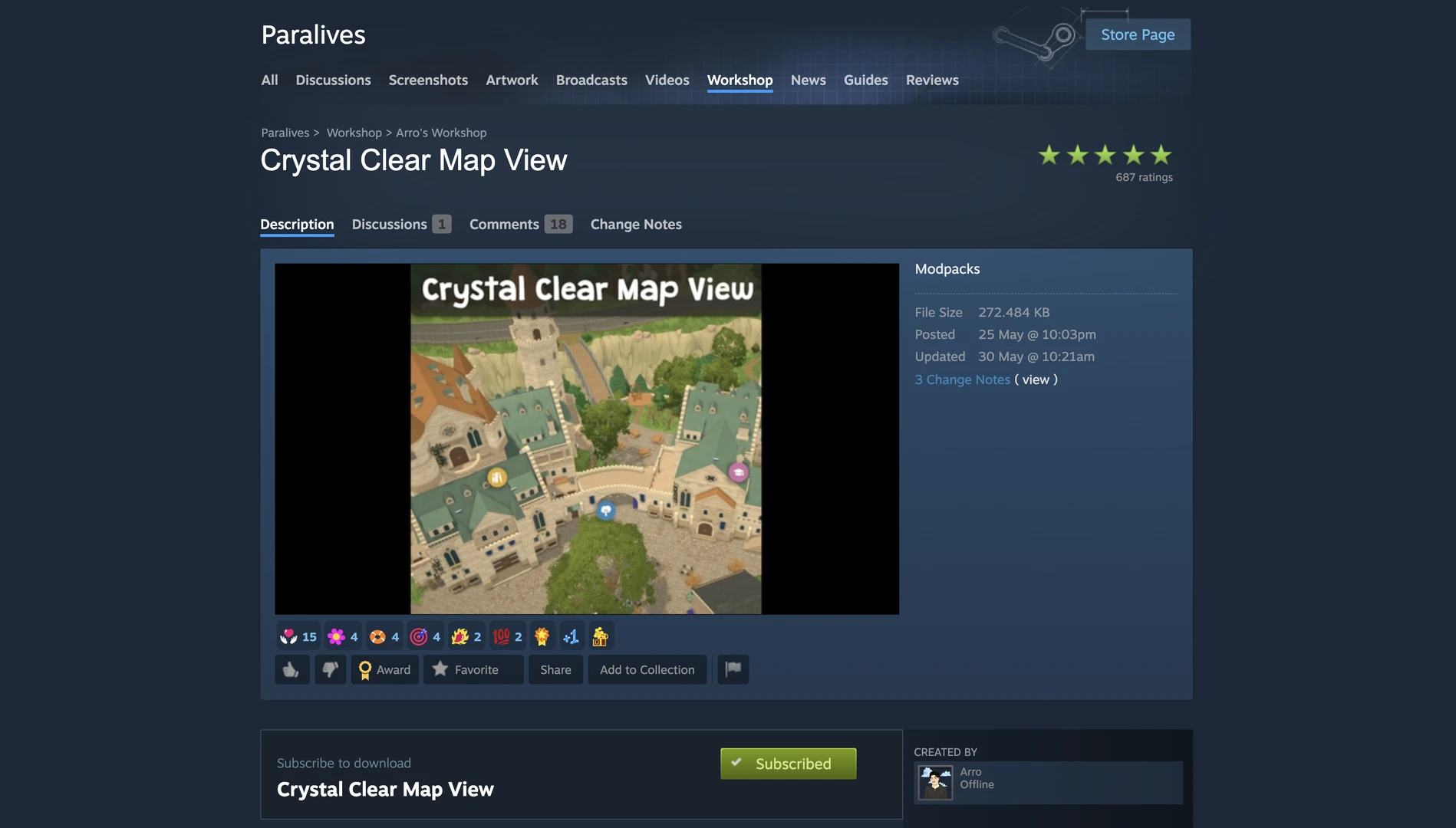
Crystal Clear Map View removes blur and depth‑of‑field effects from the city map, making it sharp from edge to edge.
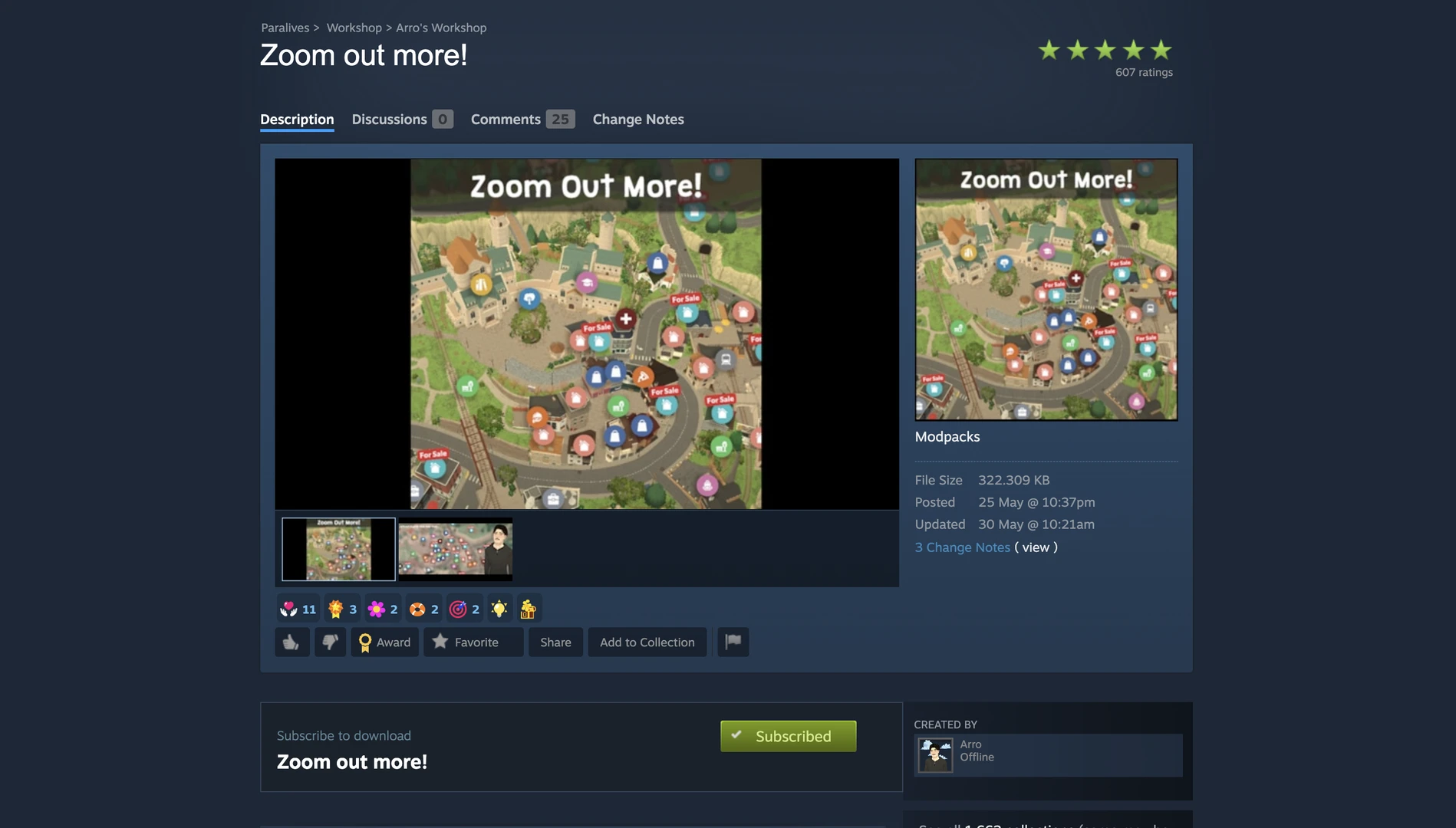
Zoom Out More! by Arro
Paired with the Zoom Out More! mod, you can zoom the camera out far enough to see almost the entire city at once – like in The Sims 3, but without loading screens.
Display Townies on Map by RanS
For those who love total control over their surroundings, Display Townies on Map is perfect. This mod shows icons of all Parafolk on the map. Hover over them – and you'll see their current activity, stats, and job.
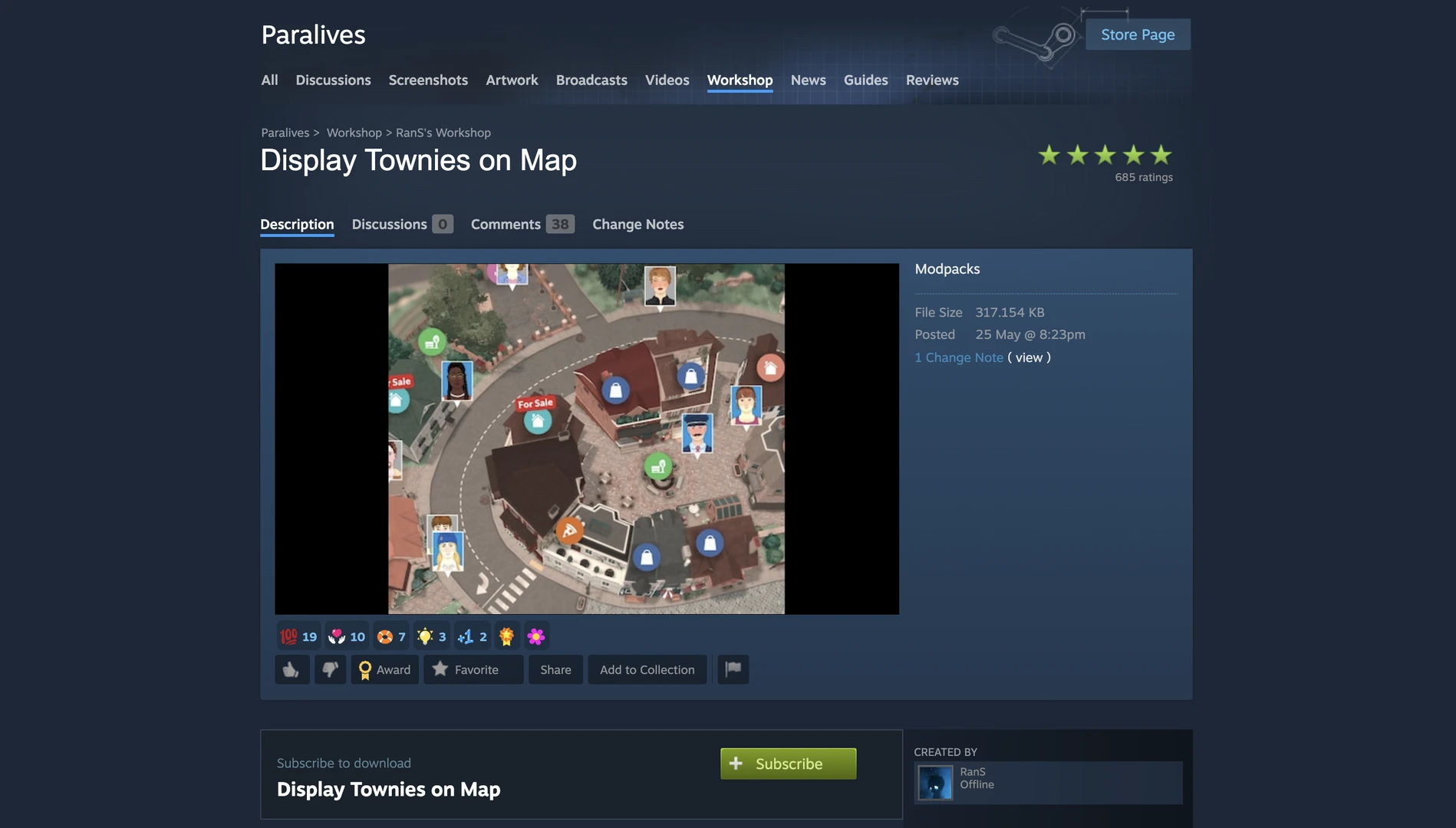
Perfect for storytellers who don't want to spend hours searching for a specific character. Note that this mod may reduce performance.
Interface and Building Improvements
The standard building mode in Paralives is convenient, but modders have found ways to make it even better.

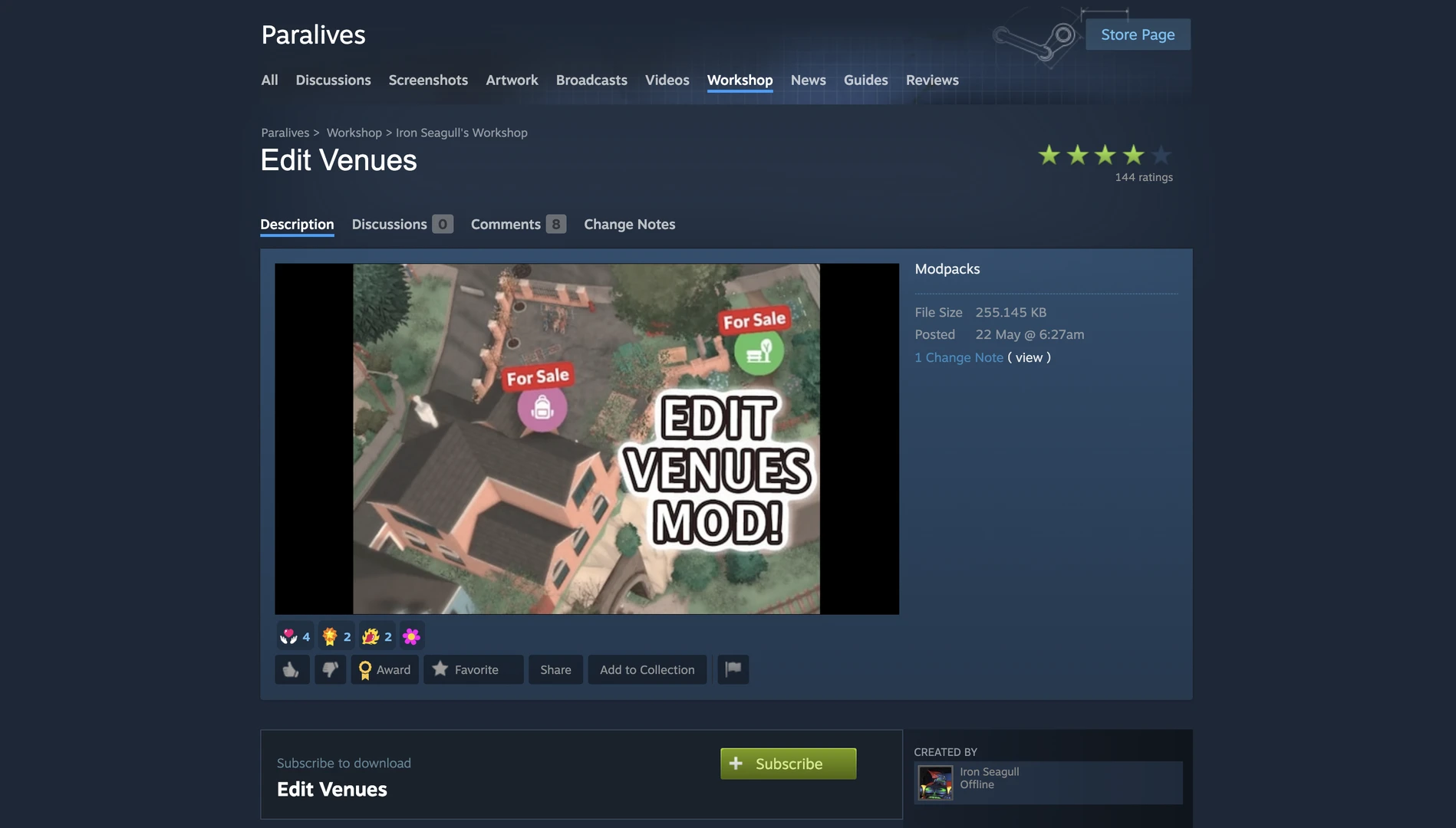
Edit Venues by Iron Seagull
Edit Venues allows you to edit community lots (restaurants, parks, etc.), but only after one of your Parafolk buys them. No more restrictions – turn the town square into a cozy garden or add missing furniture to your favorite café.
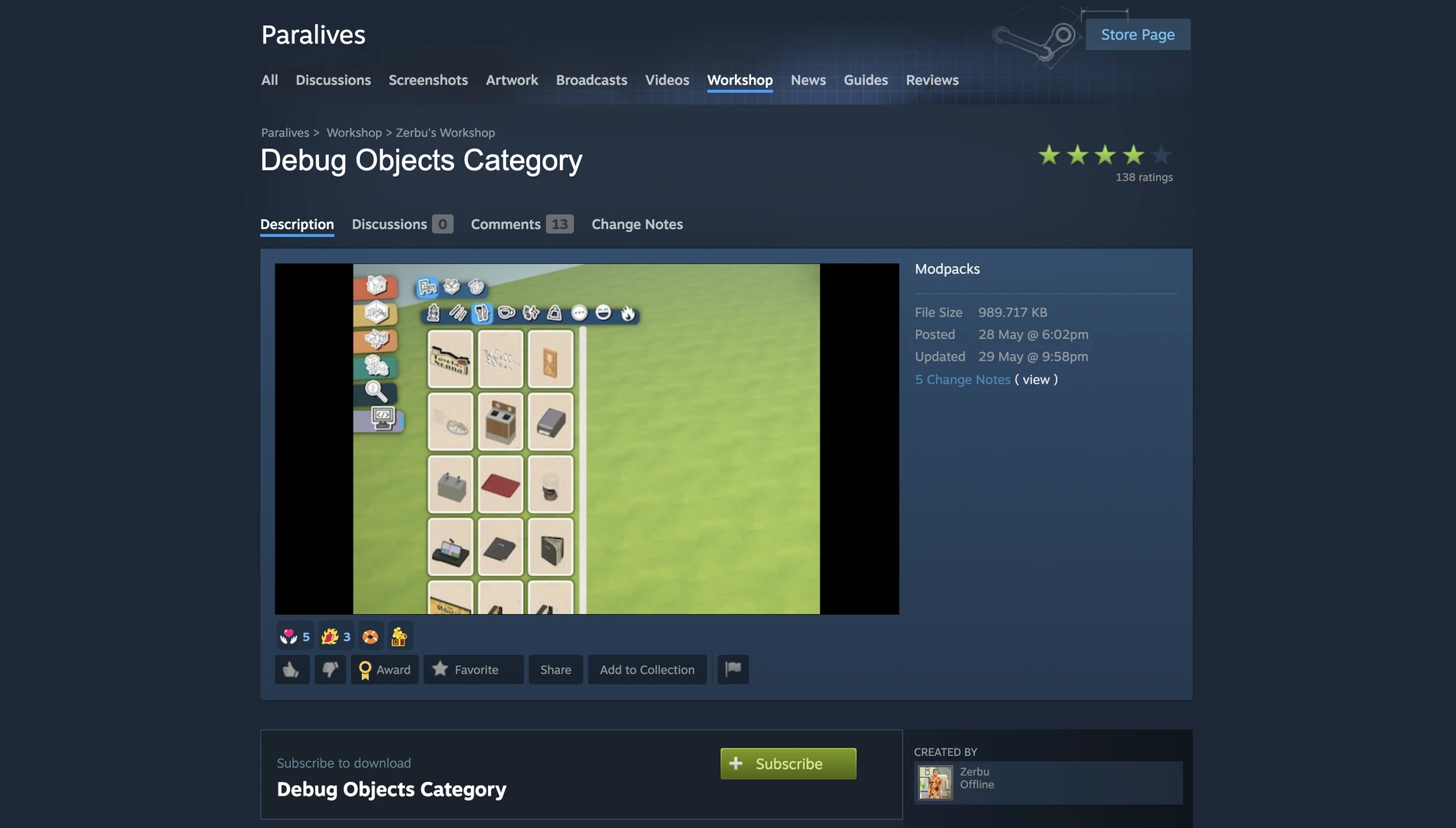
Debug Objects Category by Zerbu
Debug Objects Category, by a popular The Sims 4 modder, allows you to use debug items that were used by developers to build the town.
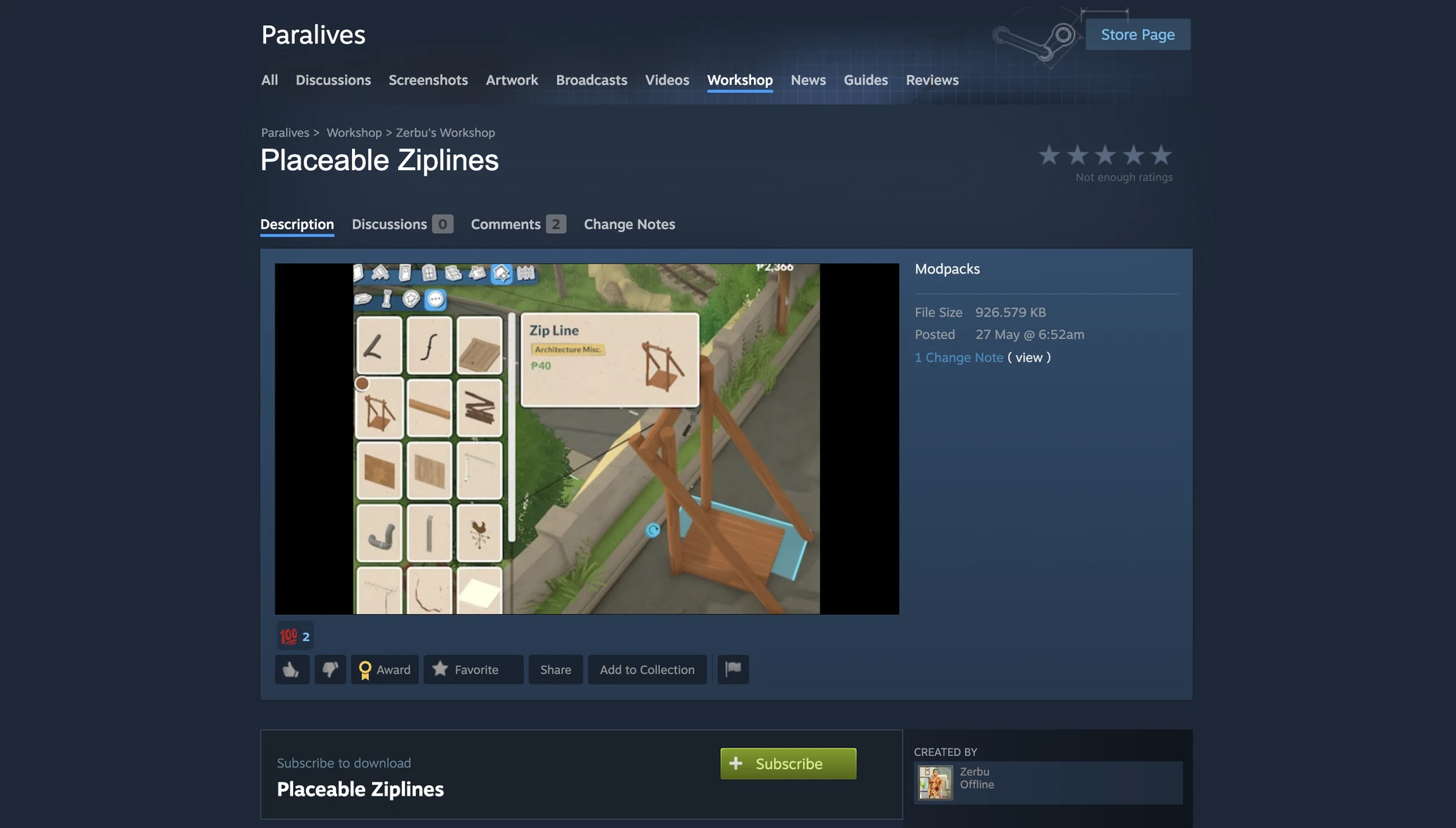
Placeable Ziplines by Zerbu
Placeable Ziplines is another mod by Zerbu that adds ziplines to Build Mode and lets you place them anywhere in the city. By default, the game has one zipline connecting one part of the city to another, but it is not available for free placement.
Gameplay and Career Mods
If you want to add new mechanics and systems to Paralives, check out this category.
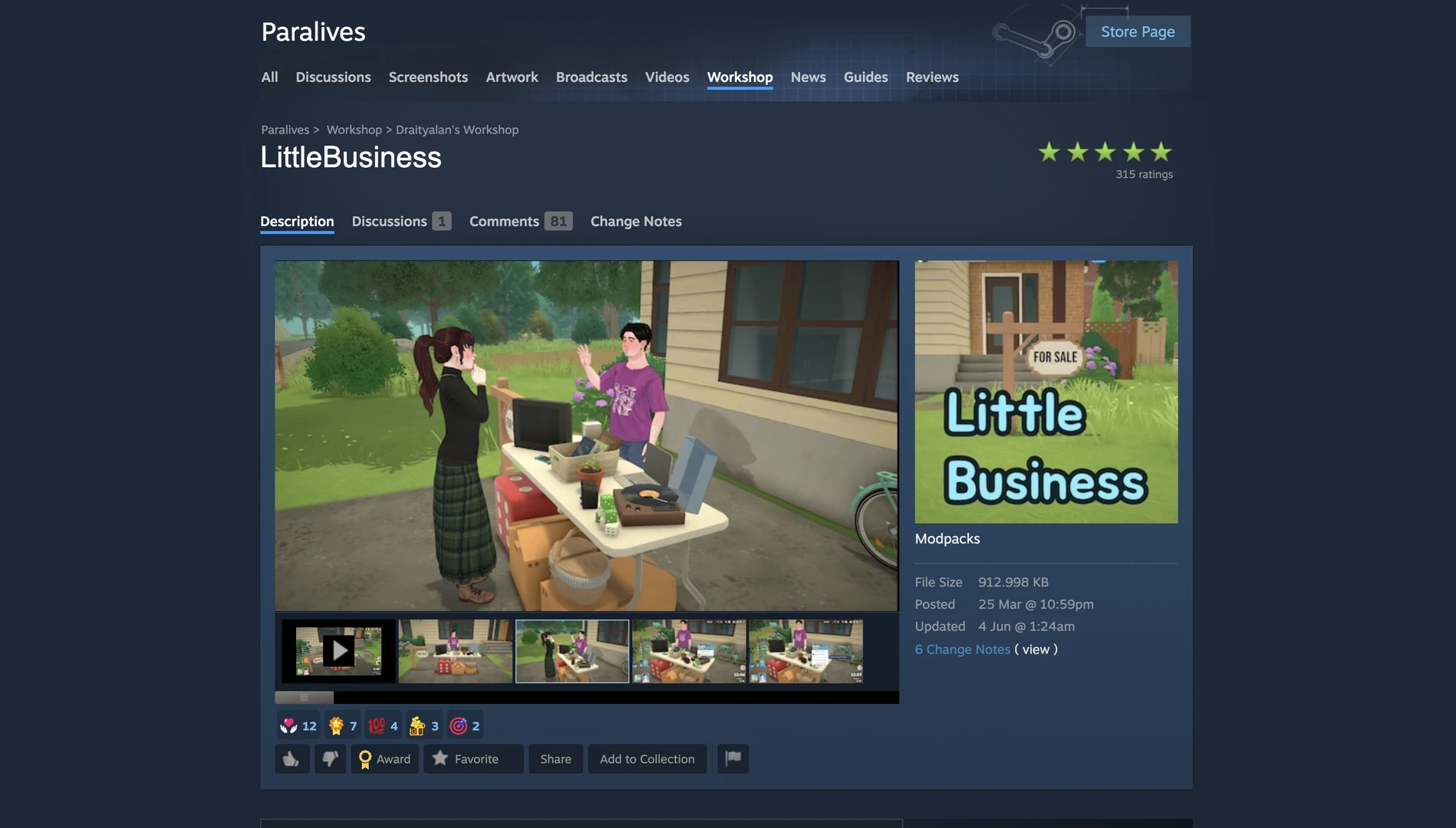
LittleBusiness by Draityalan
LittleBusiness is one of the most popular gameplay mods. It adds a full‑fledged small business system: your Parafolk can open and manage their own shops, cafes, and services. Place a sign on the lot, and it becomes a functioning retail outlet.
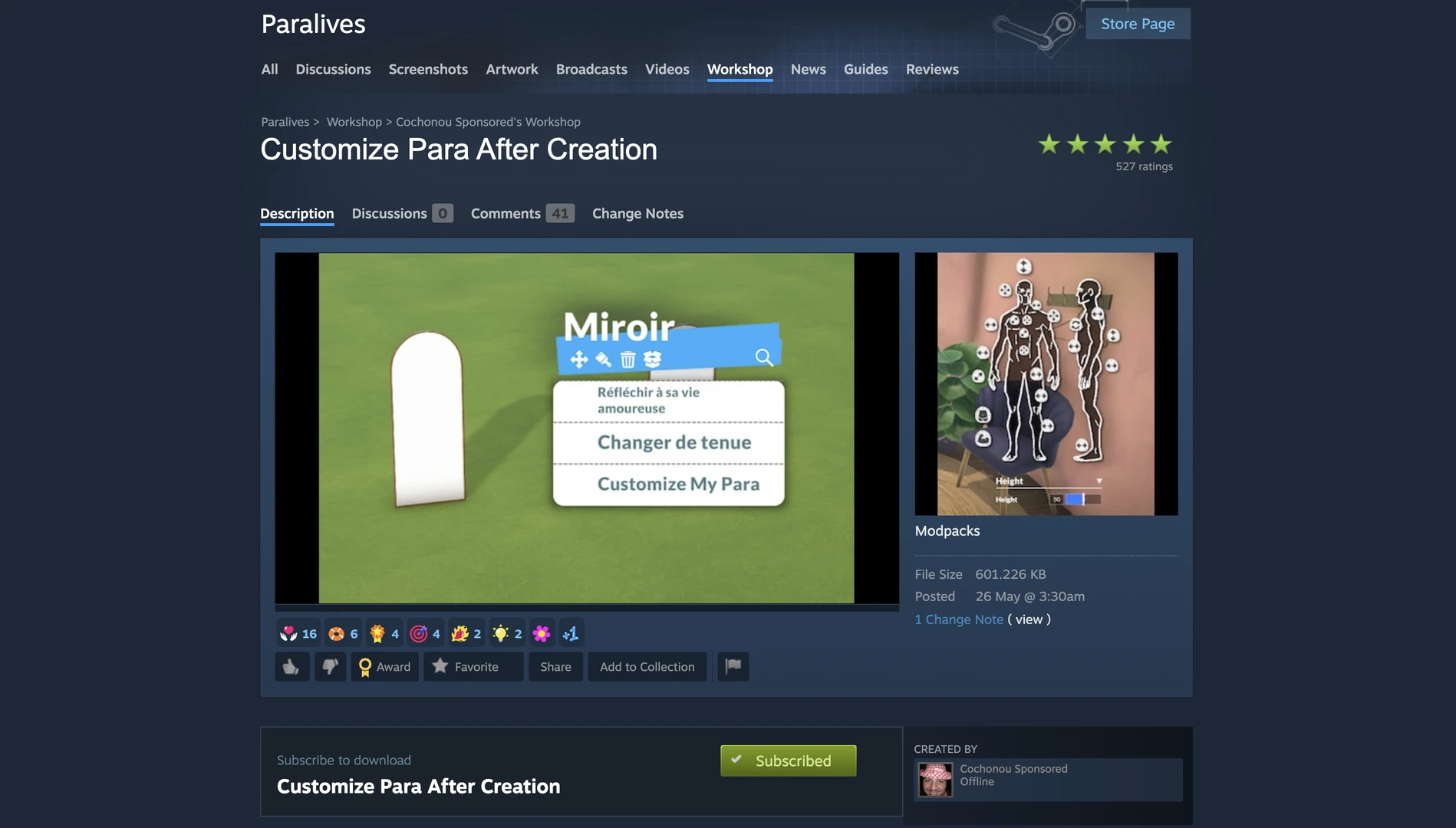
Customize Para After Creation
This mod allows you to fully edit a character after creation. In the base game, mirrors only let you change hairstyle and clothes, but this mod unlocks full access to Paramaker at any time – including name, pronouns, facial features, and body shape.
Basemental Beer by Basemental
Basemental Beer is a small experimental mod by the creator of well‑known modifications for The Sims 4, adding a realistic beer‑drinking process to Paralives.
It's important to understand that the author does not currently plan to create full versions of his mods for Paralives. The game is at a very early stage of development, and the modder prefers to first see how the game and its modding community develop. Nevertheless, he decided to share what he has already done so that the community can appreciate the potential.
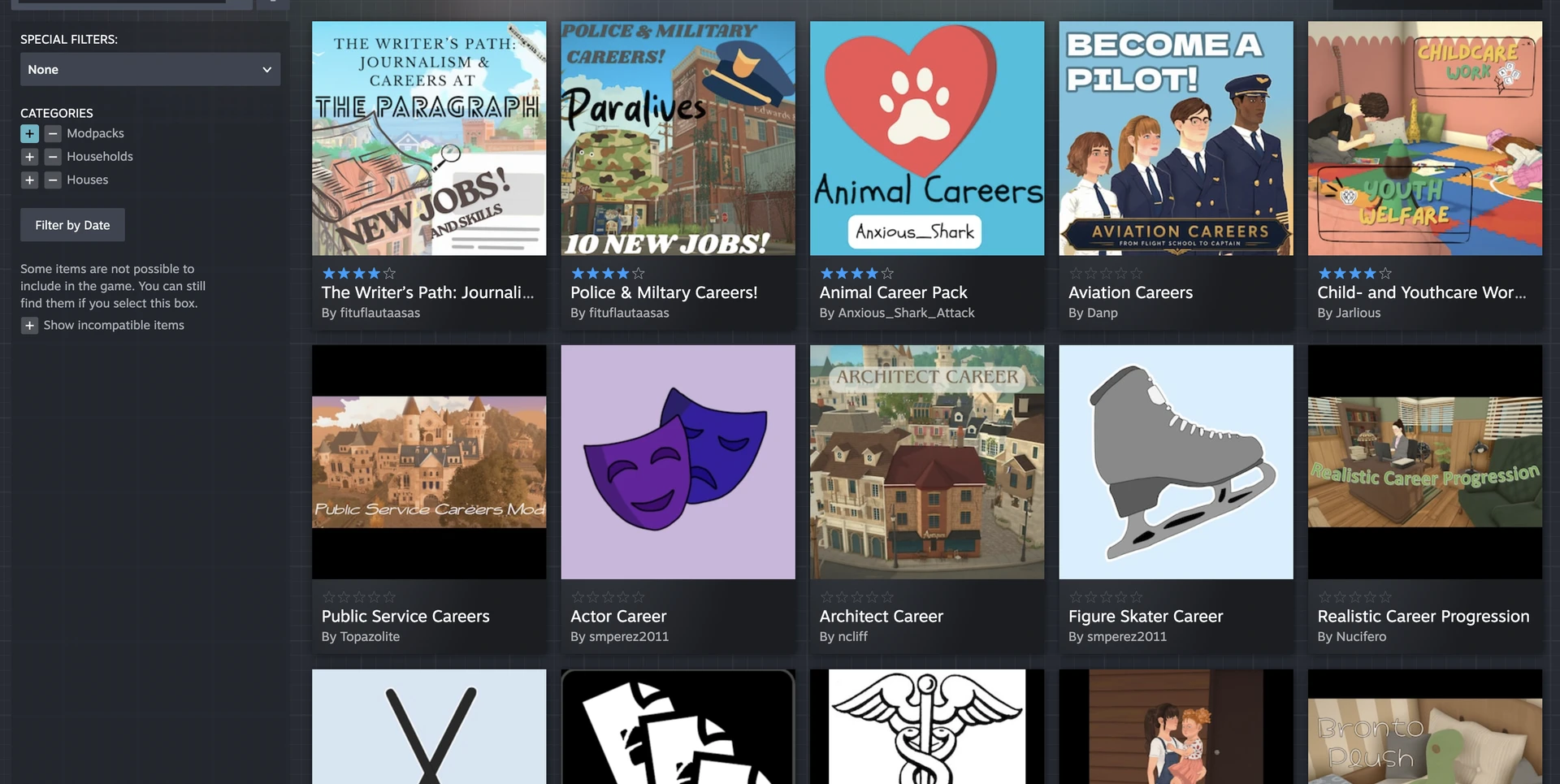
The Workshop is also filled with many career mods. If you need something specific, chances are you'll find it.
Character and Item Customization
Cosmetic mods are among the most numerous. Here are a few of the best.
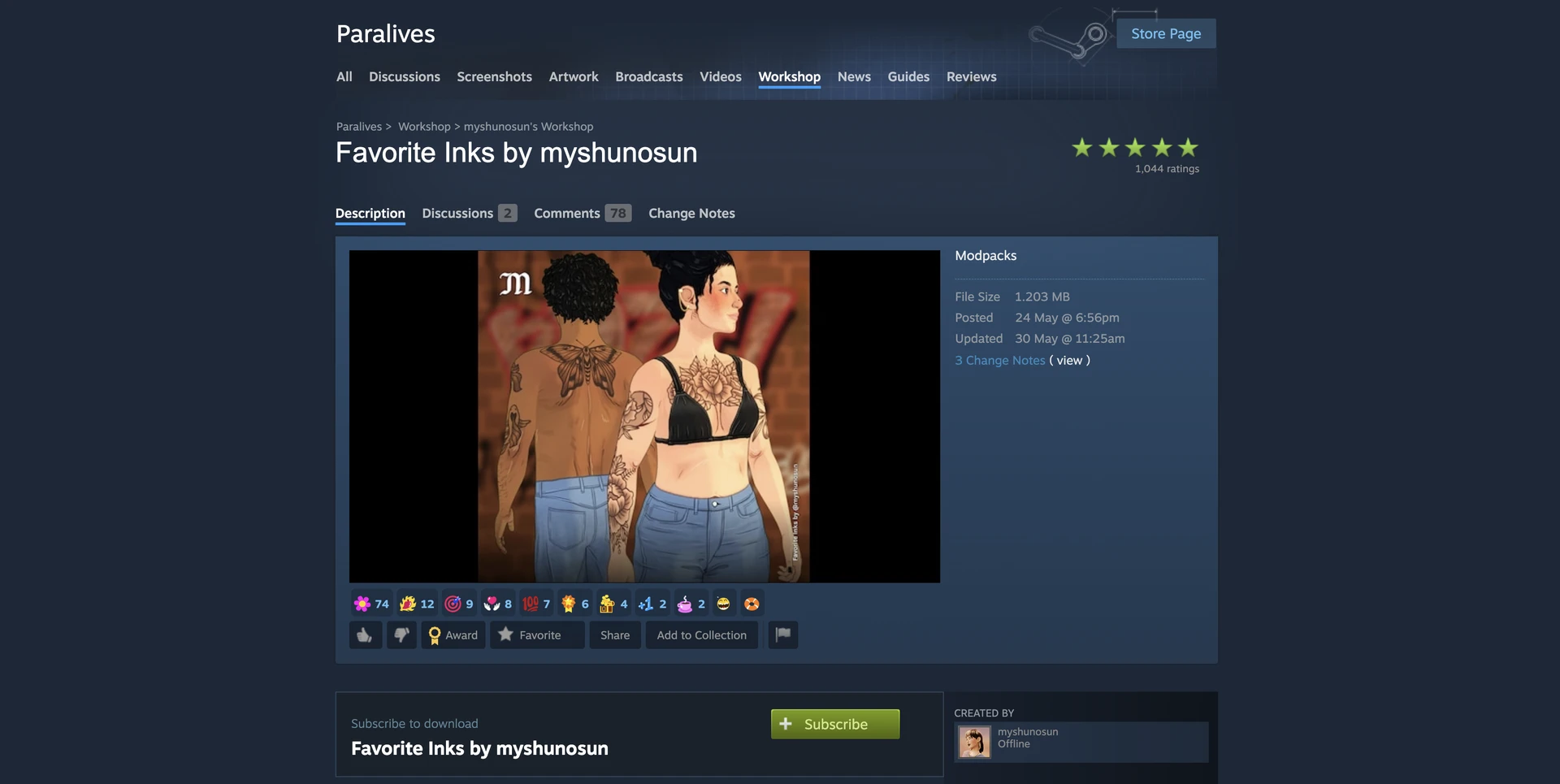
Favorite Inks by myshunosun
Favorite Inks by myshunosun adds dozens of new tattoos with customizable colors. 4K Skin Details & Sliders improves skin textures, adds freckles, and expands body sliders.
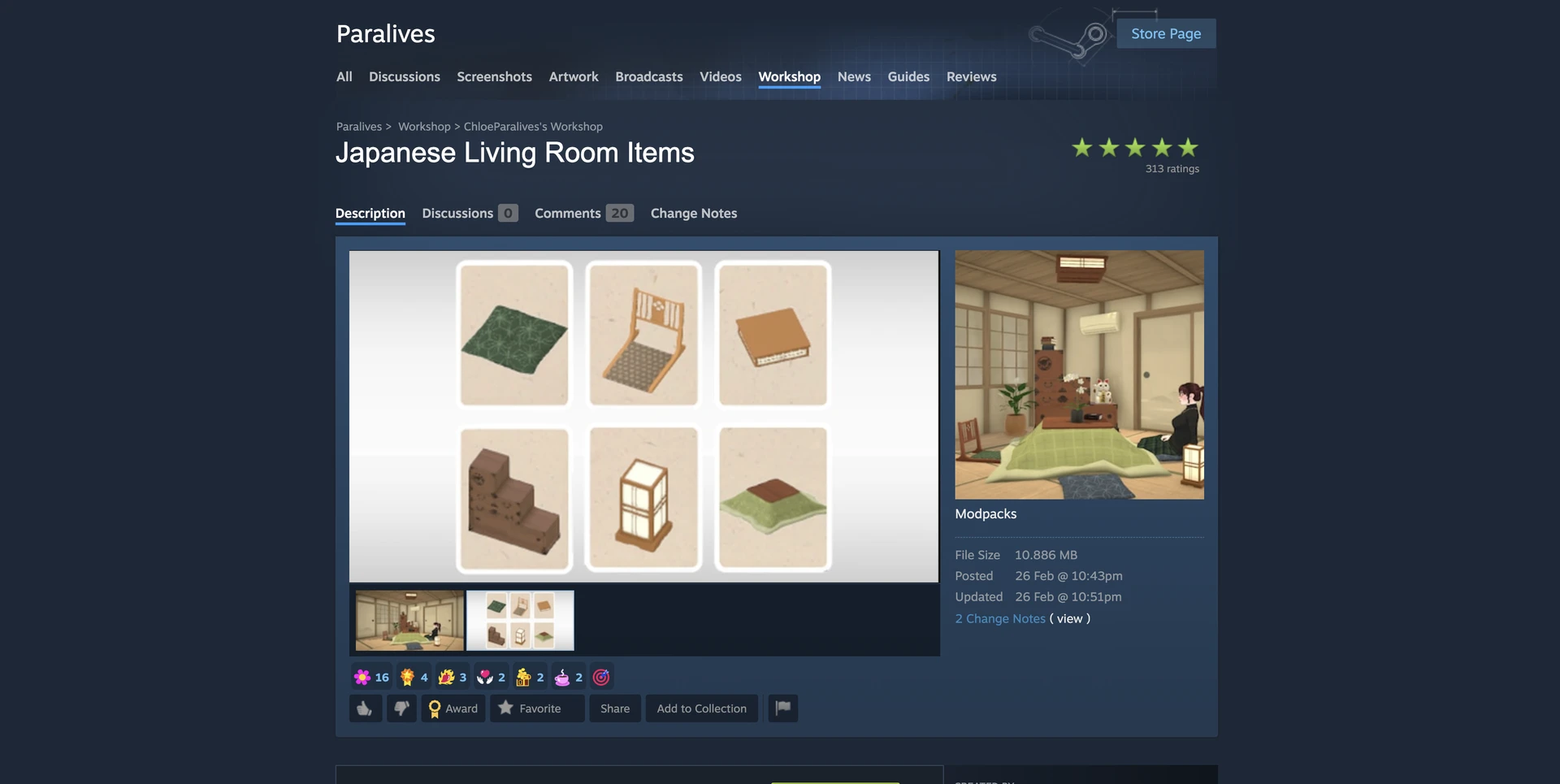
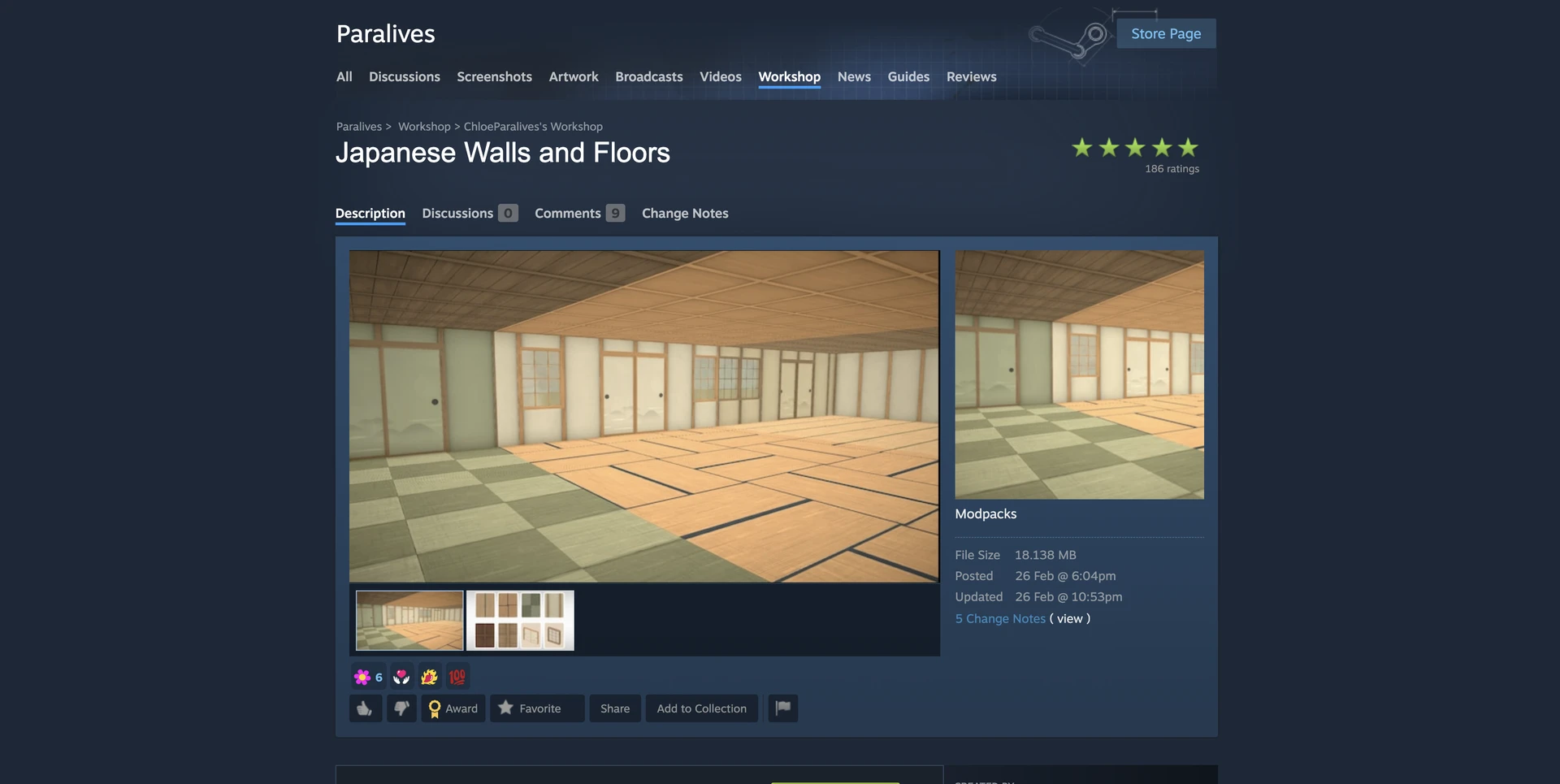
Japanese Living Room Items и Japanese Walls and Floors by ChloeParalives
Japanese Living Room Items and Japanese Walls and Floors are two sets of Japanese furniture and finishes. Together they add a kotatsu, traditional lanterns, tatami mats, and wooden panels.
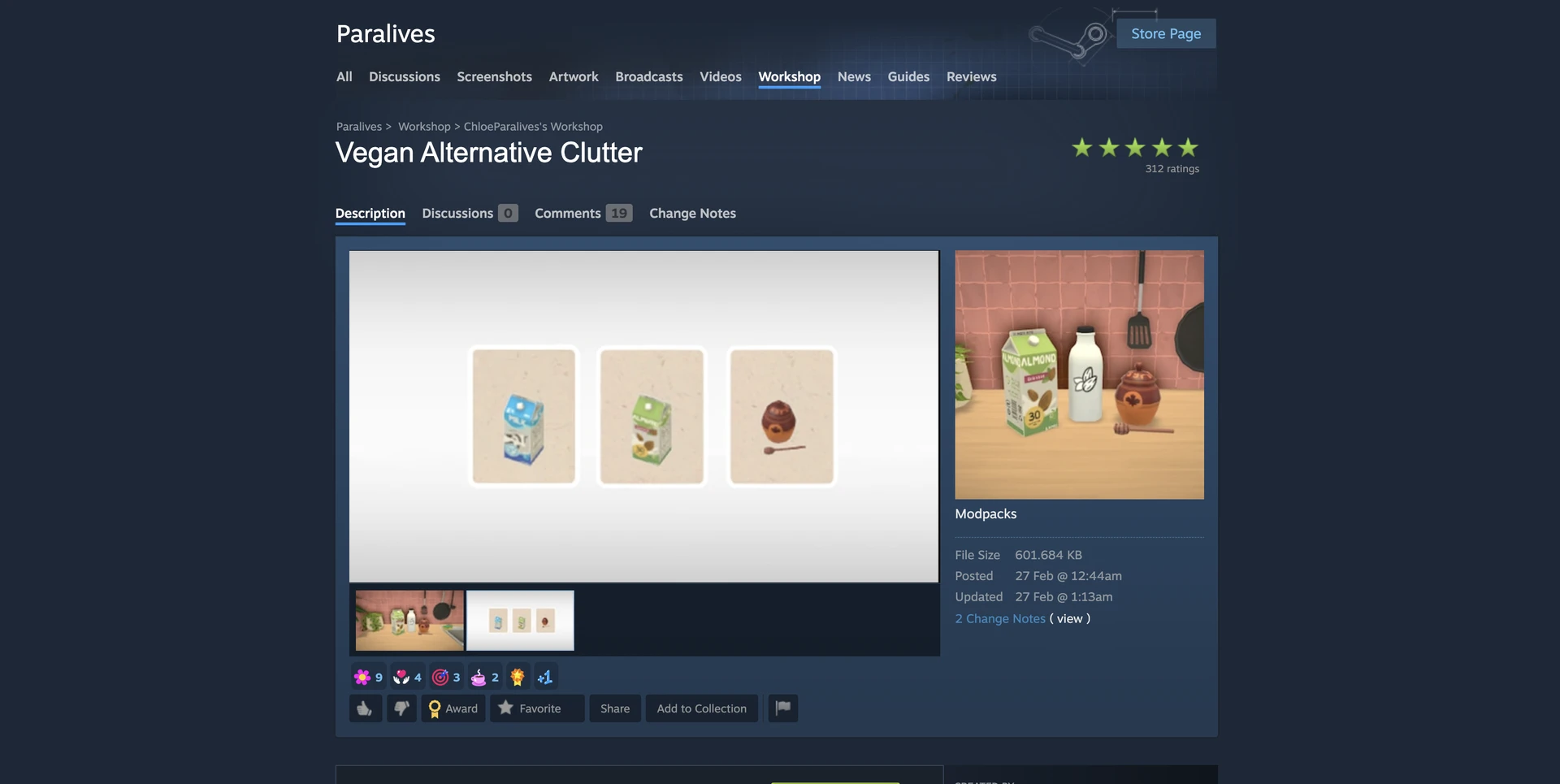
Vegan Alternative Clutter by ChloeParalives
Vegan Alternative Clutter replaces food in decorative items with plant‑based alternatives. A small detail that will delight players who care about the little things.
Technical Mods and Optimization
Some mods don't add content but fix technical issues of early access.
Unity Optimization Project is one of the best mods for improving performance. It reduces memory leaks, improves frame rates when loading many objects on a lot, and optimizes the Unity engine.
NeonJay MasterCore Mod Suite is a set of three modules. MasterCore is the required foundation. MasterCheats adds a powerful cheat menu (Alt+click on any object or character) allowing you to change needs, relationships, age, and even instantly kill. MasterFixer solves several critical bugs: fixes an error where the game would stop loading mods when there were more than 50, prevents Unity crashes when loading more than 15 script mods, and protects subscriptions from accidental removal.
A Few Important Tips
Do not mix mods that change the same thing. Two different cameras or two trait systems will almost certainly cause a conflict.
Check compatibility after every game update. Modders usually release updates within a day, but complex script mods may take longer.
Back up your saves. Especially before installing script mods. The save folder is located at %USERPROFILE%\AppData\LocalLow\Alex Masse\Paralives\Saves.
If something goes wrong – use the 50/50 method. Remove half of your mods, launch the game, and test. Repeat until you find the culprit.
The Paralives community is just beginning to unlock its potential. In the first days after the early access release, modders have created thousands of add‑ons – from simple cosmetic ones to full‑fledged systems. And the roadmap still includes weather, pets, and vehicles. If this is just the beginning, the future of modding in Paralives looks incredibly bright.



