
Complete Guide to Managing Households in Paralives: Switching Families, Owning Multiple Houses, and Splitting
Paralives offers not just the life of a single family — you can create entire dynasties, manage different families throughout the city of Melino, and even allow one household to own several houses at the same time. This guide will tell you about all the tools and tricks of family management: from switching between neighbors to buying a second home on the coast.
Previously, we published articles on how to unlock all recipes in Paralives, as well as a detailed breakdown of pregnancy and raising children.
Switching Between Families in Paralives
In Paralives, you are not limited to playing just one family. The system allows you to instantly switch between any residential houses in the city. This opens up endless possibilities for storytelling: today you are building a scientist's career, and tomorrow you take control of his colleague's family to create a dramatic story.
To switch control to another family:
- Open the town view (simply zoom out the camera);
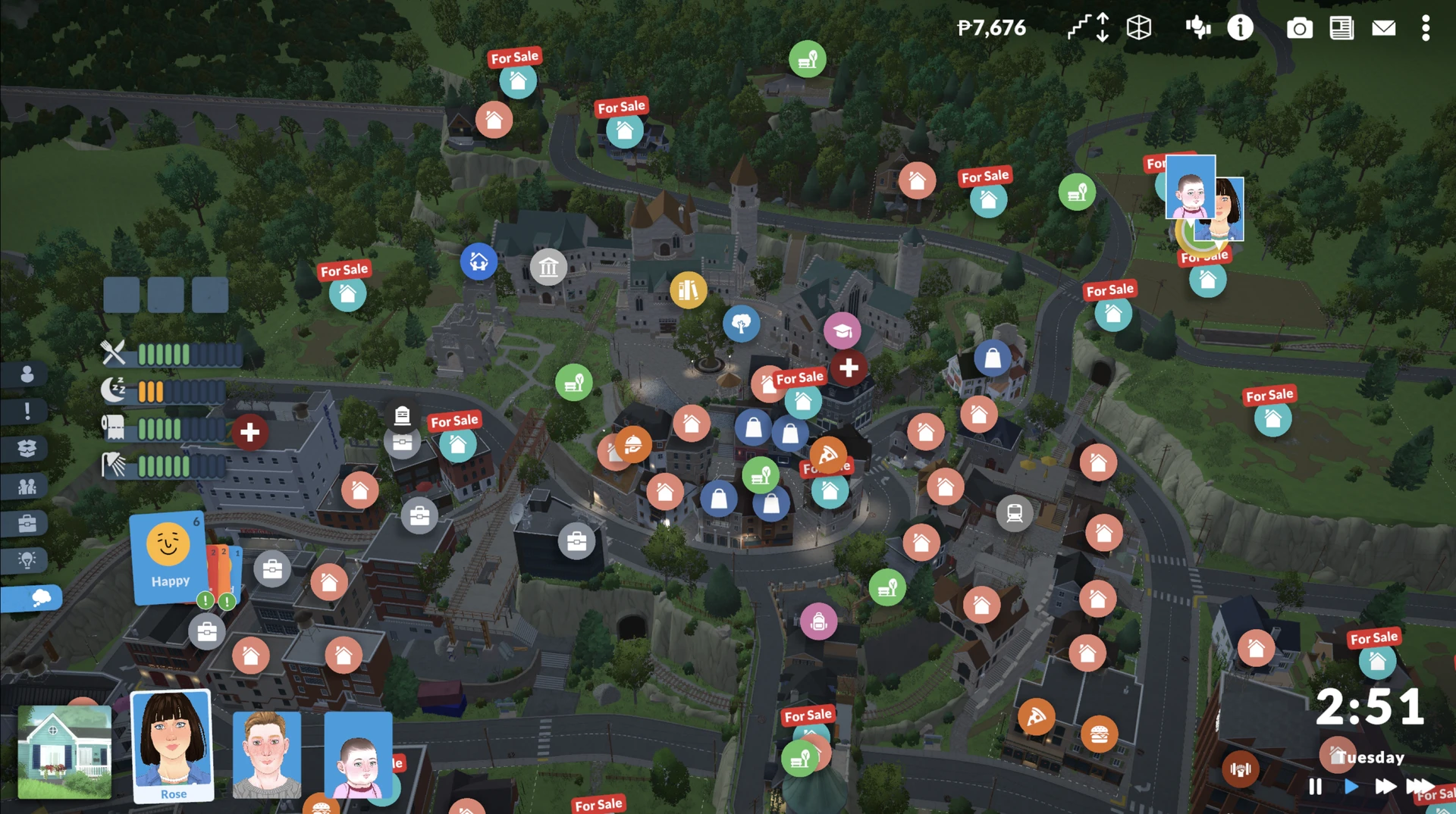
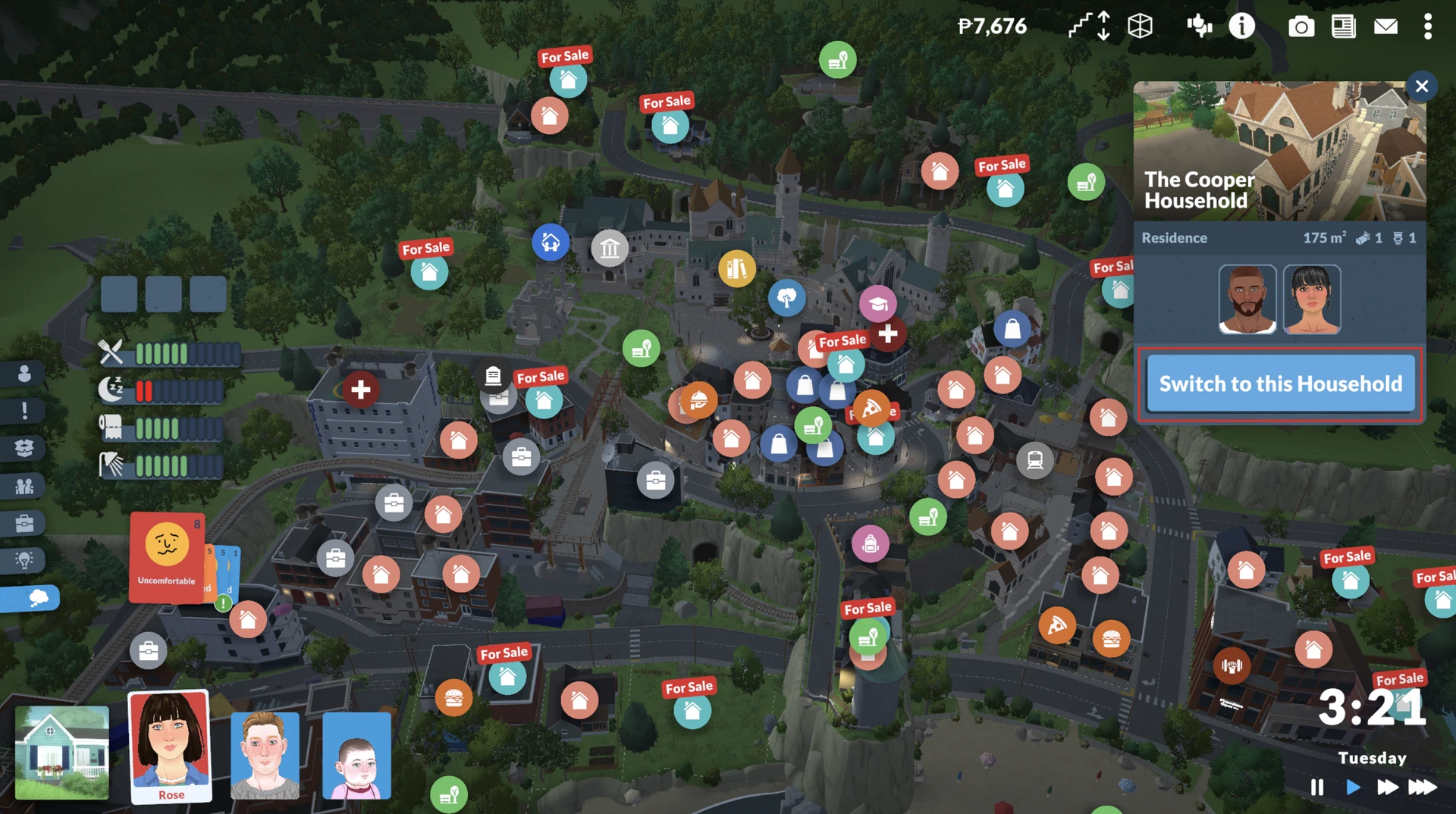
- Find the desired residential lot on the map and click on the house icon;
- Select the option "Switch to Household" and wait a moment for the new house to load.
Owning Multiple Houses in Paralives
In Paralives, your family can own several lots at the same time. The system is extremely flexible: you have a main home, but you can buy any vacant lot or house and it will become your property.

How it works:
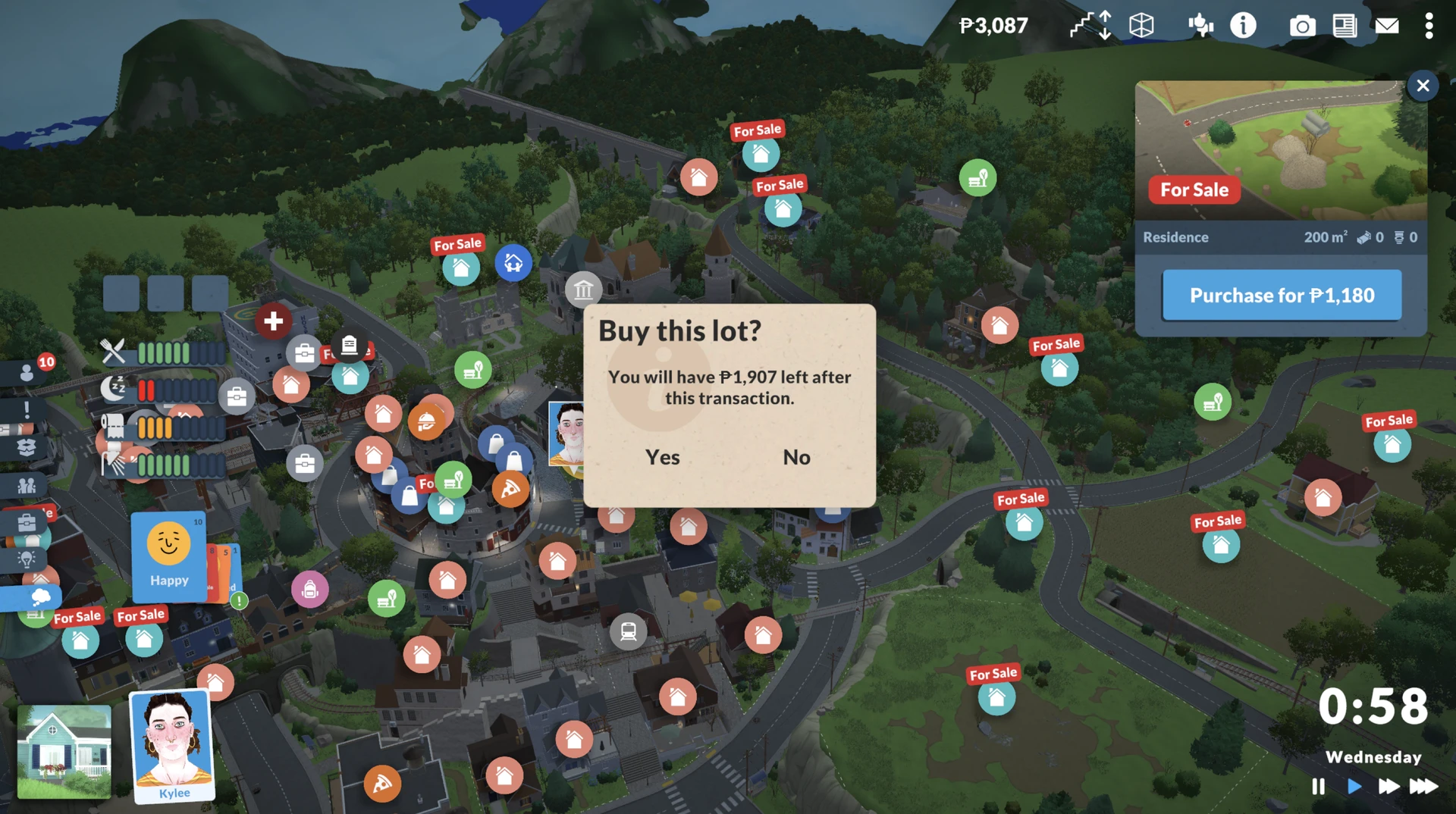
Purchase: Simply select any house with a "For Sale" sign on the map and buy it if you have enough funds. After this, your family will have two main houses shown on the map.
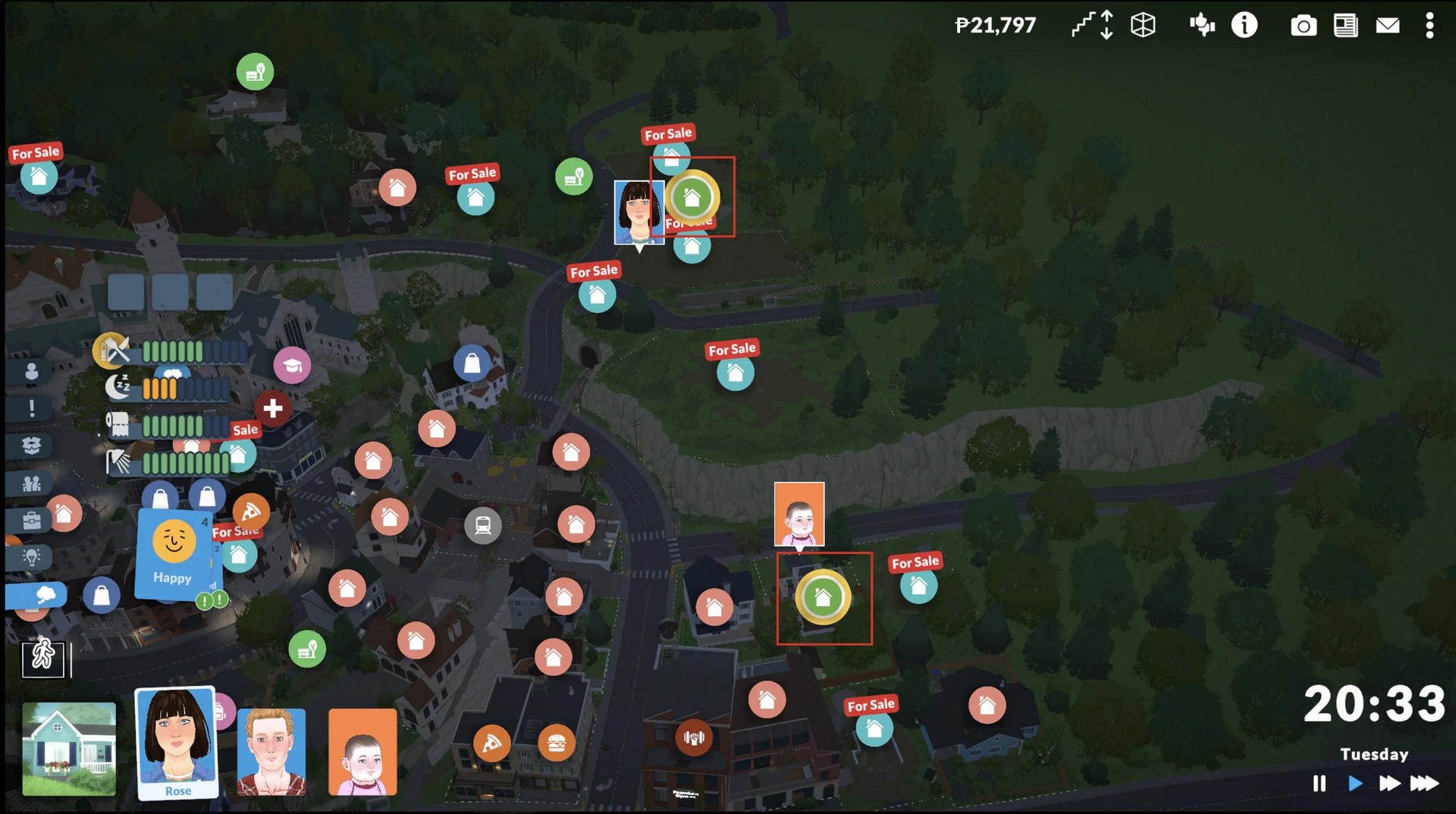
Pros: This is an ideal way to provide housing for grown‑up children – you can buy them an apartment without spending time switching between families, or acquire a countryside "vacation home".
Cons: Unlike other games, in Paralives all your houses are loaded simultaneously. If you have 5 or more properties loaded at the same time, this can lead to a noticeable drop in game performance. The developers are actively working on optimization for early access.
It may also happen that characters will run between houses and waste time doing so, which can be annoying. So it's better to buy a neighboring house so that Parafolk don't have to run too far.
Managing Relatives: Moving and Splitting Households in Paralives
Life in a simulator is unthinkable without constant moving and the emergence of new families. The system in Paralives is very reminiscent of The Sims 4, but with a few pleasant features.
Moving the Entire Household
The easiest way to change your surroundings is to sell the old house and buy a new one. When selling a house, all furniture remains in place, and the family receives money. You can also simply buy a new house and move belongings there via the Household Inventory.
Splitting a Household
If your character has grown up and wants to live separately:
- Open the town view, click on the house you are currently playing in.
- Select the option "Split Household".
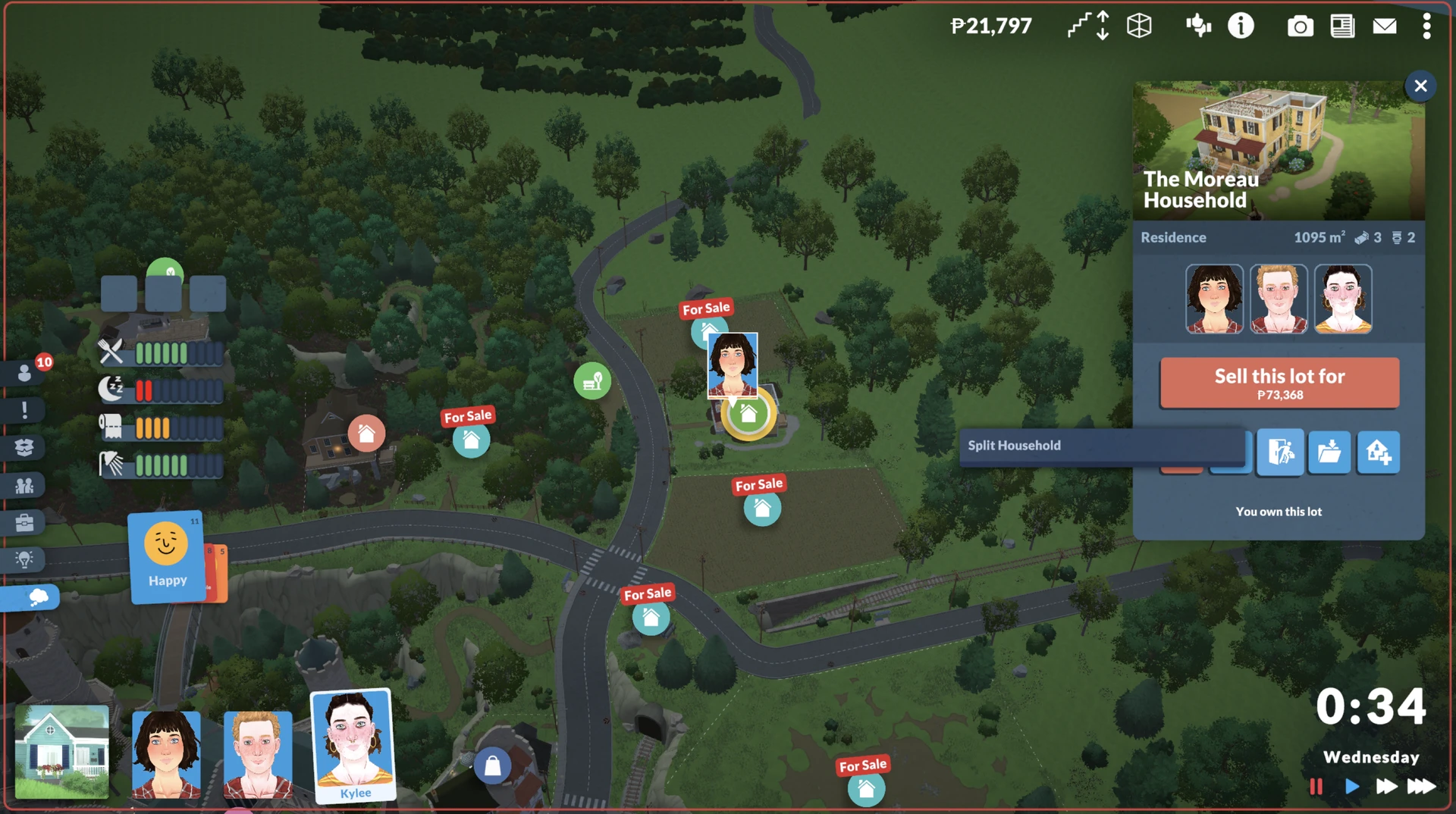
- In the window that appears, drag the character who wants to leave to the right column, specify the amount of money they will take with them (you can leave it blank), and confirm the action.
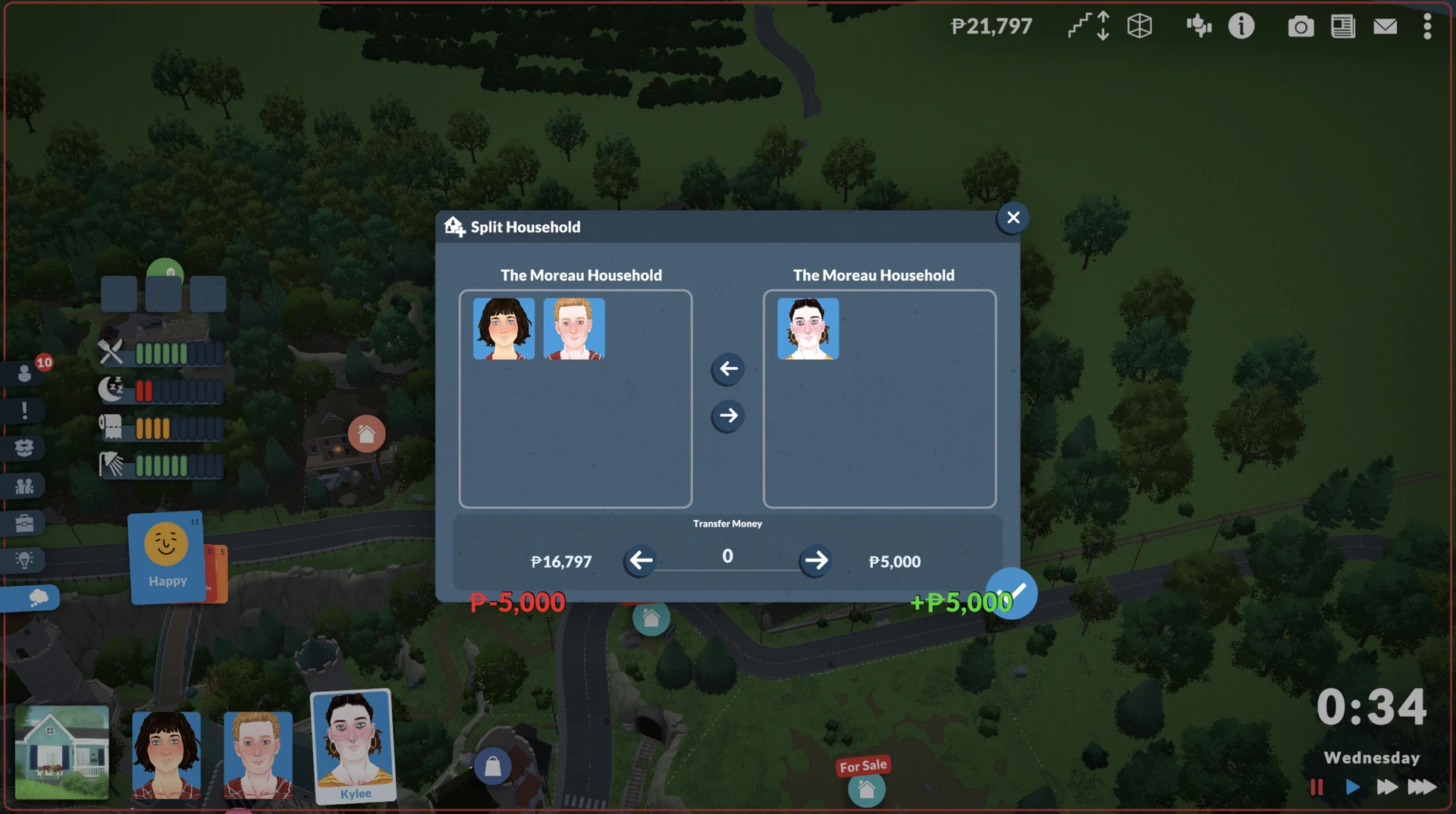
All that remains is to buy an empty lot or a ready‑made house for them to live in.
Important: If you simply want to get rid of an annoying character, you can always send them off on their own by giving them zero Paradays – they will disappear from your main household.
Frequently Asked Questions (FAQ)
Can I build a house on a lot I bought while living in another place?
Yes. You can buy an empty lot and then, in Build Mode, construct a house on it without leaving your main residence.
If I put my house up for sale before buying a new one, where will my Sims go?
The game will automatically place your characters on the side of the road. Don't worry, no one will disappear, but it's better to take care of new housing in advance.
Can I simultaneously control two family members from different houses if I own multiple houses?
This is an interesting point. Technically, you physically play as one household, even if it owns many houses. However, if you split the household by sending part of the family to live in another of your houses, then two separate households will appear in the city, and you can freely switch between them.
How can I find out how much money I will have left after buying a house?
Before confirming a purchase, the game always shows a pop‑up window with information about how many Paradays will remain in your budget.
Managing families in Paralives gives you incredible creative freedom: you can create complex neighborhood dramas or focus on building new houses. The main thing is to remember the technical limitations of early access and keep an eye on performance, especially if you decide to buy up half the city.



