
Paralives Build Mode: A Complete Breakdown – Build Anything, Anywhere
The release of Paralives early access is very close — on May 25, the game will become available on Steam for PC and Mac. One of the main advantages of this indie project, capable of competing with the giants of the genre, is its build mode. There are no endless loading screens here, and your imagination is offered not just freedom, but absolute creative control. Let's take a look at what building and decorating opportunities players will get at launch and what awaits them in the future.
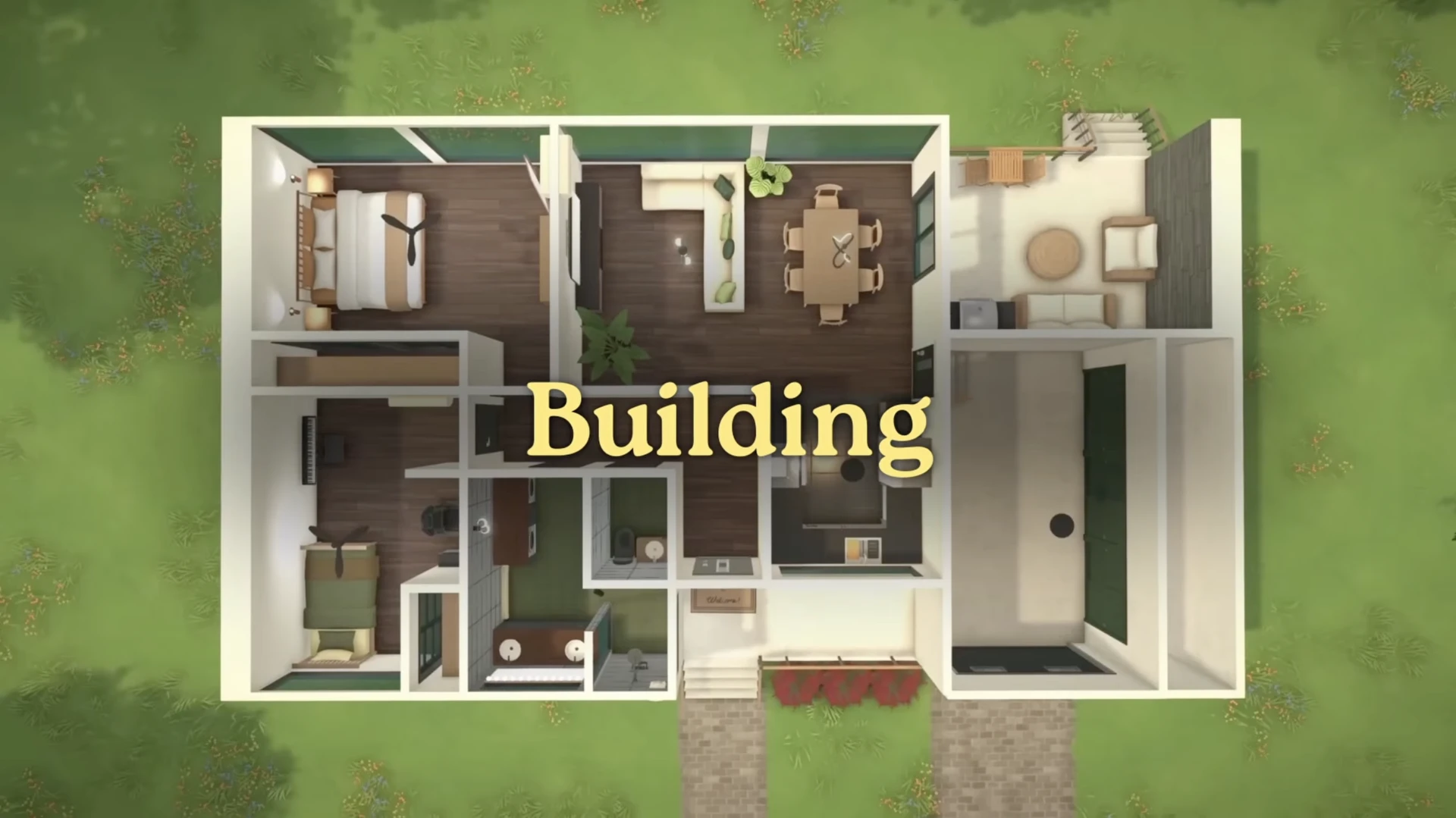
This review is based on information from official developer and community sources, as well as a fresh video review that was released on May 18, 2026.
Walls, Floors, and Foundation: The Basics of Building
Building in Paralives seems familiar at first glance, but quickly reveals its depth.
Walls at Any Angle
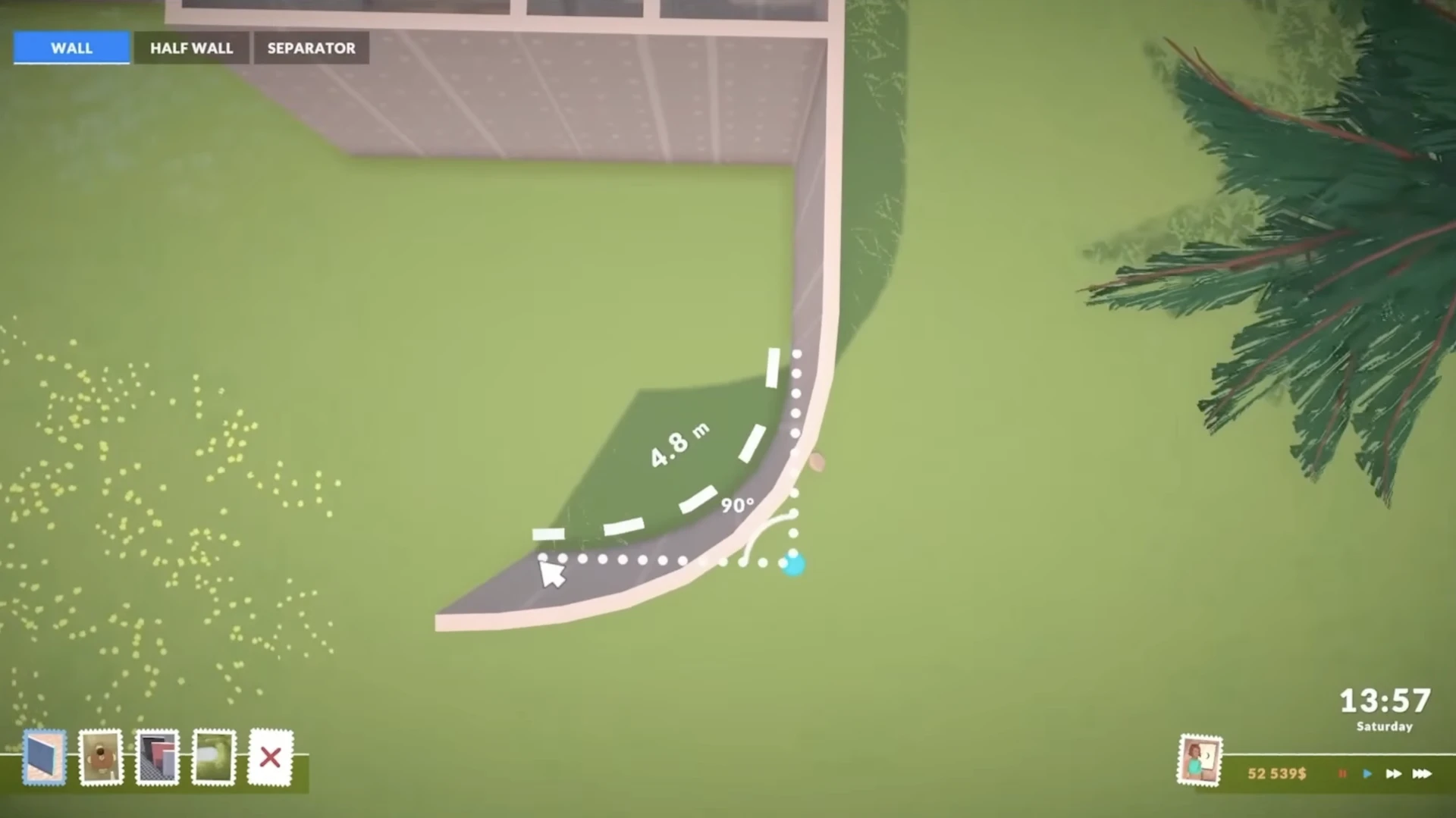
You can build not only straight walls, but also curved walls.
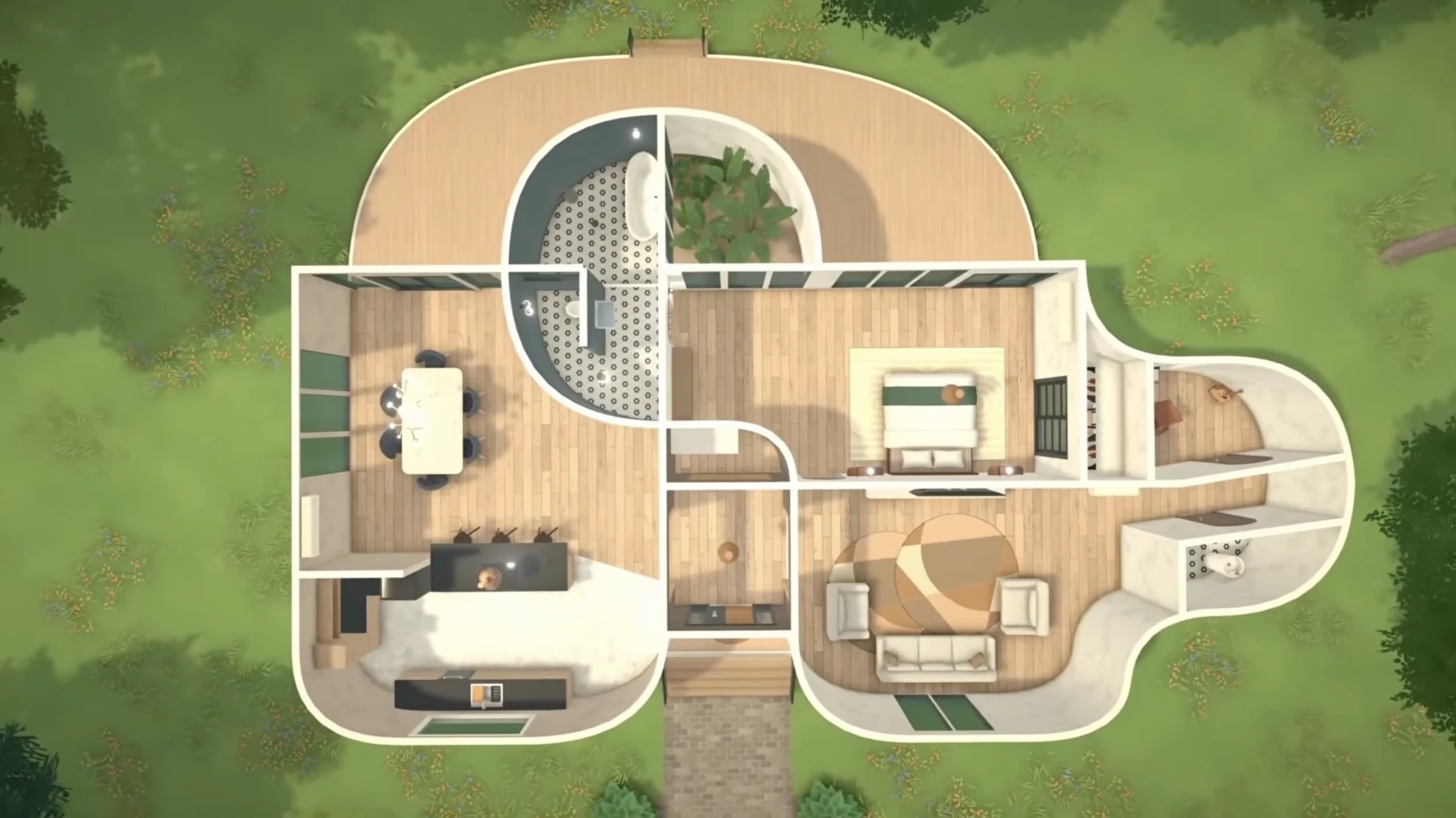
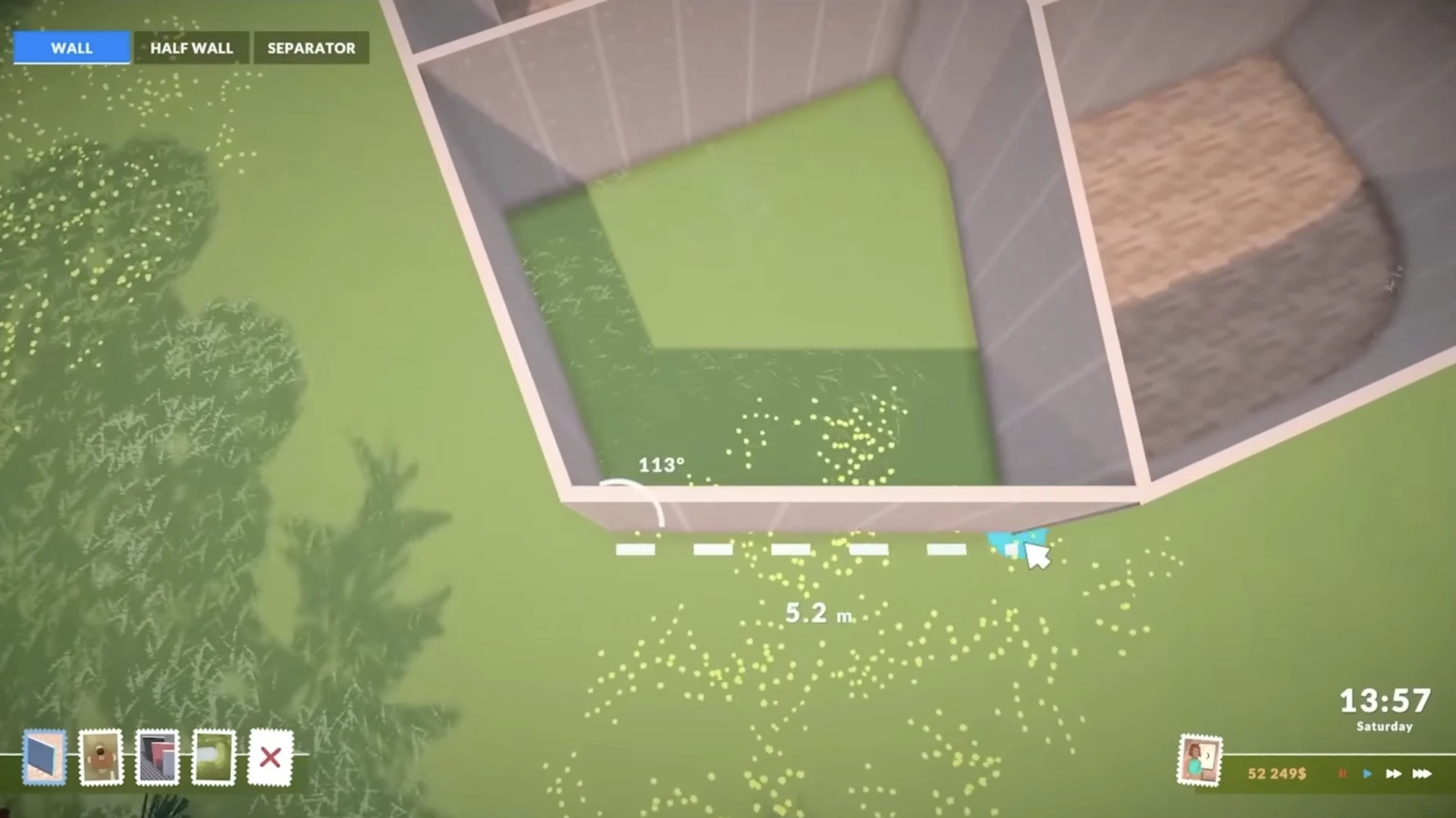
Moreover, walls can be placed at any angle, allowing you to create rooms of the most unusual shapes — even triangular ones.
Gridless Building
Paralives has the ability to completely disable the grid. This gives you fine control over wall placement, allowing you to create unique and interesting layouts.
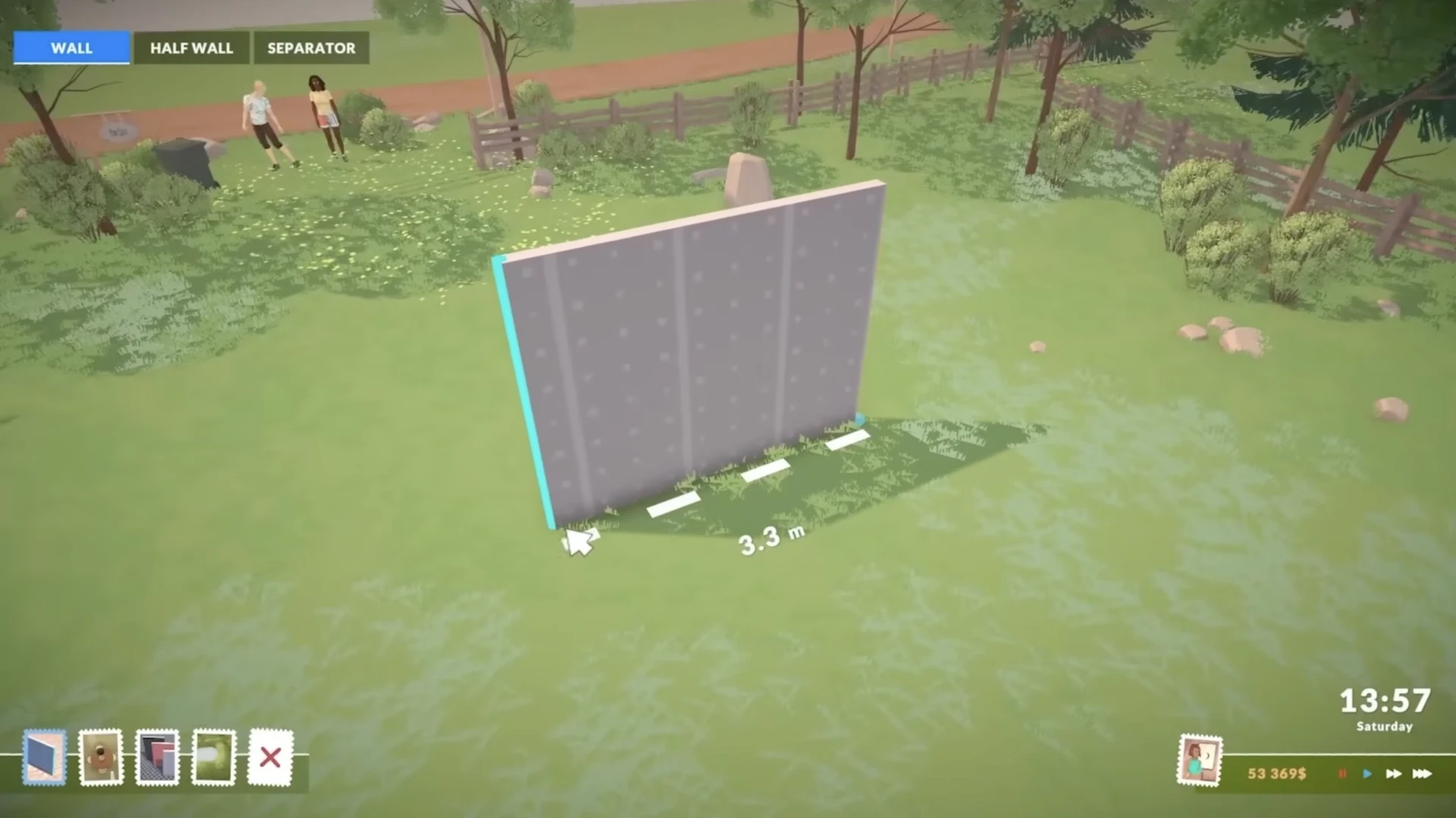
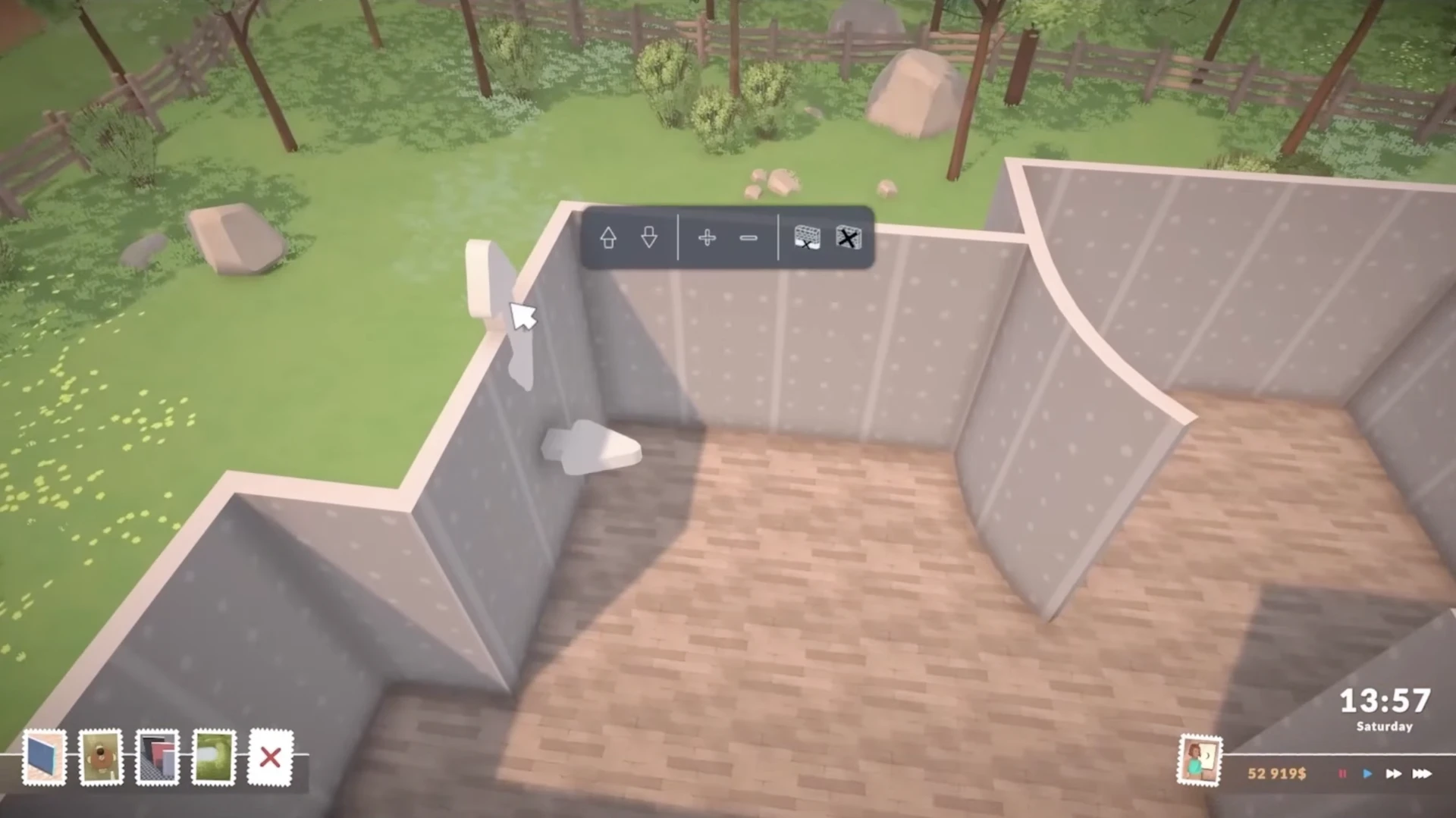
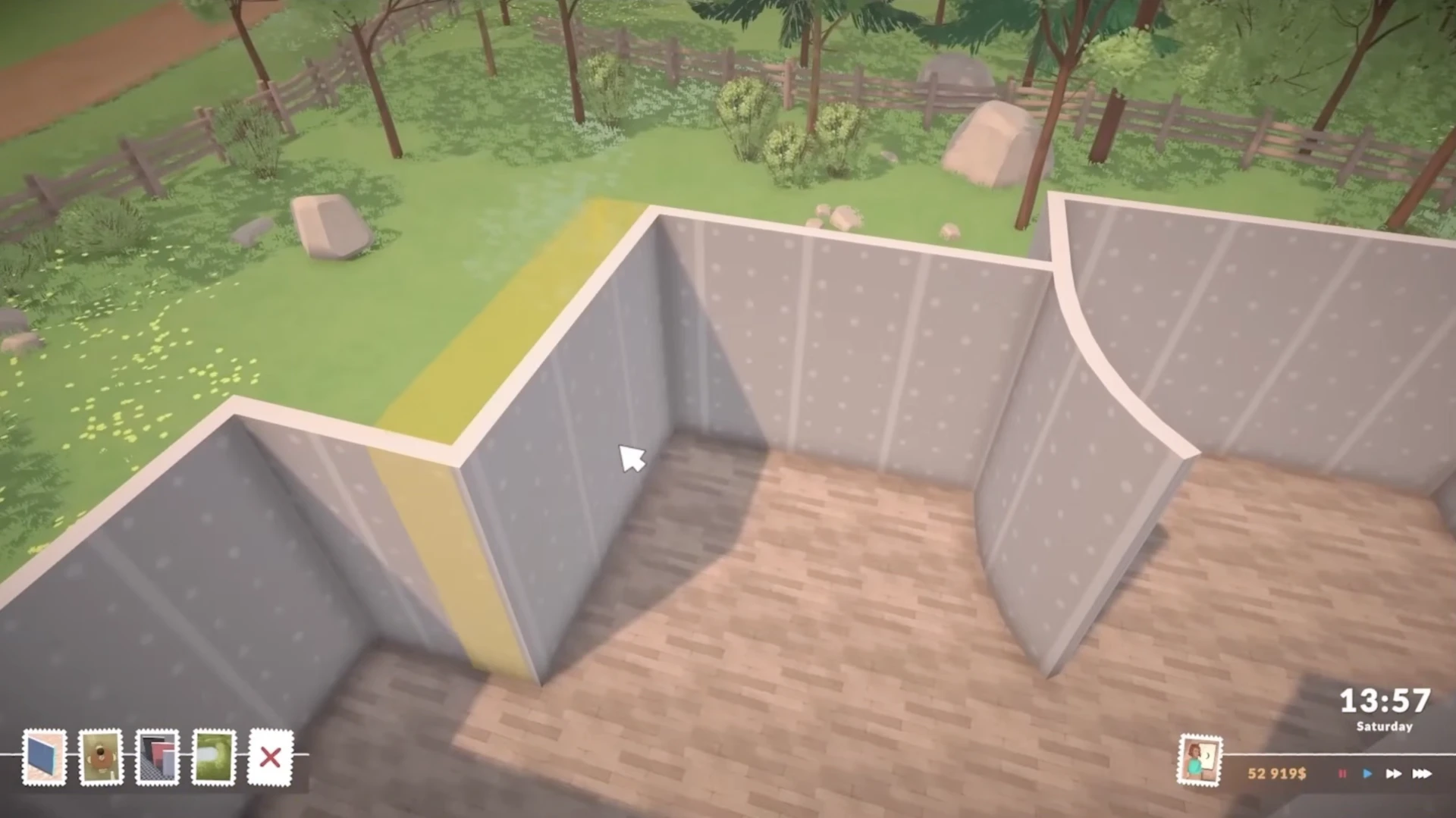
You don't need to get the perfect placement on the first try. Built walls can be freely moved.
Split Level Platforms
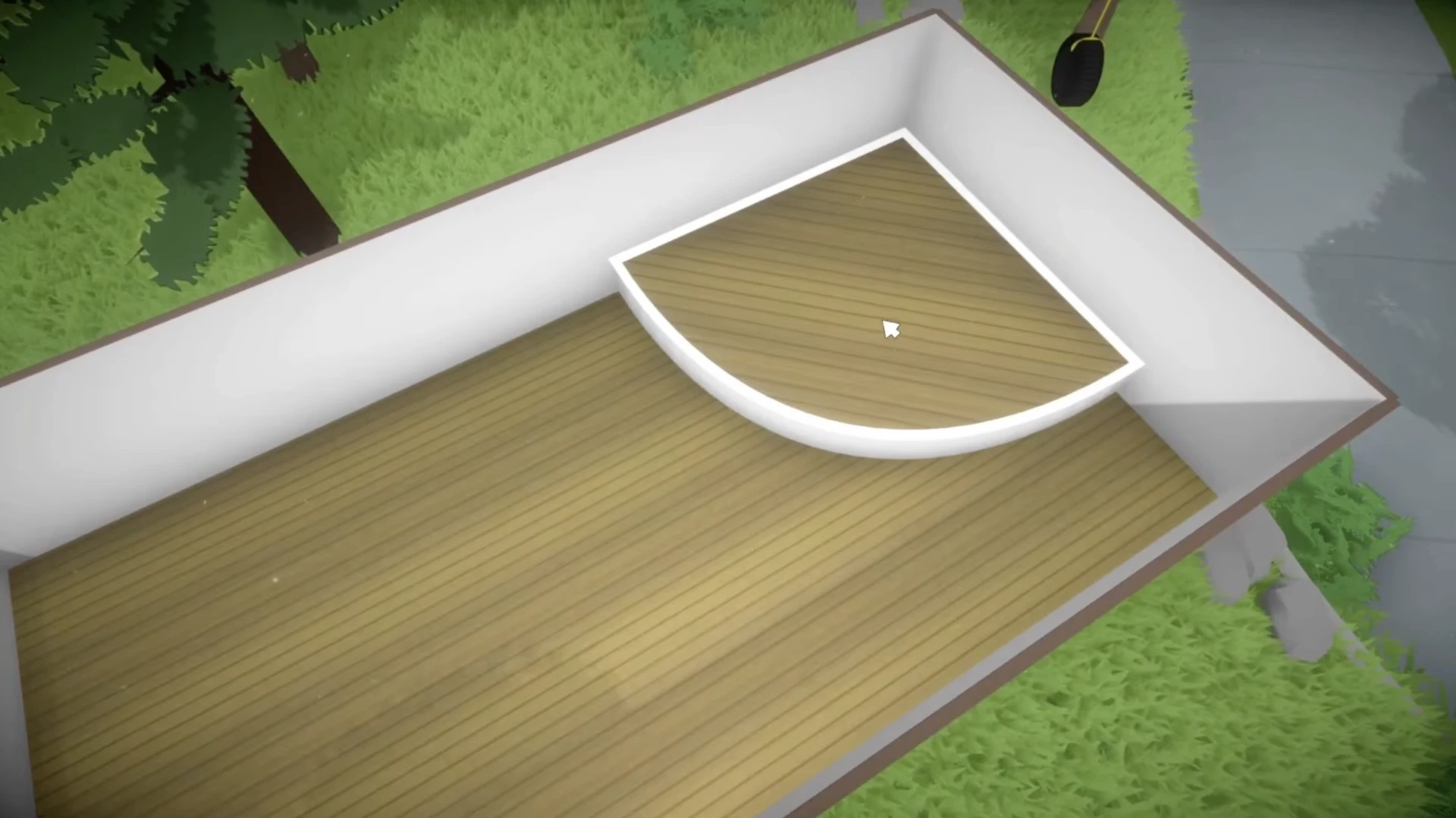
This feature allows you to create interesting architectural solutions, such as sunken living rooms or rooms with different floor levels within the same floor.
Unlimited Number of Floors
According to a July 2025 developer chat, there was no limit on the number of floors. However, keep in mind that too many floors may affect game performance.
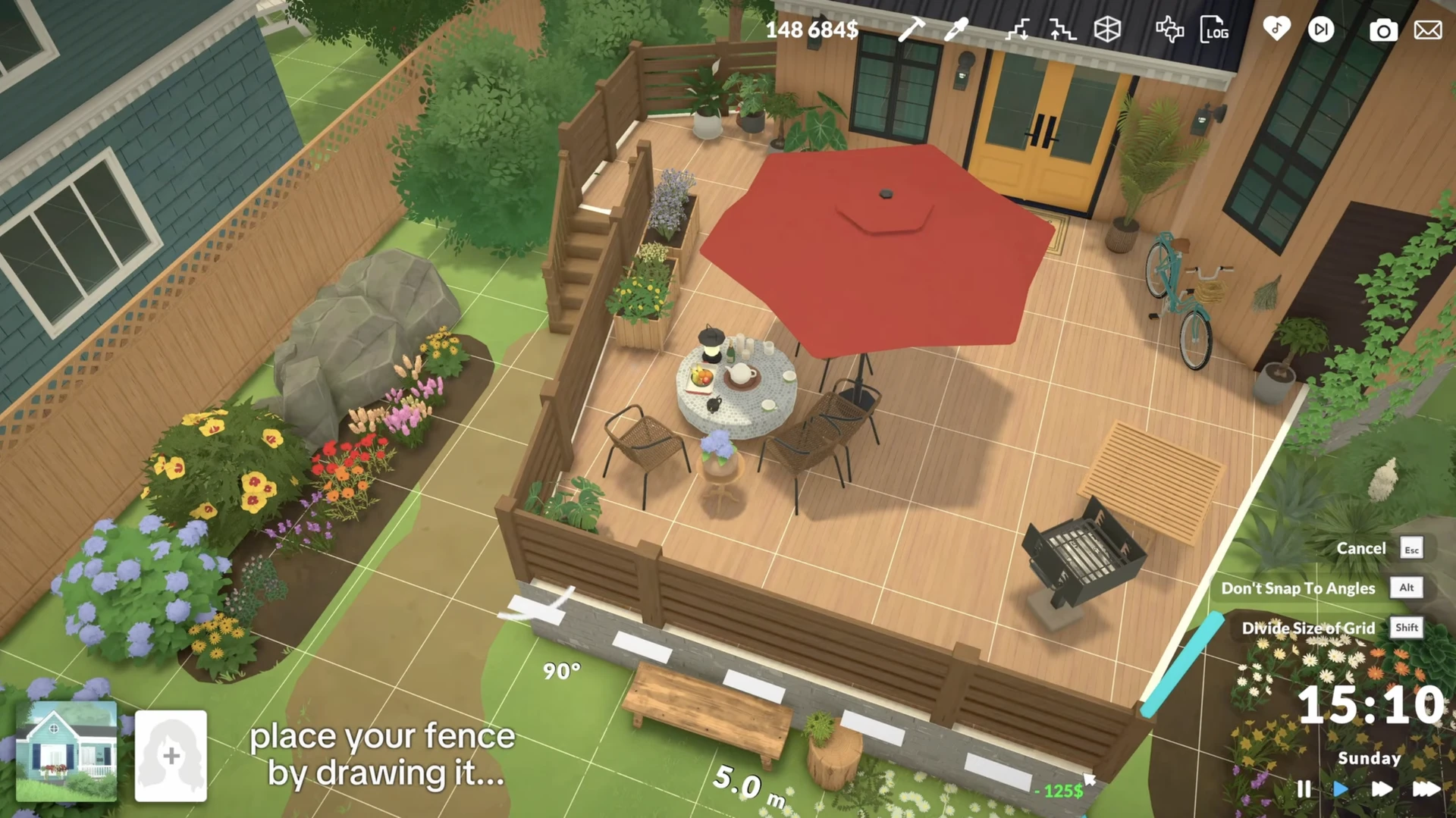
At the start of early access, stairs and basic tools for creating roofs and fences will be available, which can also be placed at any angle.
Terrain and Landscape: Creating Living Nature
The surrounding world in Paralives looks very natural, thanks to advanced landscape tools.

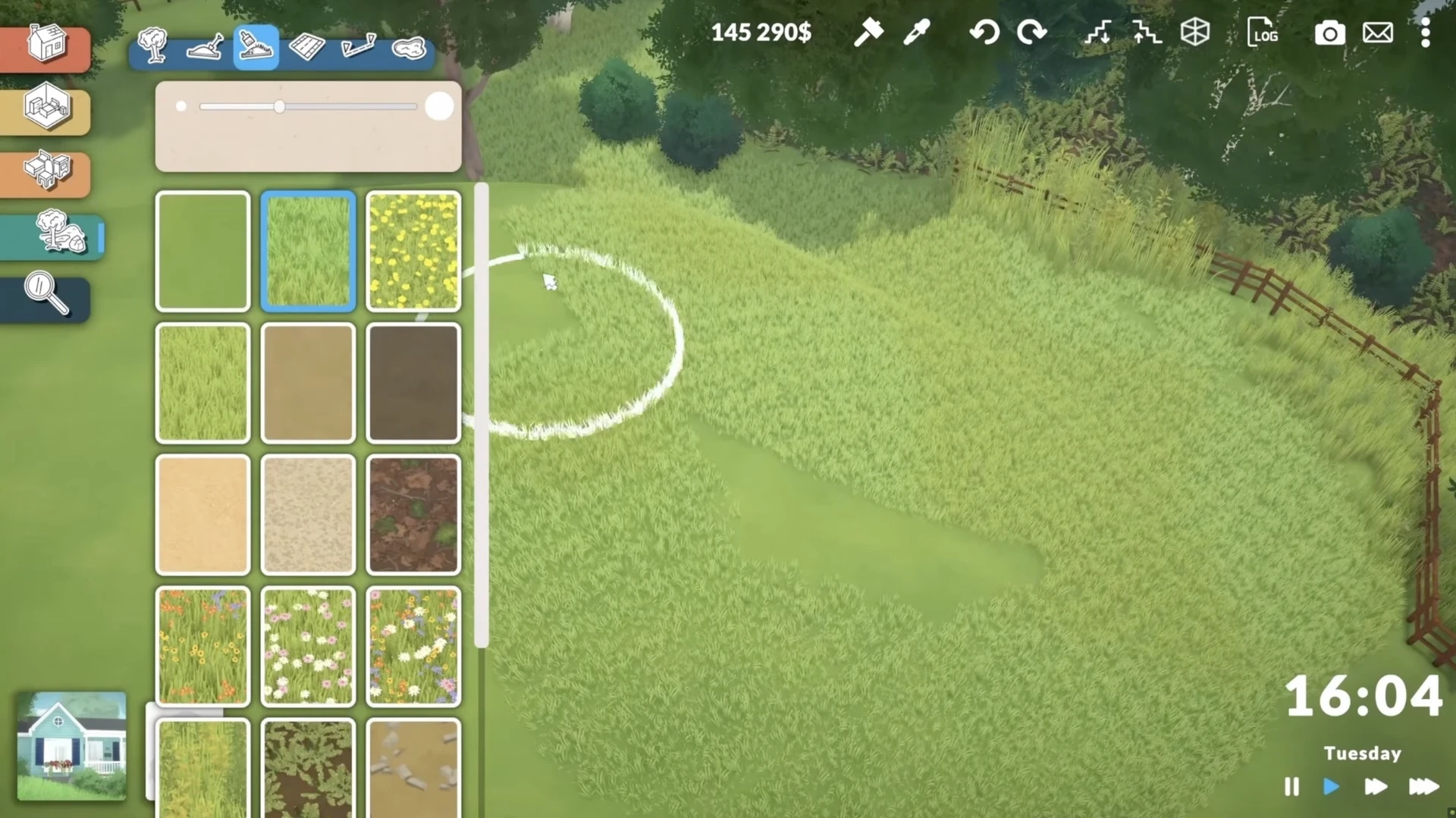
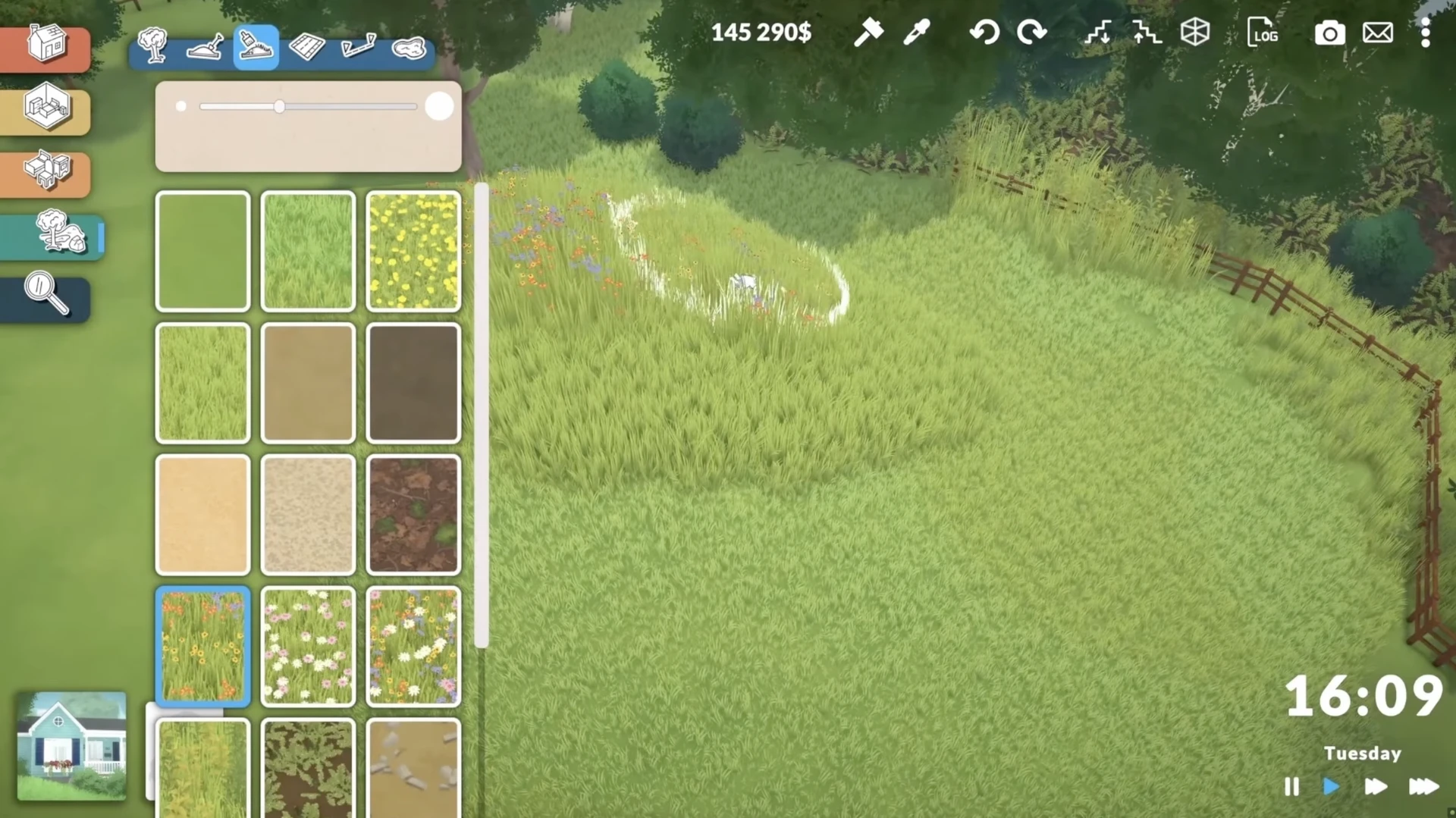
3D Grass and Flowers
This is not just a texture on the ground. Grass and flowers are three-dimensional objects that you can "paint" onto the surface.
Smart Clipping
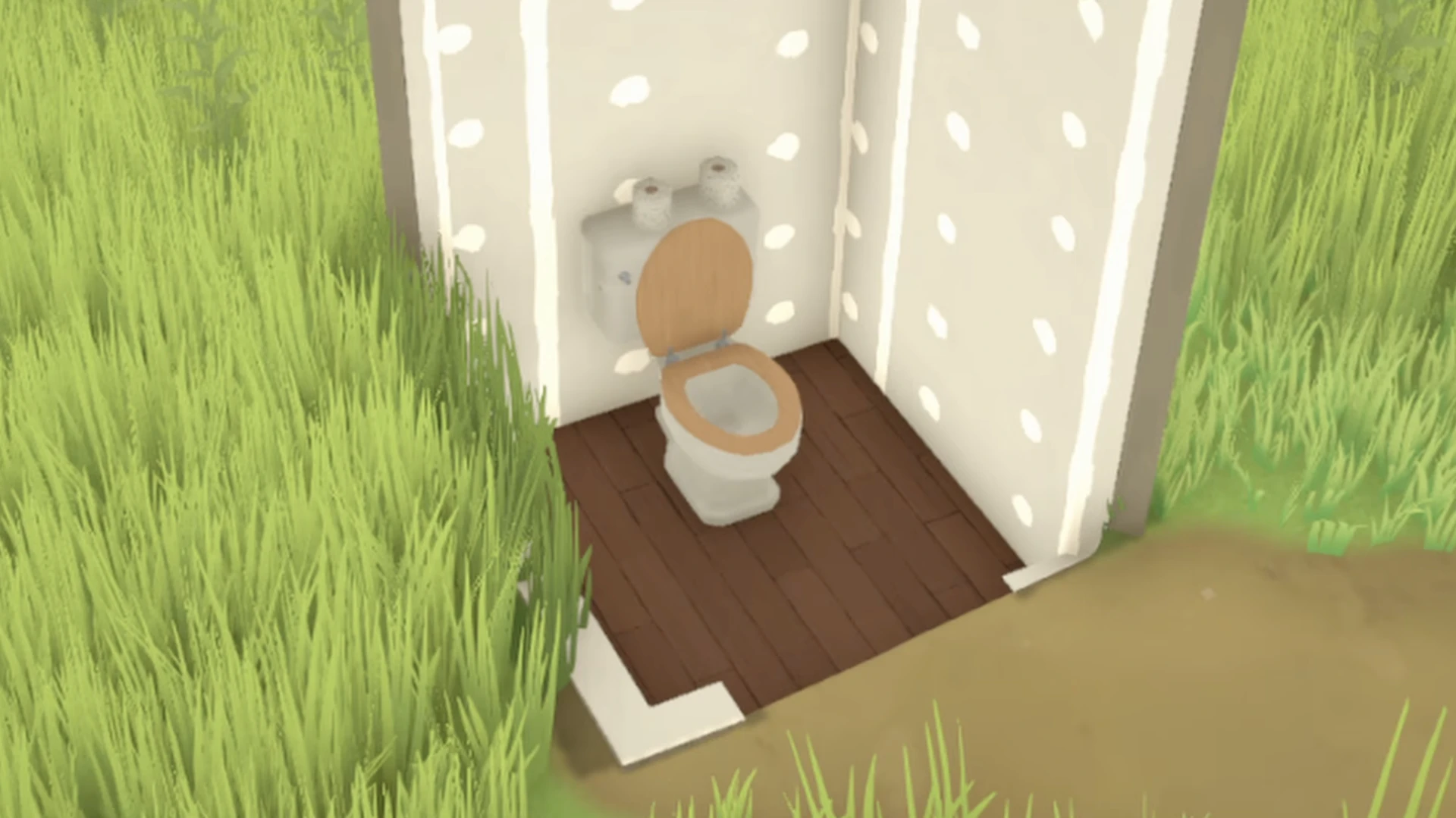
The developers have solved one of the main problems of building in life simulators: grass and flowers will never clip through the walls of your house.
Terrain Sculpting
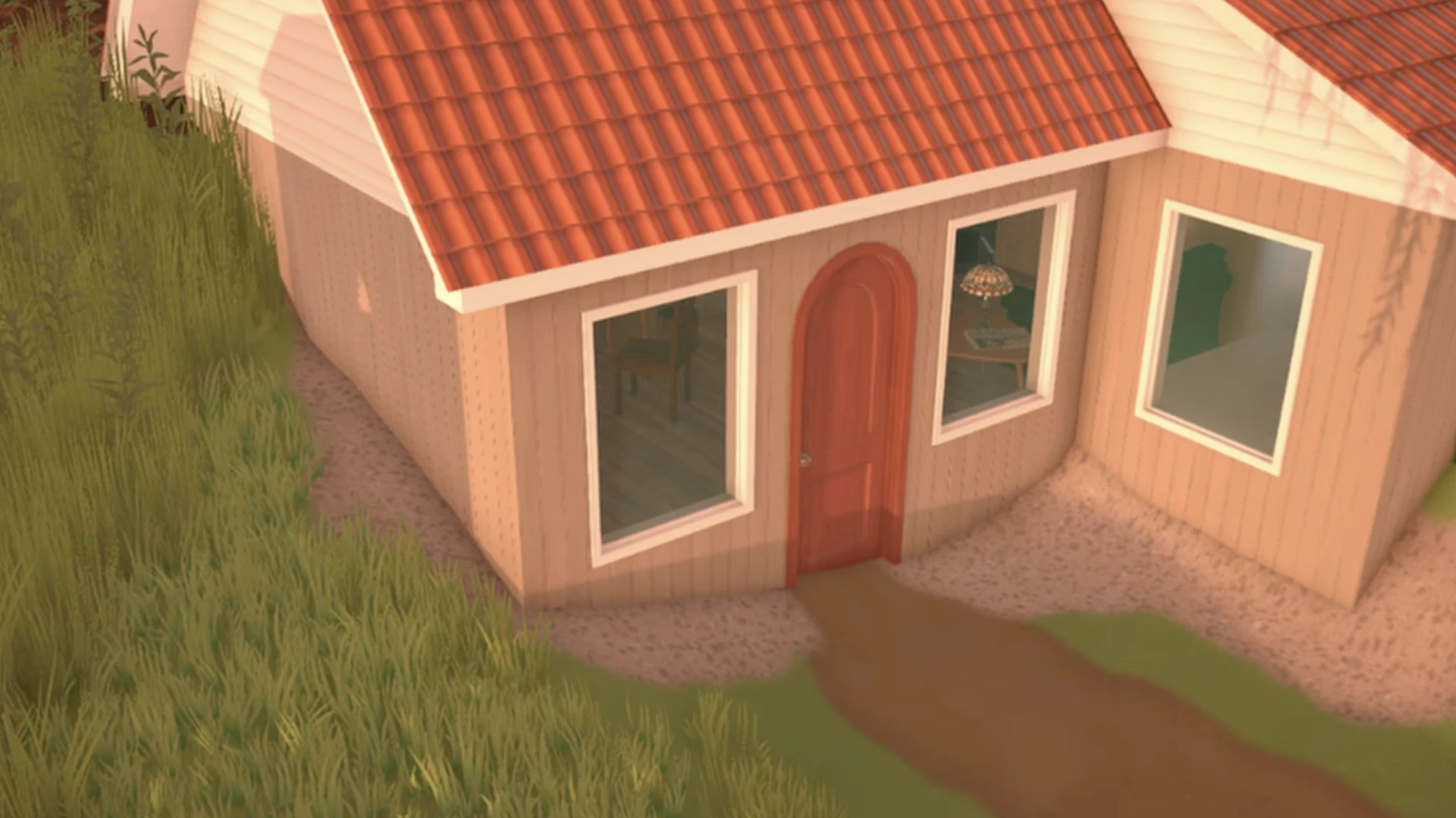
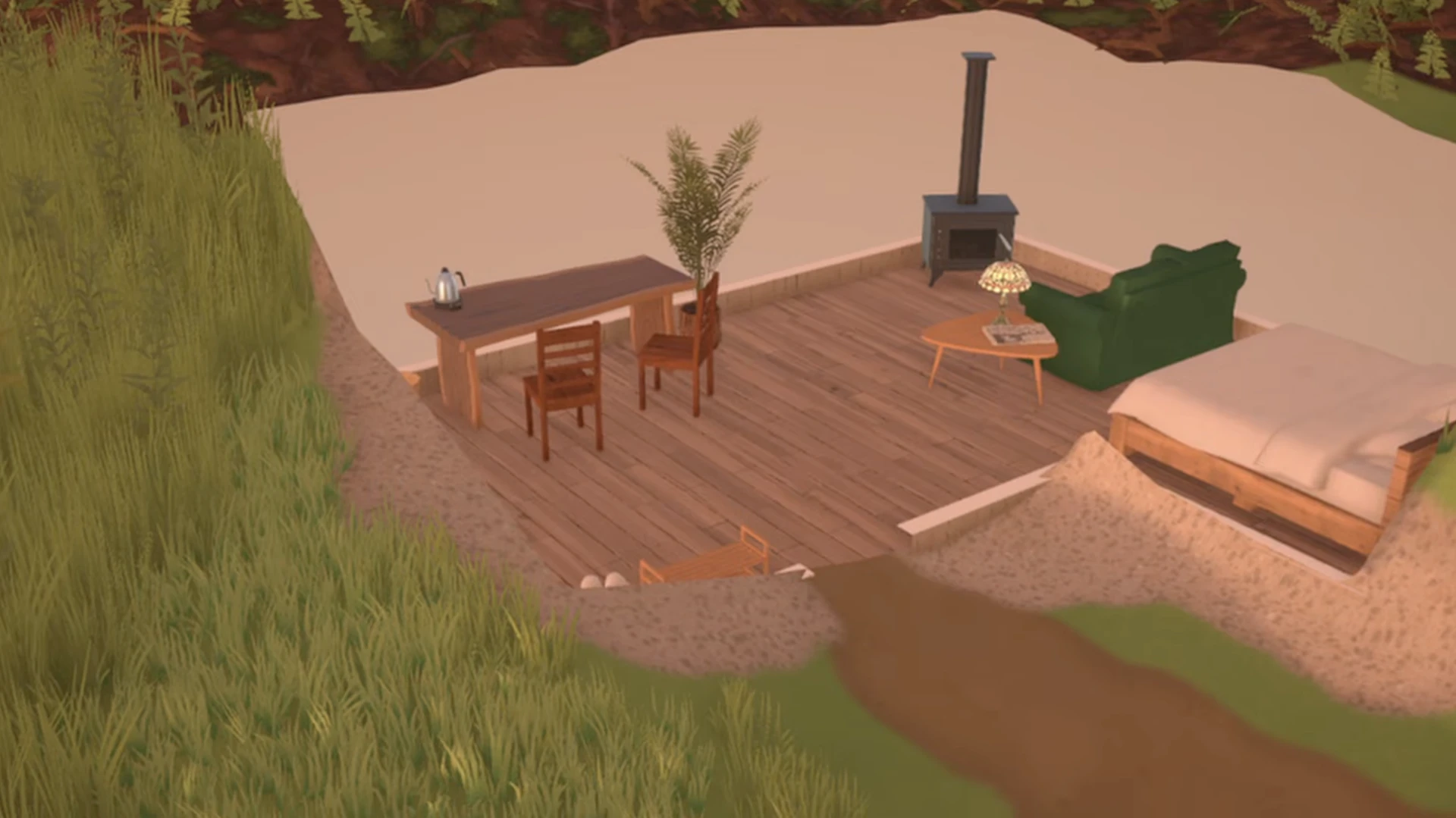
Raising and lowering the landscape is available.
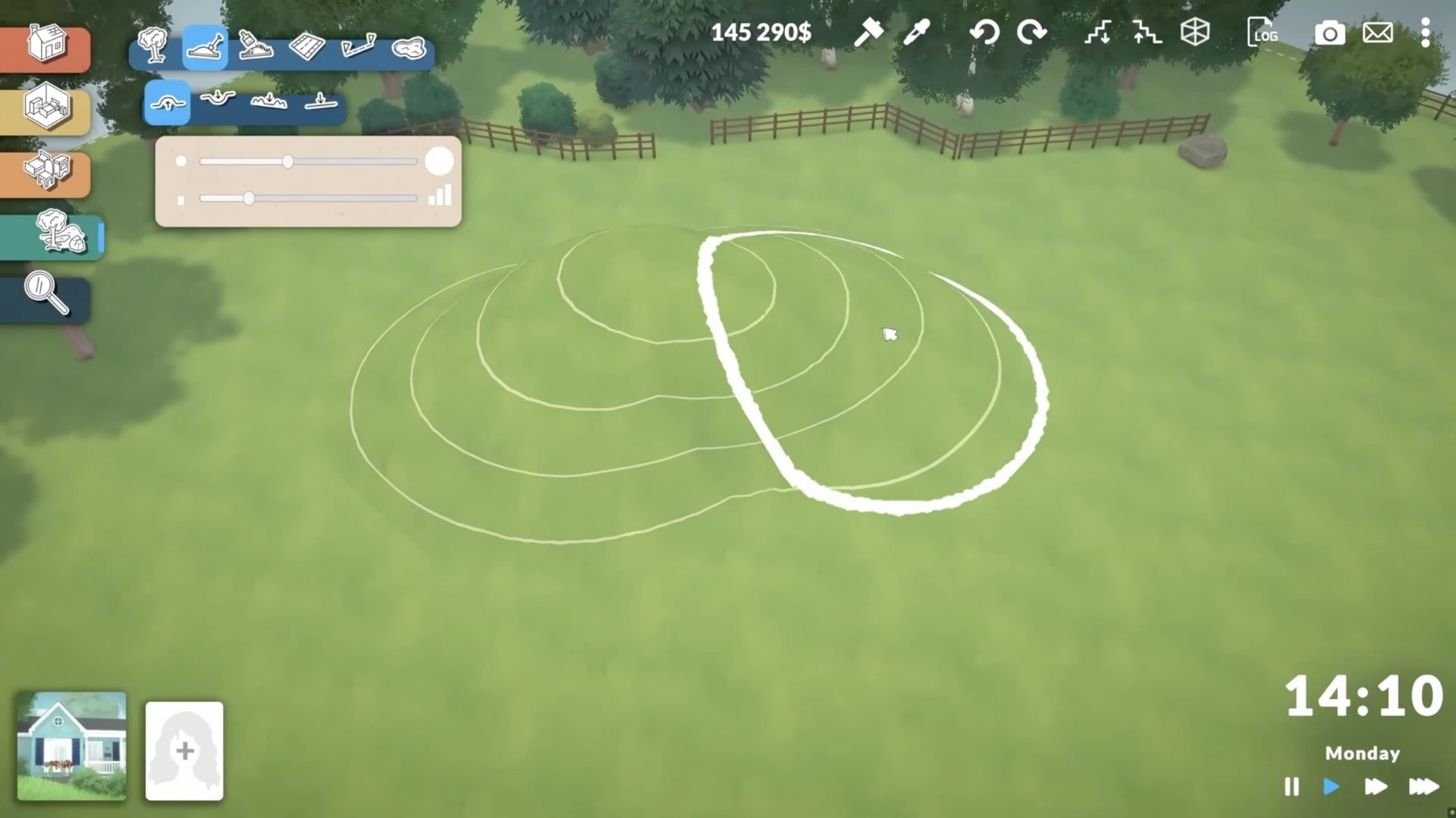
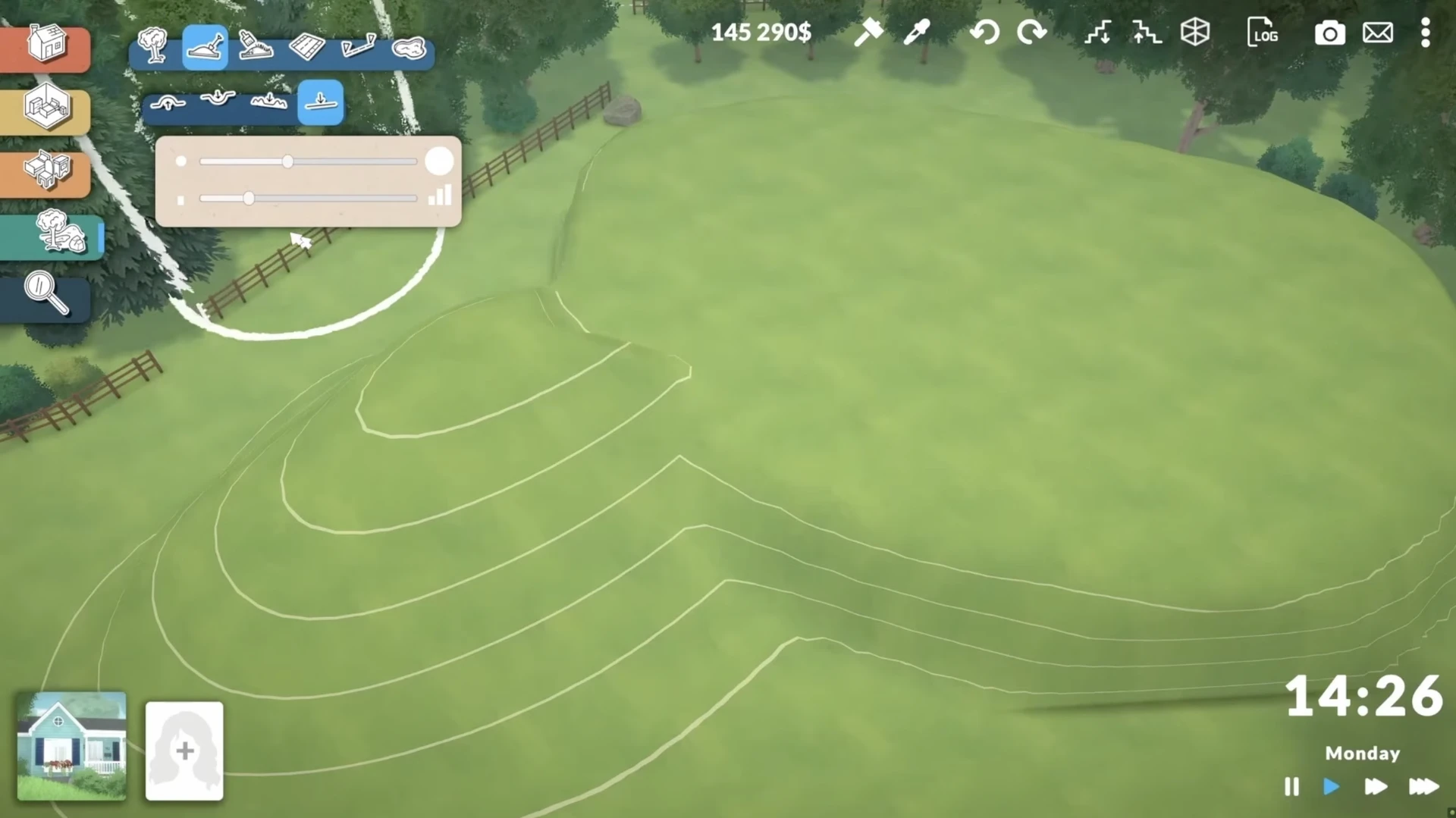
Thanks to this, you can create the feeling that part of the house is underground, even if the basement tool will only appear later.
Earlier, we wrote about what will be available in the game at the launch of early access, and which features will be added later — a full breakdown of features, price, and future plans.
Customization Without Limits
The heart of Paralives' build mode is incredibly deep object customization.
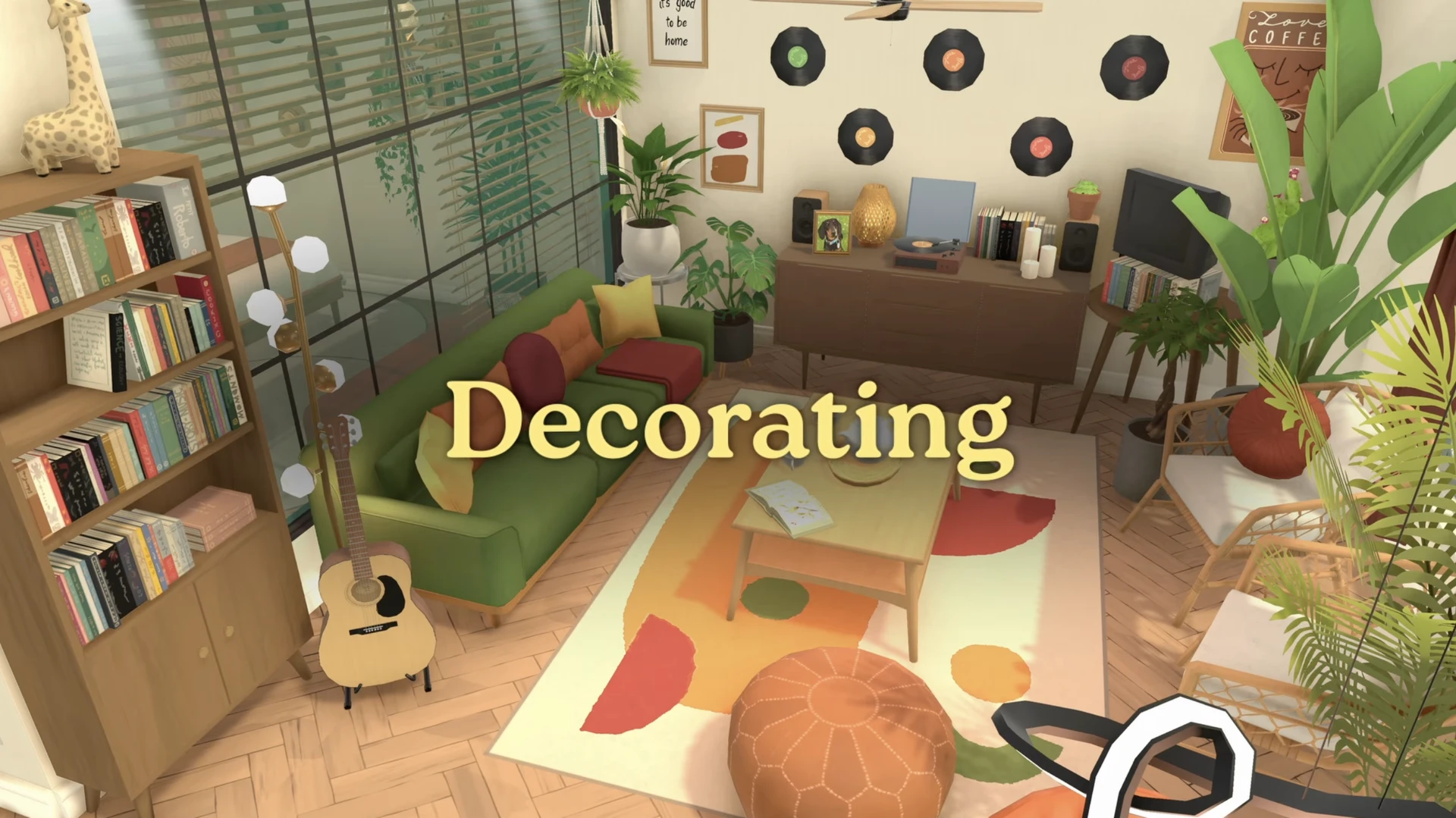
Color Wheel for Everything
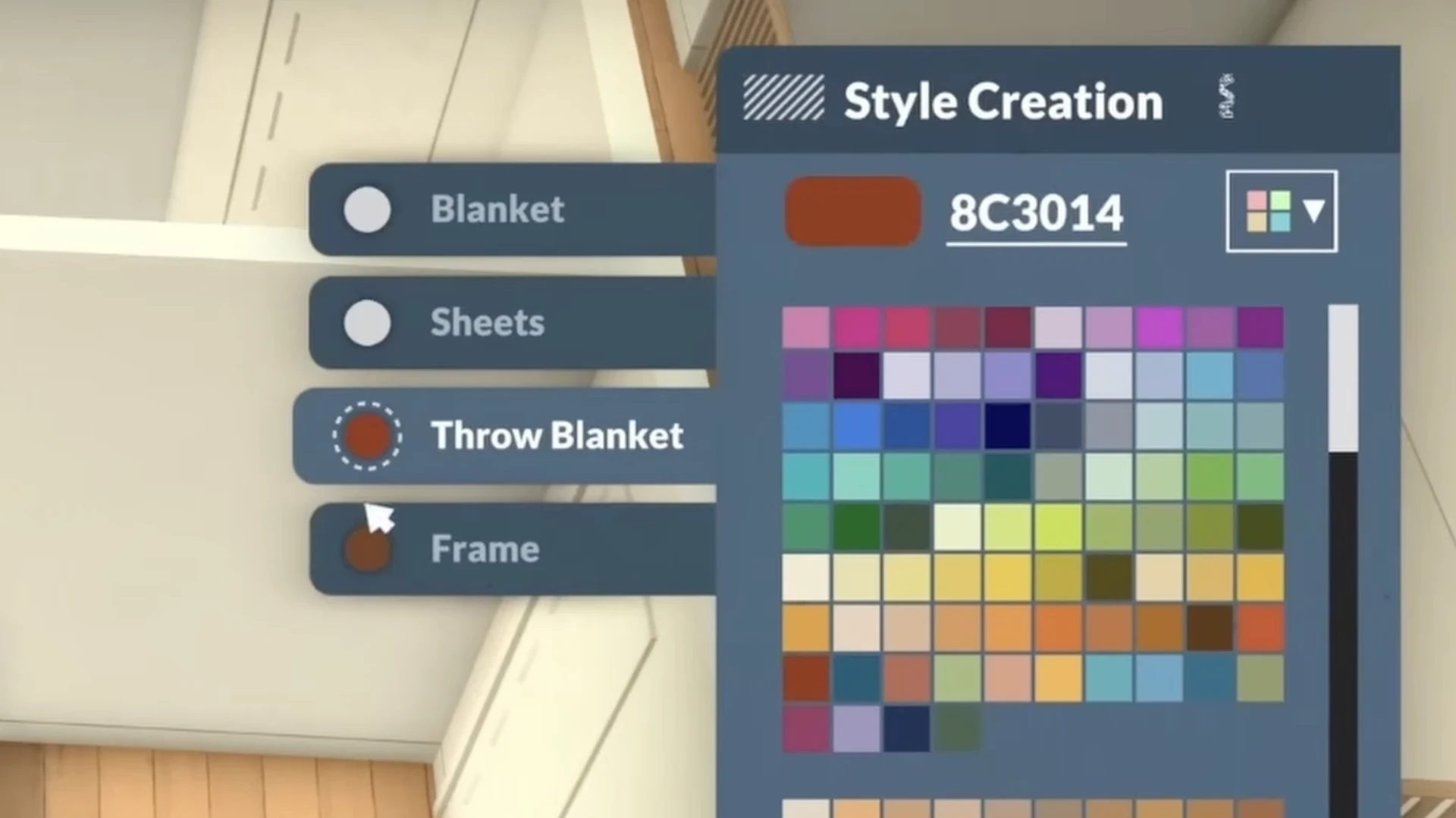
This is the main "feature". You can change the color of any object to any other.
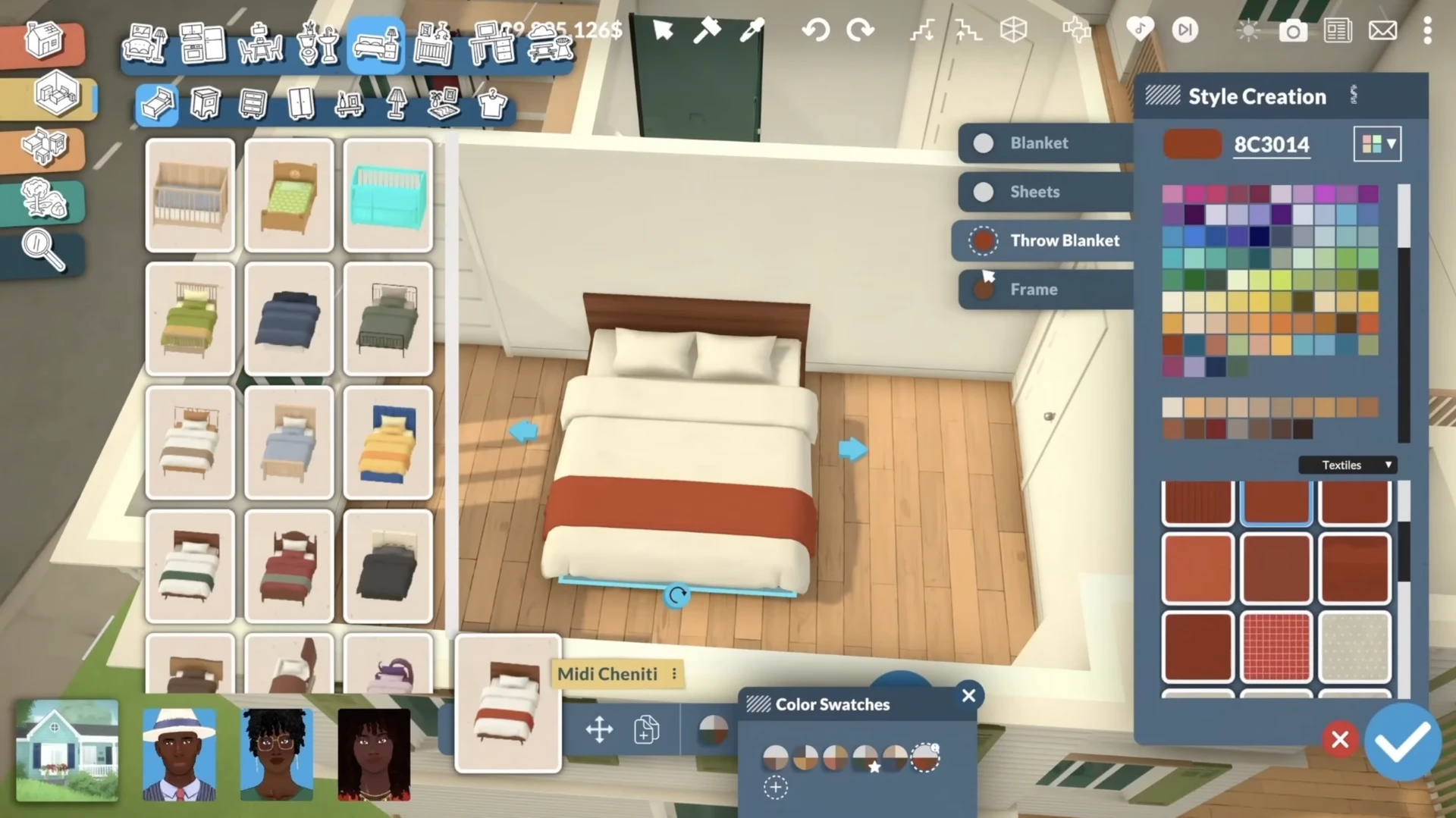
You can adjust individual parts of an object. For example, for a bed, you can independently change the color of the blanket, sheets, throw blanket, and frame.
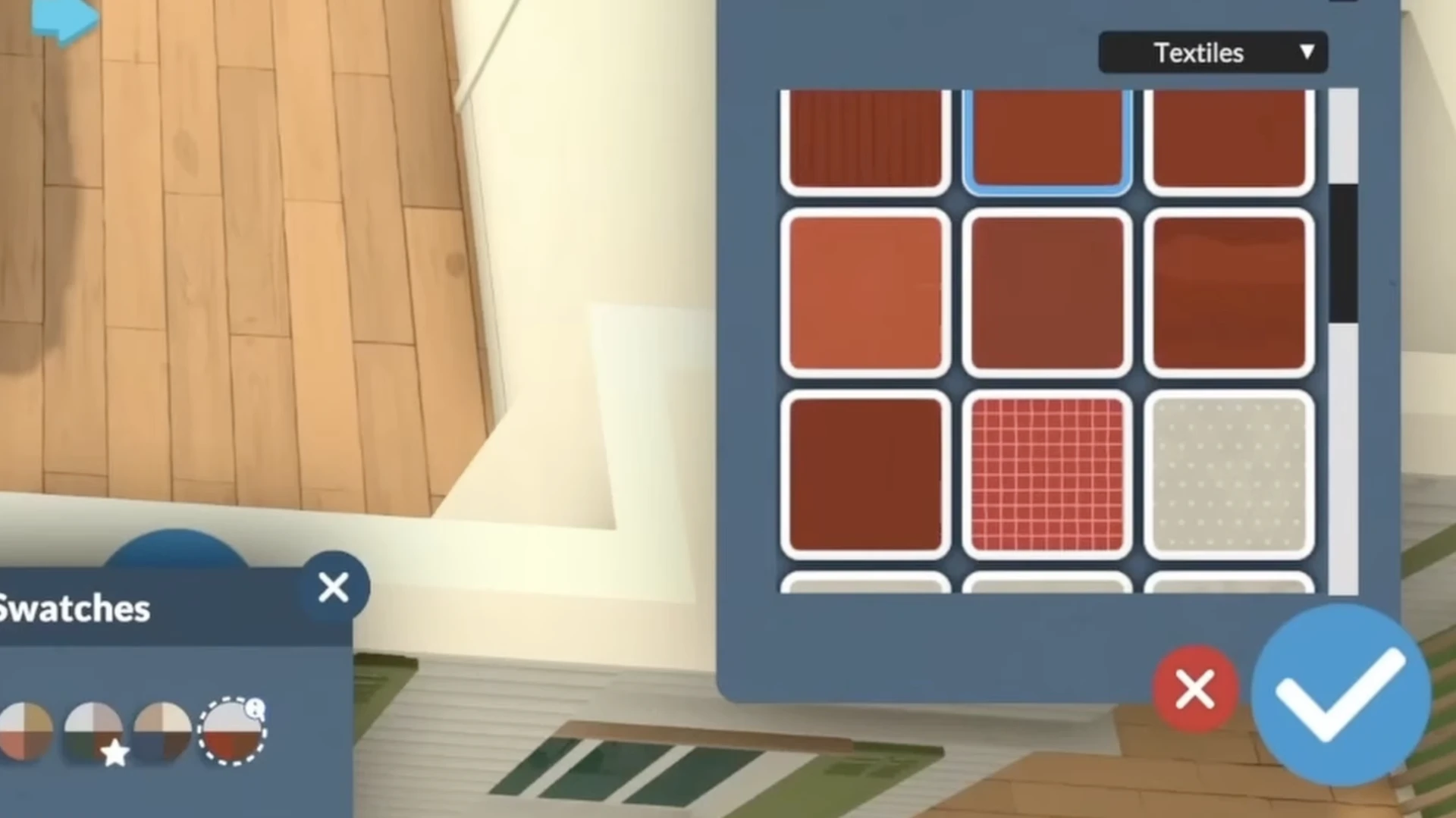
In addition to color, you can choose and apply various textures and patterns (for example, different types of wood or fabrics).
Scaling and Stretching
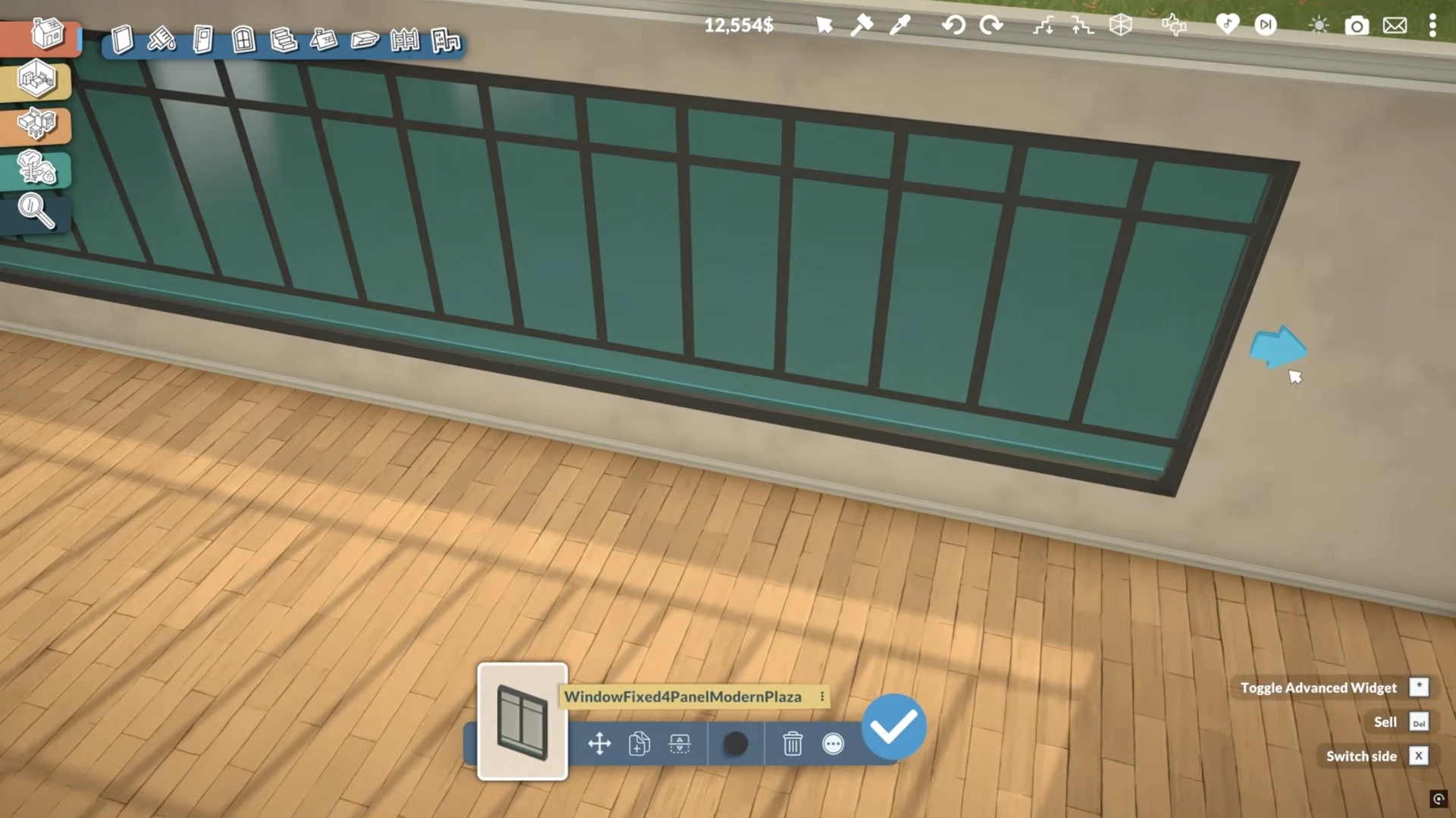
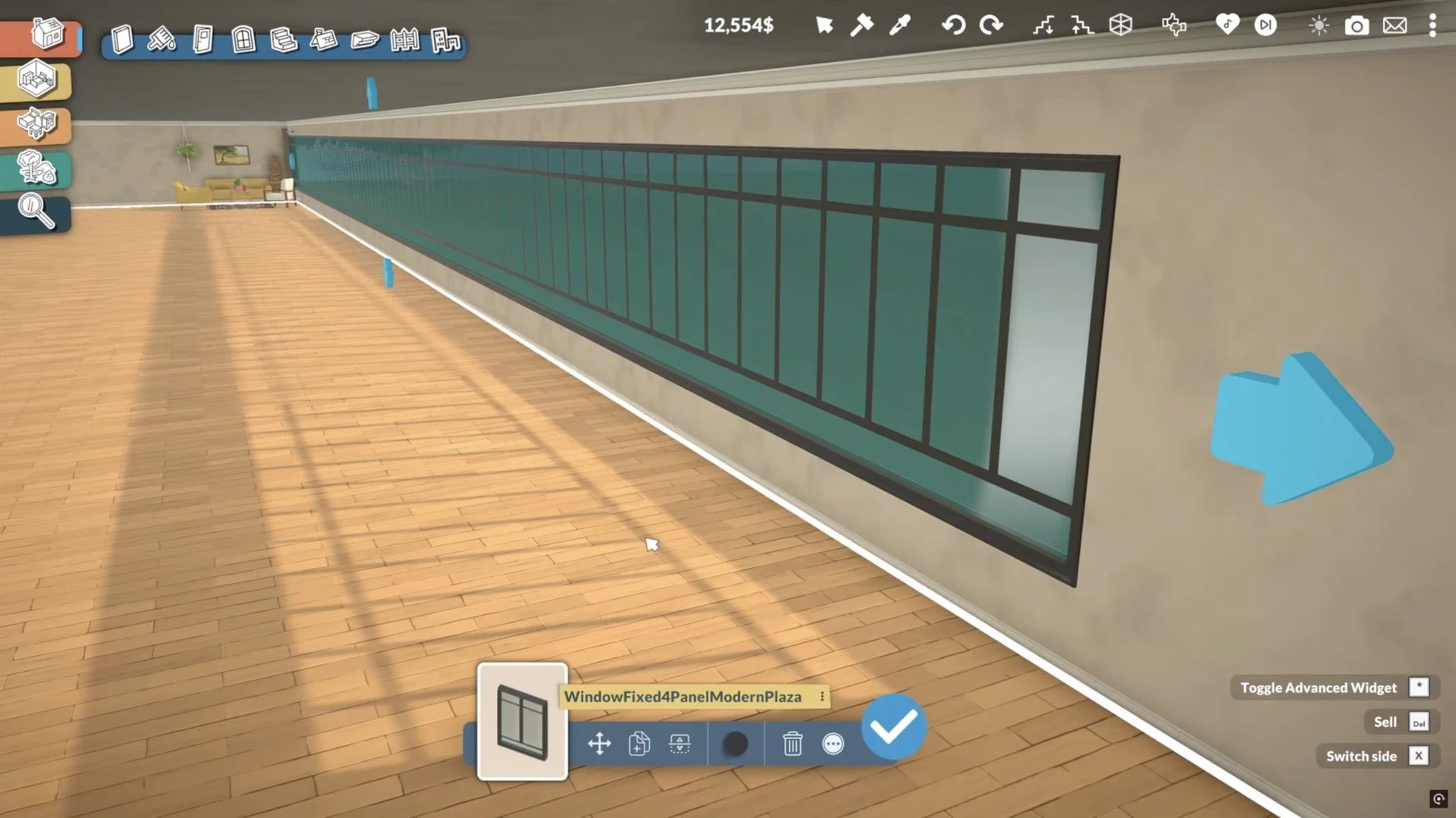
You can resize most objects (windows, sofas, beds, picture frames, etc.) horizontally, vertically, or in both directions.
Example of stretching windows:
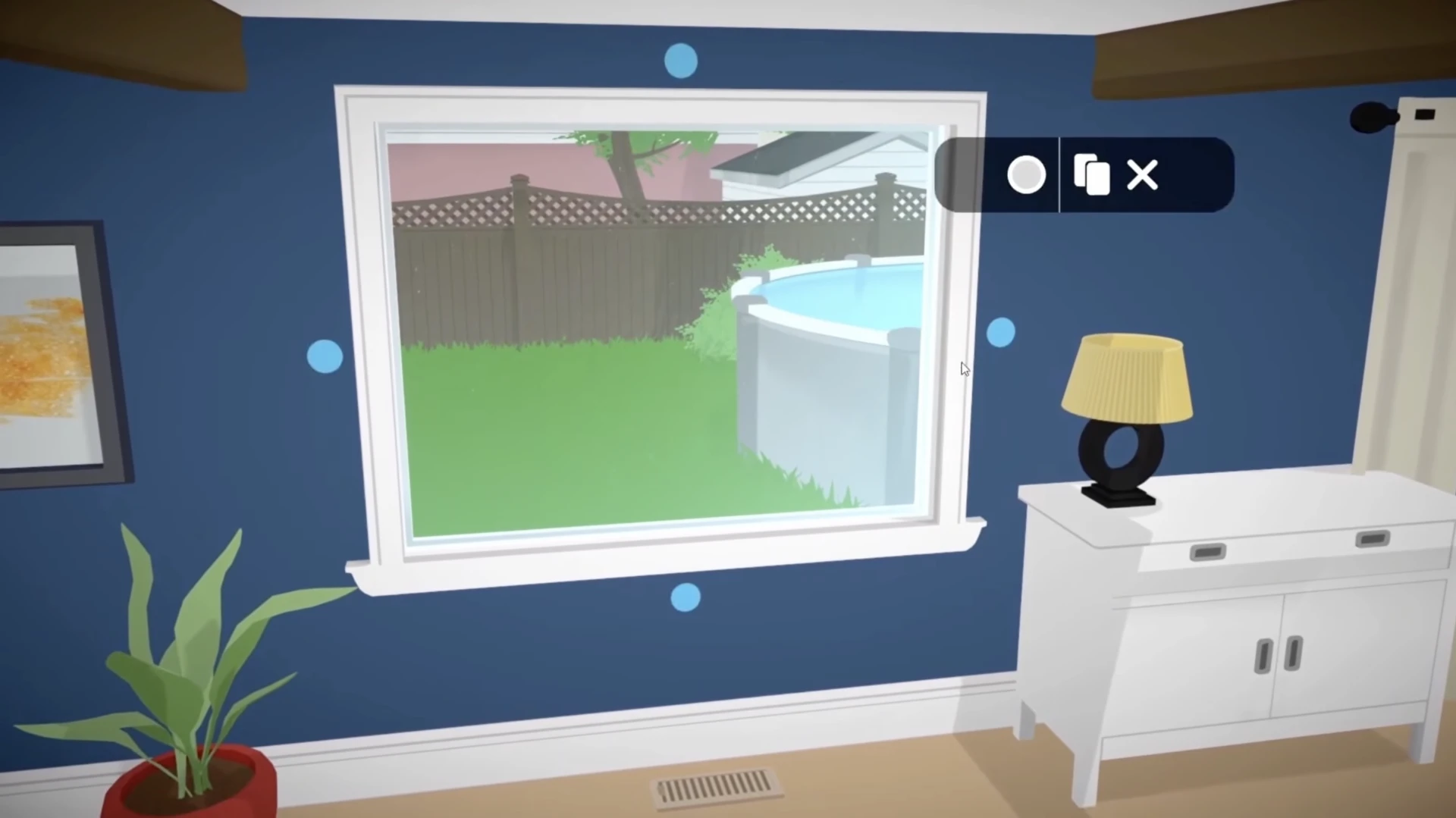
It is worth noting that there is no limit to this function. You can stretch objects indefinitely, but some of them may become non-functional as a result. For example, a bed can be stretched endlessly, but in the end it will still only be intended for two characters.
Advanced Editing Mode
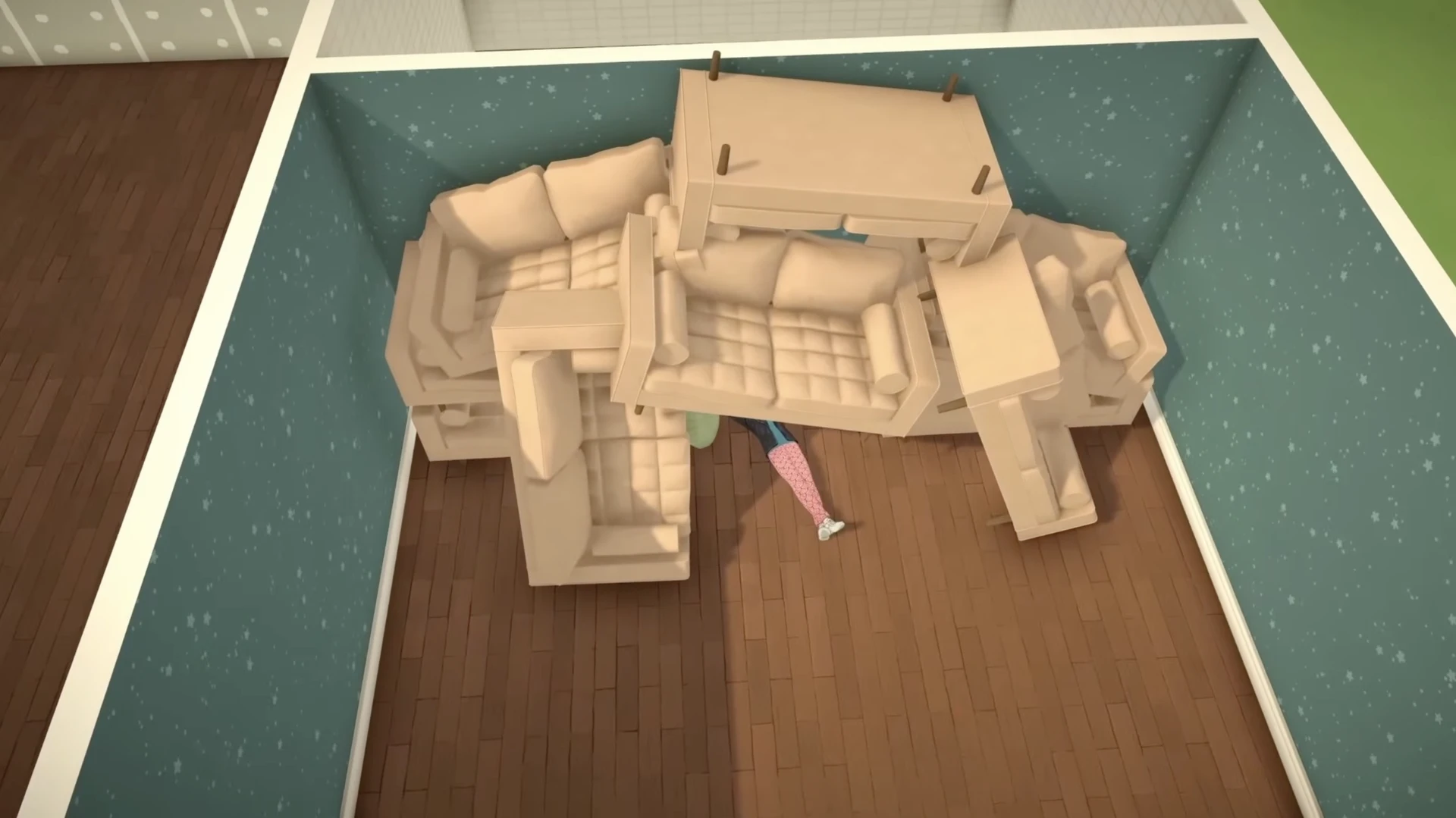
A special button in build mode opens access to advanced tools, allowing you to raise, lower, rotate, and flip objects.
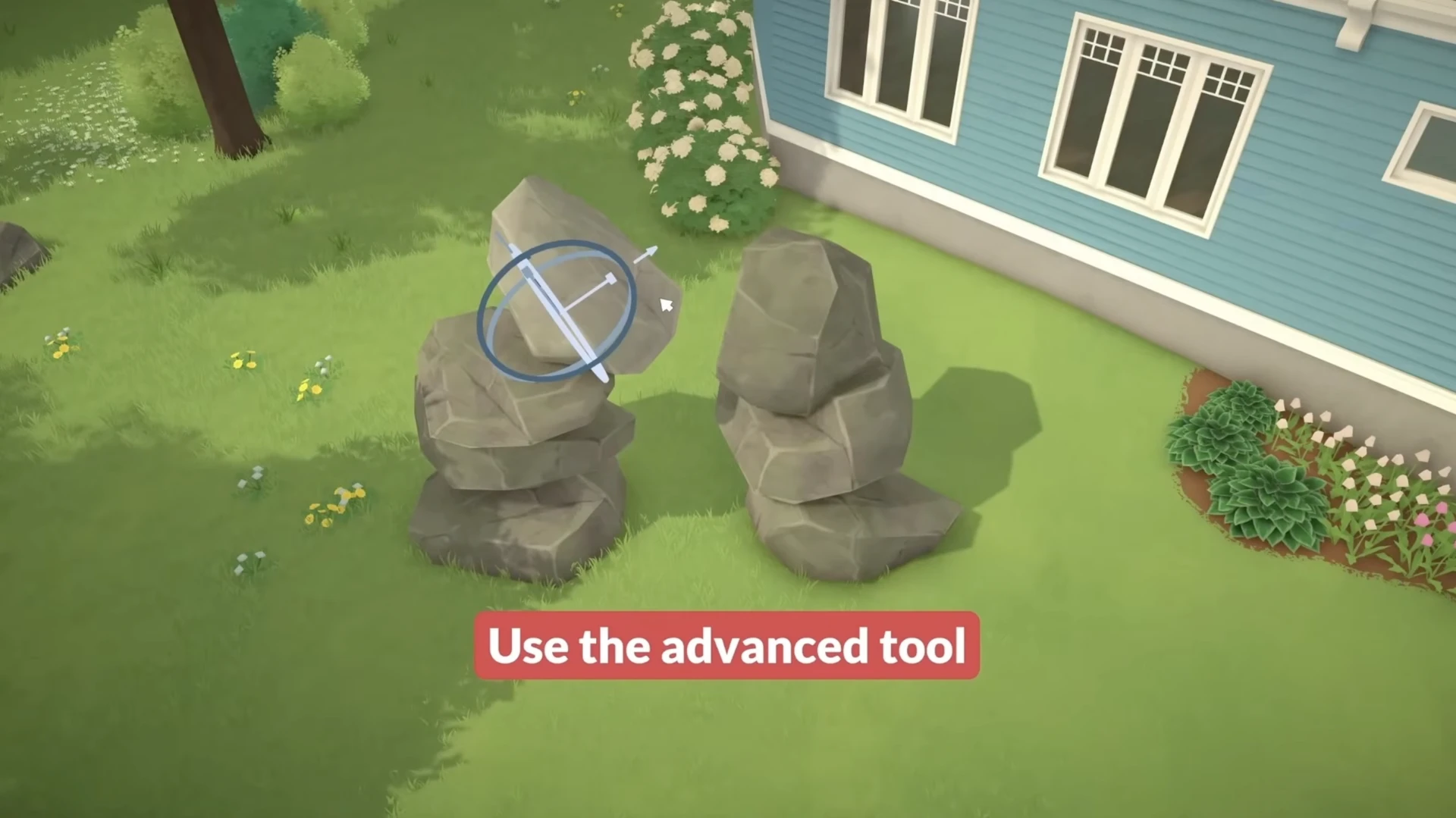
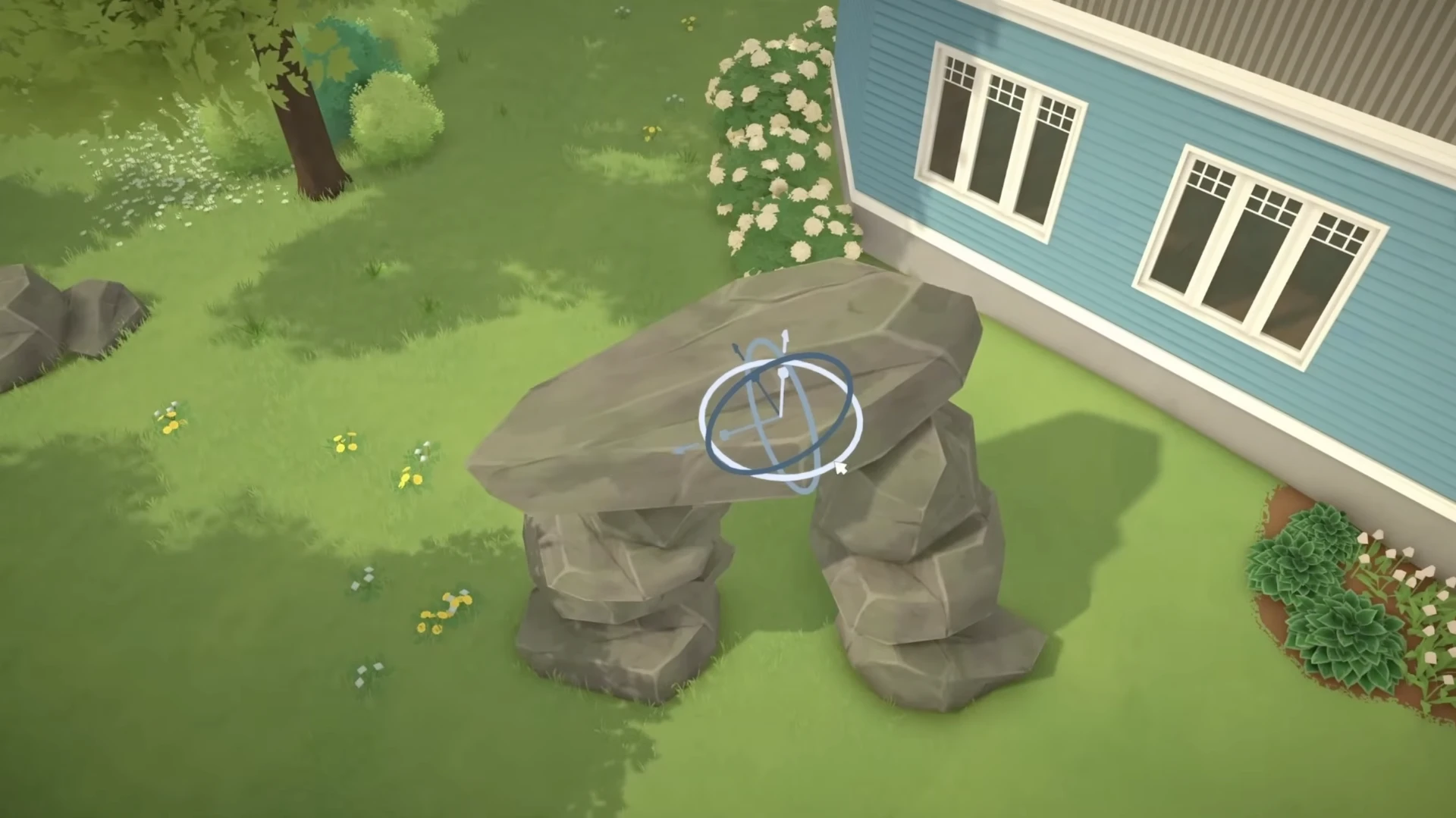
Here's what you can do with the advanced tools:
Detailing at a New Level
Even the smallest details in Paralives can be customized.
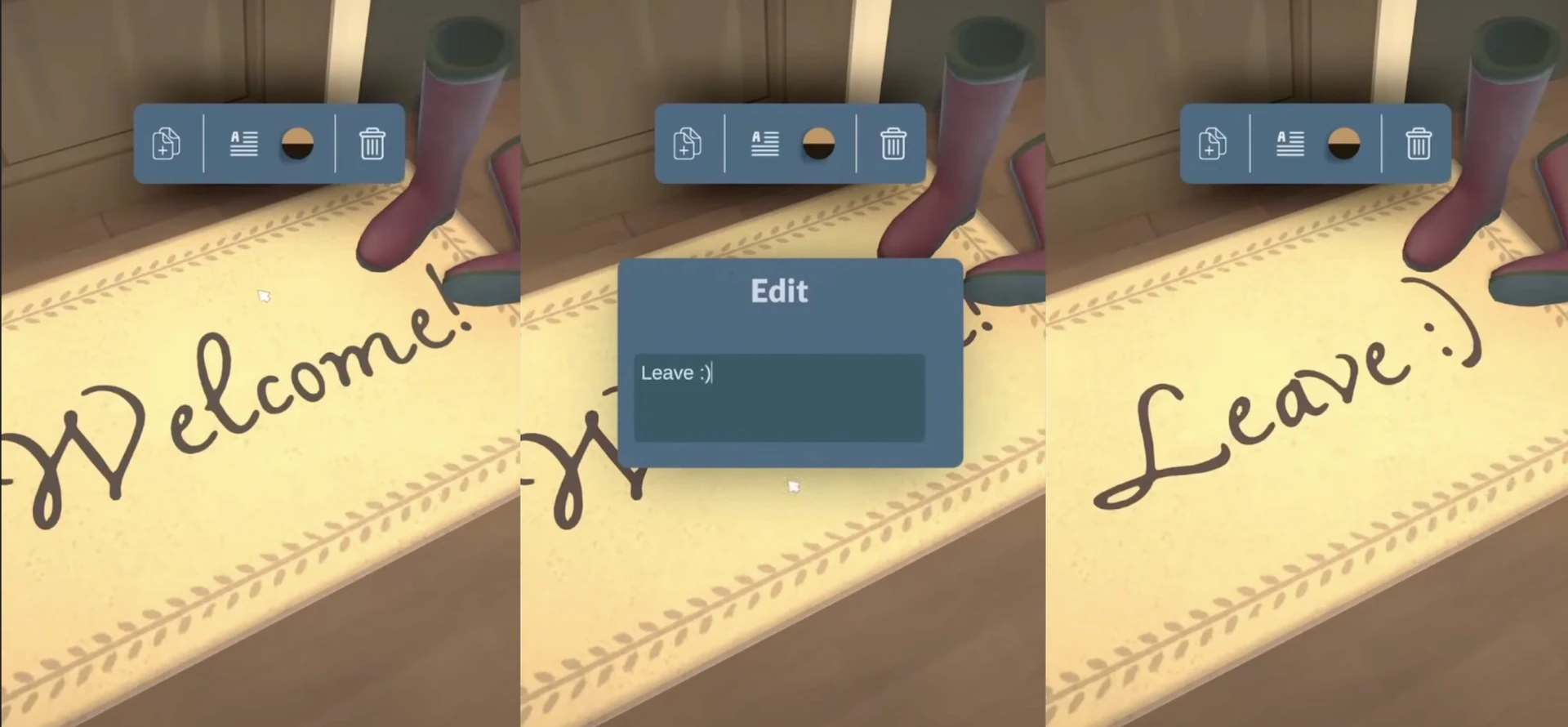
Text Editing
On some objects, such as rugs, you will be able to change the text. The demonstration showed the ability to change "Welcome" to "Leave".
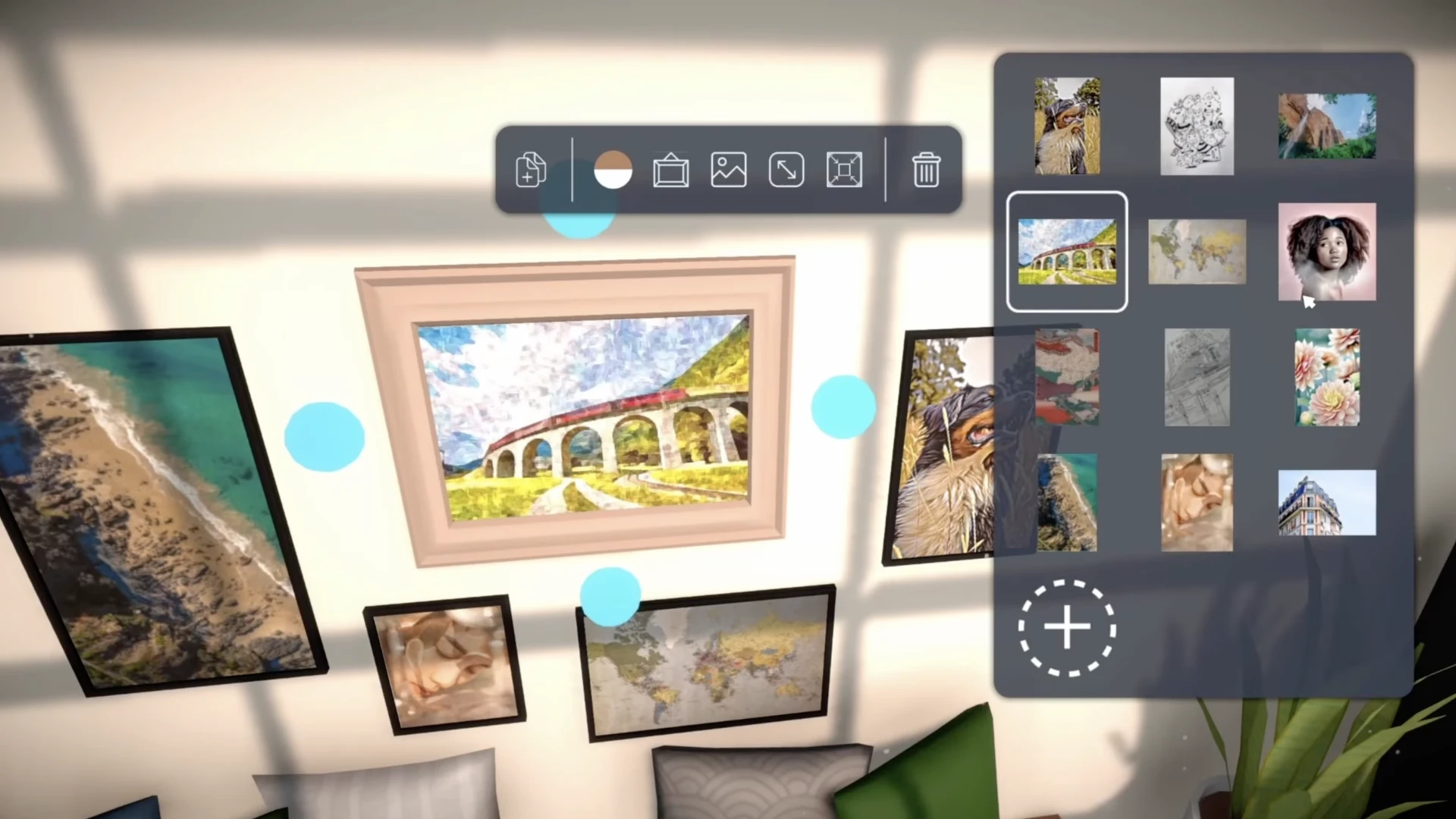
Custom Images
You can add your own images to the game to hang on the walls in frames.
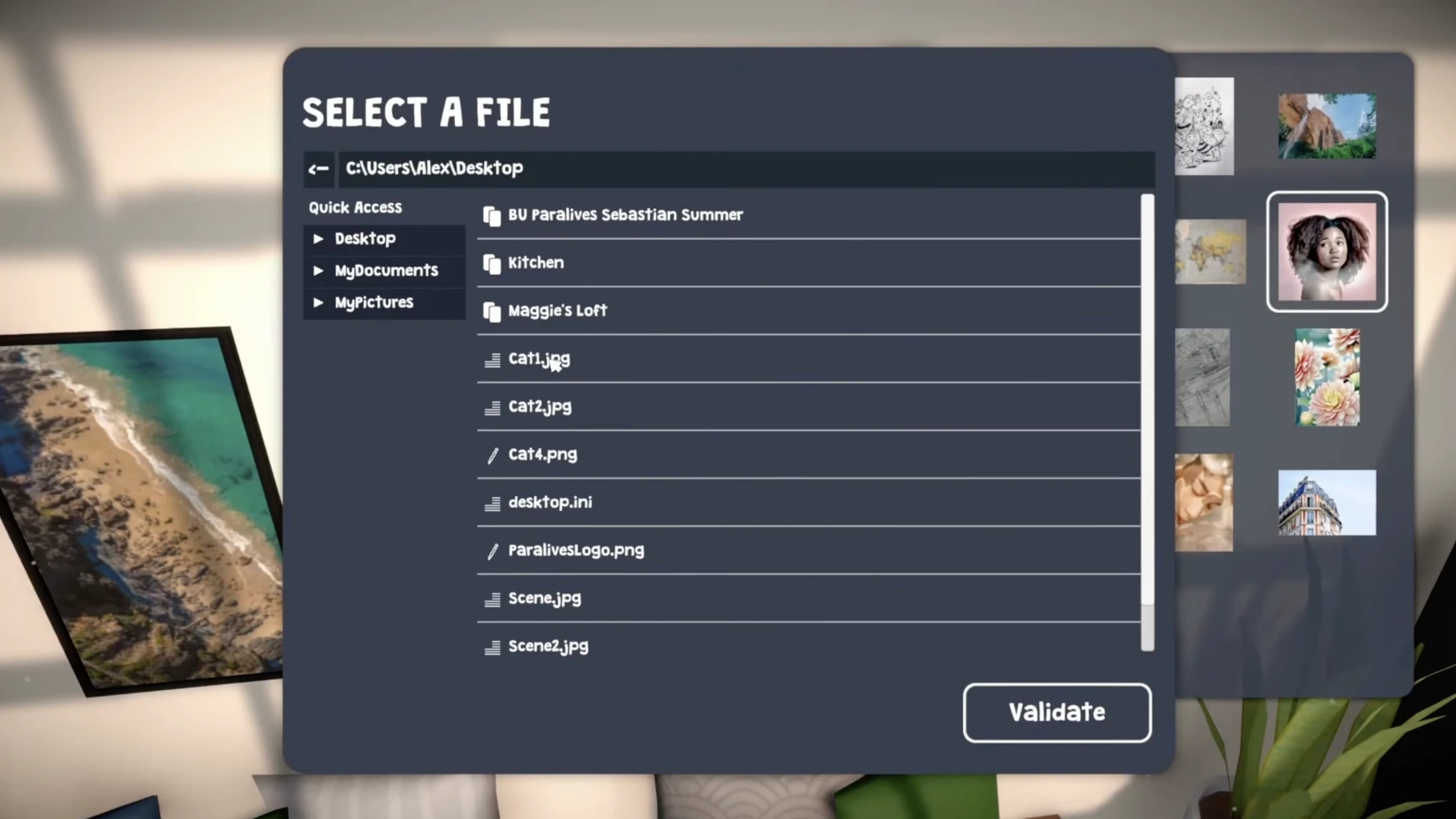
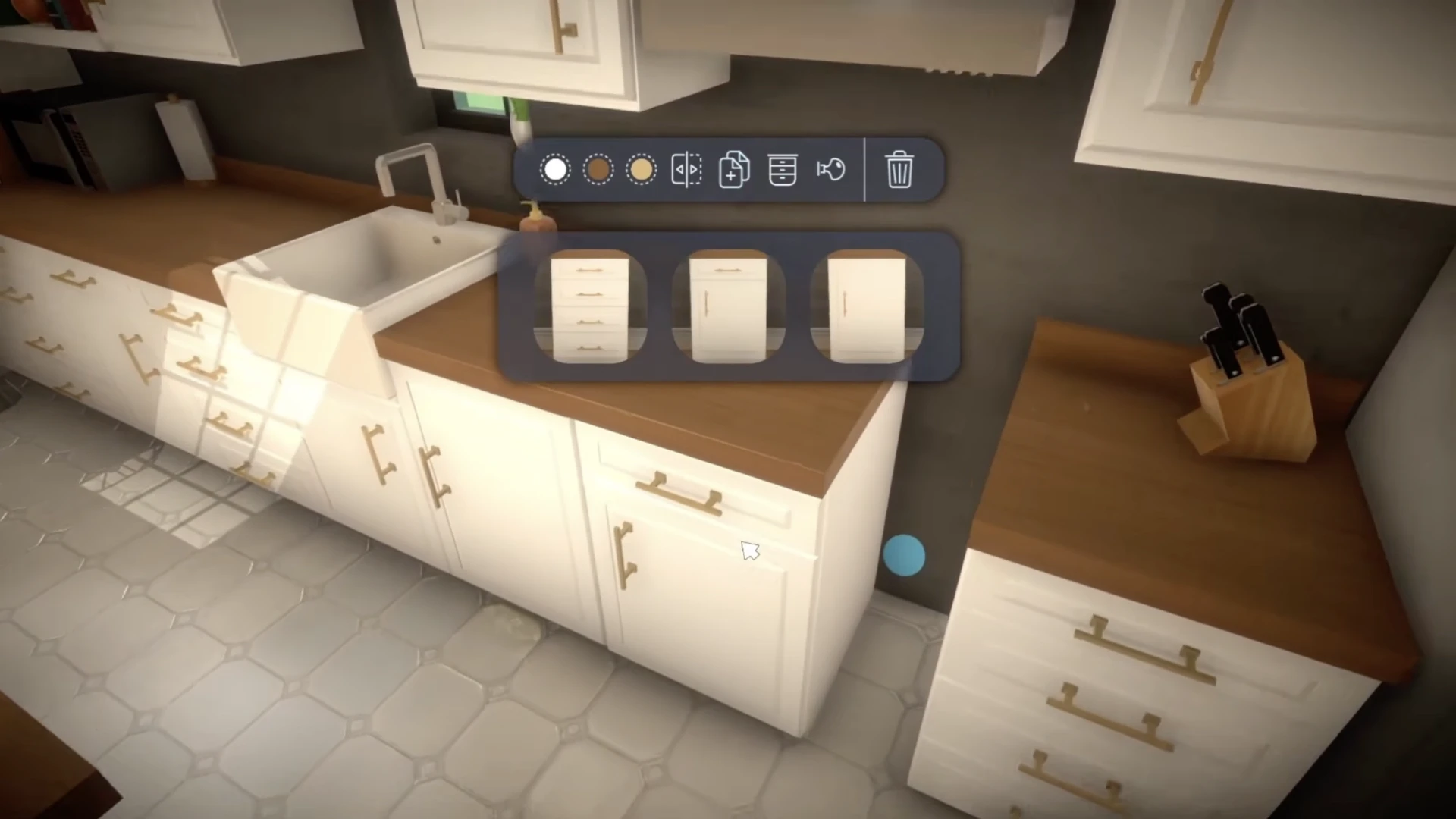
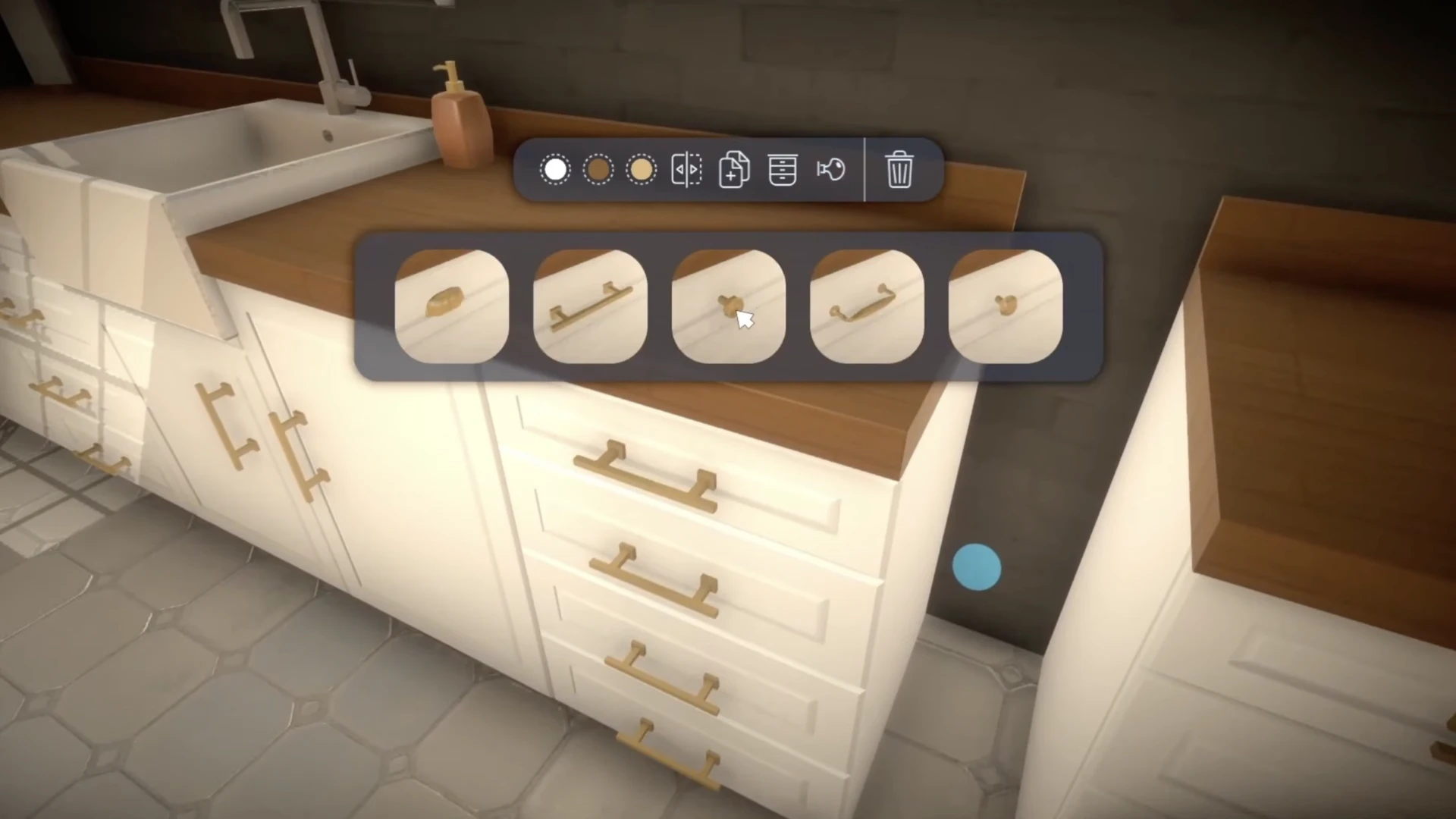
Individual Kitchen Customization
You will be able to configure cabinets by choosing the number of drawers and the shape of the doors, as well as changing the handles.
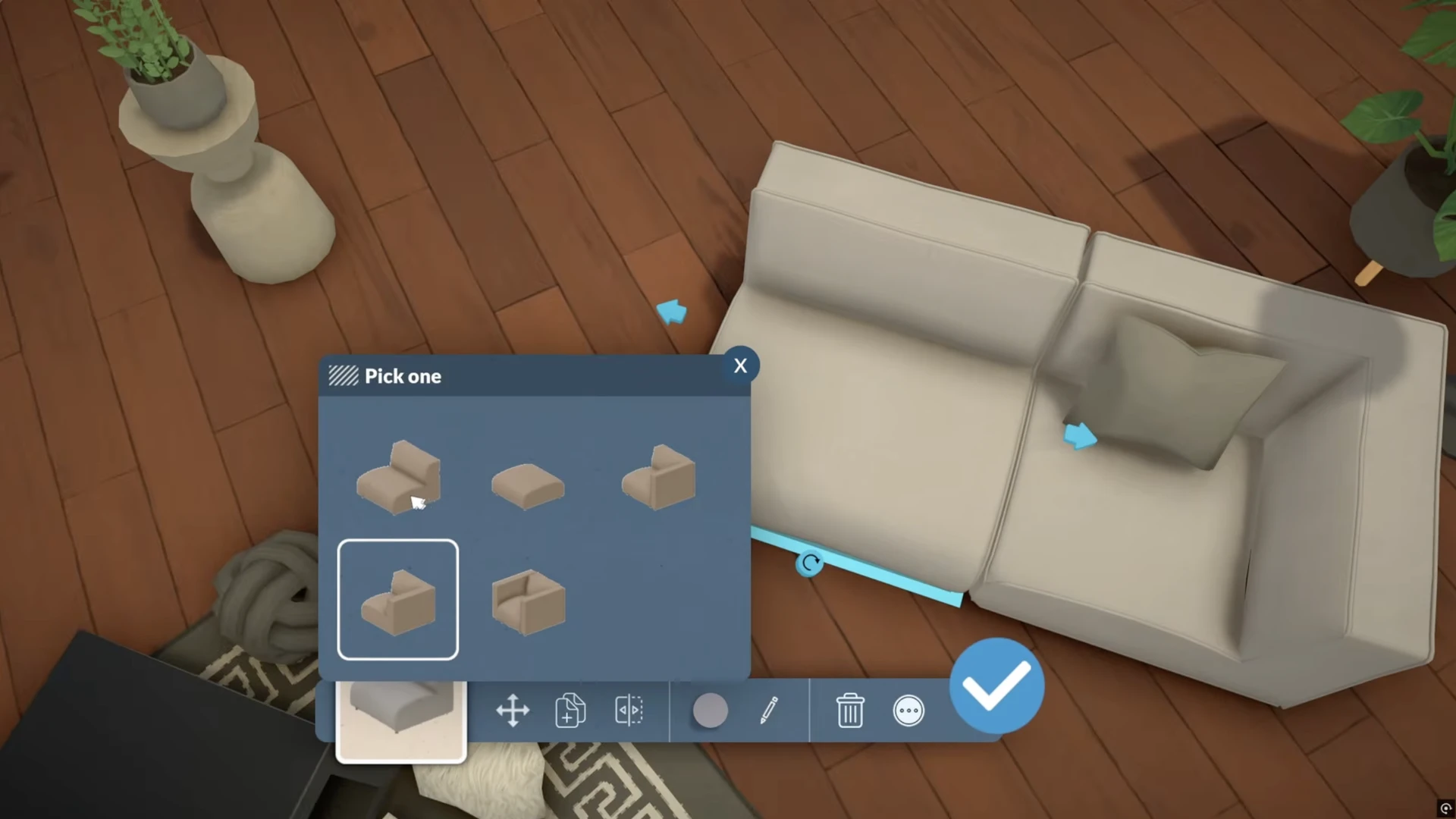
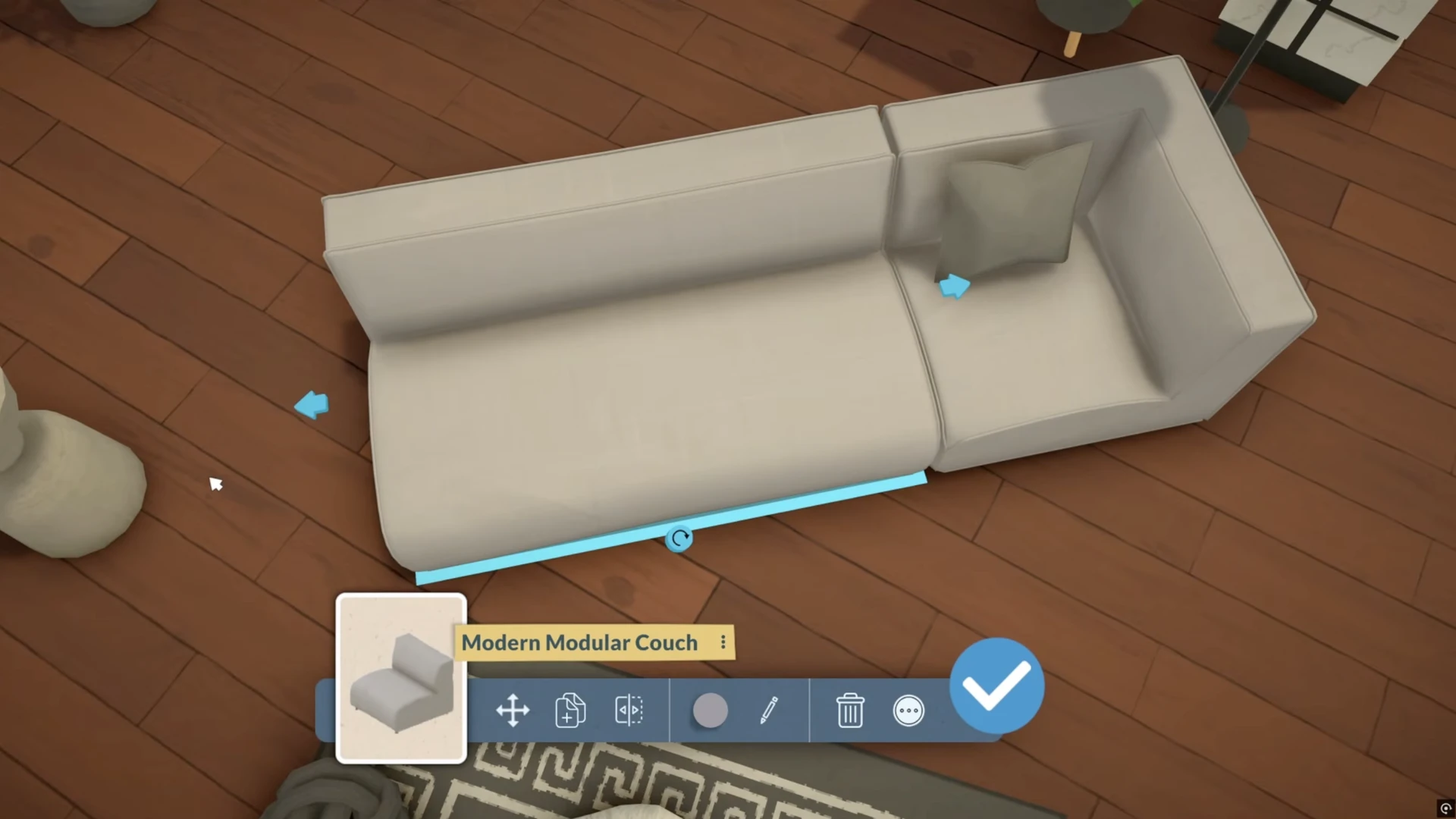
Modular Sofas
You can assemble sofas of any shape from individual sections, move armrests and change their configuration.
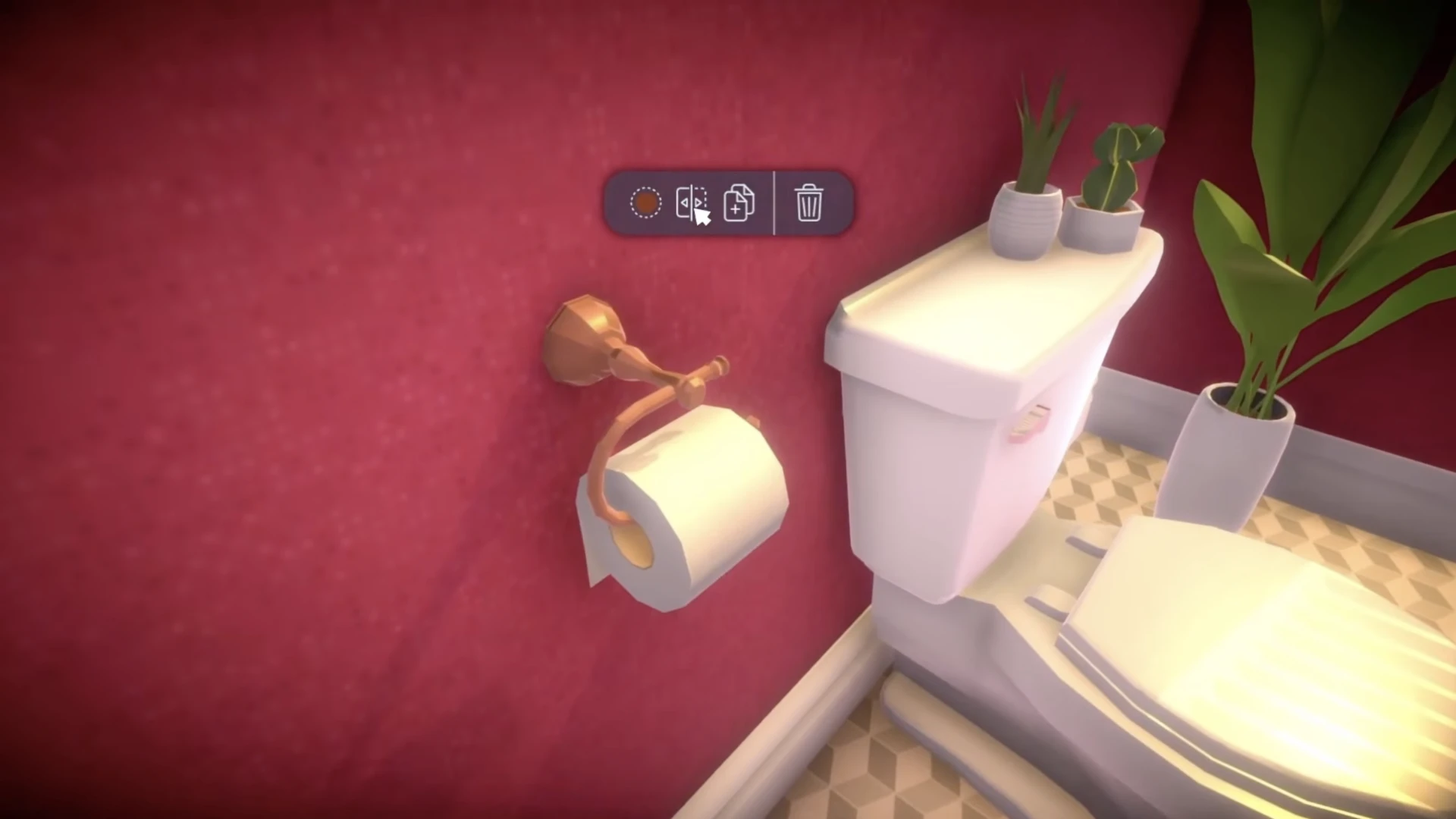
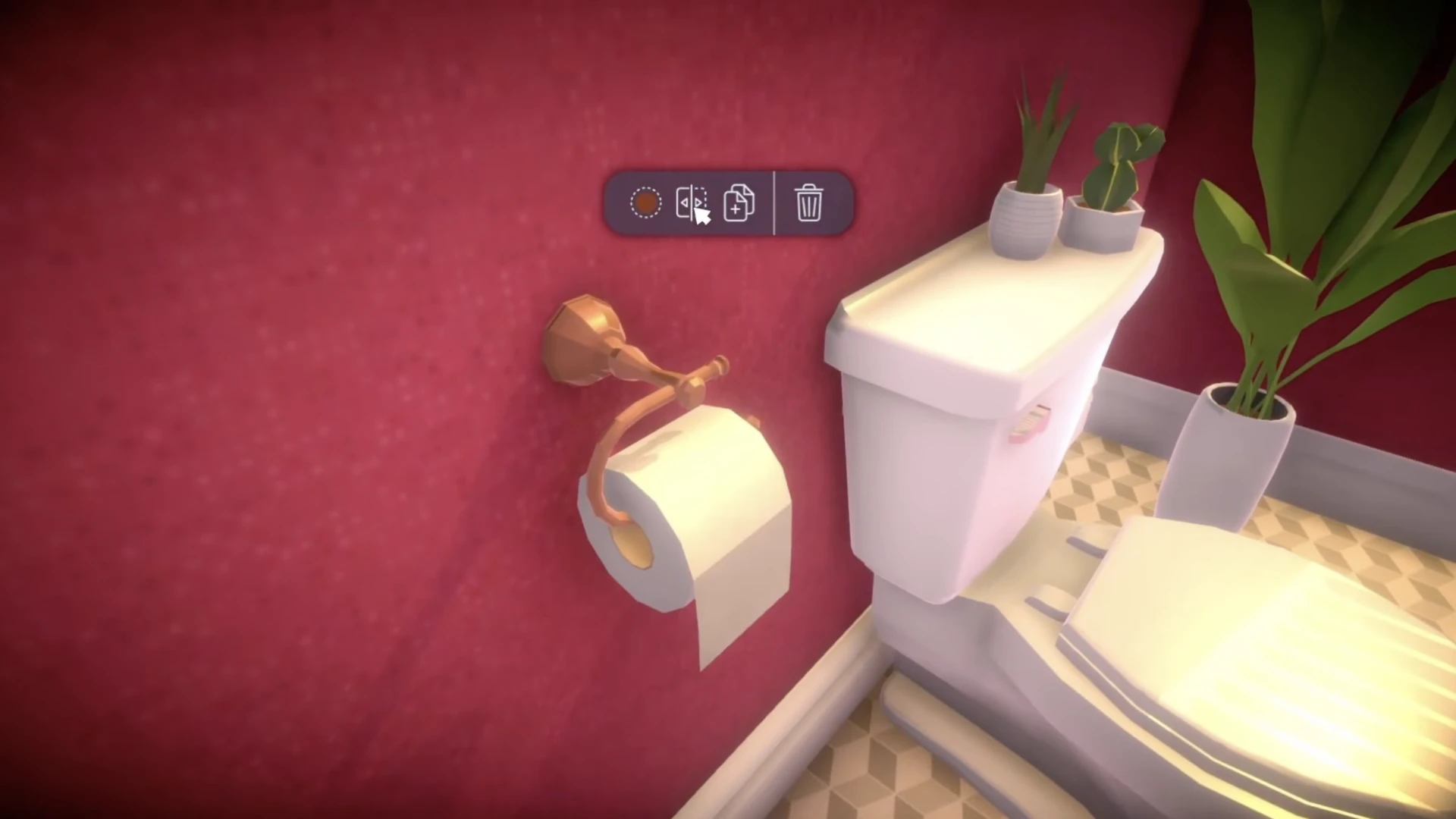
The most important detail in this review: the ability to flip the toilet paper roll. Wonderful, isn't it?
What's in the Future: Roadmap
During early access, the game will receive regular free updates.
The developers plan to add advanced tools for roofs and stairs, windows and doors on curved walls, basements, pools, and, of course, lots of new furniture. Later, functional cars and bicycles will appear in the game.
World Editing
One of the most anticipated tools. It is planned that players will be able to create and edit towns. Lots can be drawn in almost any shape, except for shapes where one lot is completely surrounded by another.
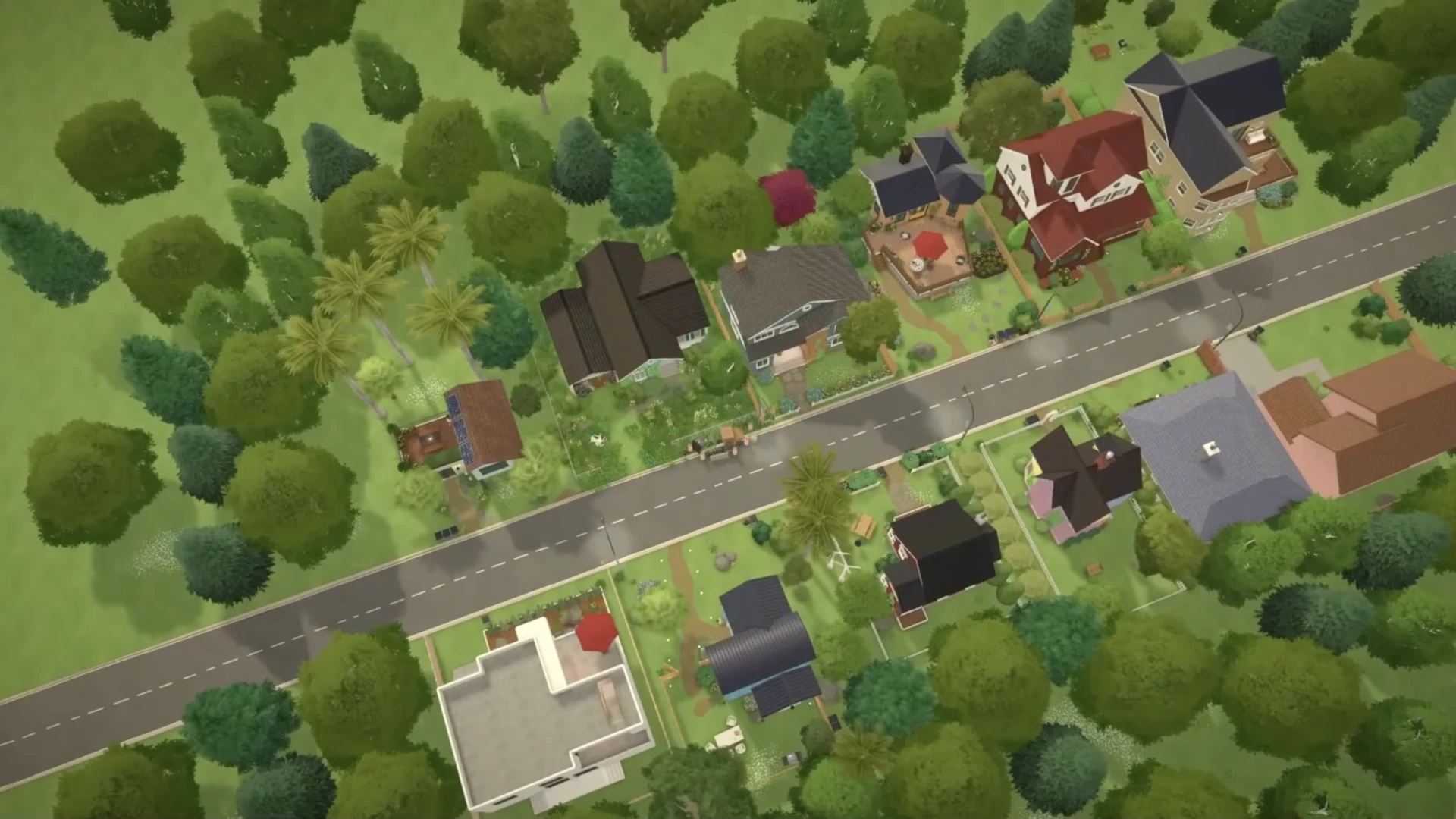
It is also planned to add the ability to create lots from scratch, at least this was mentioned on the developer forum. Most likely, this will not be added in early access, but it may happen later.
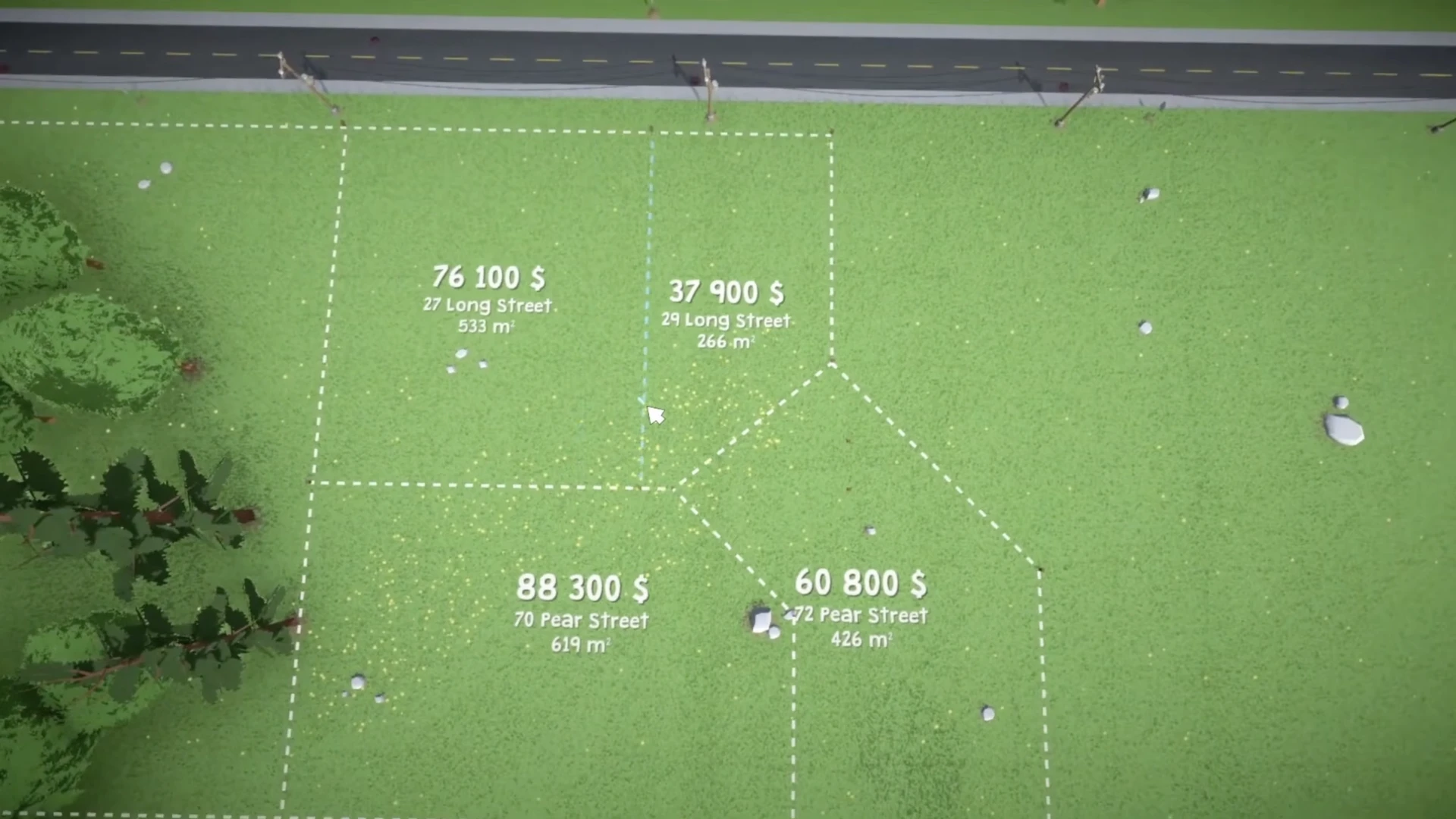
One player asked: how flexible will lot creation be? Is it possible to create lots of different shapes, or are there limitations?
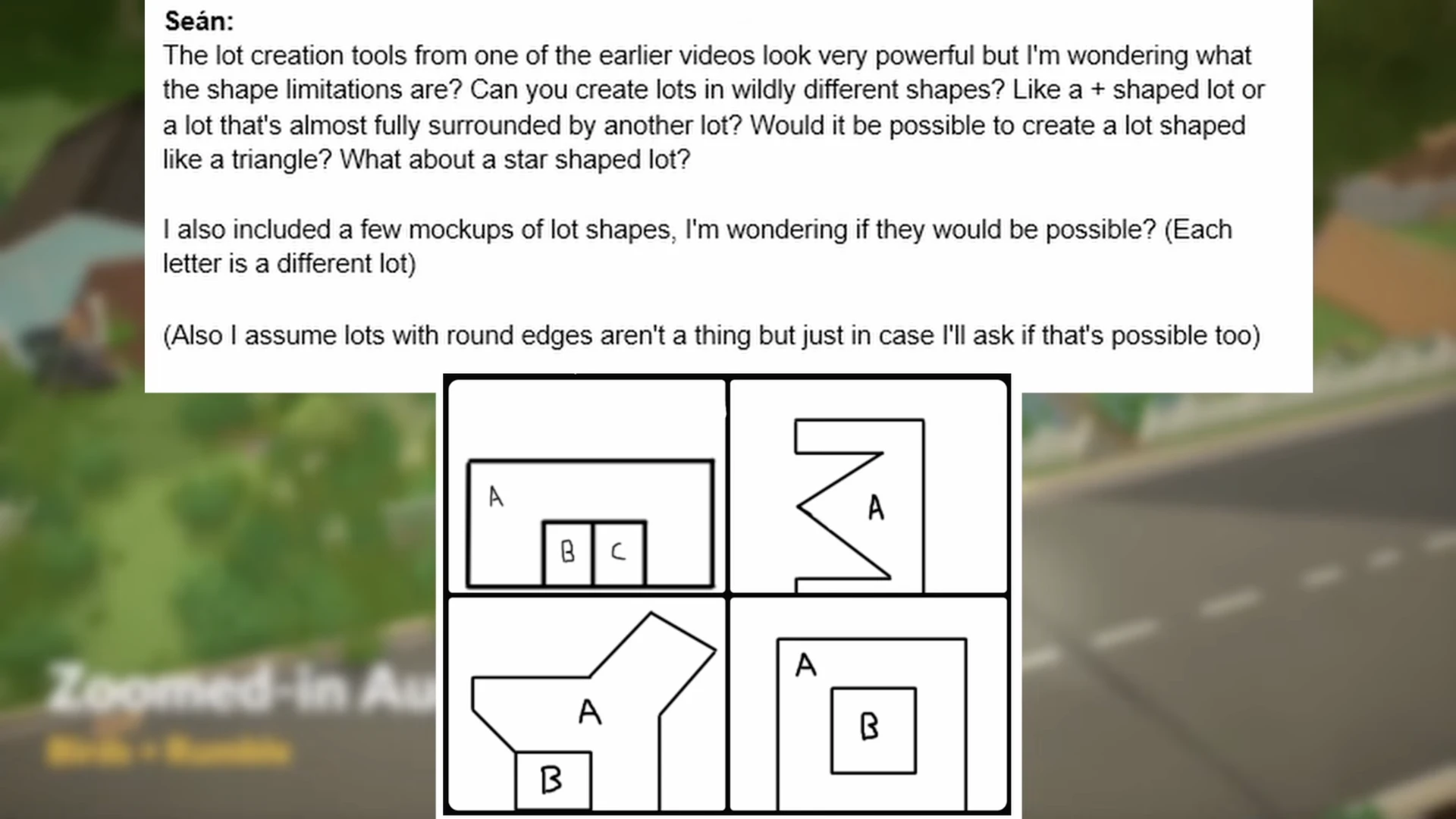
Of the four presented options, only three are possible. The last option is not available because there is no access to the lot located inside another lot. If you make a passage to the inner lot, then such an option would be acceptable.
Expanding Town Borders
There is a possibility to expand the borders of the town, but for now this is only available to developers. In the future, such a function may become available to players, and then towns can be made of any size, without being limited to ready-made sizes.
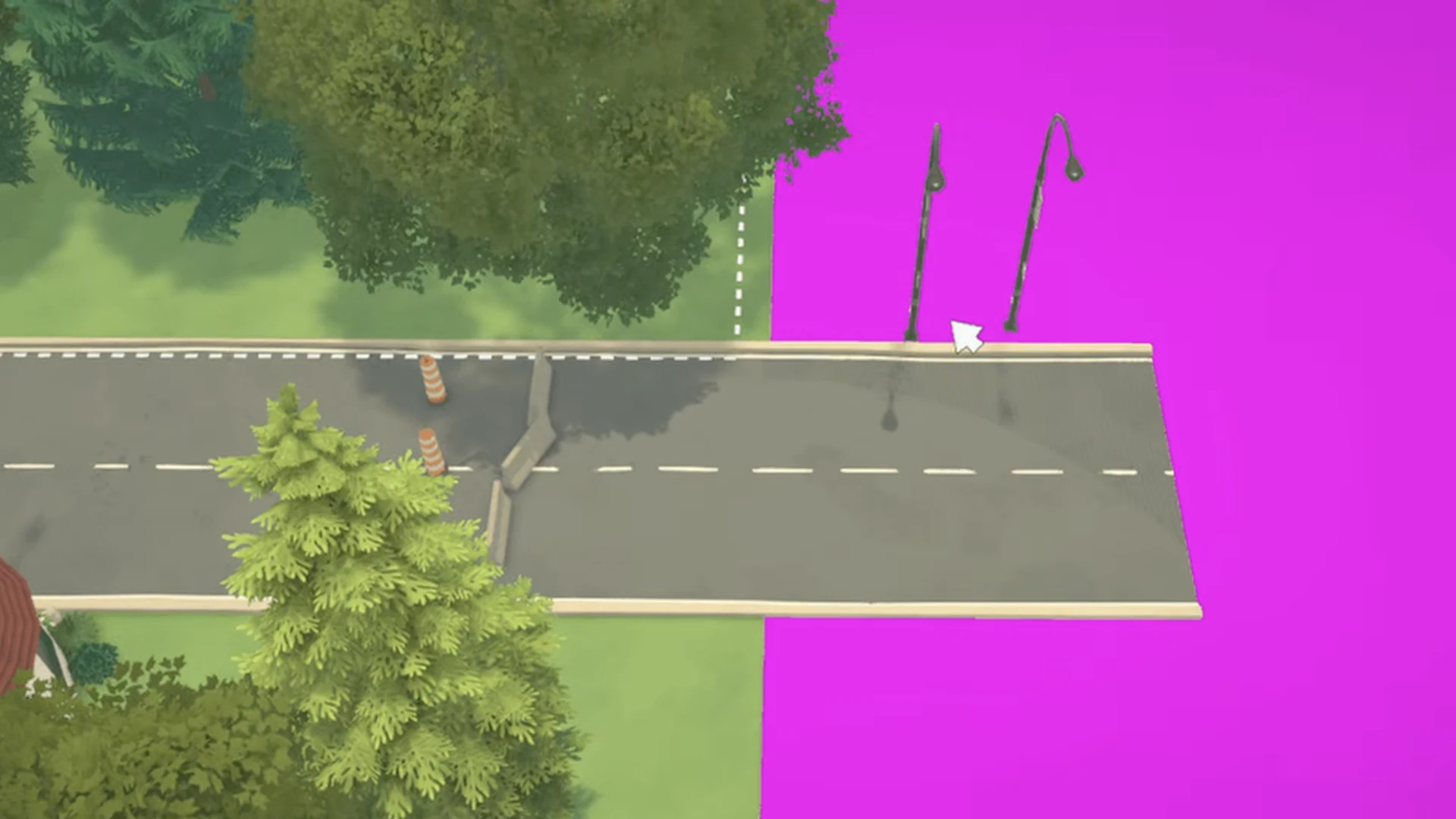
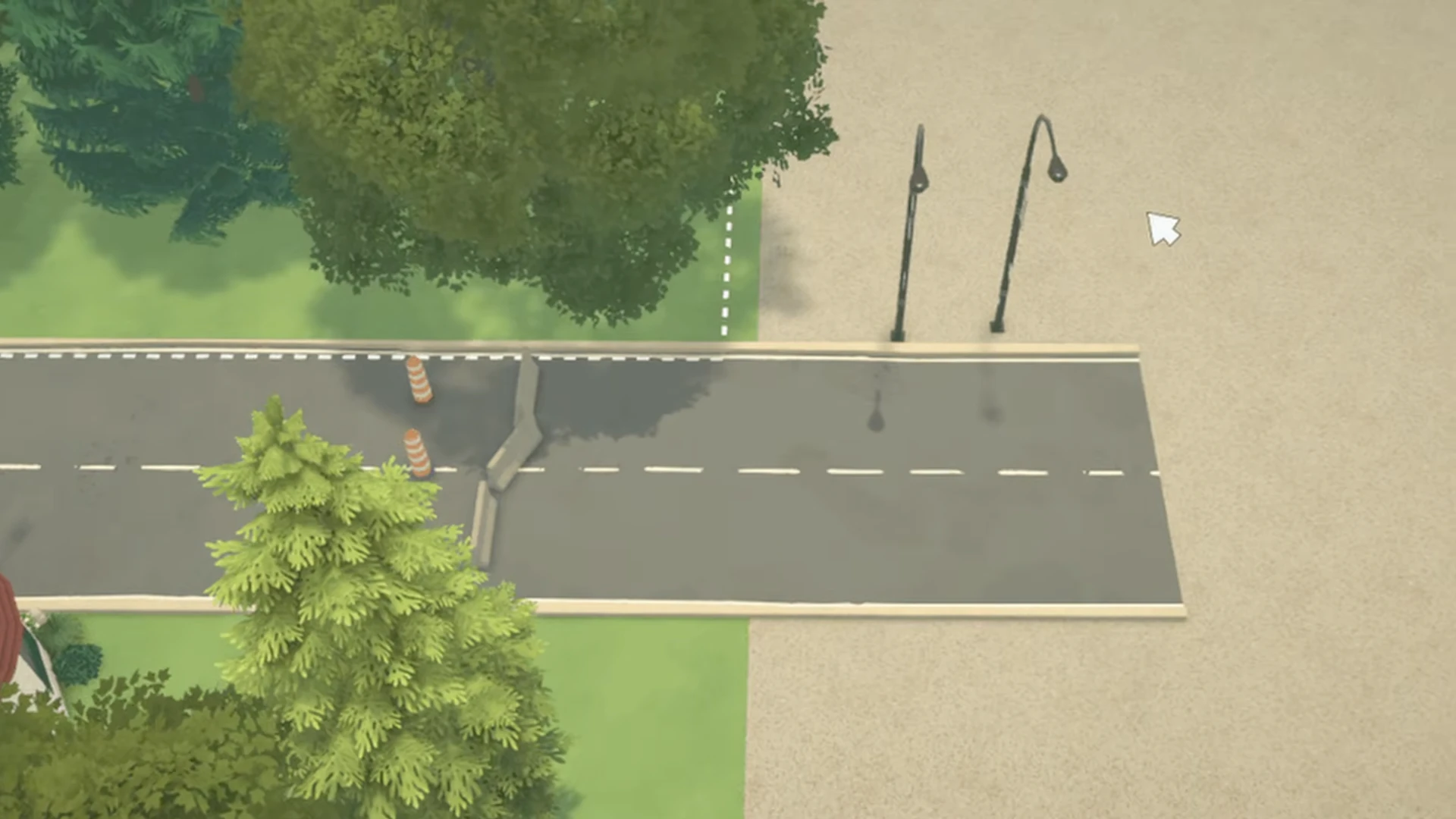
The developers honestly admit that they have no idea when these features will become available to players. Developing tools for creating towns takes a lot of time.
Content Sharing
All the buildings you create can be uploaded to Steam Workshop, from where other players can download them and place them on their lots.
Paralives at the start of early access is not trying to be the "perfect building simulator" that includes absolutely everything. Instead, the developers have focused on creating a solid, flexible foundation that already allows you to do things that in other games of the genre are either impossible or require the installation of dozens of mods.
And, perhaps most importantly, all future improvements to the build mode, as well as all other game content, will be released as free updates. No "building kits" for extra money.
If you love building and experimenting, Paralives already offers a toolkit that unleashes your creativity. And given that the game is just entering early access and will actively develop, it has every chance to become a new leader in the life simulation genre. We don't have much longer to wait — May 25th.



