Sims 4 Building Tips for Beginners: Where to Start and How to Improve
Building in The Sims 4 is a skill, and like any skill, it can be developed. Don't get discouraged if things don't click right away: if you're genuinely interested and willing to put in the time, you'll keep getting better.

In this article, we've put together the most foundational tips for those who are just starting to find their footing in building. There are no complex techniques or in-depth breakdowns here – just a general sense of direction: where to start, what to look at, and how to build the right mindset so that, over time, you can build with more confidence and actually enjoy the process.
Before we dive in, one important thing to note: feeling comfortable and confident while building depends a great deal on how well you know the camera controls, hotkeys, and quick-build shortcuts. We covered all of that in detail in a separate article.
Now, on to the tips.
Draw inspiration from real-world design
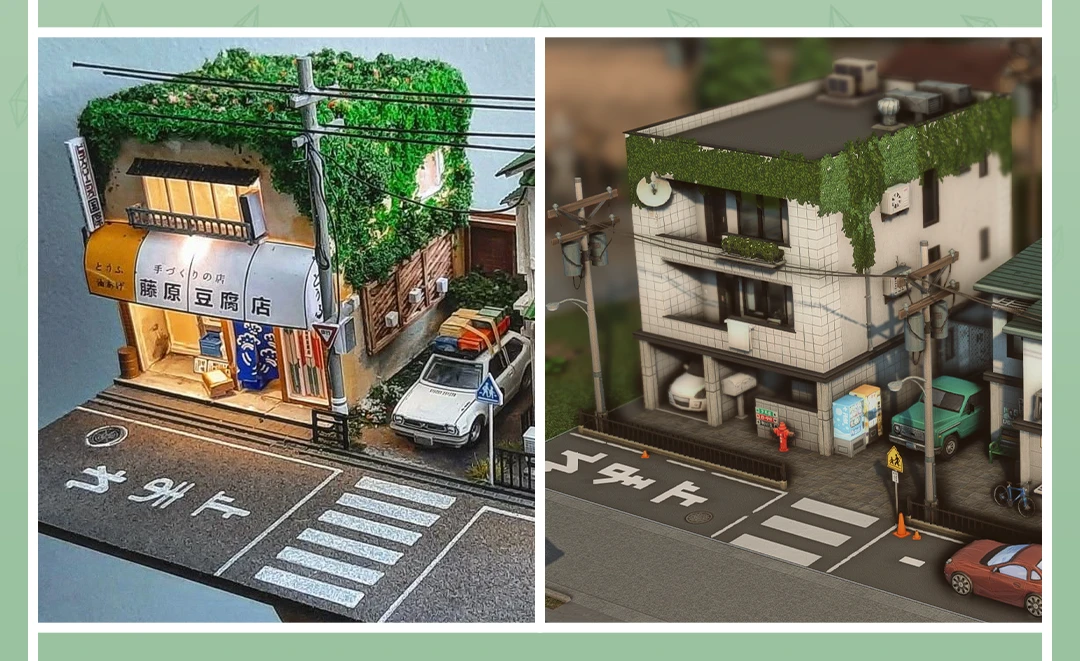
It's usually really hard to just sit down and dream up an entire house or apartment from scratch – we're not professional designers, after all. Pinterest, interior design studio websites, architecture portals – these are all great resources for developing your eye and your taste. Design studio websites in particular often feature detailed interior breakdowns with explanations of specific choices. Search for styles that catch your eye, explore the architectural styles of homes across different sims worlds and neighborhoods: this will help you create buildings with character that feel cohesive, even if you're going for something original rather than a straight-up copy.
Try building challenges
This is one of the best ways to push yourself out of your comfort zone. Challenges are fun, they don't take a ton of time, and they often reveal things about the game you never knew were there. There's an enormous variety of building challenges out there – just Google around and find one that sparks your interest.
Work with a color palette
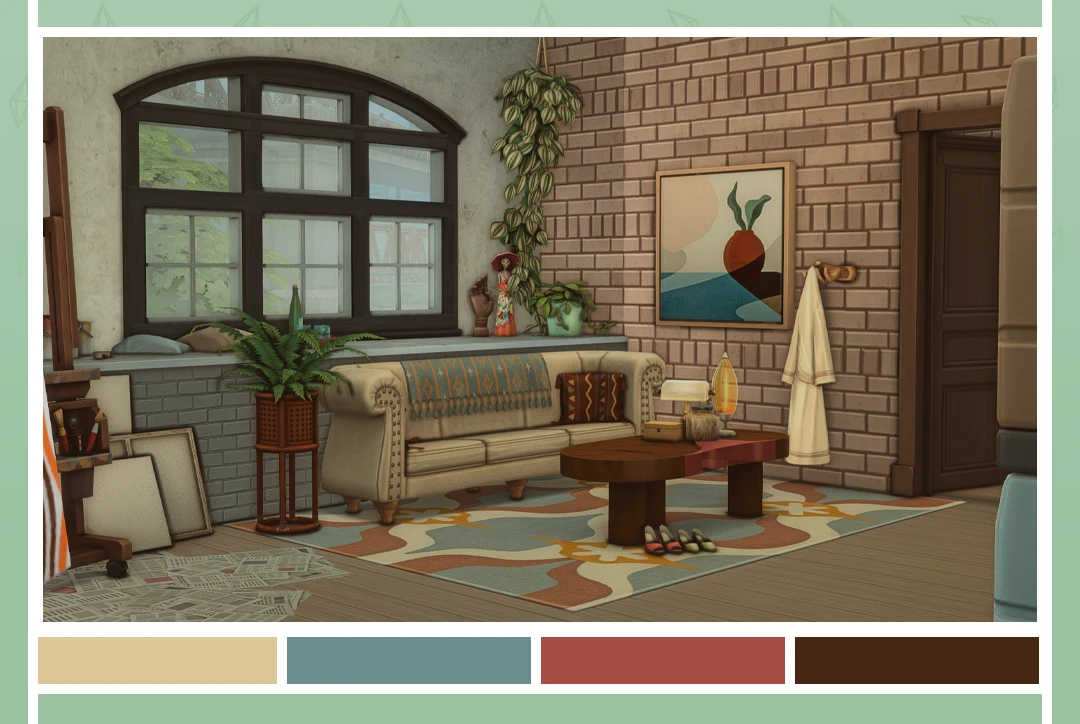
Don't pick colors at random – it has a huge impact on how your build feels overall. Look for inspiration on Pinterest, check out dedicated color tools, or use a color wheel. A harmonious palette is one of those things you don't notice when it's done right, but it sticks out like a sore thumb when it's not.
Use items outside their intended purpose
Don't limit yourself to the function the developers originally had in mind for a given item – think outside the box. Everything in the game can be undone, so there's no harm in experimenting. Go ahead and try the most out-there ideas. Even if an item used in an unconventional way loses its original functionality and becomes pure décor – that's perfectly fine. It just took on a new role. What matters is that it excites you and keeps you wanting to experiment.
Pay attention to lighting
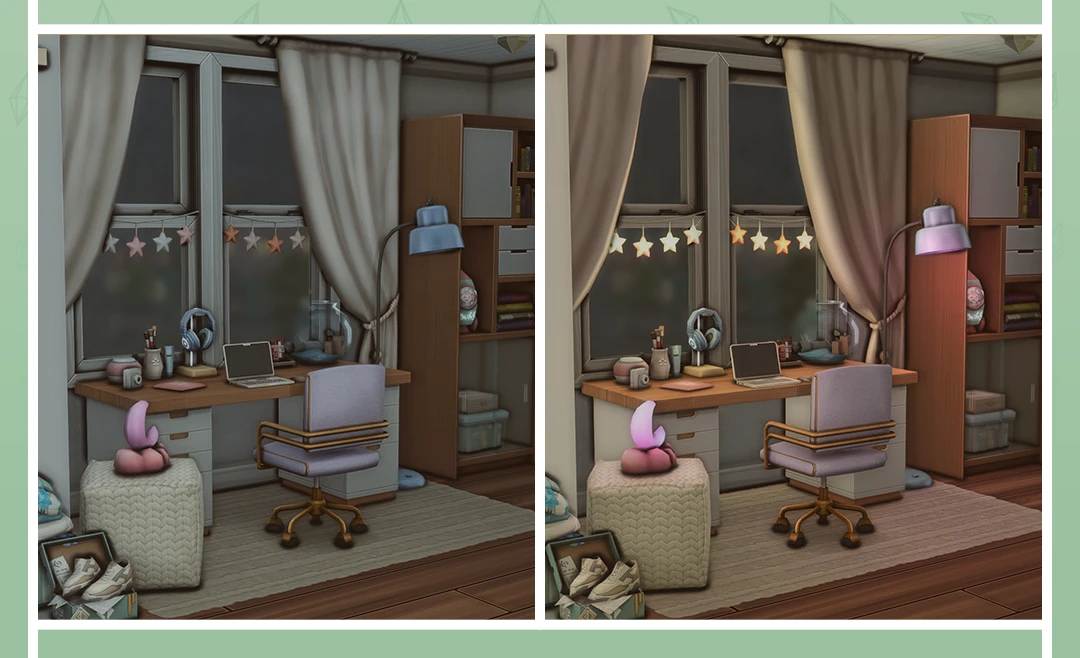
Lighting literally breathes life into an interior. The golden rule here is layered, targeted light from multiple sources: it creates depth, divides the space into cozy zones, and adds dimension. Steer clear of a single overhead light source flooding the whole room. By the way, we have a dedicated article all about working with lighting in in-game interiors – definitely worth checking out.
Use something new every time
Try setting yourself a small rule: with every new build, make a point of using items you've never touched before, or take a deep dive into one specific object category. Challenges come in handy here again, especially the ones that limit you to a single expansion pack. It's a great way to really get a feel for what the game actually has to offer – working through it piece by piece, one pack at a time, is far more effective than trying to take it all in at once.
Explore Debug mode
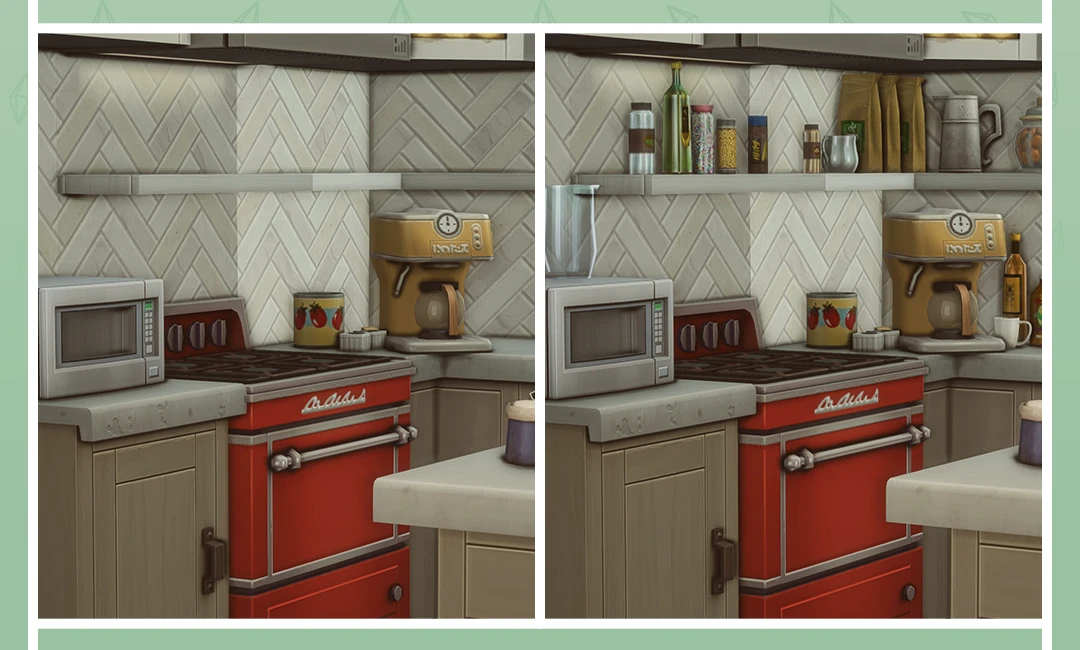
If you don't have a ton of packs, this is especially relevant – but even players with a massive library will find Debug worth their while. It contains an enormous number of free items, and many of them are perfect for creating realistic interior and exterior details, every bit as good as paid content. Debug is particularly great for landscaping: the plants used to dress up the game's neighborhoods are most often found right there. It helps your lot blend naturally into the surrounding world. The one downside – it's easy to get completely lost in there, because there really is a lot to sift through.
Deconstruct other people's builds
Another powerful source of inspiration and new techniques is other players' builds and even the default lots that come with the game itself. The in-game buildings aren't always the prettiest to look at, but technically speaking, they often hide some really clever solutions. Download a lot you like and explore it from the inside – literally take it apart piece by piece. Spotted a gorgeous roof by another creator? Grab that lot and see how it's put together. It's one of the most effective ways to pick up new building tricks.
Leave some breathing room
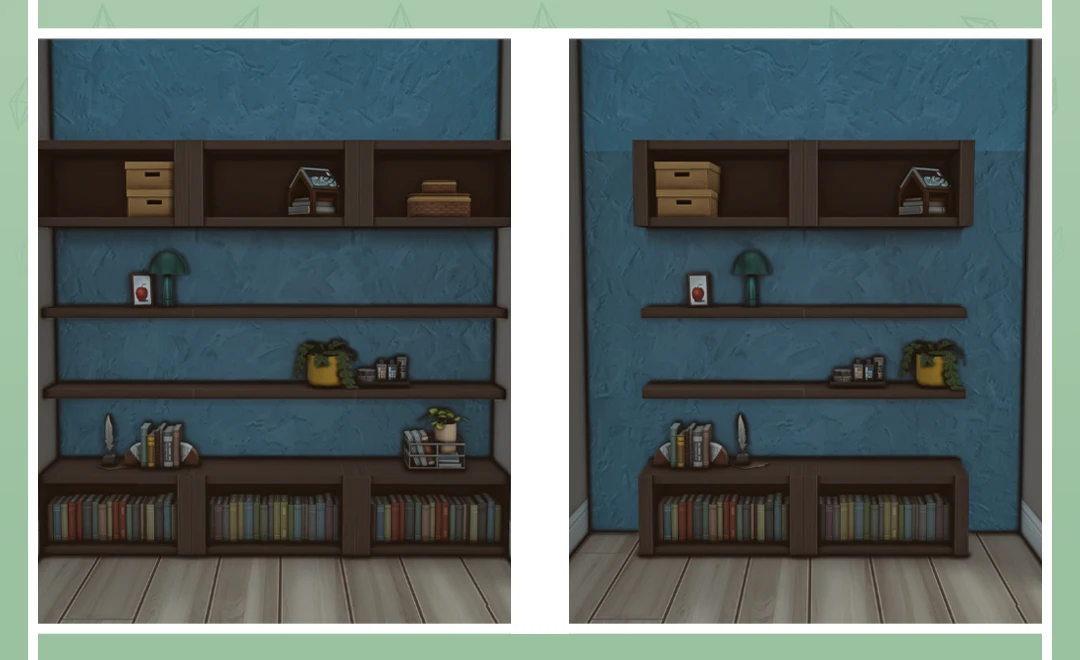
You don't need to stuff every corner and fill every last inch. In real life, you wouldn't feel comfortable living in a space like that – and neither would your sims. Step back and let the interior breathe. Empty space is a design element too.
Know your limits and don't turn building into a competition
You don't need to learn everything in a single day or agonize for hours over every tiny detail. If something isn't coming together, switch to a different part of the design, or a completely different build altogether. Everything in the game can be reworked or picked up again later. As they say, a renovation is never truly finished, you just decide to stop. That rule holds in The Sims too, except here there's no stress involved.
Don't forget about accent pieces
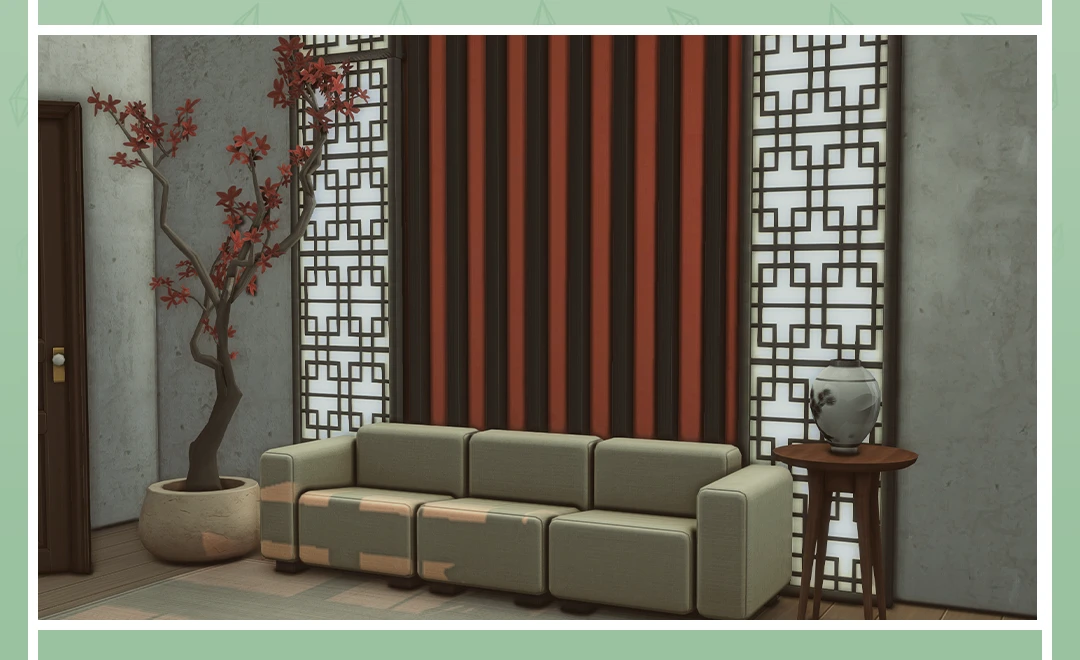
There's no need to style an entire room in the same restrained, uniform way. Give yourself a space to experiment: try an accent wall, for instance. There's so much you can do with it beyond just hanging a painting. Well-placed accents set the tone for the whole room and make it genuinely memorable.
Add a little life and a little mess
Builds don't have to be perfect – and that's a good thing. Add signs of real life to your interiors: something that slightly breaks from the overall concept, some detail with a story behind it. Like a lamp your sim dragged home without consulting anyone else in the household and just plopped in the middle of the living room. Little things like that make a space feel lived-in and real.
Use rooms from the Gallery
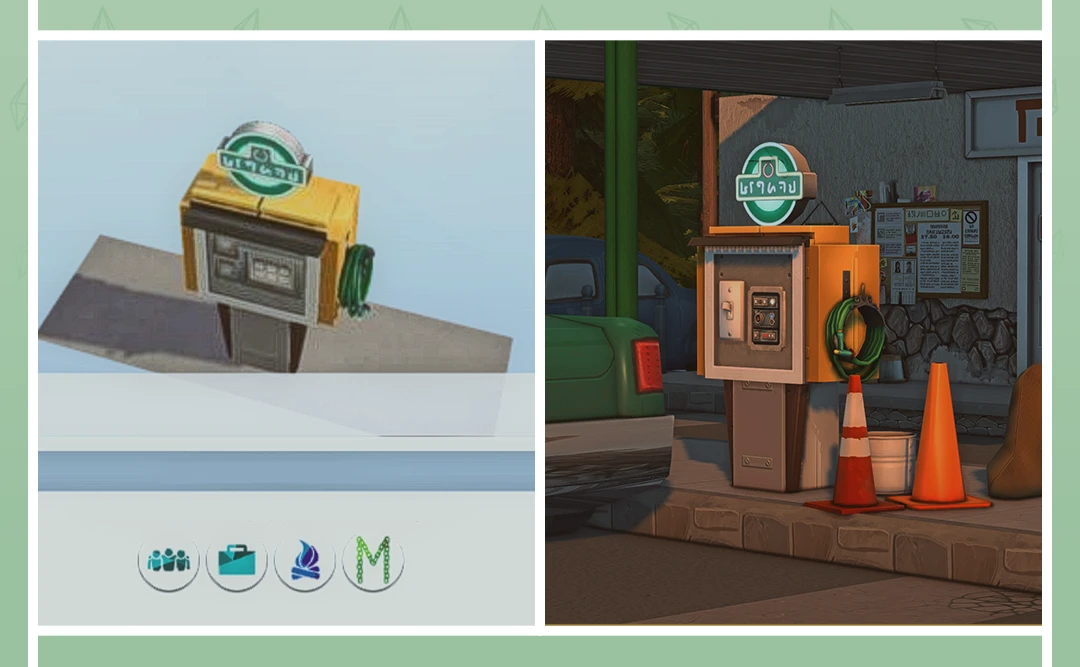
The Gallery is a fantastic resource when you need to find themed items or nail a particular atmosphere. Other creators put together rooms featuring interesting combinations of in-game objects – it's an instant mood boost for your build. You won't have to struggle on your own over what seems like a small detail, and you'll end up with a great find for your collection.