
MC Command Center (MCCC) Guide for The Sims 4 – Settings & Features
MC Command Center (MCCC) – one of the biggest and most useful mods for The Sims 4: it adds story progression management, sim settings, world population, pregnancies, autonomy and dozens of technical parameters that in the base game are either unavailable or heavily limited. Deaderpool's official documentation separately describes MCCC as a modular system: the core is required, the rest of the parts can be installed as needed.

Below – all the key modules that are included in the mod, with a brief explanation of what they're needed for in actual gameplay.
How MCCC works and where to find settings
MCCC has a core (mc_cmd_center) and additional modules. Without mc_cmd_center the other files don't work, and the versions of all modules must match the version of the main file. This is directly stated in the documentation on the official website.

Where the MCCC menu opens
You can find the mod settings in different ways, and each one opens different types:
— Computer in the game: global settings (for the entire save).
— Click on a sim: commands and individual settings for a specific character.
— Click on the mailbox: primarily these are global cheat commands (through MC Cheats). Deaderpool's official documentation also confirms that MCCC can be opened via console commands (mc_settings, mccc, mc_cheats).
Important technical note (installation)
MCCC script files must be placed no deeper than one folder level (for example, Mods/MCCC – that's fine, going more than two subfolders deep is not recommended), otherwise the game may not detect the script. This is the standard reason why the menu doesn't show up.
Main MCCC modules
Below we've compiled the basic information on each module, and also included links to our other articles where certain features are explained in more detail.
MCCC Settings – the main "control panel" for your save
If the other MCCC modules usually handle specific systems (pregnancy, population, wardrobe, careers), then the base settings module is all about overall game control. This is where the "character" of your save is defined: how fast the world lives, how sims age, how often the game saves, how relationships work, what notifications you get and even how bills and inheritance behave.
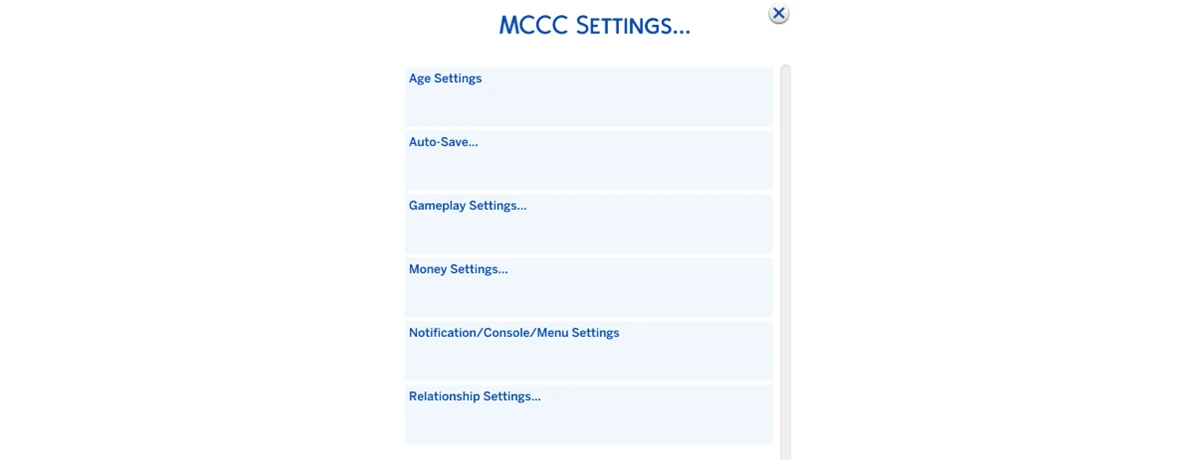
Autosave – one of the most useful features, but with a catch
You can set the interval, choose the trigger type (for example, by real time or before midnight), set your own save name and limit the number of slots created.
The most important thing that many people overlook: MCCC saves the game to a new slot, meaning it works on a "Save As" logic. For some this is a plus (you always have several restore points), and for others – a minus, because the saves folder starts growing rapidly. Good thing this can be partially controlled through the save count limit.

If you want to set it and forget it, one of the most convenient options – autosave before midnight, so the game makes a save once per in-game day without interfering with gameplay.
Changing the game time speed
This module has several settings that significantly affect how the game feels. The most well-known one – game time speed. And this is exactly the feature that has the most expectations and myths around it.

It's important to understand: if you slow down game time, sims don't start accomplishing more. They just do everything longer – eat longer, shower longer, think longer before actions. The mod author directly explained that time in the game is linear, and you can't separately "speed up actions" while keeping the slowed-down day.
So this setting is better perceived not as a way to "get more done", but as a way to make gameplay more measured – especially if you love screenshots, staged scenes and a calm legacy pace.
Another important point: changing time speed can break calendar events (festivals, events, calendar timing). But there's a working workaround for this: first set the desired speed in a new test save, save it, exit, and only then open your main one – this way the calendar usually doesn't "drift".
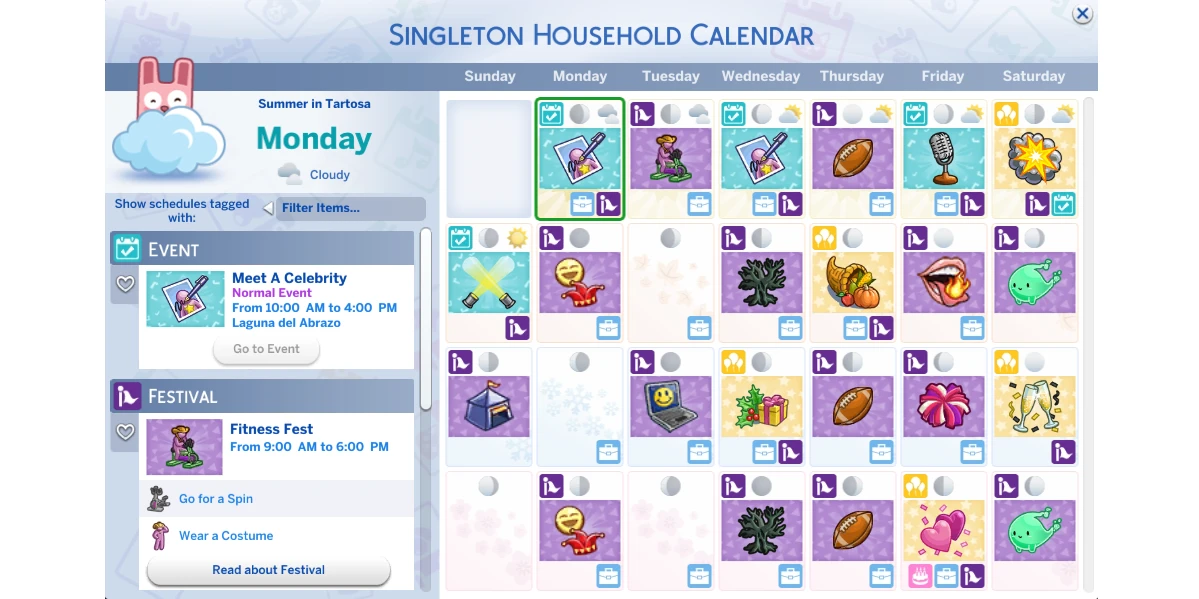
Right alongside this block, it makes sense to use the motive decay setting. If you're making the game slower anyway, you can adjust the needs decay rate so your sims' lives don't turn into an endless "eat-sleep-shower" cycle.

Maximum household size and editing sims: useful, but careful
Another powerful setting – increasing maximum household size. Yes, MCCC allows you to go far beyond the standard 8 sims.

But there's a very important technical caveat here: if the household has more than 8 characters, you can't edit it the "normal" way through mirror/wardrobe or the game's standard CAS mode. In such cases, The Sims 4 may leave only eight sims in the household and simply remove the rest.
To prevent this from happening, you need to edit appearance through MCCC (Shift+left mouse button) – individually, through the command to modify the selected sim in CAS. Then the game opens the editor for only one character, and the large household doesn't break.
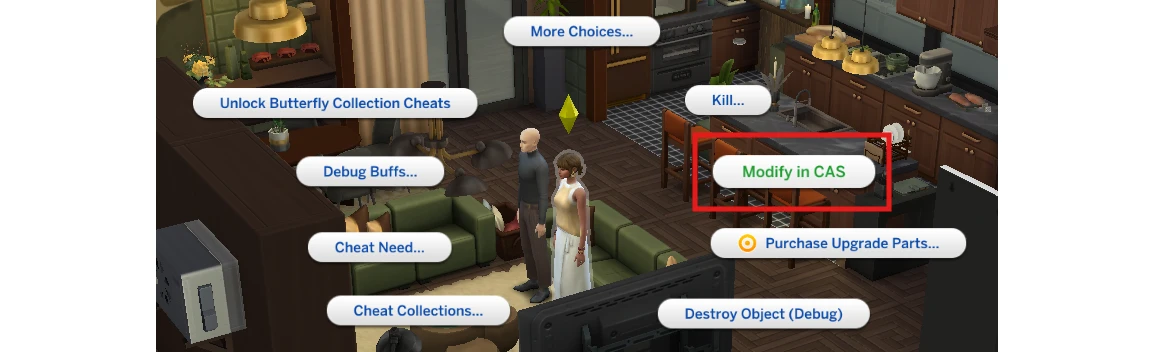
This is one of those things you're better off knowing in advance, so you don't have to fix your save later.
Age, aging and lifespan
The base module has very conveniently designed age settings. You can not only change the duration of age stages (for humans, cats, dogs and horses), but literally build your own life pace: short, medium, long – and within each one specify the desired number of days.

This is especially useful if you play with long seasons and want your sims' ages to feel more logical. For example, if your season lasts 28 days, you can adjust age so life stages better align with the "rhythm of the year" in your save.

That said, it's important to remember: custom lifespan, like changing time speed, also adds load on the game. In some saves everything works great, in others lags may appear. Here everything depends on your hardware, number of mods and the state of your specific save.
Separately in this same block there's a useful option to stop aging for selected stages – handy if you want to "freeze" a period in your family's life for a long time and not worry that a sim will suddenly age up.

Relationships and NPC moves: the module makes the world noticeably more alive
One of the most interesting sections – relationship settings. You can configure whether NPCs will move in together, how often this happens, how actively relationships change in couples and what happens during divorces.

This is exactly the block that makes the world less "static". Sims start not just existing in the background, but living their own lives: relationships change, couples break up, someone moves out, children can leave with one of the parents – and the save feels more alive.
At the same time, there's a very important safeguard here: you can disable these scenarios for the active household. Meaning your played characters won't fall under background relationship checks if you want to control their story manually.
For those who don't like when sims "forget" acquaintances, relationship decay is also configured here and even complete disabling of relationship disappearance. This is convenient, but can put more strain on the relationship panel in large saves – so it's a useful setting, but not always necessary.
Useful little things that make life much easier
The base module has many not-so-obvious, but very nice options.
For example, you can make the game always load on pause – a small thing, but for those who often get distracted during loading, very convenient. There's automatic enabling of testingcheats, full edit mode in CAS, quick settings for build mode (like moveobjects and BuyDebug), as well as MCCC menu display settings – if you don't want the mod's buttons constantly flashing in regular interactions.
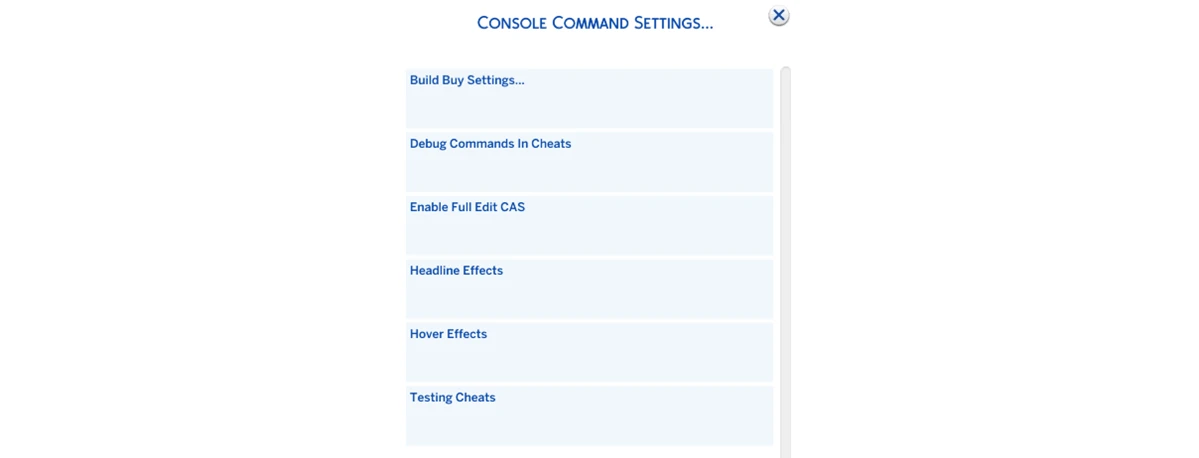
A separate plus – flexible notifications. You can configure exactly which events MCCC will show (moves, pregnancies, aging, deaths, relationship changes), and from which sims these notifications should come: only from NPCs, only from played sims, only from active household's friends and so on. This is handy if you want to keep track of the world, but without a flood of unnecessary spam.
Finances: bills, child support and inheritance
The financial section in the base module is often underestimated, and wrongly so. Here you can enable auto-pay bills, configure the size of regular and apartment bills, and also add more "story-driven" things – child support and inheritance.
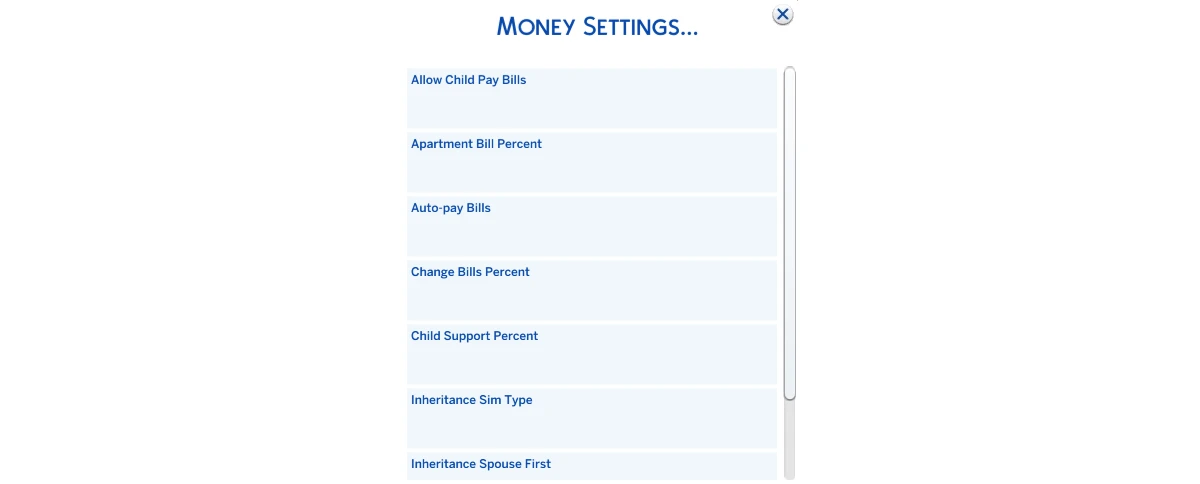
For legacy saves this is especially interesting: after a sim's death you can enable transfer of part of the family funds to the spouse or children, and during divorces – set up child support payments. The main thing – don't set values too high, because balance easily shoots into space, and child support can turn into millions.
MC CAS
If it drives you crazy that the game generates sims with "twisted" proportions, weird bodies or sharp jumps in weight and muscles, – you need MC CAS specifically. This module is responsible not for wardrobe, but for sims' appearance and physics at the CAS level: from individual body parts to general restrictions "for the entire save".
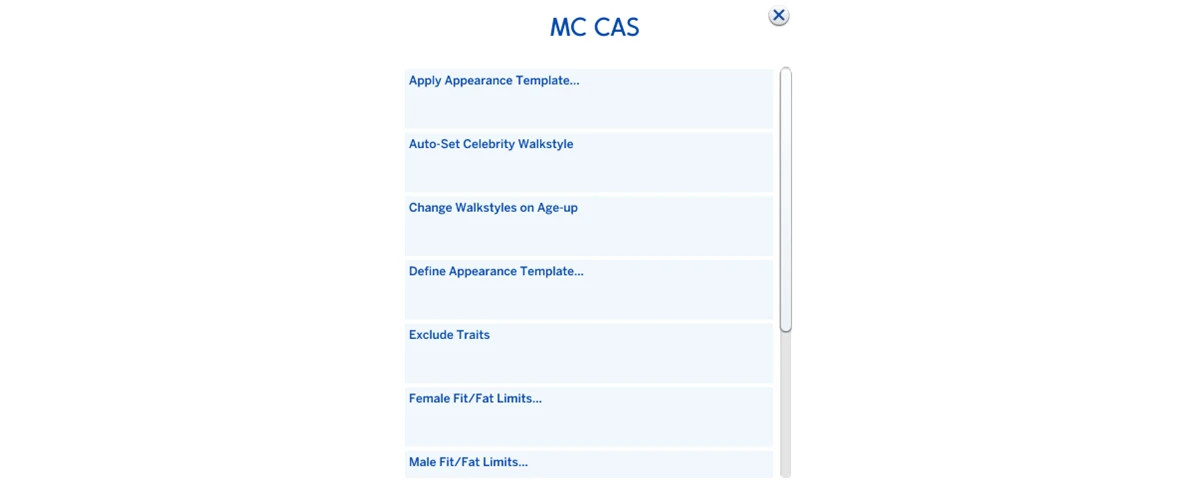
The main feature of MC CAS – the ability to set ranges (minimum/maximum) for different body parameters. Meaning you literally tell the game: "Generate sims within these limits, and don't go beyond the boundaries".
In short: MC CAS is needed by those who want the world to look neater and more predictable, and important characters' appearance not to "drift" from autonomous changes. The main thing – don't squeeze the ranges too tightly, otherwise you can end up with body-type "clones" instead of natural diversity.
MC Career
This module is about everything related to career routine: work, school, university and how quickly sims progress through these systems. If you've ever caught yourself thinking "why does homework take half a lifetime" or "why does university feel like a separate job", – this module is exactly for such situations.

Overall it helps adjust the pace of development: make career growth more realistic and slow or, conversely, speed up progress so the game doesn't turn into endless task completion for one checkmark.
One of the most practical options – the link with Neighborhood Stories. Essentially, you decide: will career changes that the game makes in the background follow MC Career rules. This is important if you don't want NPCs to chaotically change jobs "any which way", or conversely – you want the world to live more actively, but according to set logic.
MC Cleaner
MC Cleaner – that very module that at first glance seems confusing, but over time becomes one of the most useful. It doesn't add new mechanics to gameplay directly – instead it helps keep the save in order: less clutter, fewer weird traces from the game's system processes, less feeling that the world is gradually turning into chaos.

To put it simply, MC Cleanerr is needed by those who play long-term: legacies, large saves, active use of mods and CC, many NPCs, and many events. The "older" the save, the higher the chance that small annoying things will start accumulating in it – and this is exactly where Filter becomes really noticeable.
MC Cleaner is not a "magic optimization button", and it's important not to overdo it here. The most common risk – overly aggressive cleanup rules. If you set filters too broadly, the mod can start "sweeping out" what you actually wanted to keep – especially if the game has a lot of custom content that's sometimes incorrectly tagged and behaves unpredictably.
So the rule is simple: start with minimal safe options, watch how the save behaves, and only then add stricter rules. And yes, before experimenting with any cleanups it's always useful to have a fresh save backup (especially if you like to mess with "deletion/cleanup" at the world level).
MC Clubs
If you love the club system from The Sims 4: Get Together!, then you know its main problem: over time it starts to "fizzle out". Members age up, die, disappear from the world – and clubs turn into empty shells that need to be constantly fixed manually. MC Clubs solves exactly this pain point: it adds a bit of life to clubs, which the game often lacks.
And the best part – the module does this not aggressively, but quite logically: clubs don't just get filled with random people, but try to maintain membership according to set rules.

The main function of MC Clubs – membership monitoring. If you enable this setting, the mod will periodically check clubs: who still fits the requirements, how many open spots there are, isn't it time to add new members. This is especially noticeable in long saves, where without mods clubs simply die out along with the old generation.
As a result, clubs start to feel like real "communities", not like a one-evening mechanic. You created a neighborhood club or secret society, and then it exists and updates while you play your legacy.
If you don't use clubs at all and don't plan to – this module can be safely skipped.
MC Dresser
If townies in "wedding veil + ski goggles + combat makeup + flip-flops" outfits have ever driven you crazy, then you already understand why MC Dresser exists.
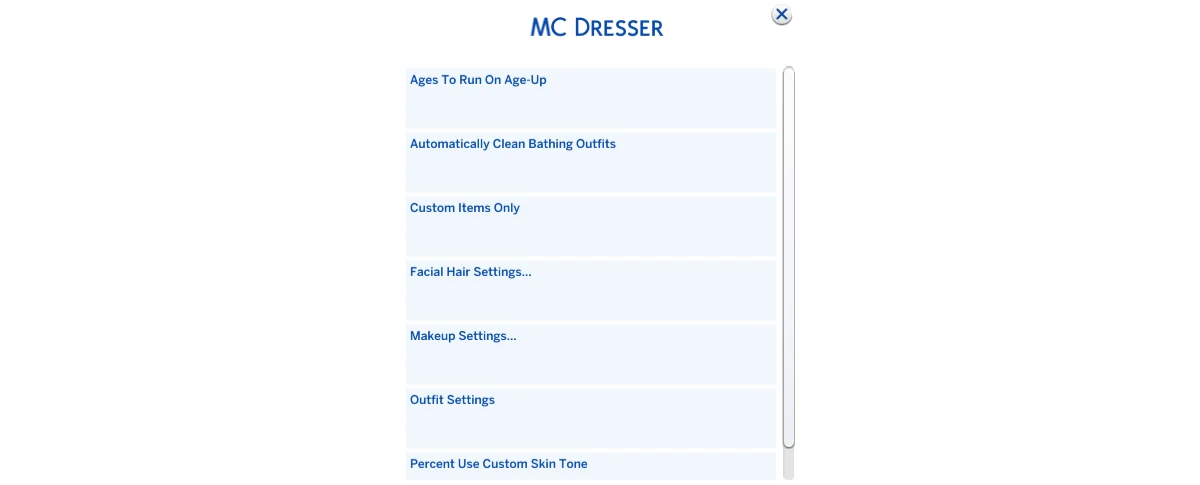
The main idea of the module – cleanup and outfit management. MC Dresser can remove unwanted elements from outfits, replace them with more appropriate ones, and if desired – generally force the game to follow your rules. This is especially useful if you have a lot of CC, because CC often attaches to sims in the wrong places: accessories in swimwear, "pseudo-nude" items, weird details in every clothing category.
Besides cleanup, the module helps copy/save outfits to quickly transfer successful looks between categories or even between sims. This is a lifesaver for those who do family saves and want characters to have a unified style, but don't want to spend forever in CAS.
MC Occult
This is an MCCC module that handles settings related to occult sims, but primarily – aliens and vampires. Its idea is very simple: take those mechanics that in the game often happen in a "good enough" style (abductions, occult pregnancies, random consequences), and turn them into manageable rules.

In the base game many occult things feel either too rare, or conversely – sudden and out of place. For example, alien abductions can throw you off the storyline, and occult pregnancy – fly into a save that you were actually playing in "realism" mode. MC Occult is exactly for you to decide yourself: is this part of your story or not.
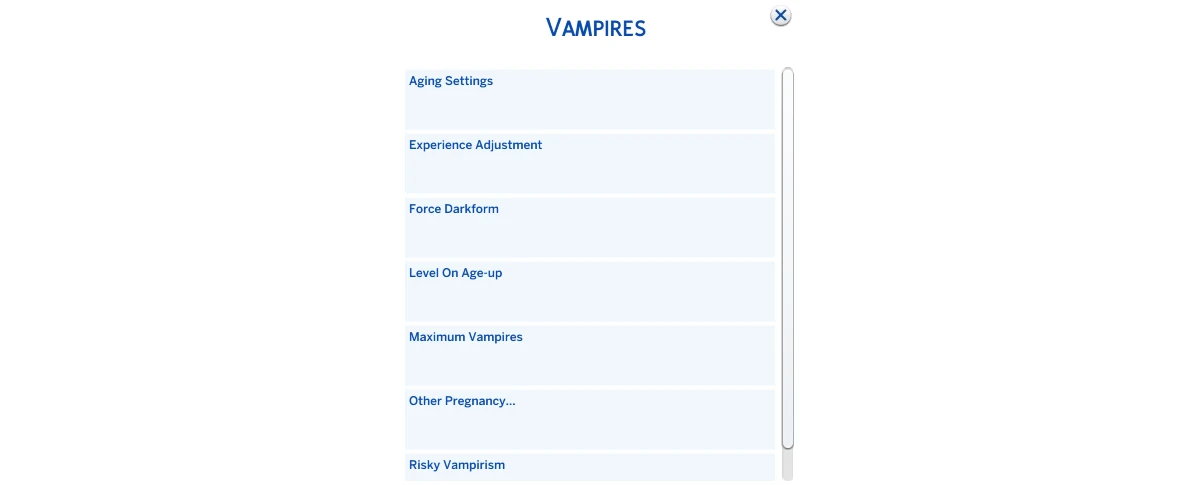
If you're playing a lagacy and want occult lines to be intentional, not random – this is your module. If you, on the contrary, are doing a chaotic save and want more "alien" and vampire events – also yours. But if you don't play with aliens/vampires and don't touch these mechanics, MC Occult can be safely skipped: the effect will be minimal.
MC Population
The Sims 4 loves to generate "service" sims when the game needs someone for a scene. MC Population hooks into exactly this moment and helps make sure the population doesn't grow uncontrollably and looks more logical. And what's especially nice: the module works automatically, without console commands – you configure it once, and then it does its job in the background.
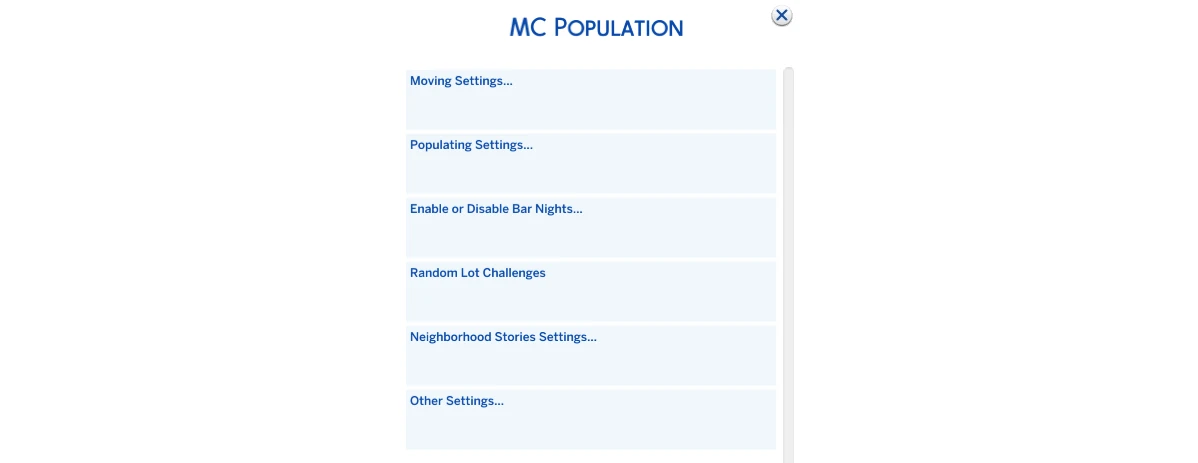
The most popular setting here – importing sims from the Gallery, so the game doesn't generate its own sims, but takes ready-made ones. We have a detailed guide on proper sim generation setup.
MC Population is also about how "crowded" locations will be. In the settings there's a Maximum sims in meeting place parameter – it sets the maximum number of sims that can appear in a zone (EA's default is 20). You can raise the limit to make bars/parks/festivals look livelier – but the higher the value, the heavier it is on performance.
MC Pregnancy
If MC Population is responsible for who lives where, then MC Pregnancy is responsible for how families in the world change: who marries whom, who has children and how quickly this happens while you play your legacy. In Deaderpool's official documentation it directly says: the module's goal is to give other households in the neighborhood the ability to get married and have children without direct player control.
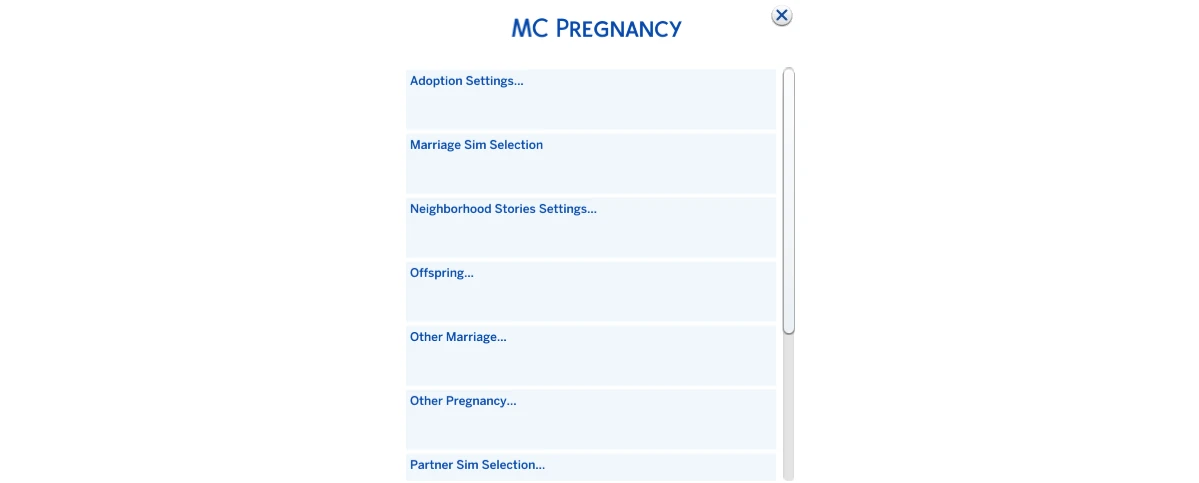
The most important thing – the module doesn't do everything every minute. It runs random pregnancy/marriage checks at midnight, and the frequency depends on aging speed: on short/normal/long lifespan checks happen on different days of the week, and with aging disabled – once a week. This is done so NPCs have enough "chances" to get married and have children before aging up.
A separate plus – move-in logic after marriage/pregnancy. The module can "merge" couples so they actually live together, but doesn't do this blindly: it takes into account household value, presence of children and the risk of "orphaning" a toddler if an adult moves out alone.
Important connection with MC WooHoo
Some MC Pregnancy settings only appear if MC WooHoo is installed – for example, including teens in marriages/pregnancies and family restrictions. Meaning "teen" scenarios are not the base story, but an expansion through module linking.
MC Tuner

MC Tuner's strongest side – built-in autonomous action scanner. It helps find specific interactions (on an object or in sims' current actions) and selectively disable their autonomous execution. The official documentation directly links this function to a separate Automation Scan section – there it's explained in detail how the module "catches" autonomy and how to manage it.
MC Tuner easily gives a sense of power – and just as easily lets you overdo it. If you start mass-disabling autonomous interactions "just in case", sims can become strangely passive: they'll fulfill needs less, react worse to situations on the lot and "think" longer. The best approach – treat the symptom, not the whole organism: disabled one action → watched for a couple of in-game days → only then dig deeper.
MC Woohoo
The module adds romance, woohoo and pregnancy settings to The Sims 4 that in the base game are either absent or work too restrictively. However, the module doesn't add new animations – it only controls what interactions are available and how they behave.

The module supports teen and elder woohoo (if you need this for a specific setting), family restrictions, polygamy, "no strings" (when woohoo doesn't require romantic relationships and doesn't build romance just like that). Plus – same-sex pregnancy settings, disabling jealousy, removing some restrictions like "can't sleep in the same bed" and disabling privacy requirements.
The module also has "realistic" settings: for example, the "Birth Control" interaction, which reduces pregnancy chance from regular Woohoo and "Try for Baby" actions (by default by 50%, but this is configurable). You can also separately enable/disable autonomy, and there's also "Extreme Woohoo" mode, which increases the likelihood of autonomous romantic actions (meaning the world becomes noticeably more active).
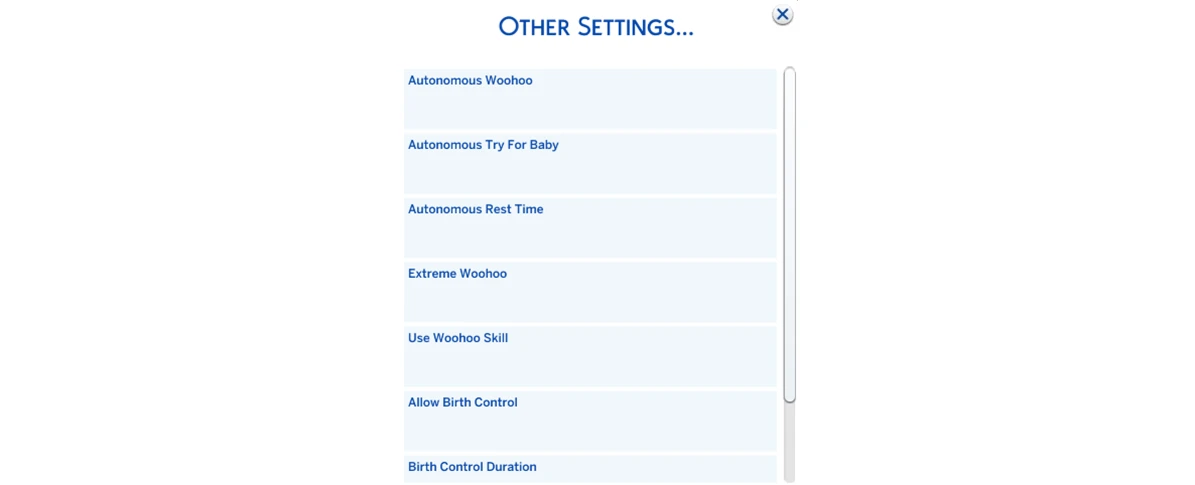
And so everything doesn't turn into an endless soap opera, "Autonomous rest time" is usually used alongside – a minimum time interval between such actions.
How MCCC works in the background (important for long saves)
In the MCCC documentation there's a Weekly Scheduled Notifications block – this is a schedule of background tasks by days of the week. There you can see that different modules (for example, Cleaner, Dresser, Population, Pregnancy, Clubs) perform regular checks automatically: cleanup, synchronization, moves, club monitoring, etc. This is an important point: part of MCCC's functions are configured once, and then the mod works in the background, without constant manual intervention.
MC Command Center is most conveniently perceived as a set of independent modules: you install the core and add only those parts that are actually needed for your playstyle – from career and population to fine-tuning autonomy and outfit cleanup.



