
Sims 4 Roof Bug After June Update: Cause, Temporary Fix, and Developer Response
The Sims 4 June update, released on June 30, was supposed to make the game more comfortable — developers overhauled notifications, fixed over 70 bugs, and streamlined Marketplace purchases. However, as often happens with major patches, along with fixes came new issues. This time, roofs literally took the hit. Players around the world discovered that after installing the update, roofs on their houses became partially or completely invisible.

What Happened to Roofs in Sims 4?
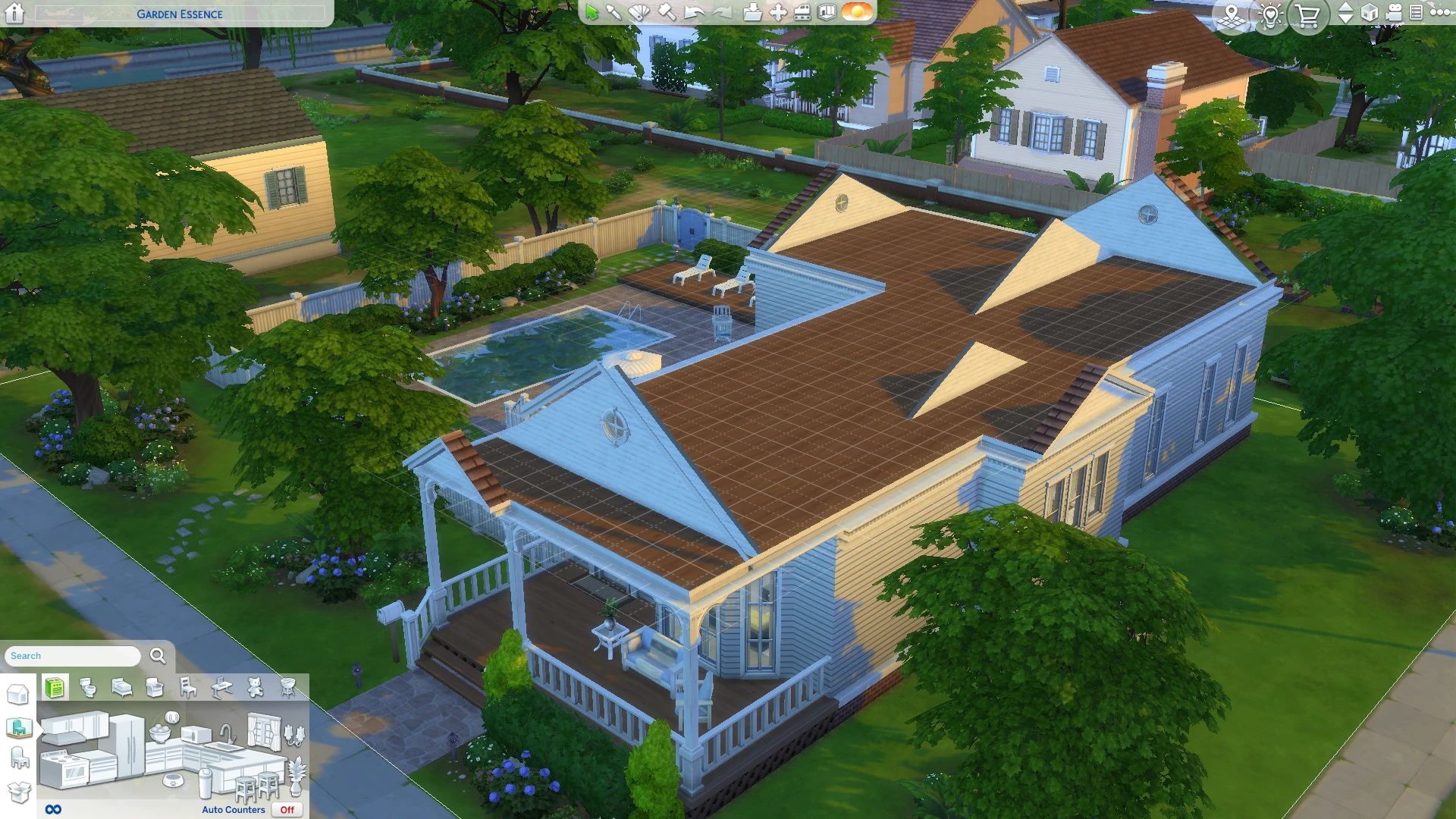
The problem was noticed almost immediately after the patch was released. Players opened their saves and found that roofs on their builds had either completely disappeared or were only partially visible — only the edges and framework remained, while the slopes themselves became transparent.
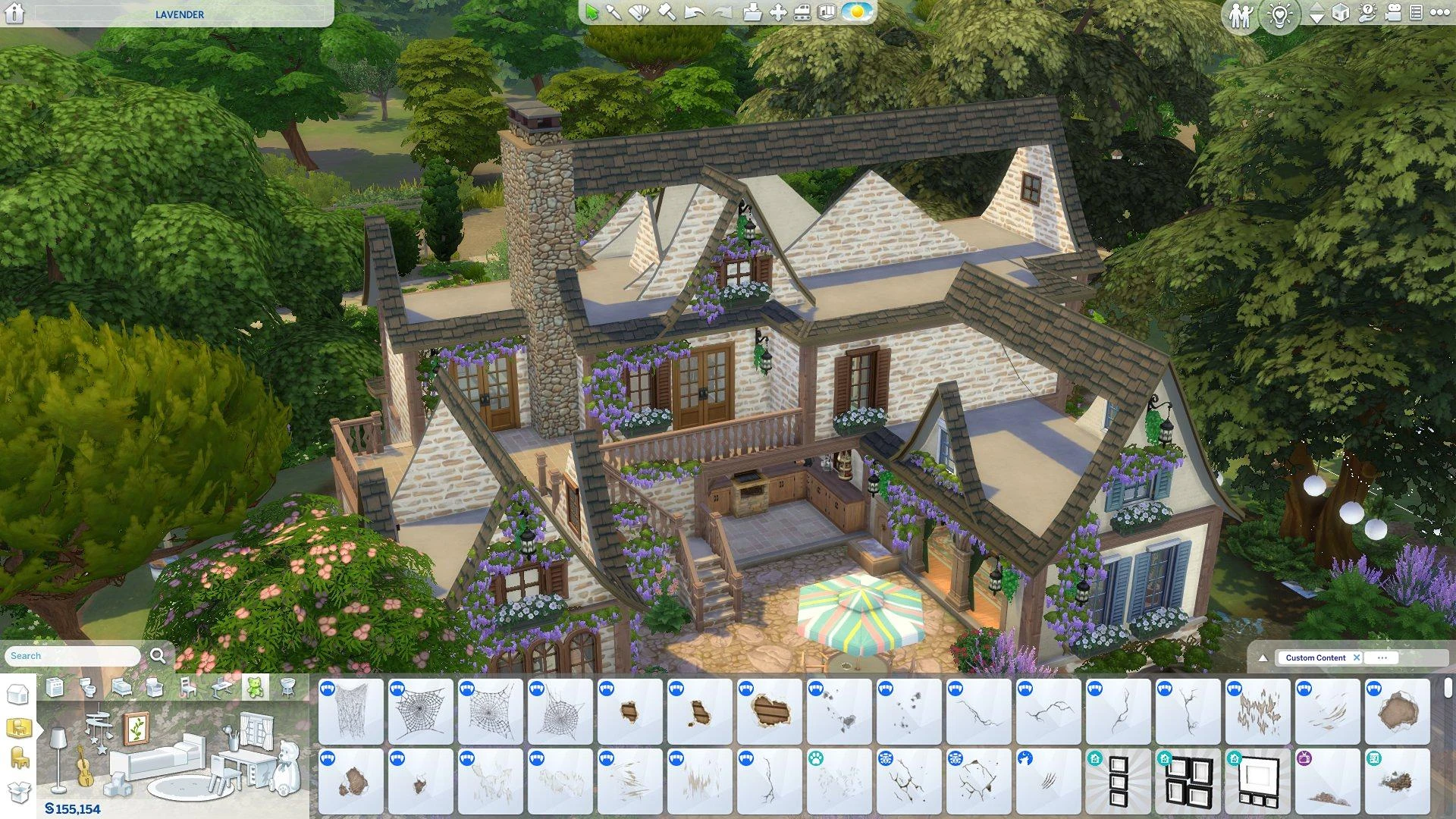
The bug appears not only on houses built by players themselves, but also on pre‑made buildings from the base game. For example, the Garden Essence house in Willow Creek and the Sultry Springside house in Oasis Springs have been affected. The issue was reported on the official EA forums on the same day the patch was released.
What's the Cause?
Developers have already figured out the mechanism behind the error. The game has a standard behavior: if you build a room with full walls inside a roof, the parts of the roof that intersect with that room are automatically hidden. This is done specifically so that players can create full‑fledged attics and loft spaces.
However, the June patch broke this system. Now the game hides roofs everywhere — even where there are no walls and where, by design, the roof should be fully visible. As a result, instead of neat slopes, we see either empty space or strange protruding edges.
Developer Response
The Sims Direct Communications team responded quickly to player complaints. In an official statement, they confirmed they are investigating the issue and preparing a fix:
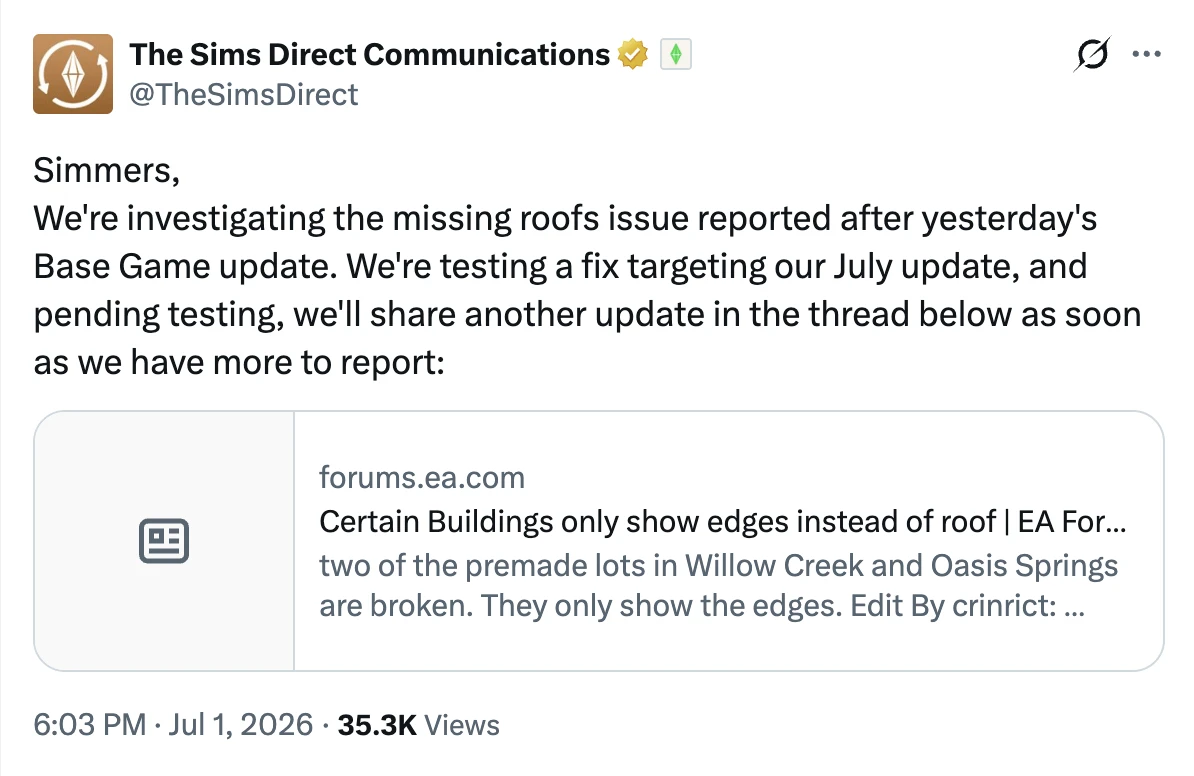
Thus, a full fix is expected in one of the July patches. However, the exact date is not yet known.
What to Do Right Now?
While developers prepare an official fix, players can temporarily resolve the issue manually. Here's what the forums suggest:
- Remove the floor under the roof. Click on the area under the roof and delete it. After that, you can place a new floor — this often restores the roof's visibility.
- Build a ceiling. If removing the floor left a hole, click on the room one floor below, click on the yellow area, and select "Build Ceiling." It's important to be on the floor above the room to do this correctly.
Important note: removing the floor in an area without walls also removes the ceiling, so this method doesn't work for overhanging roofs. In such cases, you'll either have to rebuild the roof from scratch or wait for the official patch.
It's also recommended to vote for the corresponding bug report on the official EA forums — the more votes, the higher the chance that developers will prioritize this issue.
The June update brought many useful changes, but, as often happens, it didn't come without new bugs. The roof bug is an unpleasant surprise for builders, but there's good news: developers are already aware of the problem and are working on a fix. Until the July patch is released, you can use the temporary workarounds described above.



