0%

Paralives Cheats: Full List and How to Use Them – Money, Skills, Age, and More

from: TheSimsTree 7693
26.05.2026 Share:

Paralives just entered early access, but the desire to "tweak" reality in life simulators is as old as the genre itself. The developers didn't hide the console – they simply gave players a tool: press Ctrl+Shift+C and type commands. No dancing around, no "testingcheats" – just open and use. In this guide – the most complete collection of all cheats found in the game, with examples and tips on how not to break your save.

How to Open the Console and Enter Cheats in Paralives

The developers kept it as simple as possible:

On Windows: press Ctrl + Shift + C or Ctrl + F1

On macOS: use Command + Fn/Globe + F1

The console will appear in the top‑right corner of the screen collapsed – click the circle to expand it to full width or full screen. Type commands and press Enter. Case doesn't matter, so MAKEITRAIN and makeitrain work the same.
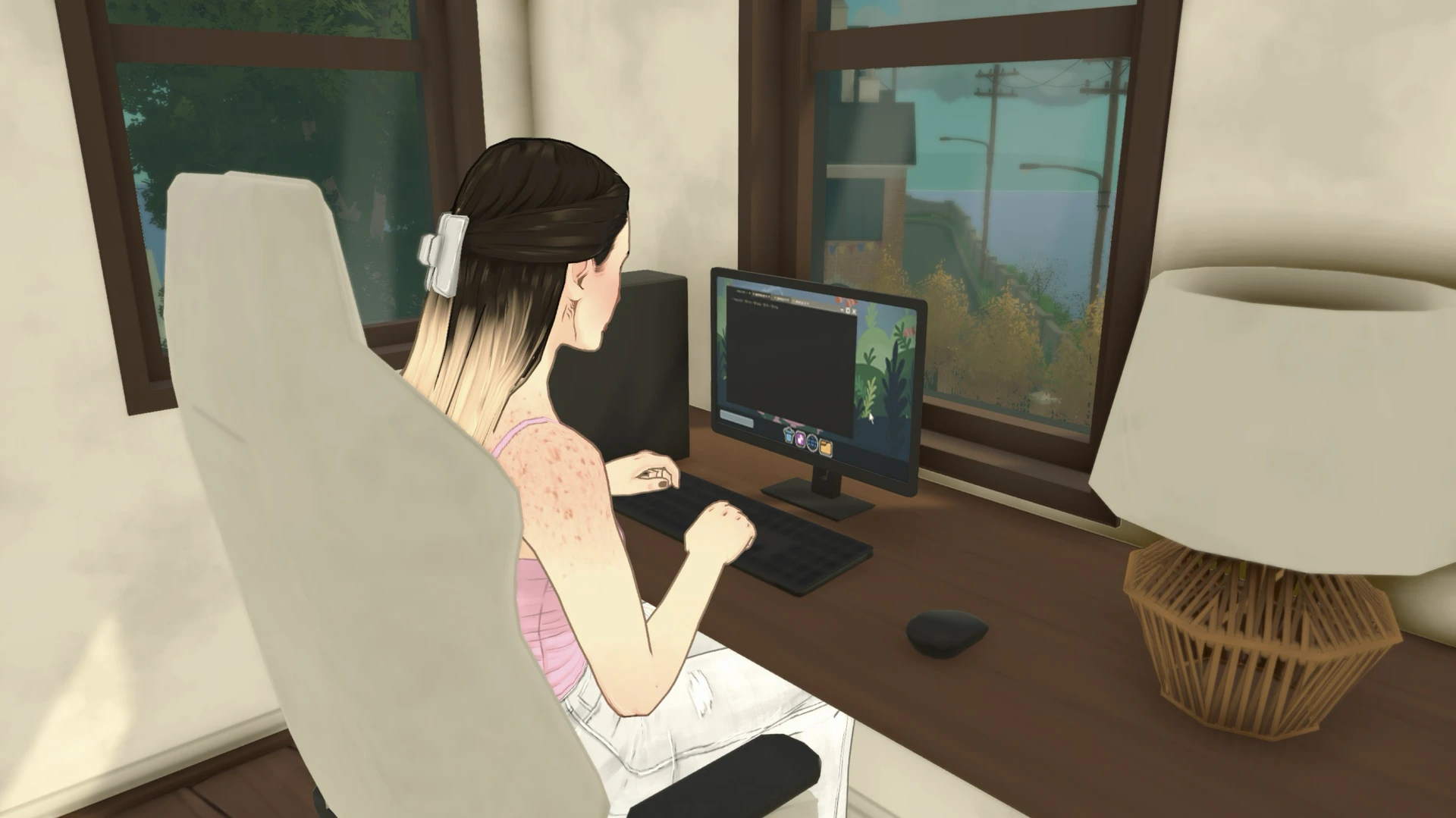
Paralives cheat console opened in the top right, interface for entering commands

Important: In Paralives, you don't need to enter testingcheats true or anything similar first – the console is always ready. Just open it and type.

If you forget a command or want to see the full list right in the game, type HELP – the console will display a complete catalog of all available cheats.

Important Warning

Before using cheats, keep in mind: the game just launched in early access, and some cheats may be unstable. Always save before entering serious commands (especially those that drastically change the world or characters). Some cheats require you to select a Parafolk first – simply click on the character before typing the command.

Money Cheats in Paralives

Money cheats are the most useful. Building your dream house from scratch without working is much more enjoyable.

  • PIGGYBANK – Adds 1,000 Paradays
    • MAKEITRAIN – Adds 10,000 Paradays
      • JACKPOT – Adds 50,000 Paradays
        • LOTTERY – Adds a random amount between 1 and 100,000 Paradays
          • PAYDAY – Adds an amount equal to the selected Parafolk's salary
            • PRINTMONEY [amount] – Adds a specific amount (for example, PRINTMONEY 5000)
              • SETMONEY [amount] – Sets the household budget to a specific amount (for example, SETMONEY 10000)
                • CLEARBILLS – Clears all unpaid bills
                  Money cheat codes in Paralives: example of adding funds through the console

                  Time Skip Cheats in Paralives

                  No more waiting for the right hour or day.

                  • ADVANCEHOUR – Advances time by one hour
                    • ADVANCEDAY – Advances time by 24 hours
                      • SETHOUR [hour] – Sets a specific time of day (for example, SETHOUR 7 – 7 AM)
                        • SKIPTO5MINUTESBEFOREWORK – Skips to exactly 5 minutes before the selected Parafolk's work starts
                          Promo: Create your Sims family tree

                          Build Mode Cheats in Paralives

                          • TOGGLEEDITTOWN – Enables full town editing mode – you can add and remove lots. Caution: unstable mode – save before using!
                            • REPAIRALLITEMS – Repairs all broken items in the town
                              • UNSPOILALLITEMS – Removes spoilage from all food items
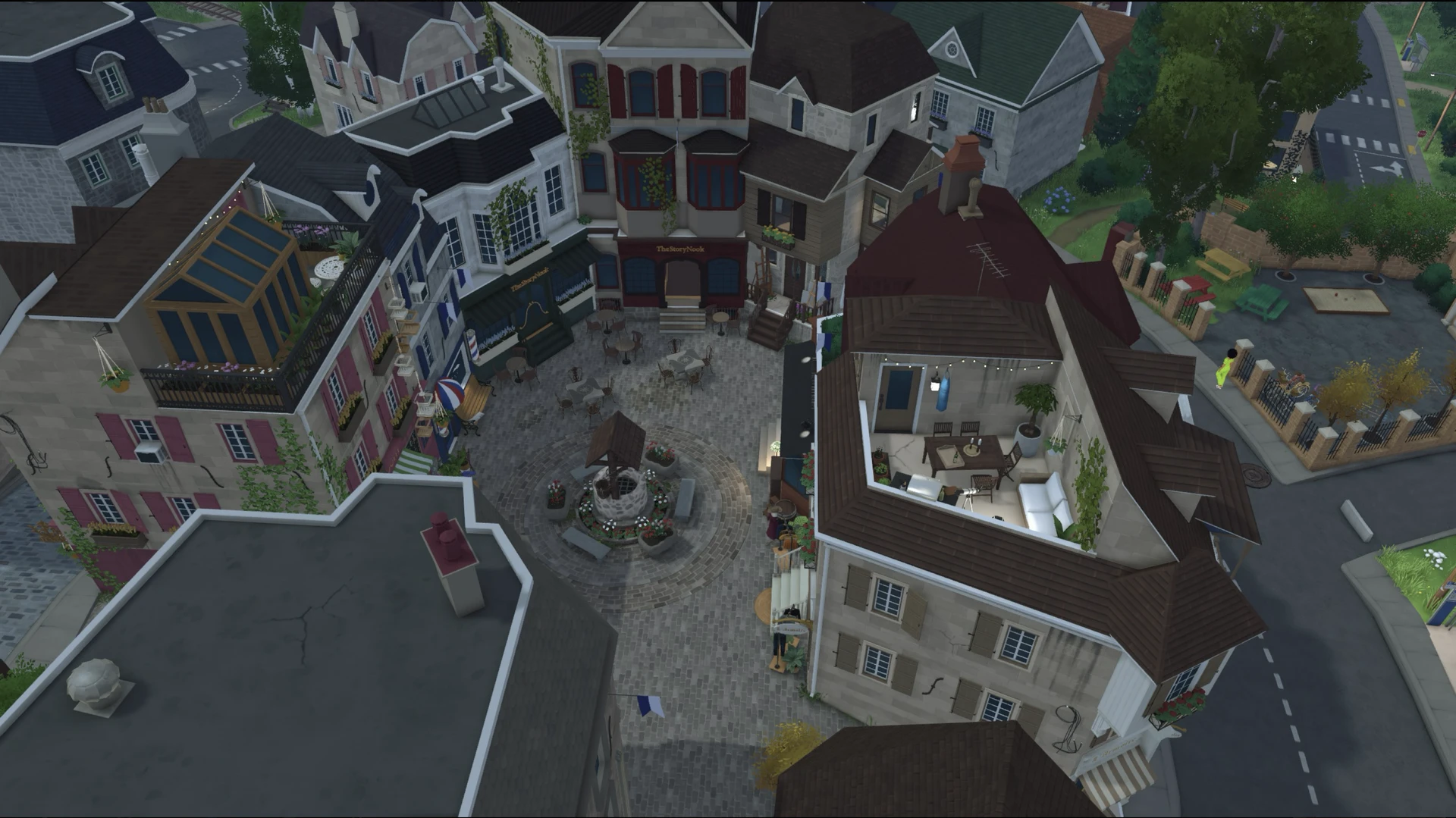
                                Build mode cheats in Paralives: editing the whole town, fixing items, clearing spoilage

                                Age, Life, and Death Cheats in Paralives

                                • NEXTLIFESTAGE – Moves the selected Parafolk to the next life stage
                                  • PREVIOUSLIFESTAGE – Moves the selected Parafolk back to the previous life stage
                                    • KILLCHARACTER – Kills the selected Parafolk
                                      • REVIVEALLSELECTEDCHARACTERS – Revives all selected Parafolk
                                        • SETAGE [age] – Sets a specific age for the selected Parafolk (for example, SETAGE 25)
                                          • PRINTAGE – Shows the exact age of the selected Parafolk

                                            Character Cheats in Paralives

                                            • EDITCHARACTER – Opens Paramaker to edit the appearance and personality of any household member
                                              • ADDSELECTEDCHARACTERSTOHOUSEHOLD – Adds the selected NPC to the current household
                                                • CREATECHARACTER [type] – Creates a new character (for example, CREATECHARACTER HumanAdult)
                                                  • LEVELUPSKILL [skill] – Increases a specific skill by 1 level (for example, LEVELUPSKILL Piano)
                                                    • SETSKILLLEVEL [skill] [level] – Sets a specific skill to a given level (for example, SETSKILLLEVEL Cooking 10)
                                                      • LEVELUPPERSONALITY – Increases the selected Parafolk's personality level by 1
                                                        • SHOWCHARACTERRELATIONSHIPS – Shows the relationship list of the selected Parafolk
                                                          • UNSTUCK – Teleports a stuck Parafolk to a proper position
                                                            • UNSTUCKALL – Fixes the positions of all stuck Parafolk
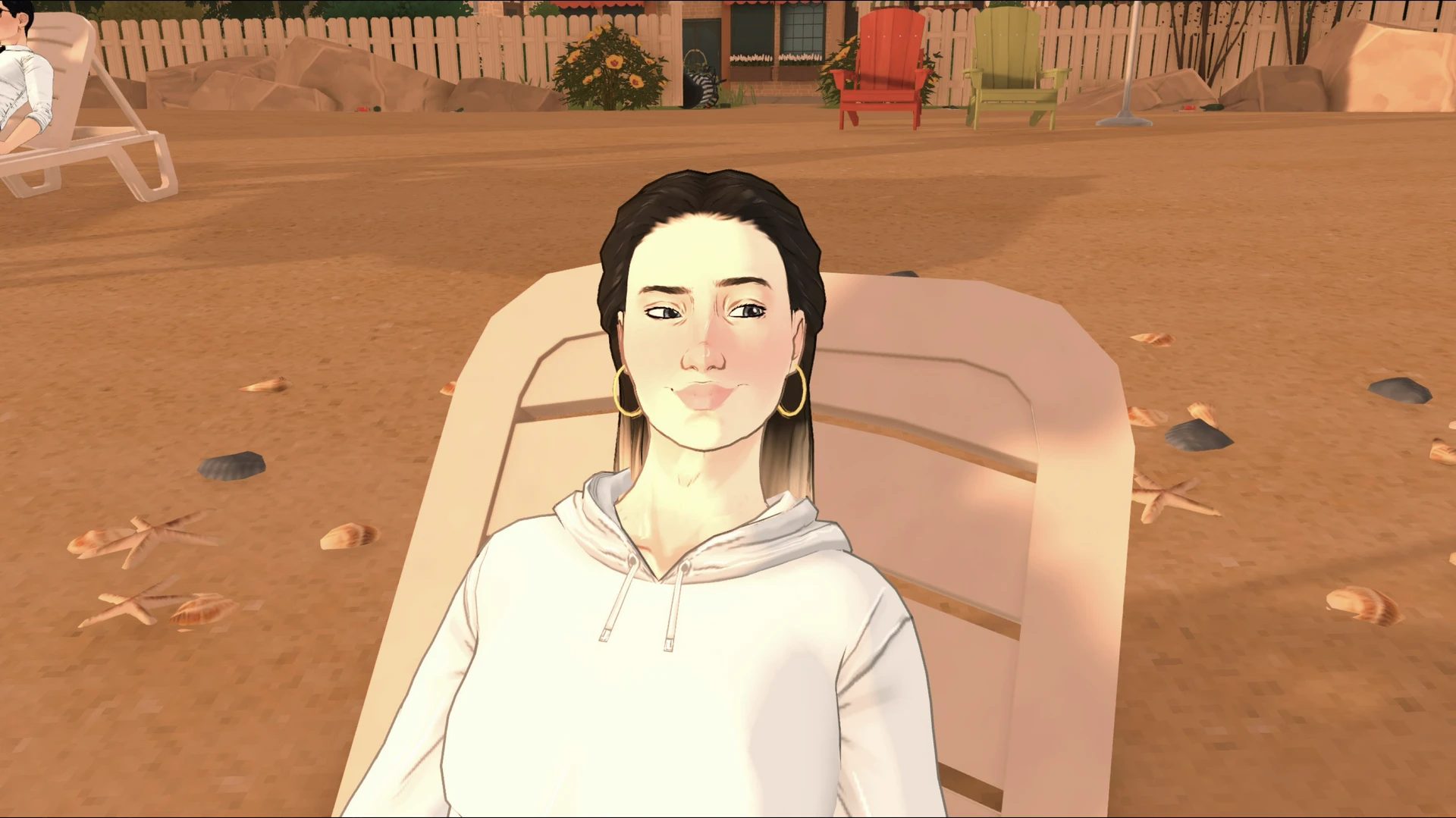
                                                              Character editing cheats in Paralives: open Paramaker to customize household members

                                                              Needs Cheats in Paralives

                                                              • RELIEFALLNEEDS – Fully restores all needs of the selected Parafolk
                                                                • RELIEFALLNEEDSOFALLCHARACTERS – Restores all needs of EVERY Parafolk in the game
                                                                  • SETNEED [need] [value] – Sets a specific need to a certain value (for example, SETNEED Hunger 8)
                                                                    • SHOWNEEDS – Shows the current need values of the selected Parafolk
                                                                      • CLEARSTATUSEFFECTS – Removes all status effects (illnesses, emotions, buffs) from the selected Parafolk

                                                                        Chaos Cheats (For When You Want a Little Disaster)

                                                                        • SETSELECTEDCHARACTERSONFIRE – Sets the selected Parafolk on fire
                                                                          • EXTINGUISHALLFIRES – Extinguishes all fires in the game
                                                                            • SETITEMONFIRE – Sets the selected item on fire

                                                                              Pregnancy and Children Cheats in Paralives

                                                                              • GETPREGNANT – Makes the selected Parafolk pregnant (without needing to try for a baby)
                                                                                • GIVEBIRTH – If the Parafolk is pregnant, triggers immediate birth
                                                                                  • MAKEBABIES – Two selected Parafolk have a baby together
                                                                                    • PREGNANTSTATUS – Shows the pregnancy status of the selected Parafolk

                                                                                      Debug and Utility Cheats

                                                                                      • HELP – Shows the full list of all available cheats directly in the game
                                                                                        • SAVE – Saves the game directly from the console
                                                                                          • ZIPSAVEFILE – Archives the current save file and saves it to the desktop
                                                                                            • SCHEDULE FPS – Displays the frame rate (FPS) on screen
                                                                                              • QUITTOMAINMENU – Exits to the main menu
                                                                                                • RAGEQUIT – Force‑quits the game

                                                                                                  Easter Eggs and Fun Cheats

                                                                                                  • BEAR – Displays an ASCII art of a bear
                                                                                                    • EIGHTBALL – Gives a random "magic 8‑ball" answer
                                                                                                      • HOTEL – Outputs "Trivago" (yes, it's a meme)
                                                                                                        • RANDOMIZEALLDEFORMATIONS – Completely randomizes a Parafolk's appearance, ignoring all slider limits (the result may be very strange)
                                                                                                          • SPIN 50% – Spins a 50% chance wheel and tells you whether you won or lost

                                                                                                            Useful Tips

                                                                                                            Commands are case‑insensitive – you can type them any way you like.

                                                                                                            Use HELP to see the full command list right in the game – the developers will add new cheats with future updates.

                                                                                                            Always save before using cheats that heavily alter the world – some features in early access may be buggy, and it's better to be safe.

                                                                                                            Paralives cheat help menu: list of available commands and documentation in the console

                                                                                                            Some cheats only work on a selected character. Simply click on a Parafolk before typing the command.

                                                                                                            Some "cheats" are actually developer debugging tools (for example, for texture or memory testing). In normal gameplay you'll probably never need them, but if you really want to experiment, HELP will show you everything.

                                                                                                             
                                                                                                            You might also like...
                                                                                                            Preview for Why I Created a Family Tree for My Sims Family
                                                                                                            Why I Created a Family Tree for My Sims Family
                                                                                                            Preview for How to Make Beautiful Sims Family Tree
                                                                                                            How to Make Beautiful Sims Family Tree
                                                                                                            Preview for Creative Family Tree Ideas for The Sims: Tips and Examples
                                                                                                            Creative Family Tree Ideas for The Sims: Tips and Examples
                                                                                                            TheSimsTree

                                                                                                            TheSimsTree

                                                                                                            The most avid Sims players. Their first word was 'Sul-Sul'. We're writing about the service and its capabilities, the workflow, the team and sharing stories of our dynasties.

                                                                                                            Share: