
New ModTheSims Malware Warning: What Sims Players Need to Know
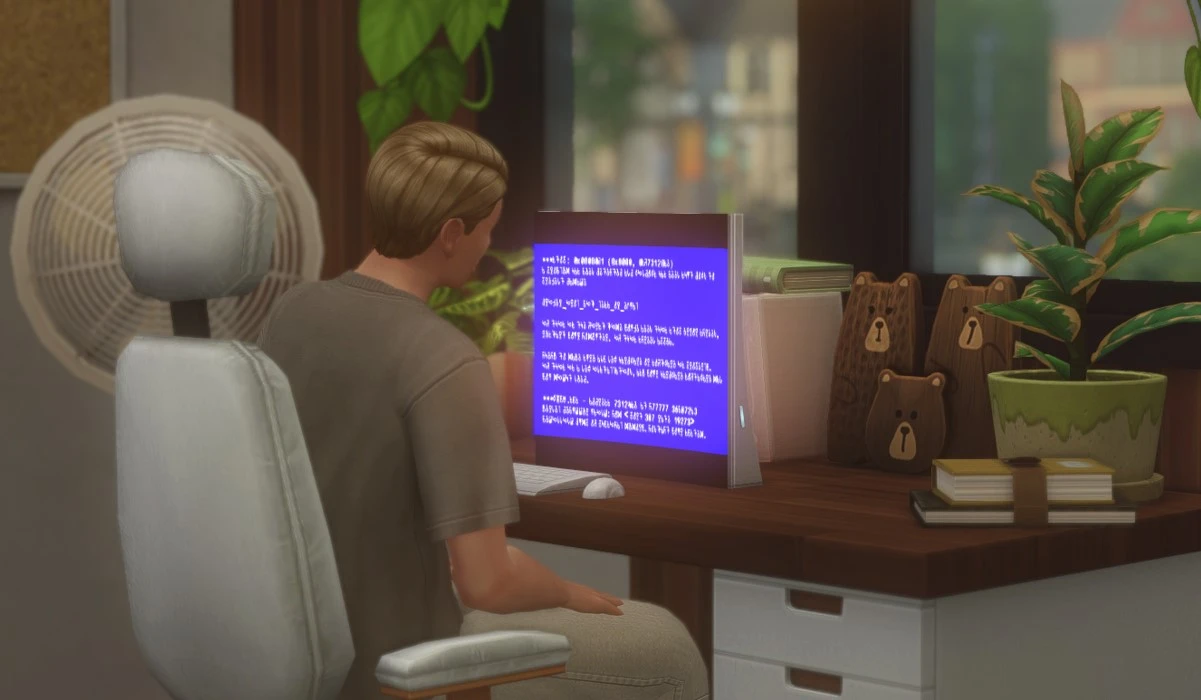
On March 1, 2026, urgent warnings started circulating across the Sims community about compromised creator accounts on ModTheSims (MTS). According to alerts shared in Sims After Dark, malicious actors altered uploads and added a new .ts4script file designed to download files from a third-party site. Public warnings from Scarlet’s Realm confirm that at least several MTS accounts were affected.
Which mods are under attack
The first alert focused on NateTheL0ser. In the Sims After Dark warning, moderators said the altered uploads contained a file called silkrose_debug that attempted to download external files. Users were told not to download, unzip, click, or run anything from those uploads, and anyone who had already installed the affected mods was urged to delete them, run a virus scan, and change their passwords.
Scarlet’s Realm later documented the same details publicly, including the silkrose_debug name and the list of impacted uploads.
The affected files included Misery Traits, Chat Pack, Coming Out, and Let Toddlers Swear. Scarlet’s Realm also notes that NateTheL0ser regained control of the account, but players were still advised to remain cautious in case more unauthorized uploads appeared.
The situation escalated quickly. A follow-up warning in Sims After Dark said the same pattern had now been found on multiple accounts, and the list of affected creators expanded to PurrSimity and jellyheadDimbulb. Scarlet’s Realm repeats those names and says ModTheSims-related mod updates are on hold while the situation remains active.

It is also worth noting that the situation has now expanded beyond ModTheSims. Community warnings later pointed to another malicious file hosted on LoversLab — the Virginity System mod by o_pedrão.
Unlike the MTS case, which involved compromised creator accounts, this upload was reportedly distributed through a new creator account and has been described in community alerts as an active working attack vector. Players are being advised to delete the mod immediately, check their The Sims 4 install folder for a file called out.exe (or out if file extensions are hidden), run a full malware scan, and change their passwords.
The broader advice remains the same: treat new mods and updates with extreme caution, inspect archive contents carefully, and use TwistedMexi’s ModGuard as an extra layer of protection.
Why this looks especially serious
The second Sims After Dark alert pointed out that the tainted uploads were not limited to gameplay mods. They also included object CC and recolors, which matters because that kind of content should never come bundled with a .ts4script file. If a recolor or plain object upload suddenly includes one, that alone is a major red flag.

The same message also noted that the malicious uploads now included content aimed at The Sims 2. A .ts4script file cannot actually run in The Sims 2, but it is still risky to keep such files on your computer, and it shows that the attackers were willing to try spreading through other games in the series as well.
What players should do now
If you downloaded anything from ModTheSims on March 1, 2026 or in the hours immediately after the first warning, the safest move is to delete those files from your Mods folder, especially anything containing .ts4script, run a full malware scan, and change your passwords. Those steps match the advice shared in Sims After Dark, and Scarlet’s Realm separately recommends avoiding all MTS downloads for the time being while more compromised accounts may still be surfacing.
Sims After Dark also advised players to be extremely cautious for at least a week: look for patch notes, check whether the creator mentioned the update on social media, and inspect zip archives for new script files with no clear purpose.
It is also worth noting that the same warning was being passed around in the Deaderpool community, which helped push the alert beyond a single Discord server and into the wider modding scene.
We’ve also previously published a guide on how to download mods safely, including a list of trusted resources and more questionable sources. If you want to better protect both your game and your system, we recommend giving it a read as well.
This is not the first ModTheSims incident
What makes this more alarming is that MTS has already been linked to earlier malware scares.
January 2024: the first major wave
During the early 2024 Sims malware wave, one of the confirmed cases was “Cult Mod v2” uploaded to ModTheSims through an impostor PimpMySims account. Sims After Dark included it in its list of known infected mods, while Crinrict explained that malicious .ts4script files from that broader outbreak could silently trigger hidden .exe files and steal data from browsers, Discord, Steam, Telegram, and other apps.
November 2024: another breach directly on MTS
On November 5, 2024, ModTheSims published its own explanation of another breach. According to the site, a malicious actor logged into two creator accounts and “updated” files with a harmful .ts4script that created a trojan DLL on affected systems. MTS said four files were involved and that they were removed about an hour and a half later. In a separate public summary, Luthienrising described that case as the second incident in a year and noted that one of the affected accounts belonged to TwistedMexi.
That means the March 2026 case is not an isolated event. Counting the January 2024 MTS-linked malware case, the November 2024 MTS breach, and the current March 2026 warnings, this is now at least the third notable MTS-related malware incident in a relatively short period.
What ModGuard by TwistedMexi actually does
As expected, this new scare has brought renewed attention to ModGuard by TwistedMexi. The mod’s official description calls it a “preventative response to recent virus attacks via compromised mod files,” while its CurseForge page says it blocks and notifies users about compromised or malicious mods.
That said, it should not be treated as a complete solution. ModGuard is a useful protection layer inside the Sims 4 mod ecosystem, but it does not replace antivirus software and it does not make internet downloads automatically safe. Even Sims After Dark’s warning made it clear that having ModGuard installed likely helps, but does not guarantee full protection.
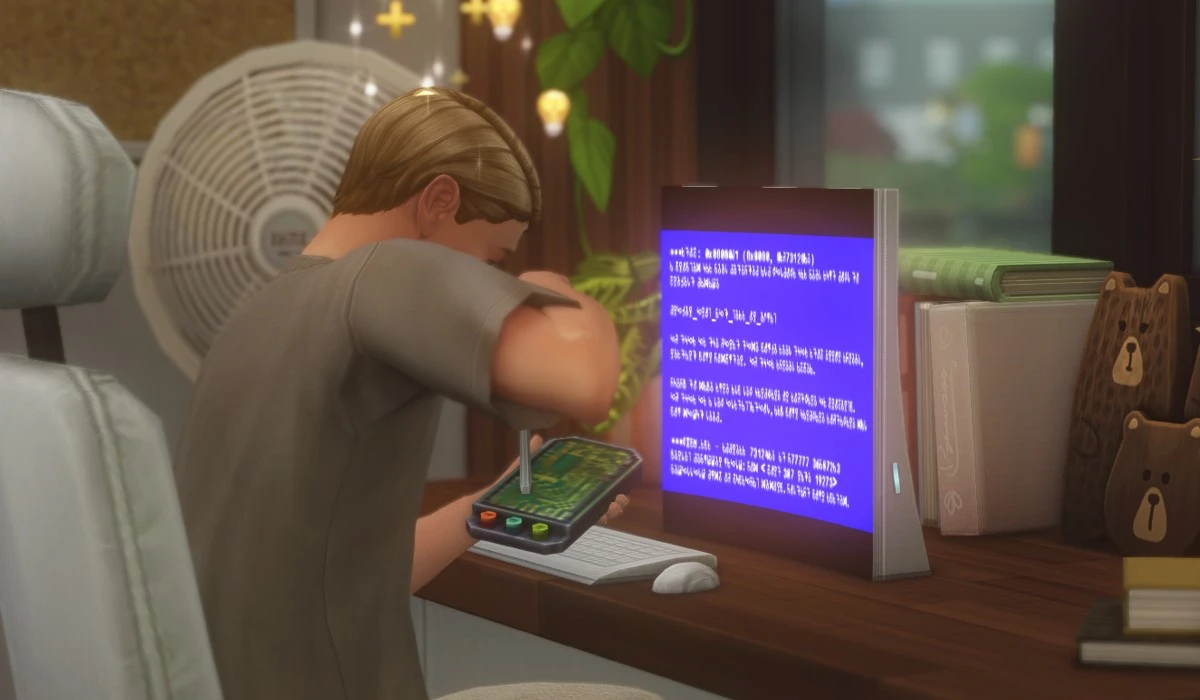
The March 2026 ModTheSims scare is bigger than a single bad upload. It follows a now-familiar pattern: compromised accounts, altered archives, and malicious script files hidden inside trusted creator downloads. Given that MTS was already tied to similar incidents in January and November 2024, player caution here looks fully justified.
Until the situation is clearly resolved, the safest move is simple: avoid downloading anything new from MTS, inspect archives carefully, and keep ModGuard installed as an extra layer of defense.



