How to Build Better Roofs in The Sims 4: Hotkeys, Gables & Pro Tips
Roofs in The Sims 4 are one of the trickiest tools in Build Mode, but they're also what can turn a plain box into an actual home. This article brings together handy tips and not-so-obvious tricks to help you get the hang of hotkeys faster, dodge the most common mistakes, and finally stop dreading gables.

Hotkeys
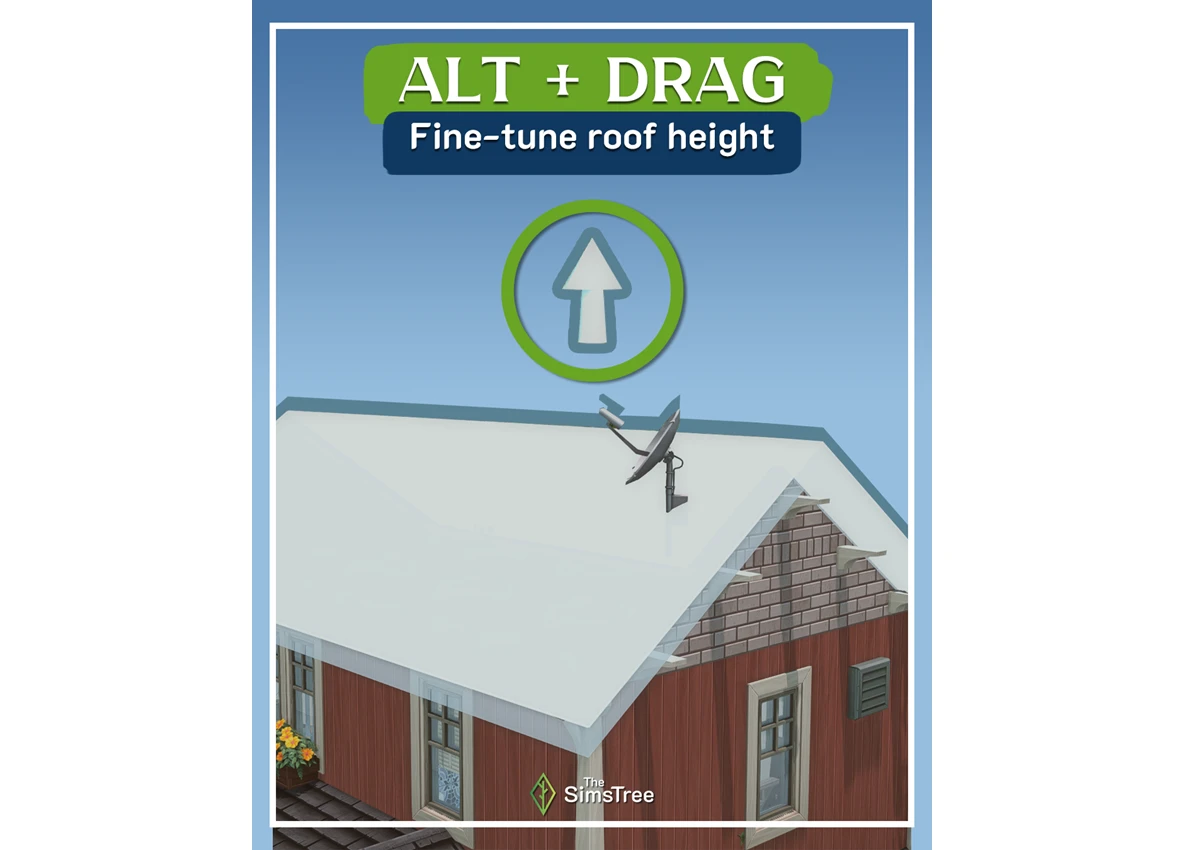
Alt + drag – disables grid snapping when adjusting roof height, letting you dial in the exact pitch you're going for with much more precision.
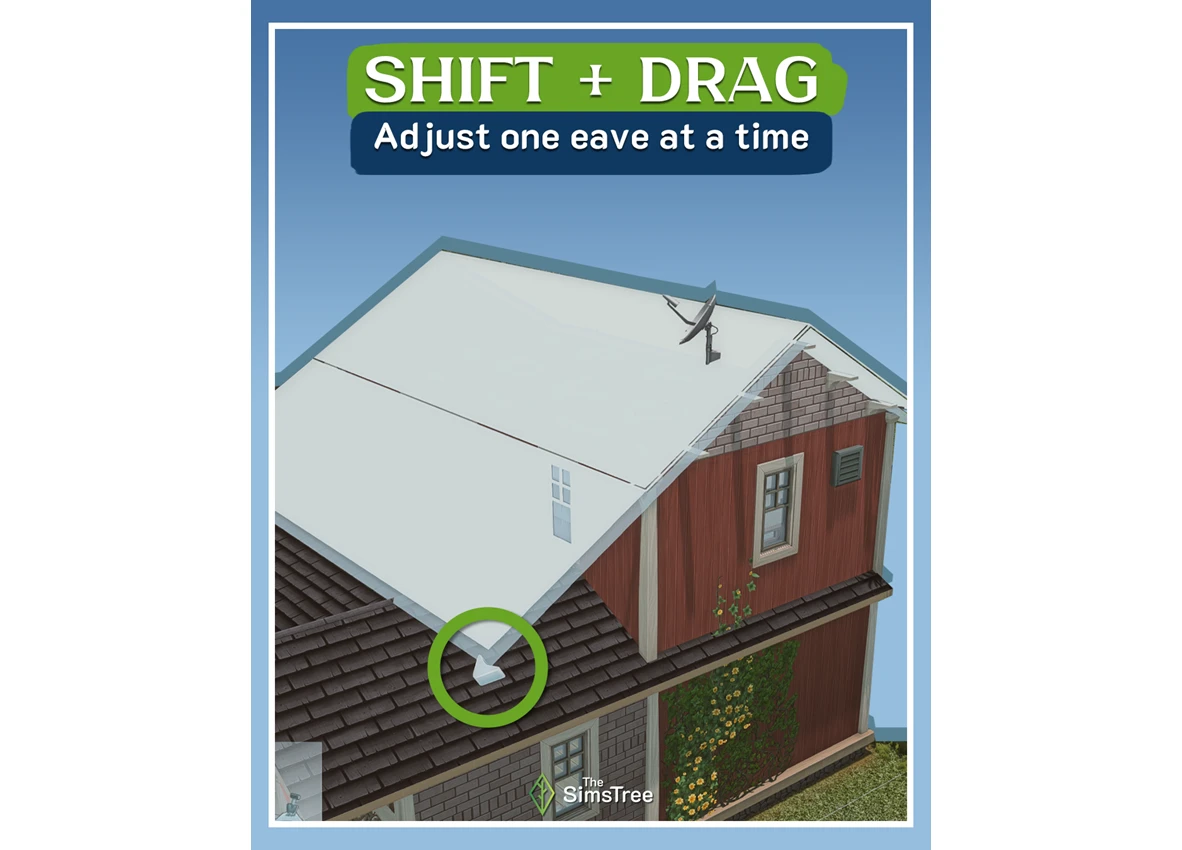
Shift + drag (eave) – lets you adjust each eave independently. Super handy when you need to pull back an overhang on one side without touching the others.
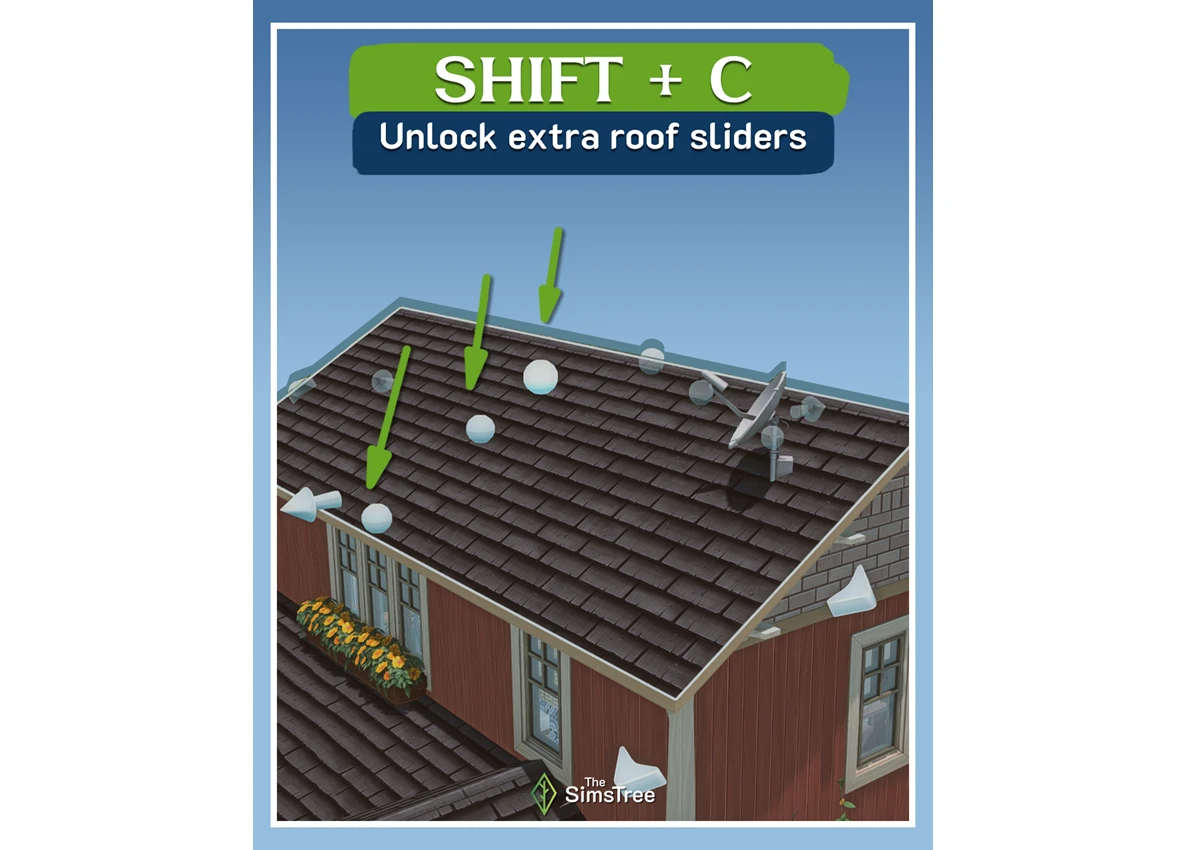
Shift + C – opens extra sliders for fine-tuning roof curvature. Especially useful if you're building something like a pagoda or any structure with a non-standard roof shape.
Start with the main volume
Don't try to cover the whole building at once. Start by roofing the largest rectangle – the core of the house – then work your way out to additions, porches, and other protruding sections. It keeps things manageable and stops you from losing the plot.
Don't be afraid to use multiple pieces
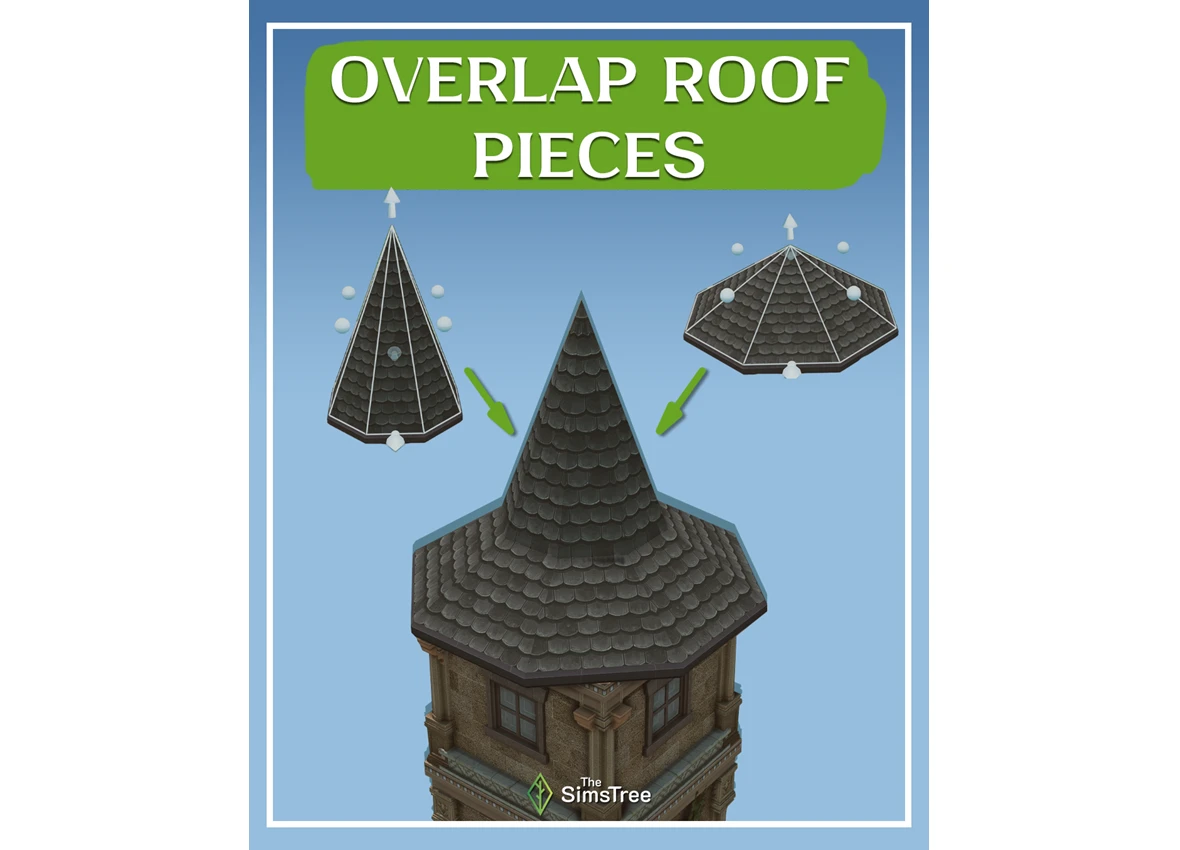
Any single roof section can be built up from several smaller pieces. If two gables aren't sitting nicely together or one is poking out from under the other, throw in an extra piece and trim the overhang. It ends up looking cleaner than you'd expect.
Copy, don't rebuild
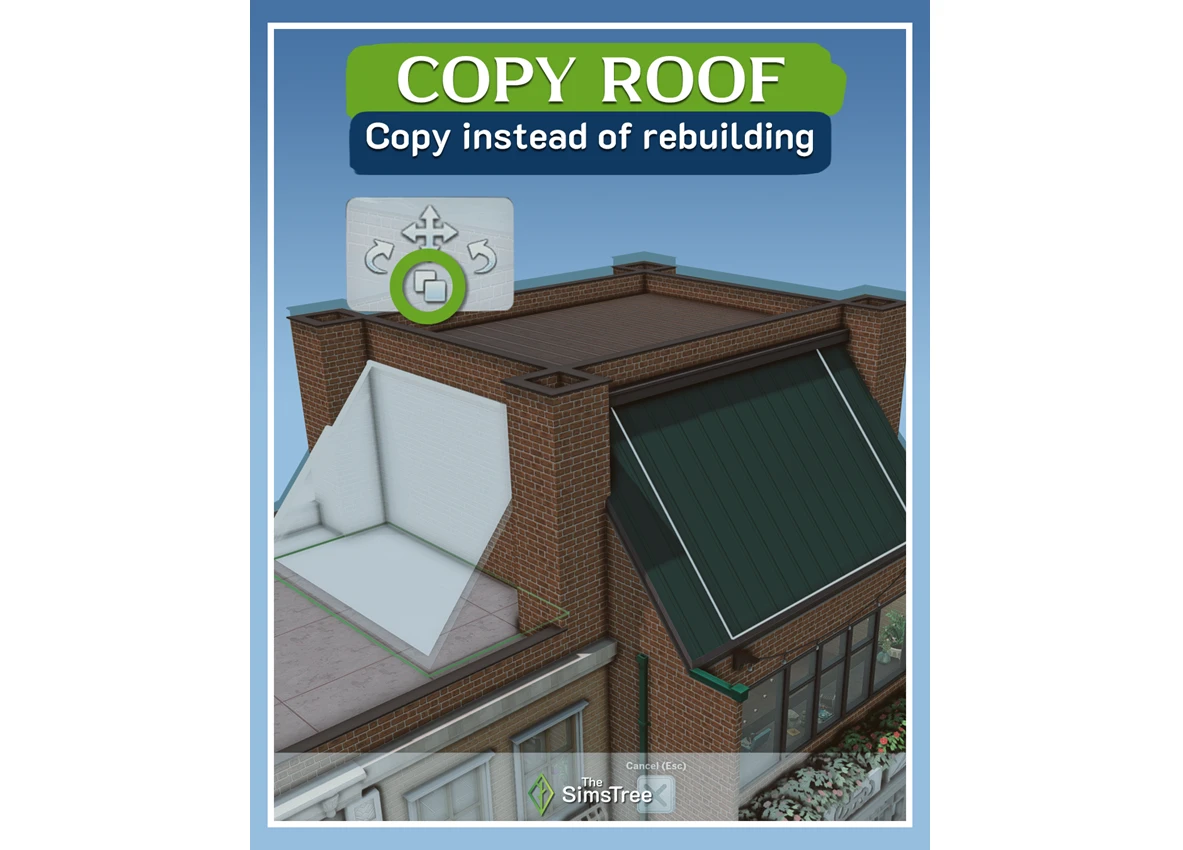
If you need the same element in multiple spots, just copy the roof section you've already set up. It saves time and makes sure the height and pitch stay consistent across every part.
Keep an eye on which way your slopes face
A roof tends to look its best when the slopes on the same side of the house all face the same direction. Random, mismatched directions make a build look visually cluttered. It's not a hard rule, but it's a simple guideline that instantly tidies up the overall look.
Give glass roofs a shot
The game has several glass roof options. They tend to get overlooked, but they work beautifully on modern builds. And don't forget – you can change their color, too.
Green up your roof
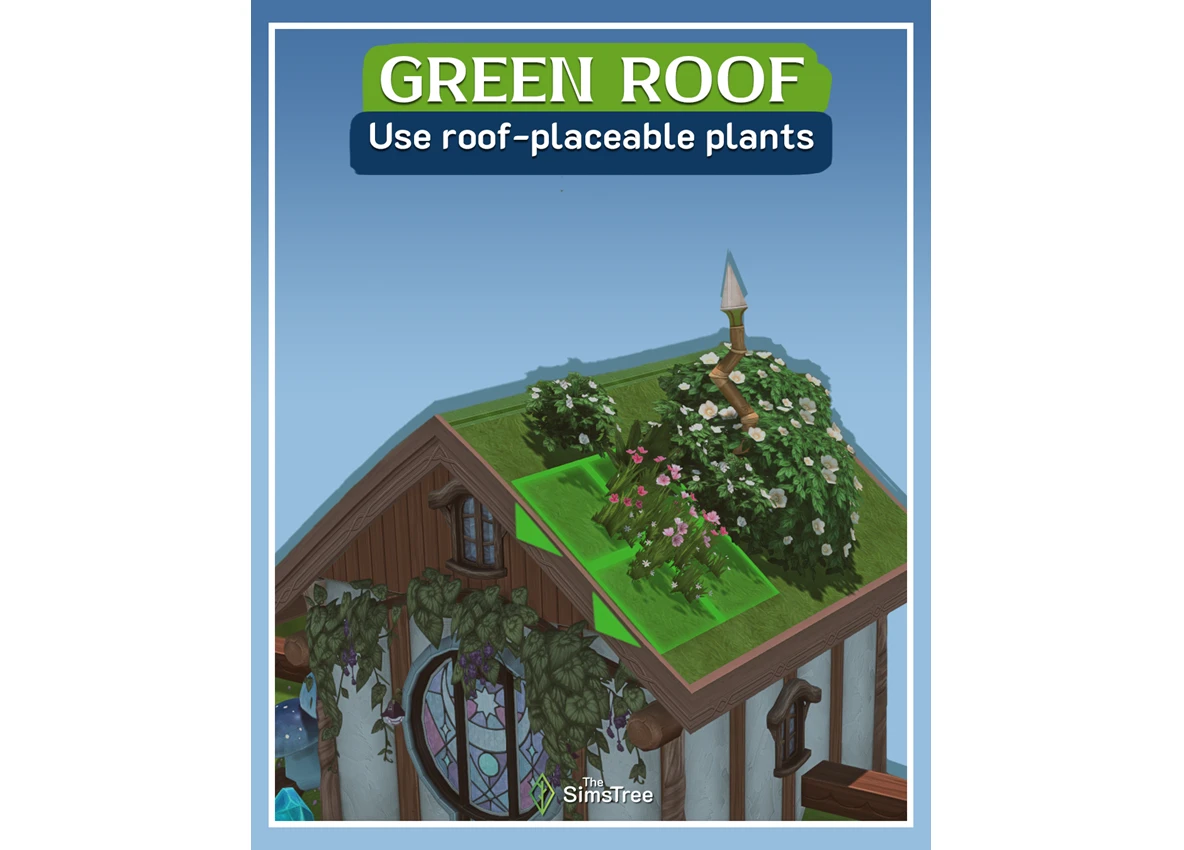
Plants in the game can be placed directly on roof surfaces. It's an easy way to breathe some life into a build and make it more interesting, especially if you're going for an eco-friendly vibe.
Use platforms on flat roofs
Platforms of varying heights placed on a flat roof add a sense of depth and keep the building from looking too boxy. A great move for modern and urban-style builds.
Roof pieces aren't just for roofs
Roof elements can be used in unexpected ways – for instance, to frame a staircase leading up to a penthouse rooftop, or to create decorative architectural details. Experiment with it; the tool is far more flexible than it looks.
Mix and match roof elements
One roof type isn't always the answer. Try layering different pieces on top of each other – like a sharp conical spire over a broad hip roof base. That kind of combination makes the roofline a lot more dynamic and complex, and it works especially well on towers and other focal points of the building.