Best Sims 4 Deco Sims CC: Animated & Static Models to Download
Looking for the best Sims 4 CC drops to elevate your storytelling? If you love putting together photoshoots for your sims or creating aesthetic Sims 4 machinima and videos, you’re probably always striving to make every single shot feel as realistic as possible.
Deco Sims are static or animated Sims 4 custom content character models used as decor items to create the illusion of a lively, bustling space. Unlike regular gameplay characters, these Sims 4 Deco mods won’t cause your game to lag, walk out on you in the middle of a crucial shot, or break character, they hold their poses perfectly.

This Sims 4 CC roundup features the highest-quality sets from the community's top custom content creators, including lazysimmies, StarrySimsie, Reigningsims, and more. Here, you’ll find everything from basic "stone" statues for your background to highly detailed, animated Deco Sims that breathe, blink, and move, turning empty lots into bustling streets, crowded beaches, or busy hospitals. If you want to upgrade your game, you can download Deco Sims for Sims 4 using the links below.
How to Use Deco Sims in The Sims 4: A Step-by-Step Guide
Using Deco Sims items is just as easy as placing a regular chair in Buy Mode. Here is everything you need to do to get these Sims 4 mods working:
1. Installing Sims 4 CC: Download your chosen .package files and move them into your Sims 4 Mods folder (default path: Documents/Electronic Arts/The Sims 4/Mods).
2. Finding Them in Build Mode: Launch your game and head over to Build/Buy Mode. Open the "Filter by Function" menu to sort your items.
3. Picking the Right Category: Most of the time, custom content creators tuck Deco Sims away in Decorations -> Sculptures. If they aren’t there, check the specific category listed by the creator on their CC download page.
4. Using Search Keywords: You can also simply type "deco", "deco sims" directly into the Build Mode search bar.
5. Placing Them on the Lot: Select your model and place it anywhere on your lot. For precise, grid-free placement and to move objects freely, make sure to enable the bb.moveobjects cheat code.
Tip: Deco Sim models are often high-poly because creators port them directly from CAS. To keep your game running smoothly and prevent lag, try not to overload your lot by placing too many of these animated objects at the exact same time.
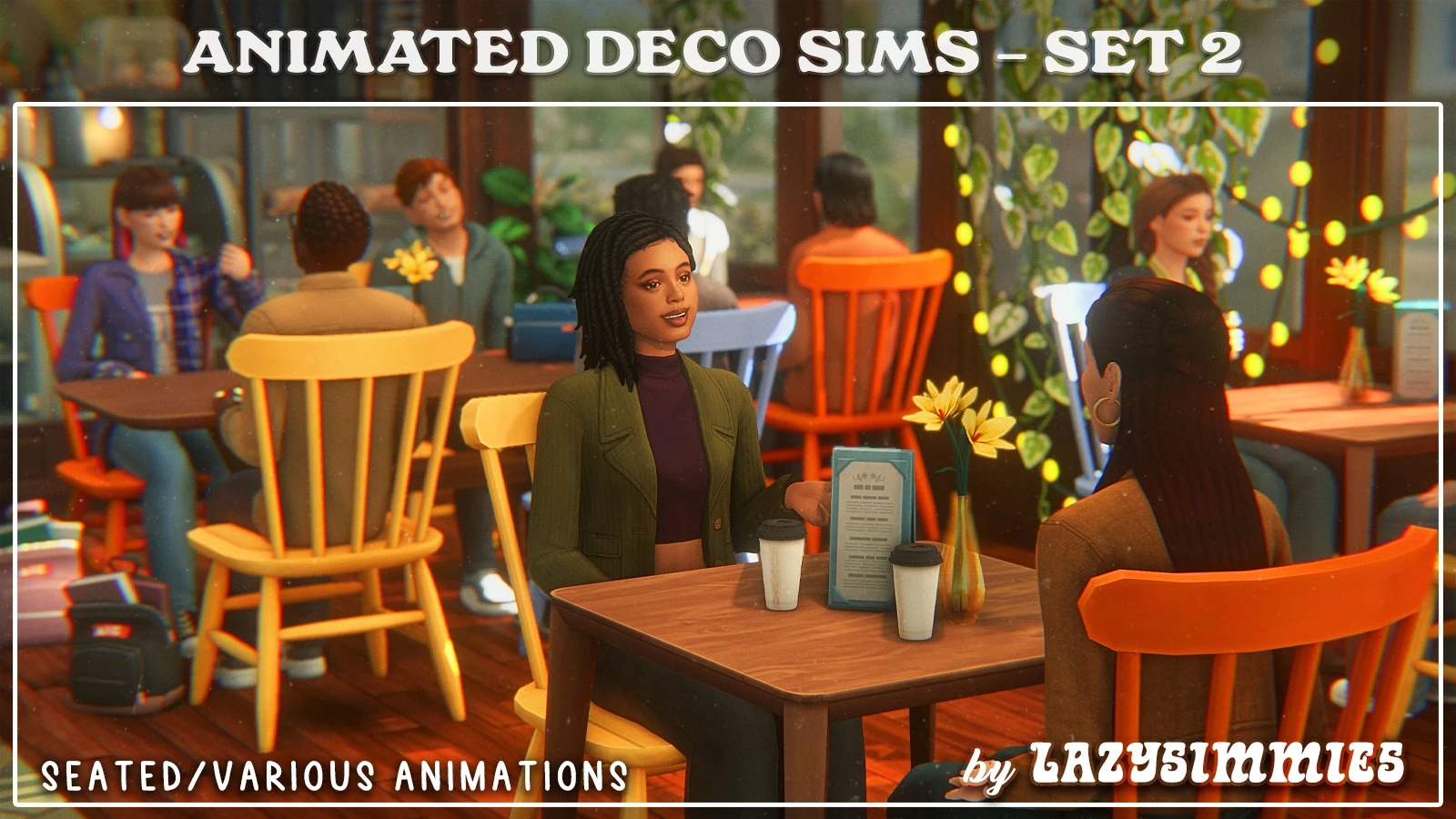
Animated Deco Sims - Set 2 by lazysimmies
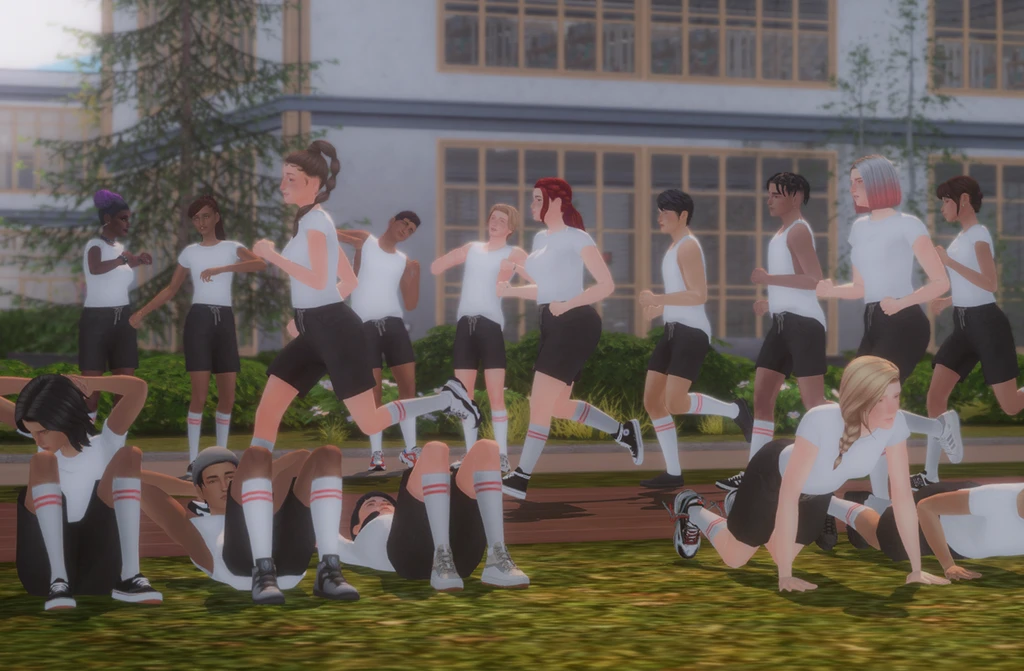
High School Deco Sims by rebouks
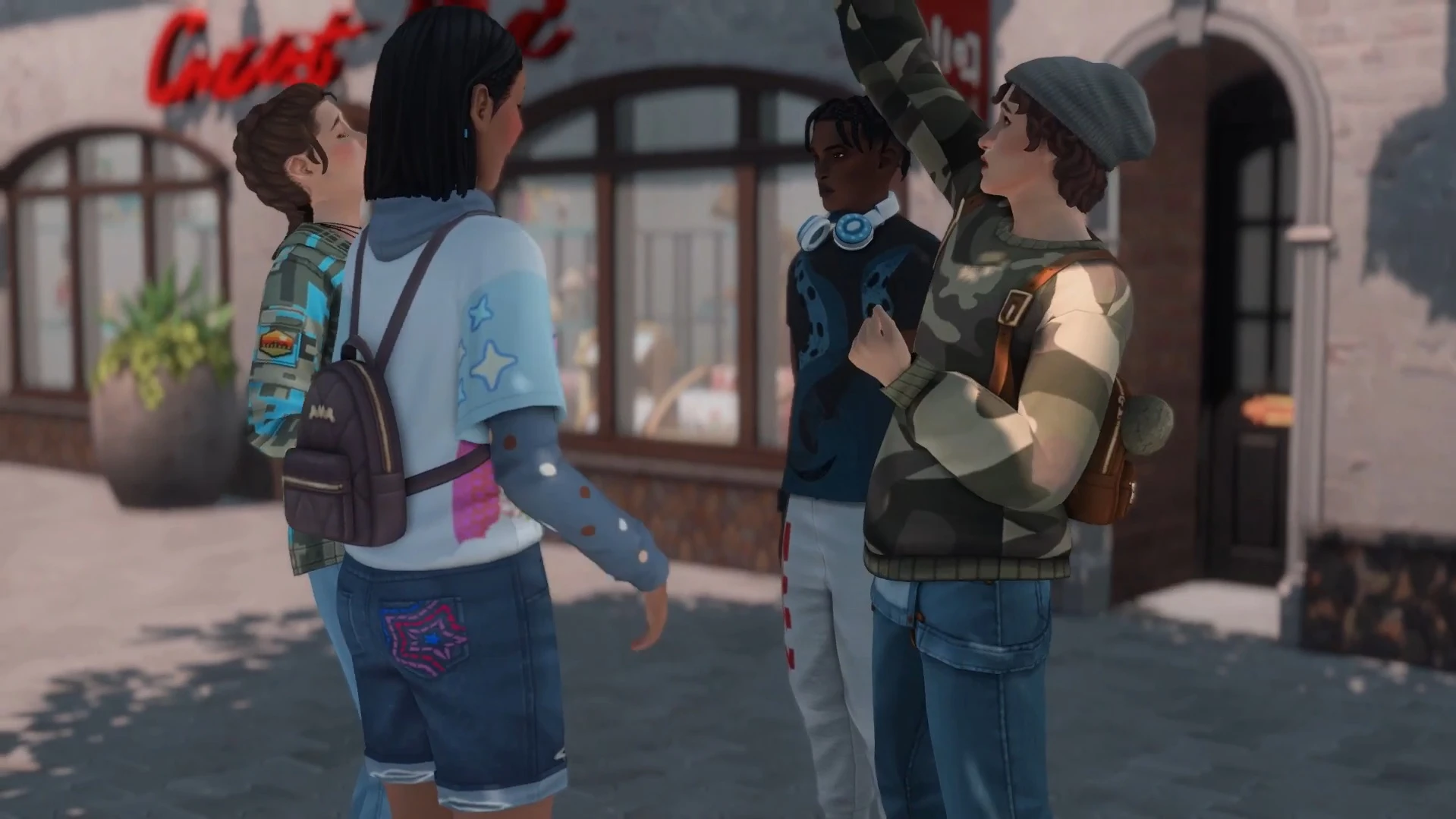
Town People Animated Deco Sims by siminadee
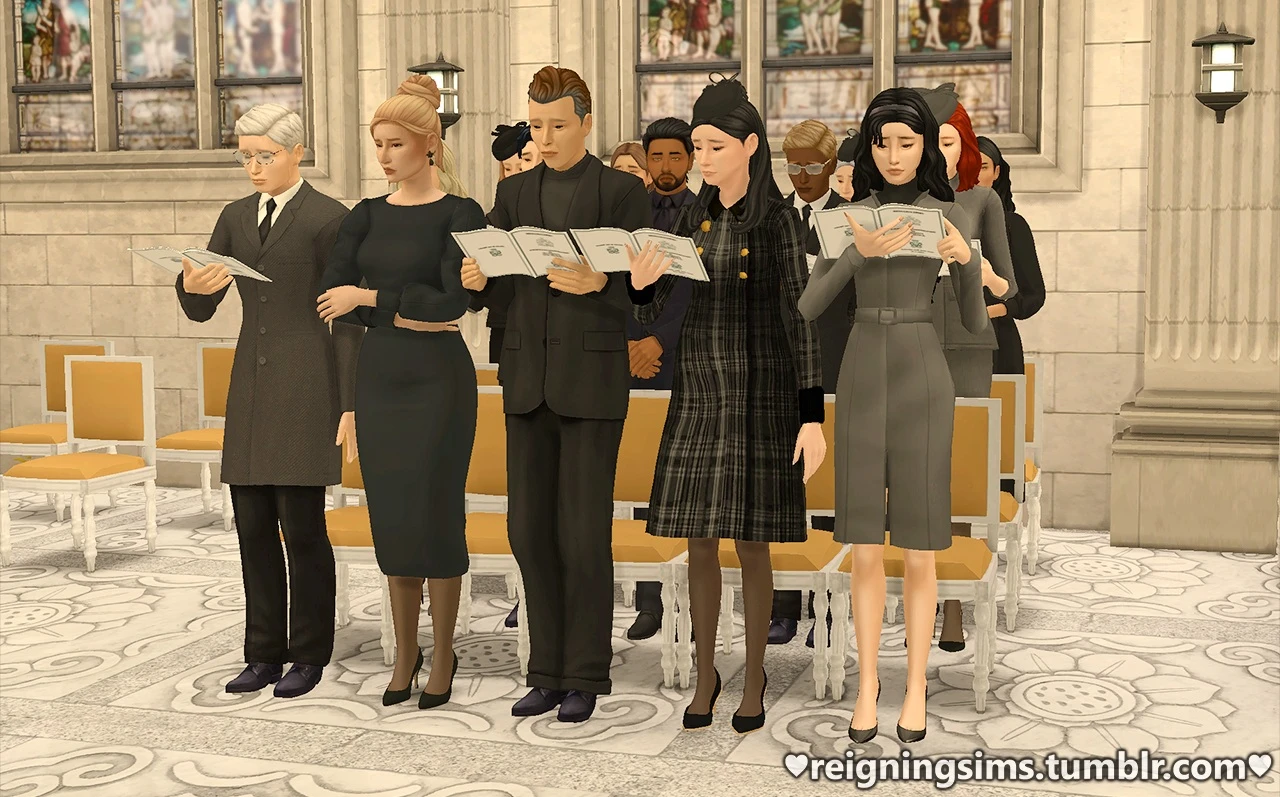
Animated Deco Sims - Set 1 by lazysimmies
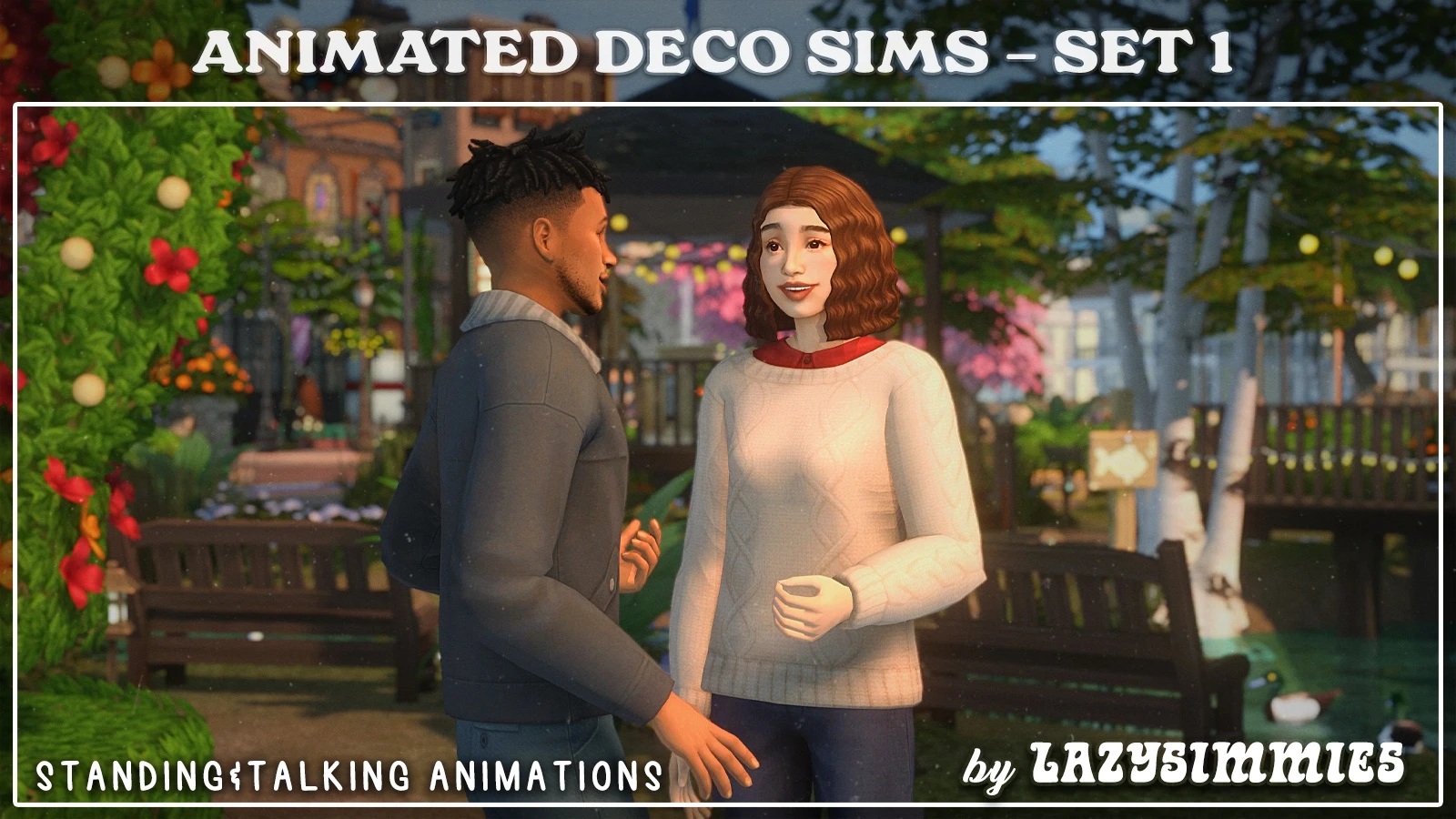
Rainy Summer - Deco Sims by StarrySimsie
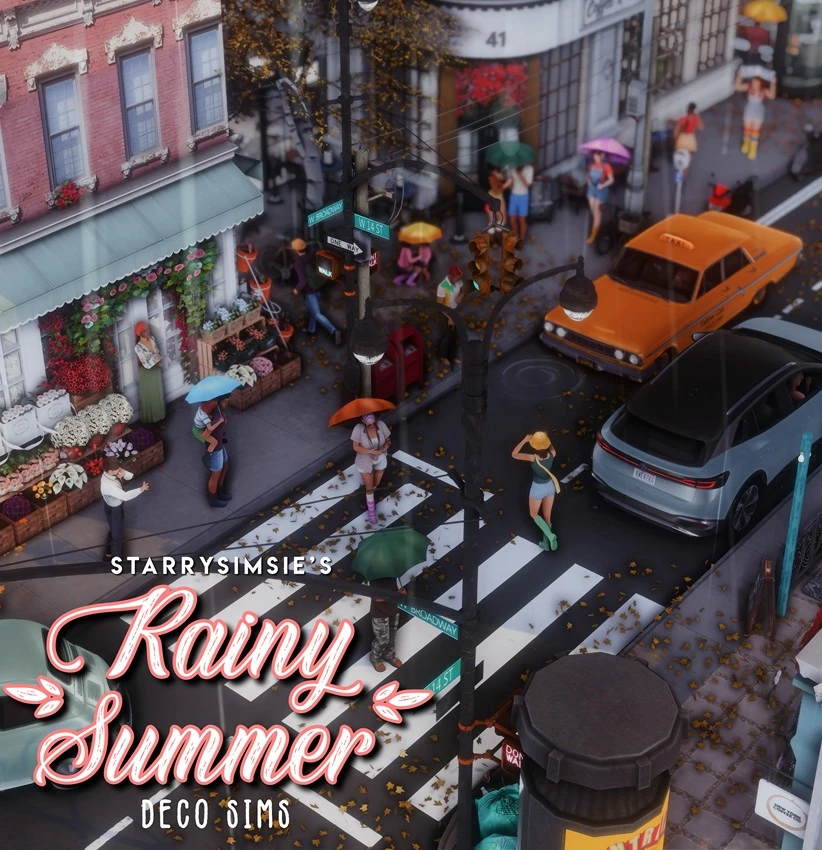
Hospital Deco Sims by lazysimmies and Siimplysims
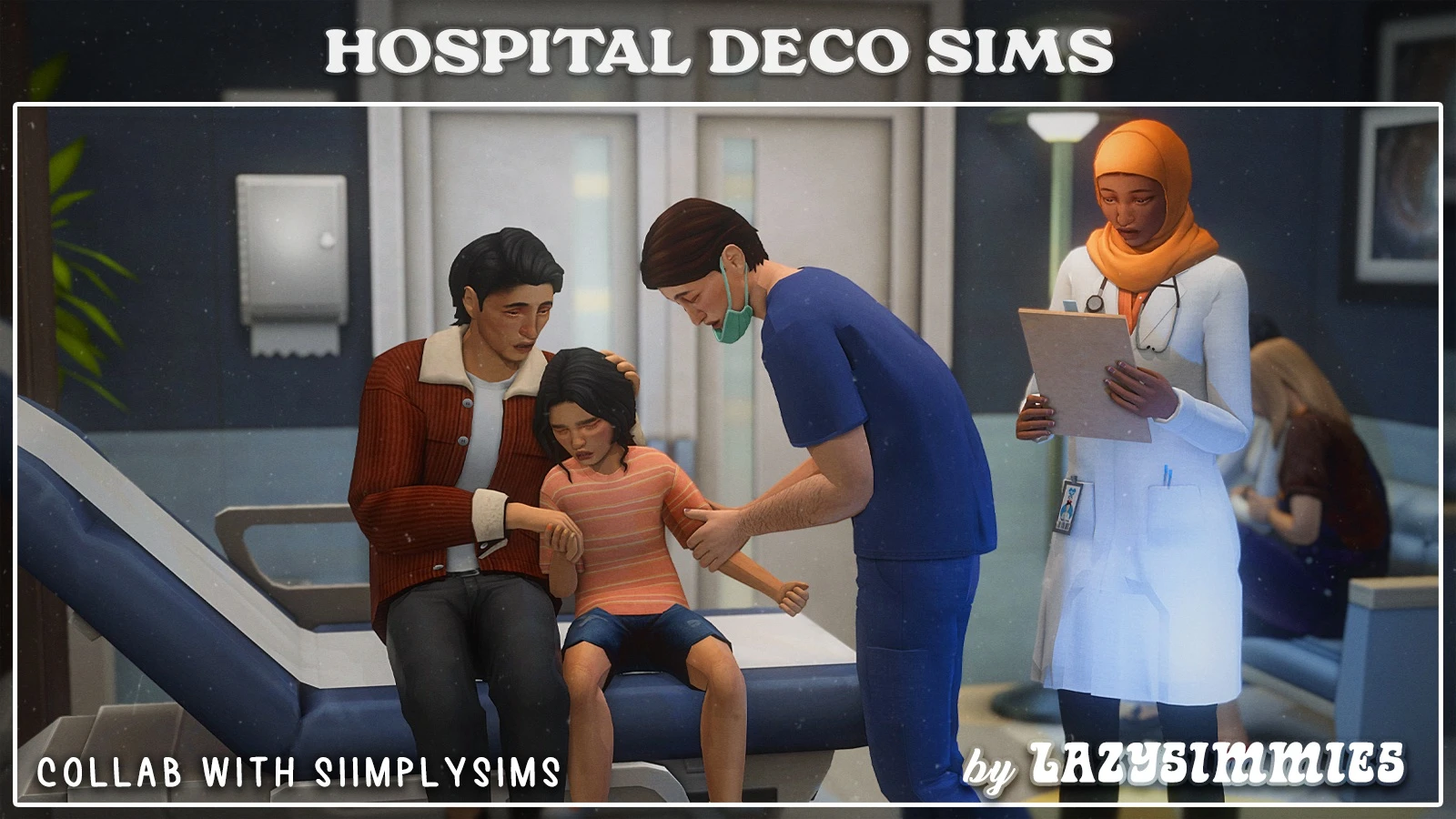
Mourning Decos - Part 2 by Reigningsims
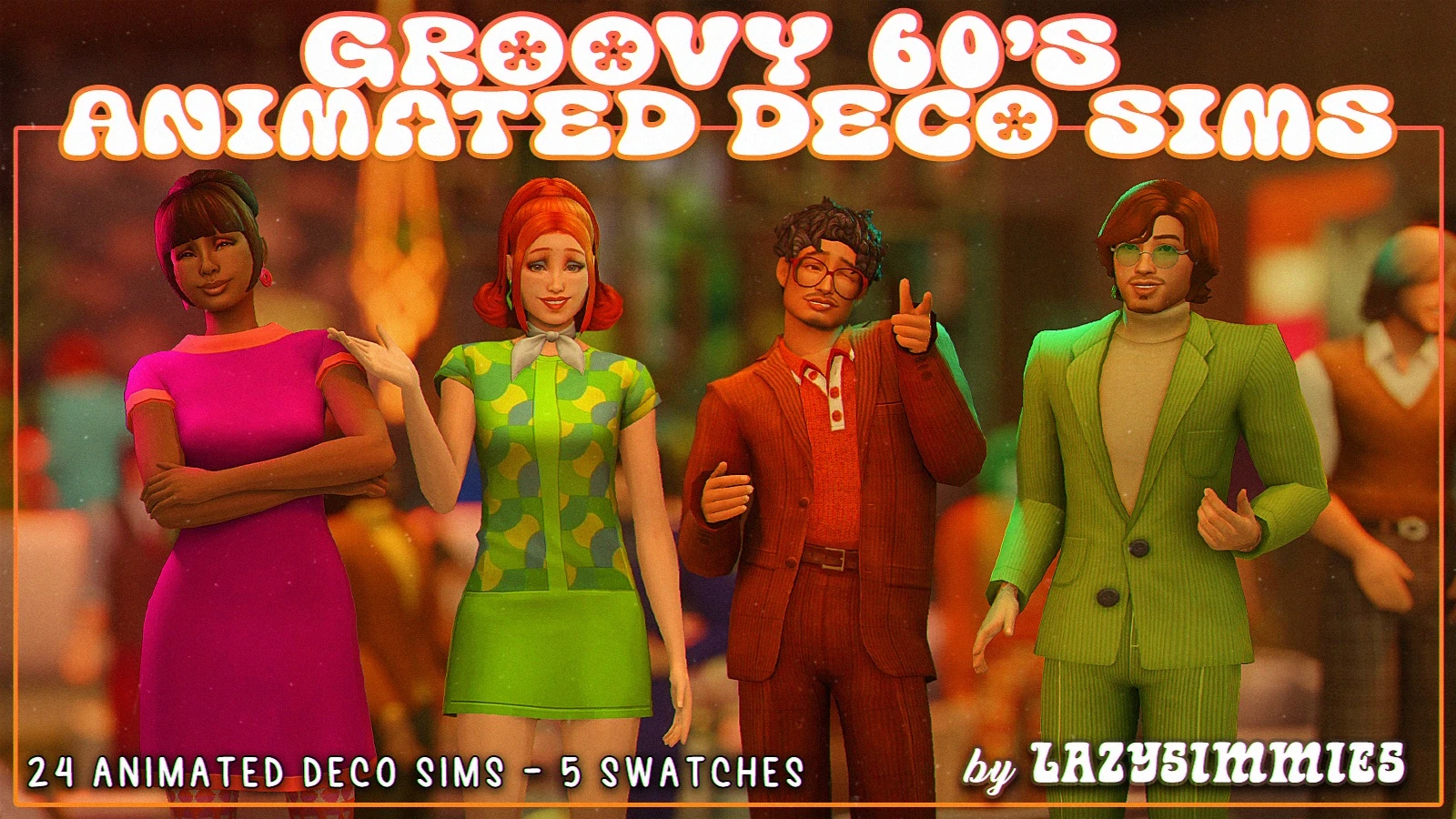
Groovy 60's Animated Deco Sims by lazysimmies
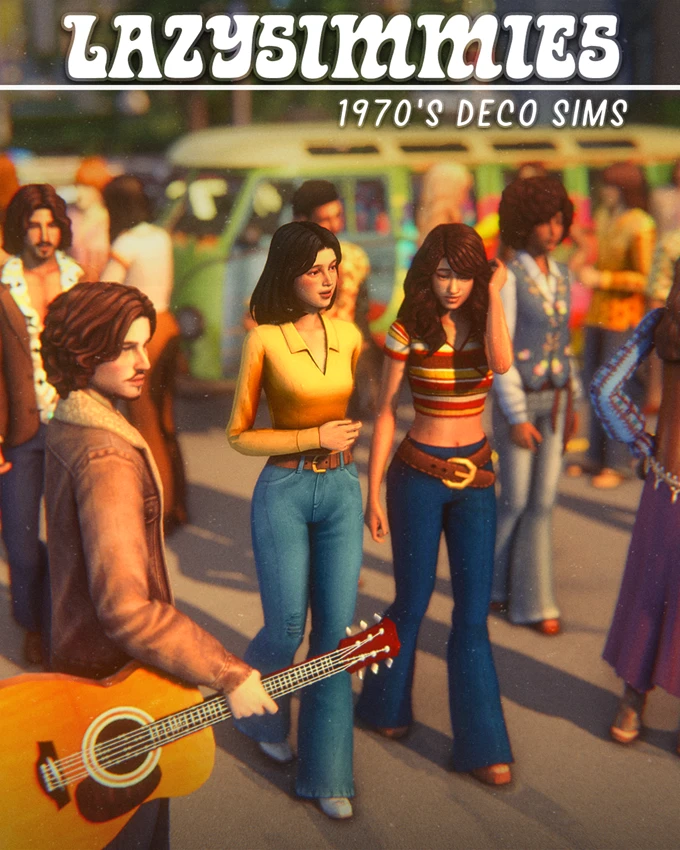
1970's Deco Sims by lazysimmies
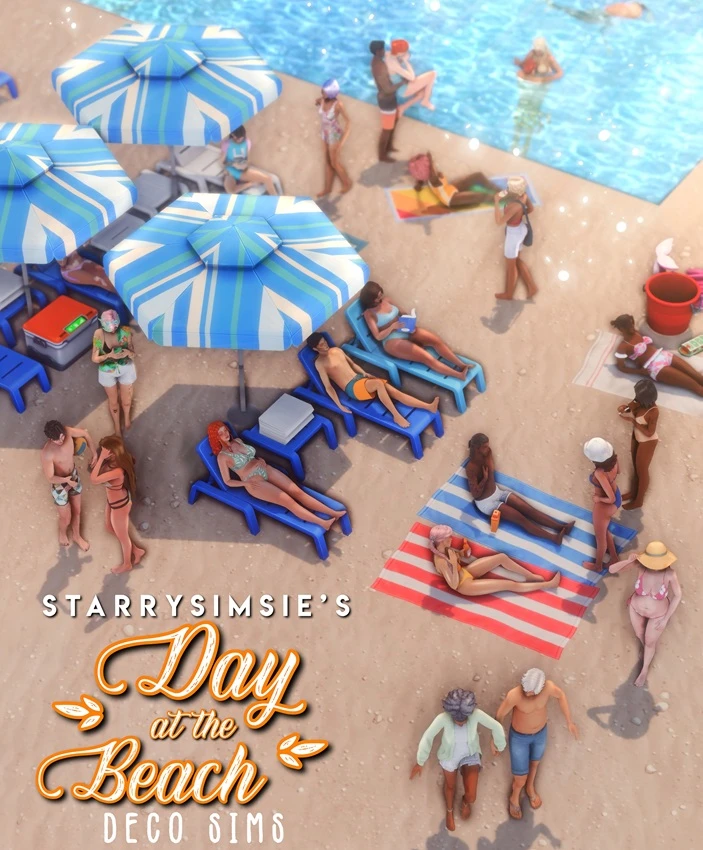
Day at the Beach - Deco Sims by StarrySimsie
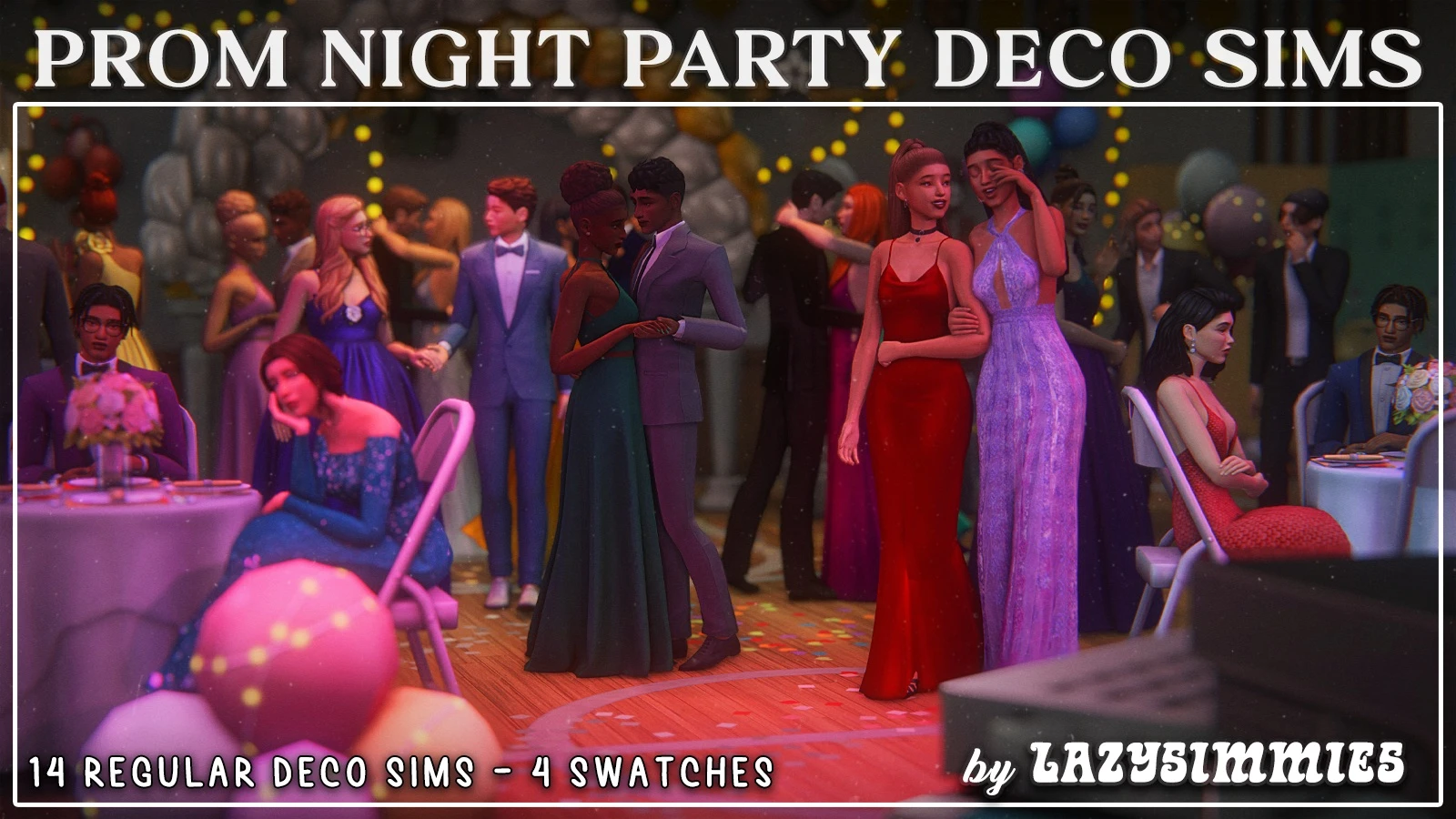
Prom Night Party Deco Sims by lazysimmies
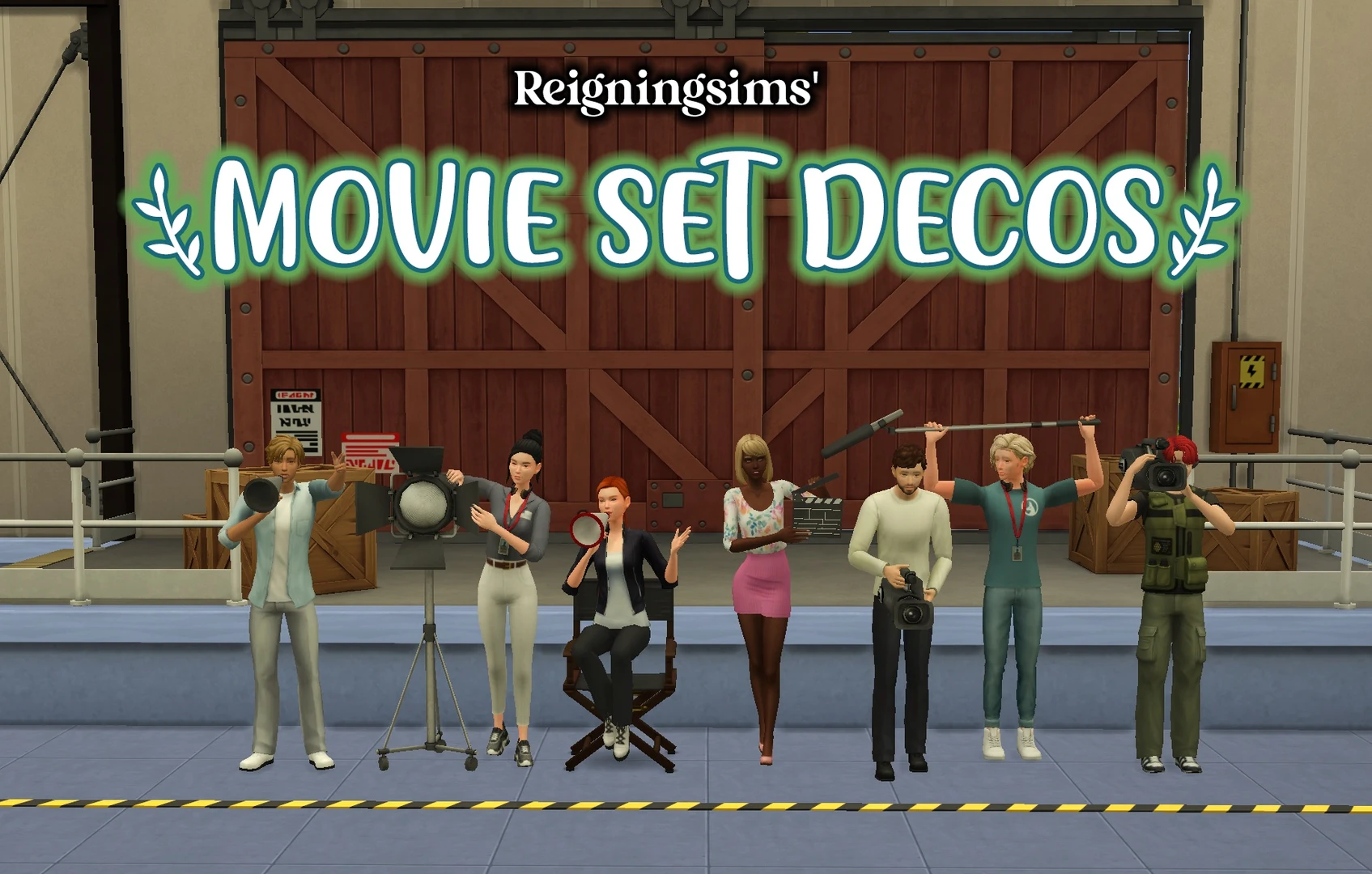
Movie Set Deco Sims by Reigningsims
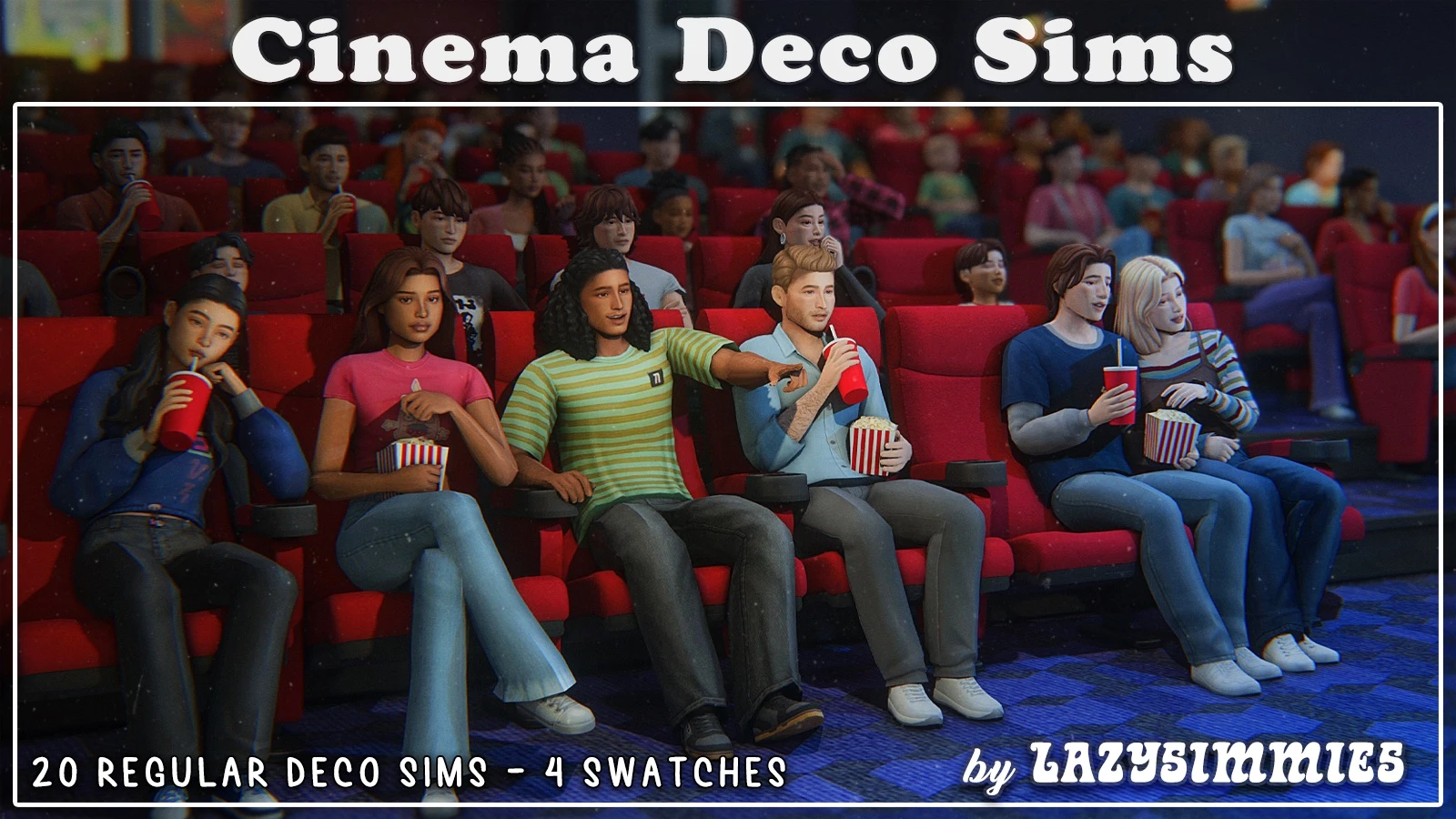
Cinema Deco Sims (Remake) by lazysimmies
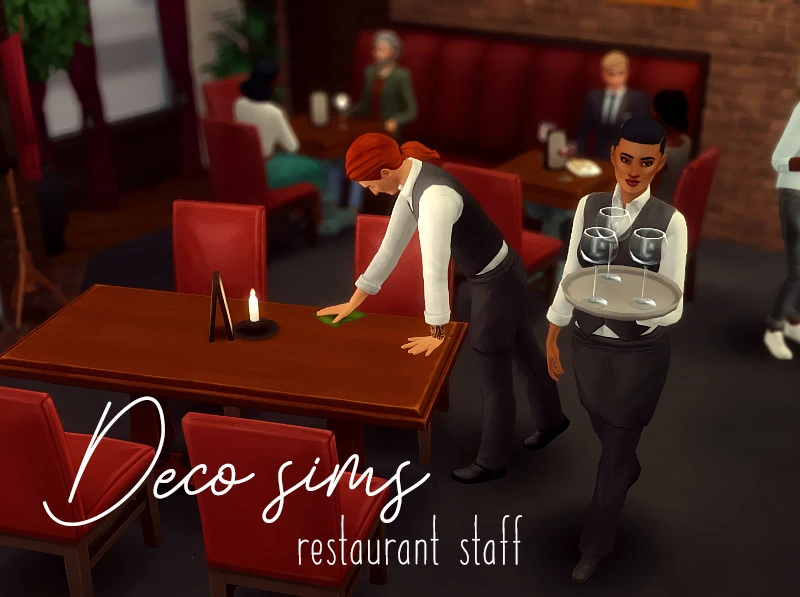
Restaurant Staff by someone elsa
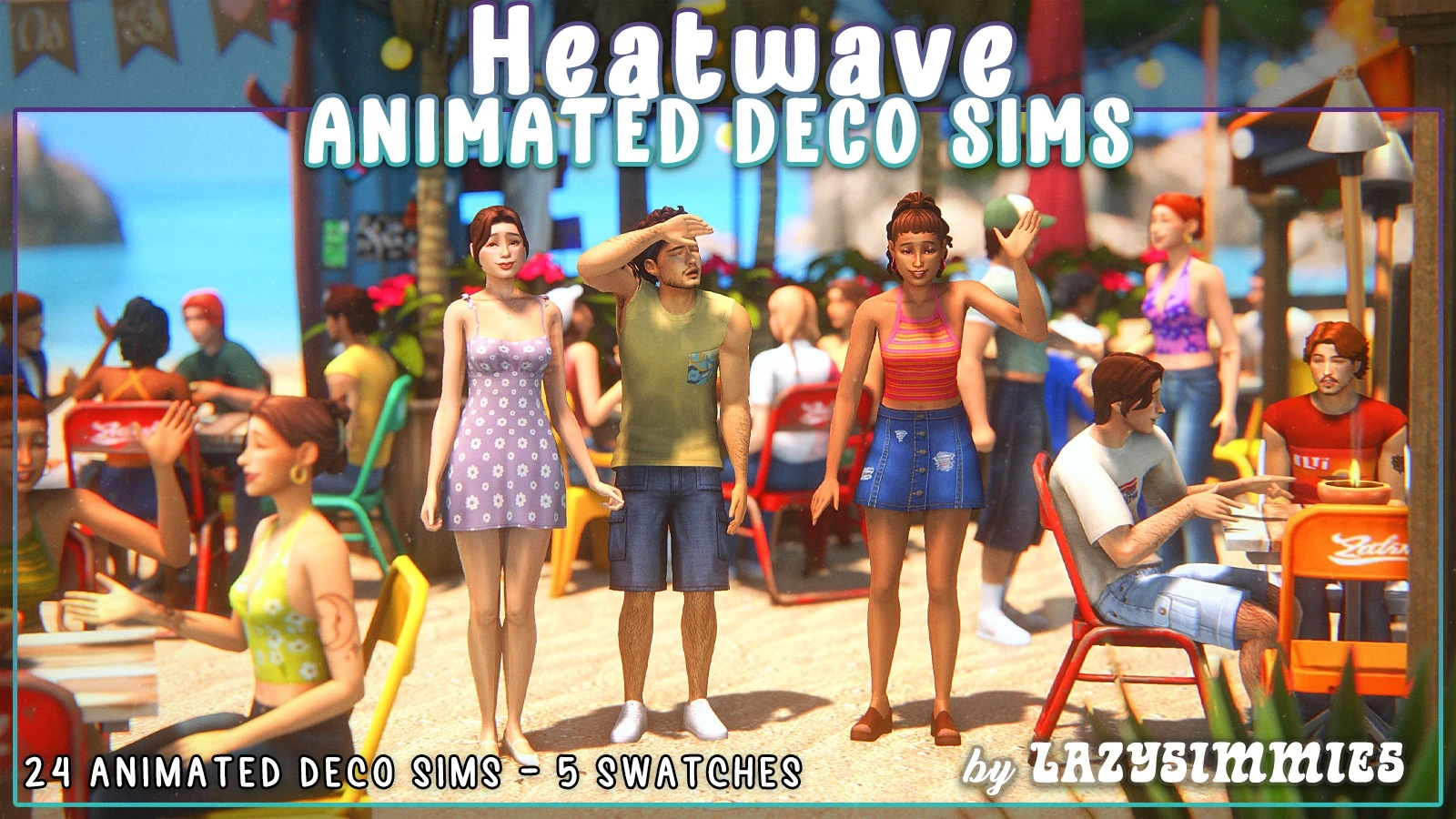
Heatwave Animated Deco Sims by lazysimmies
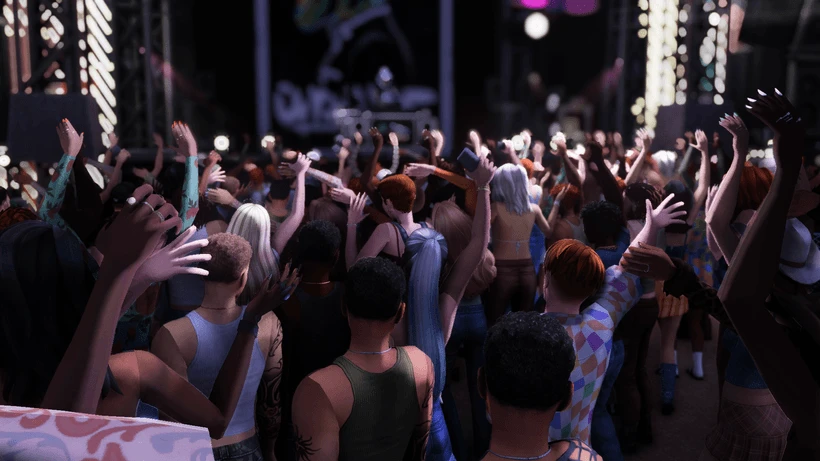
Concert Set | Animated Deco Sims by Cherisi
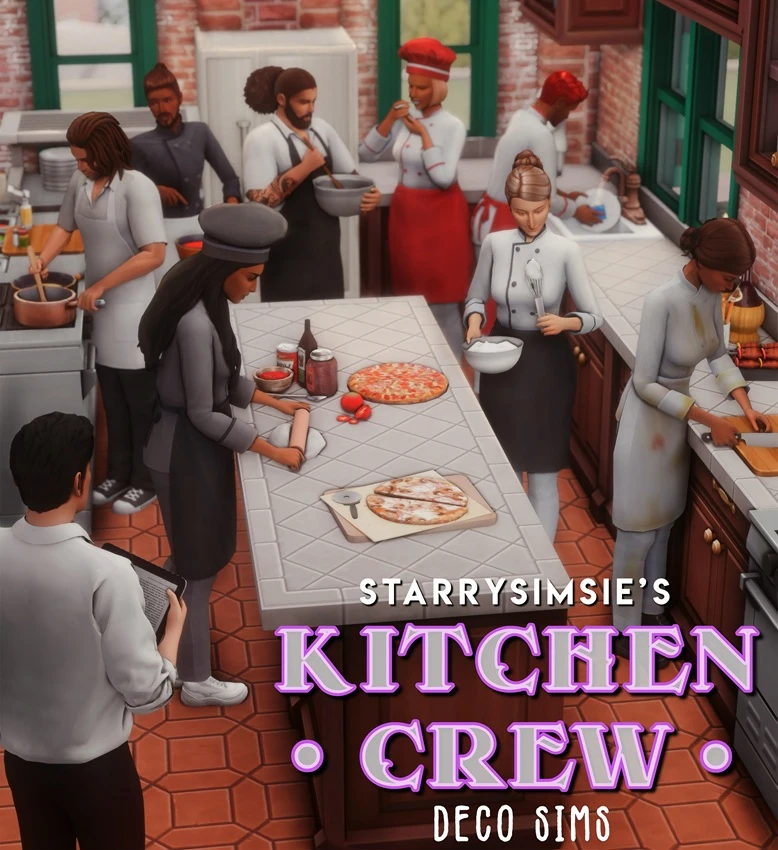
Kitchen Crew by StarrySimsie
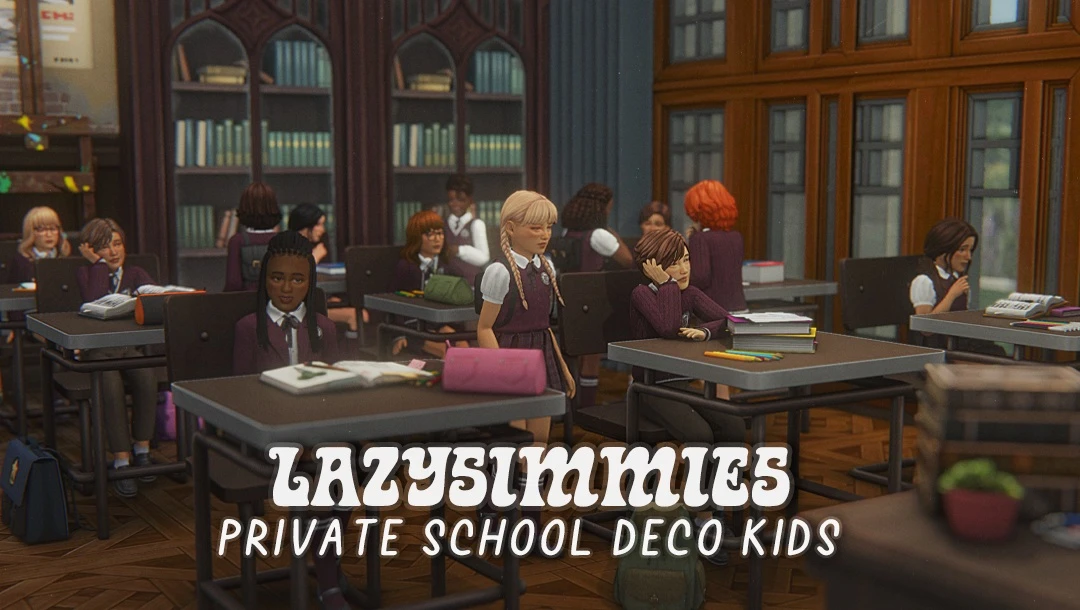
Private School Deco Kids by lazysimmies
Christmas Market Deco Sims by Reigningsims and Ruby Red

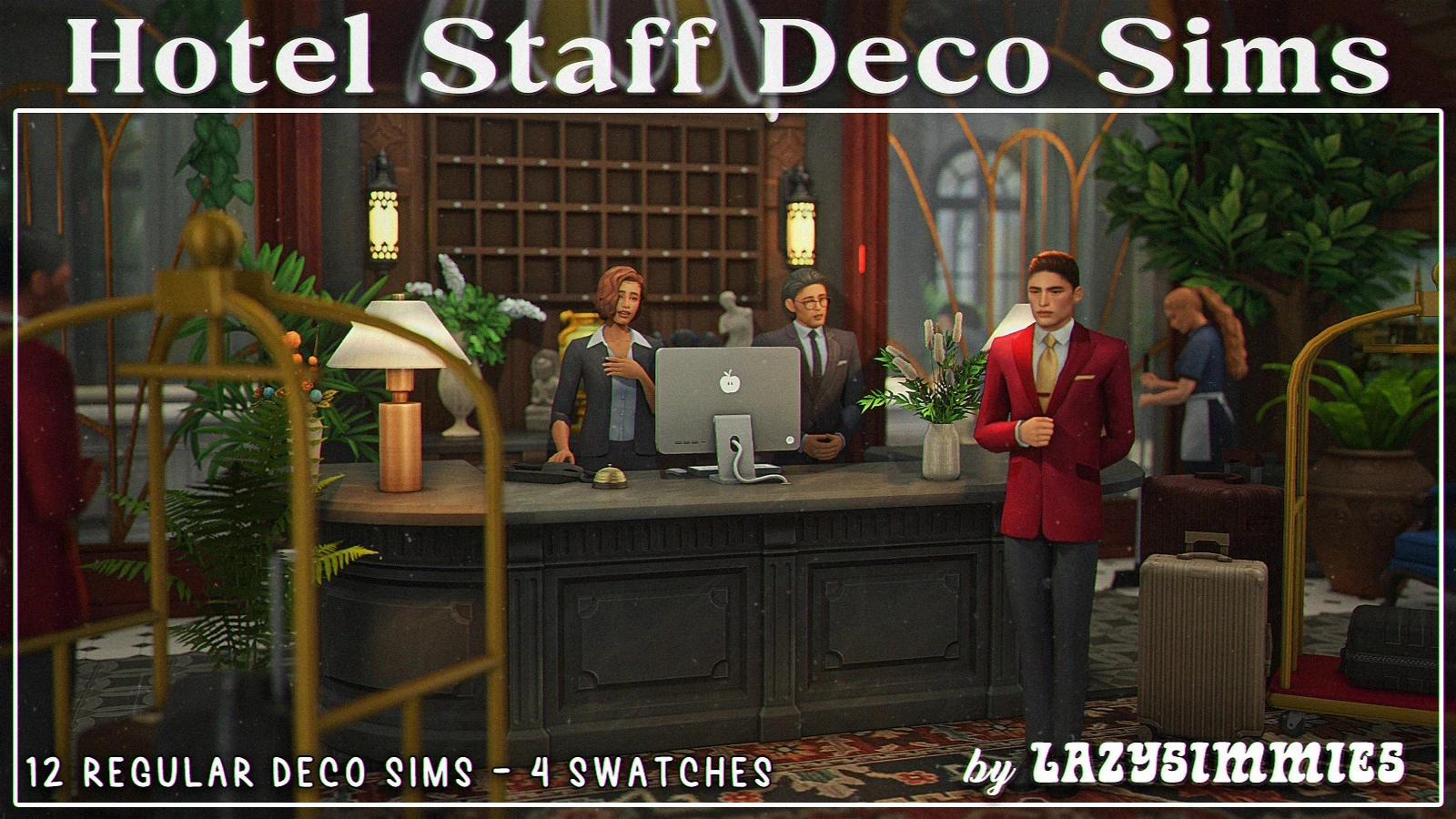
Hotel Staff Deco Sims by lazysimmies
My Dog - Deco Sims by StarrySimsie

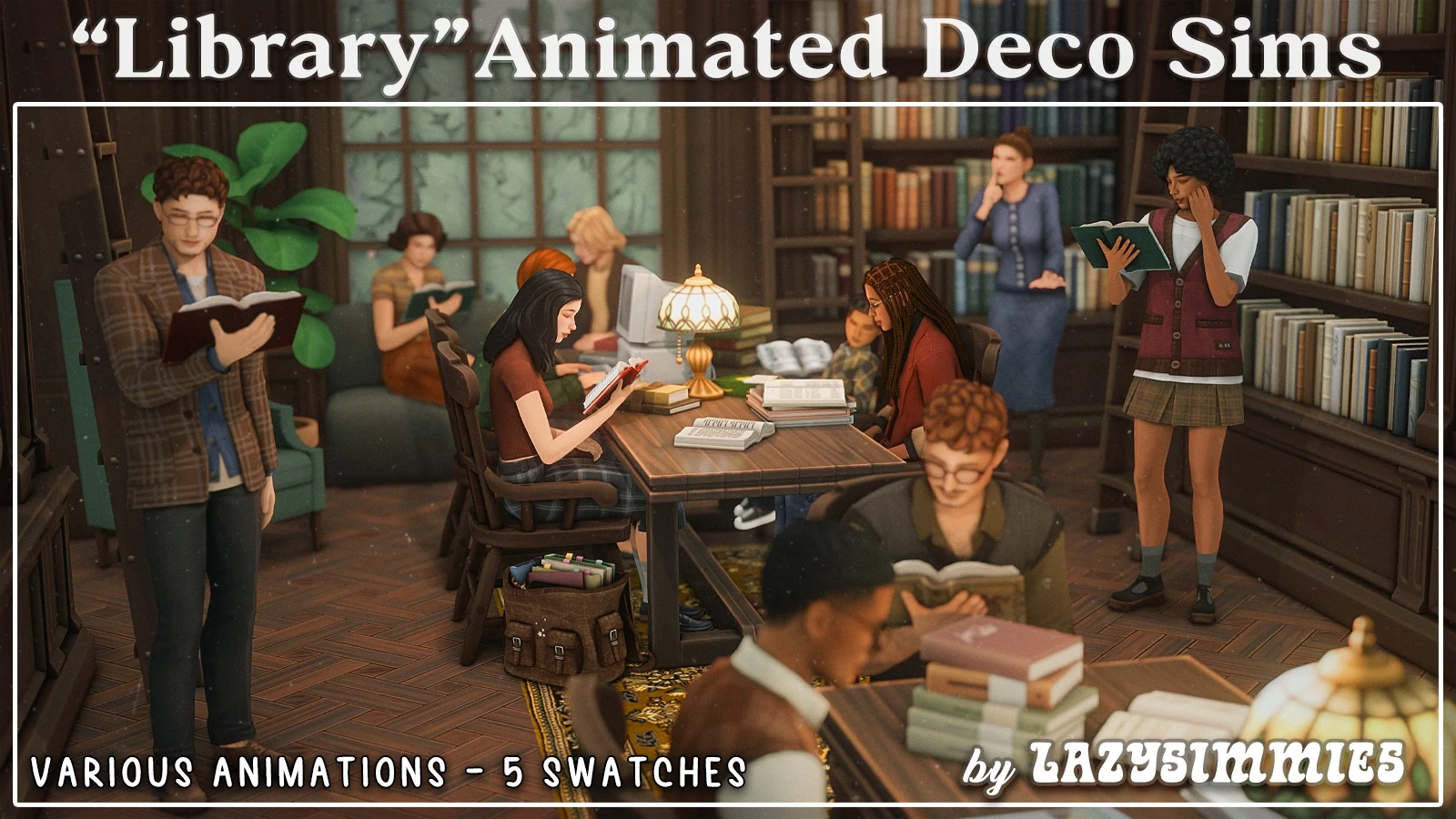
Library Animated Deco Sims by lazysimmies
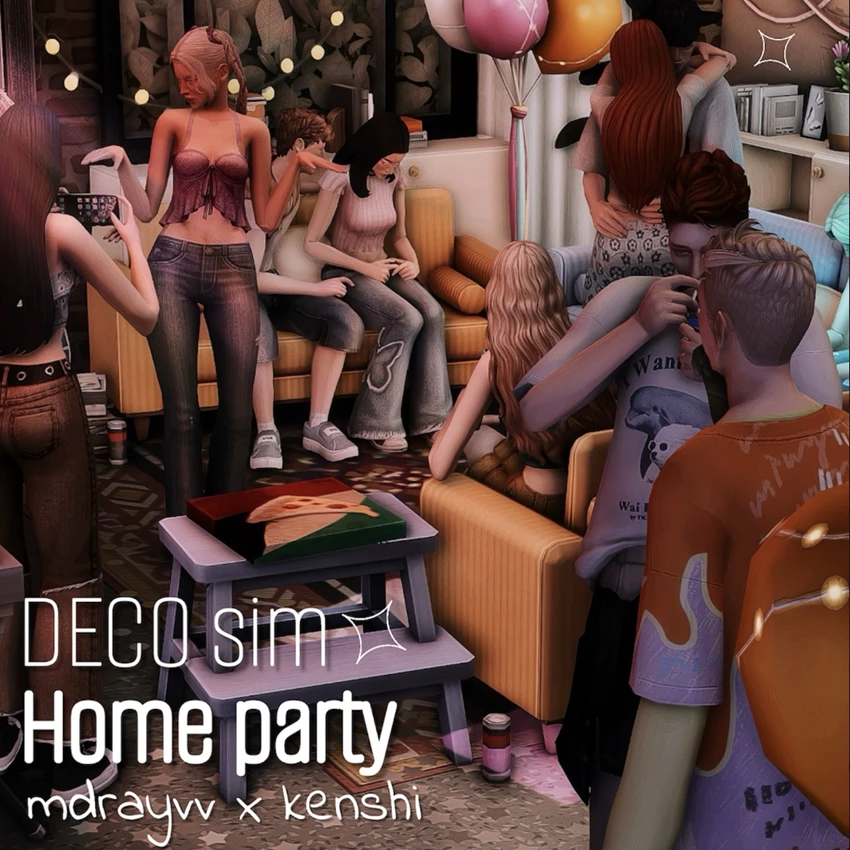
Home party by MDRAYVV x KENSHI
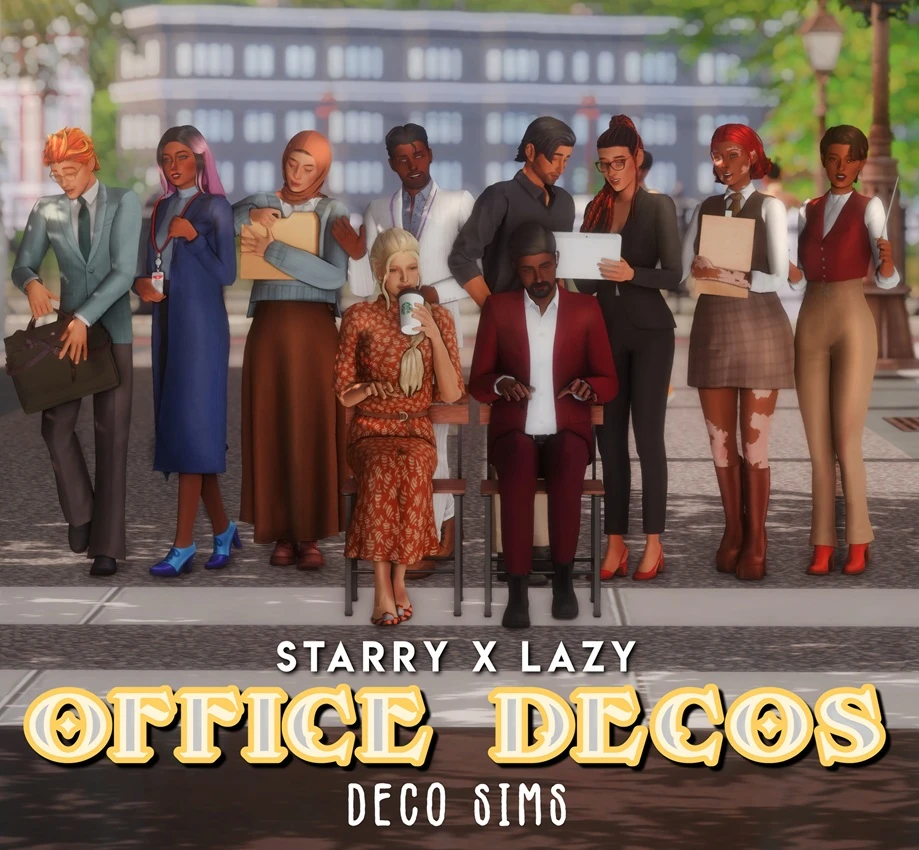
Office Deco Sims by StarrySimsie and lazysimmies
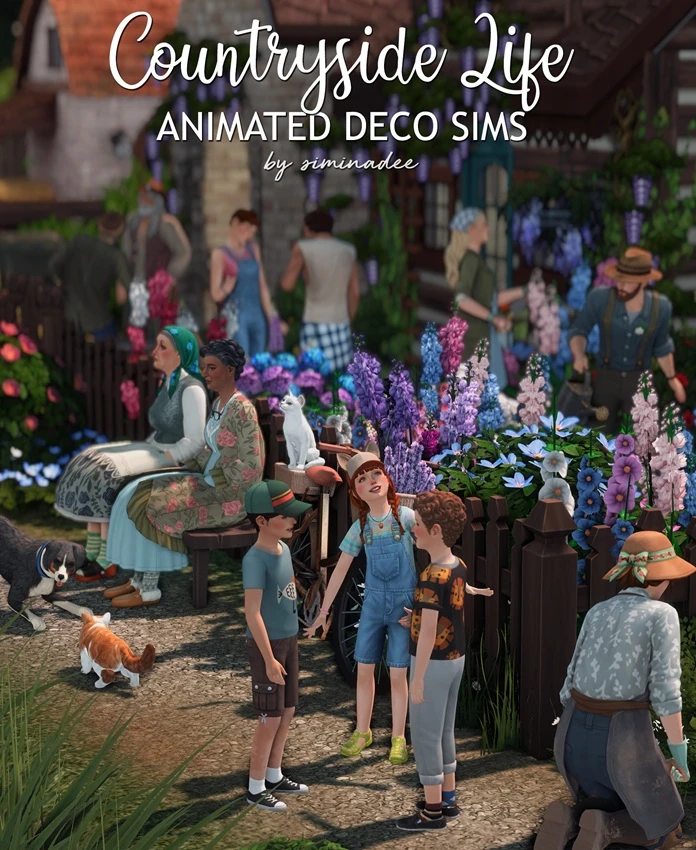
Animated Deco Sims Countryside Life by siminadee
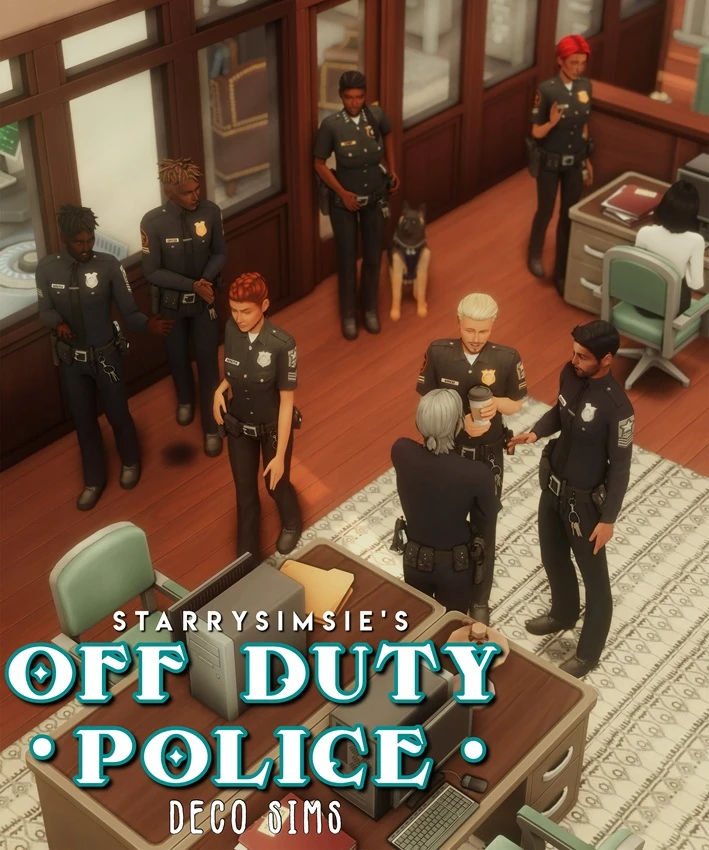
Off Duty Police Officers by StarrySimsie
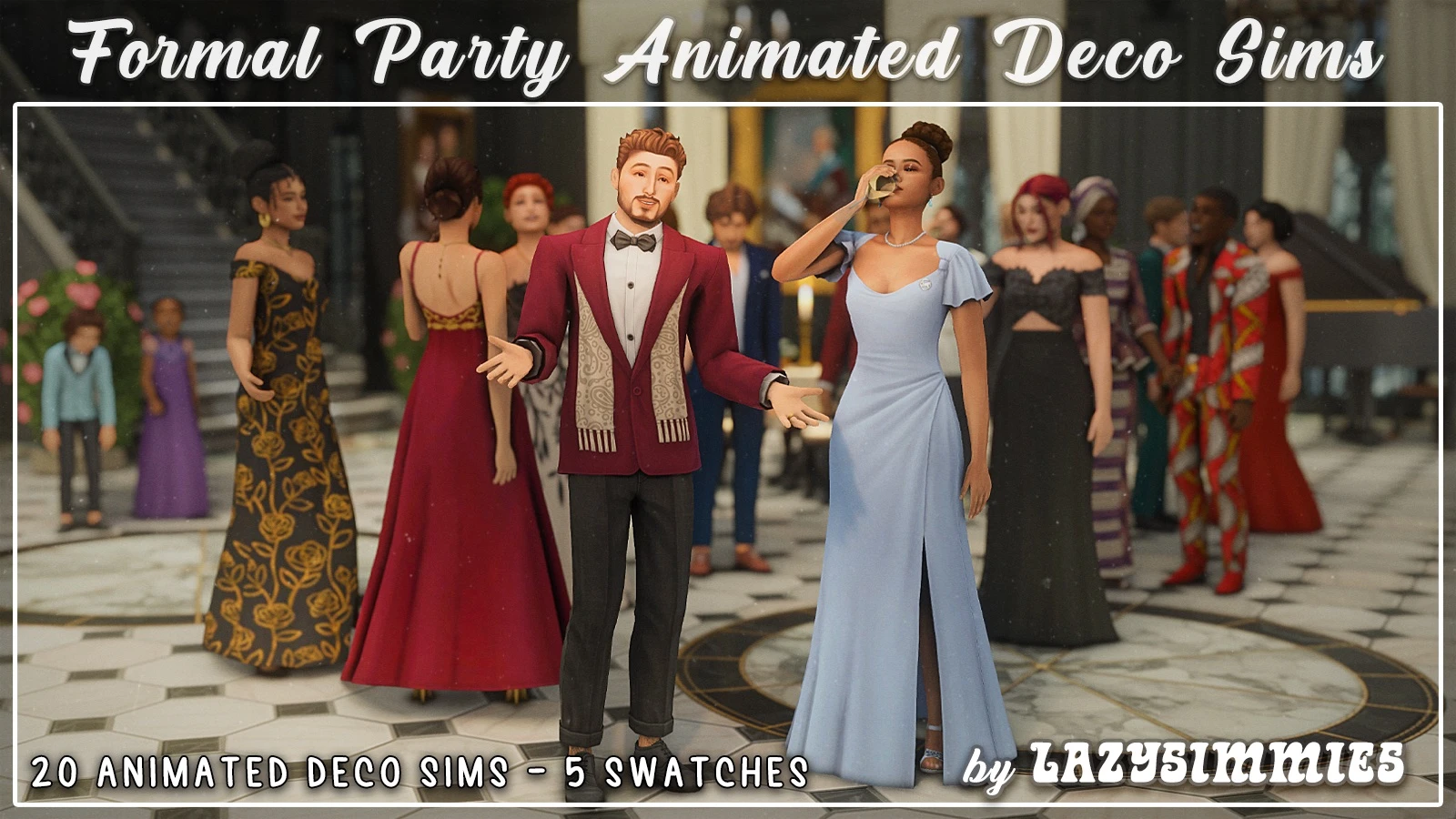
Formal Party Animated Deco Sims by lazysimmies
To The Dogs by StarrySimsie